> For the complete documentation index, see [llms.txt](https://hacking-notes.jord4n.pro/llms.txt). Markdown versions of documentation pages are available by appending `.md` to page URLs; this page is available as [Markdown](https://hacking-notes.jord4n.pro/ru/hacking-tools/linux.md).

# Инструменты для Linux

Каталог наступательных инструментов для Linux для локального перечисления, проверок повышения привилегий, проверки GTFOBins, LinPEAS, LinEnum, Smart Enumeration, исследования CVE ядра, SUID и sudo, capabilities, c

Linux Tools — это основной каталог для локальной перечислительной разведки в Linux и поддержки повышения привилегий. Цель — держать ссылки на инструменты отдельно от заметок по эксплуатации: инструменты находятся здесь, а подробные процедуры эксплуатации остаются на страницах по повышению привилегий в Linux.

Используйте этот раздел, чтобы выбрать подходящий помощник, а затем вручную проверяйте каждую находку, прежде чем рассматривать её как путь повышения привилегий.

## Рабочий процесс Linux

1. Проверьте текущего пользователя, группы, имя хоста, ядро, дистрибутив, качество shell и доступные бинарные файлы.
2. Запустите широкую перечислительную разведку с помощью LinPEAS, LinEnum или Smart Enumeration, чтобы собрать наиболее значимые зацепки.
3. Вручную проверьте правила sudo, бинарные файлы SUID, capabilities, записываемые пути, задания cron, службы и переменные окружения.
4. Используйте GTFOBins для подтверждённых шаблонов злоупотребления бинарными файлами, а Linux Exploit Suggester — только как отправную точку для исследования CVE ядра.
5. Сохраняйте точные команды, версии инструментов, фрагменты вывода и доказательства воздействия для отчётности и повторного тестирования.

## Категории инструментов

* **Автоматизированная перечислительная разведка:** LinPEAS, LinEnum и Smart Enumeration для широкой локальной разведки.
* **Проверка примитивов повышения привилегий:** GTFOBins для sudo, SUID, capabilities, чтения файлов, записи файлов и выхода в shell.
* **Исследование ядра:** Linux Exploit Suggester для сопоставления версий ядра и дистрибутива с возможными CVE.
* **Ручное подтверждение:** проверка sudo, SUID, записываемых файлов, мониторинг cron, capabilities, проверка служб и анализ окружения.

## Рекомендуемые инструменты Linux

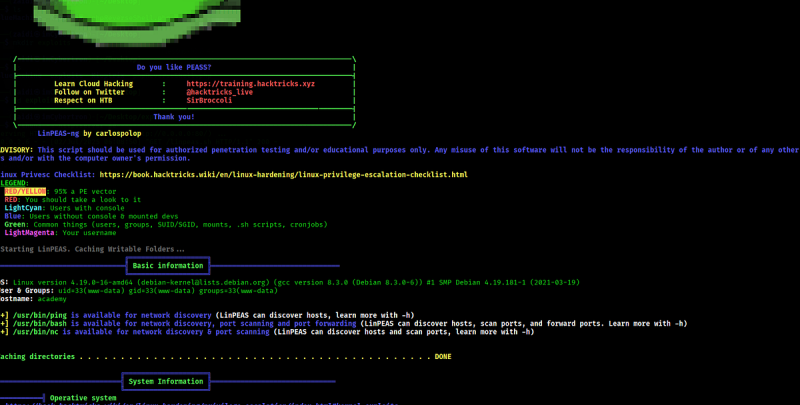
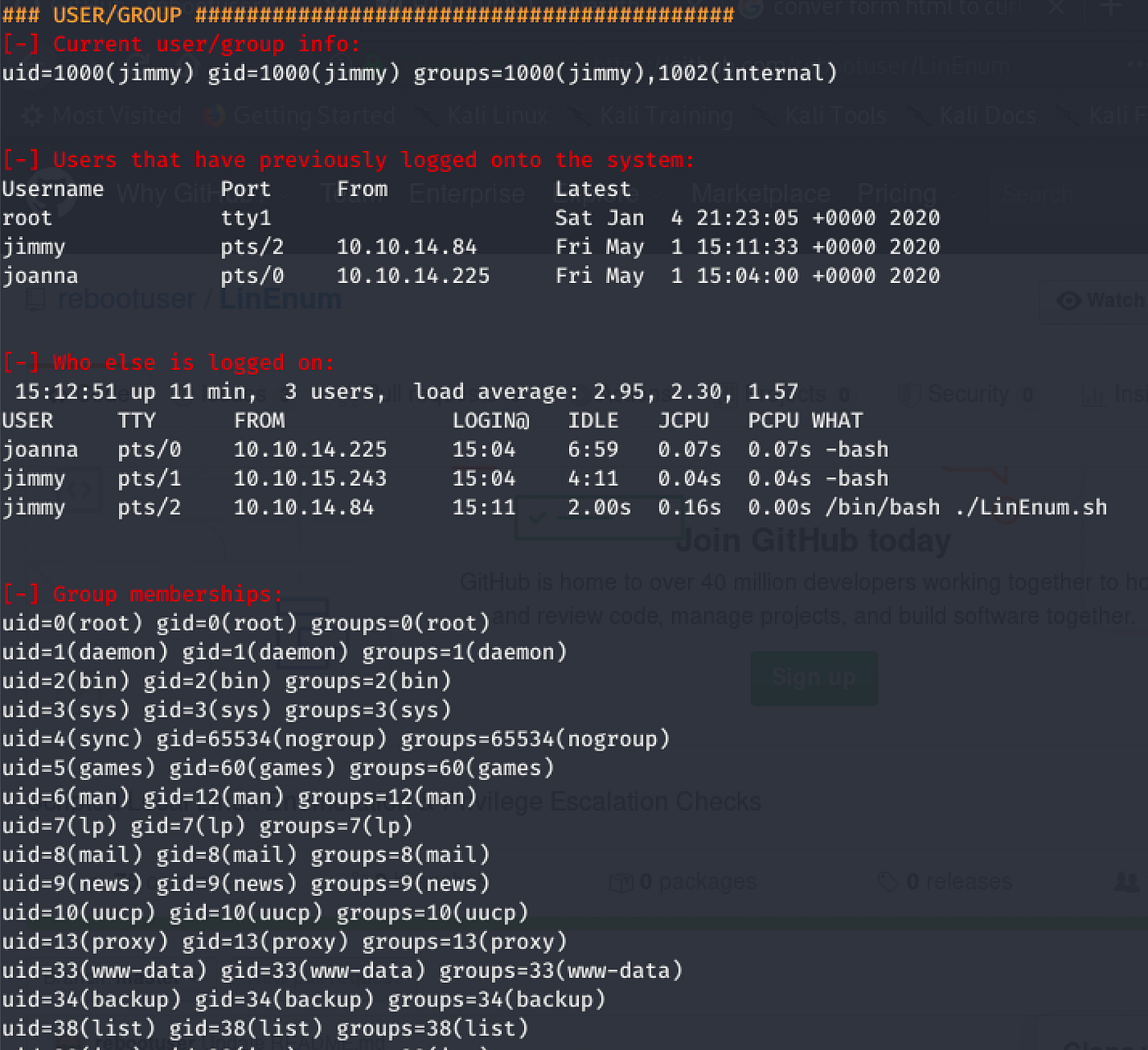
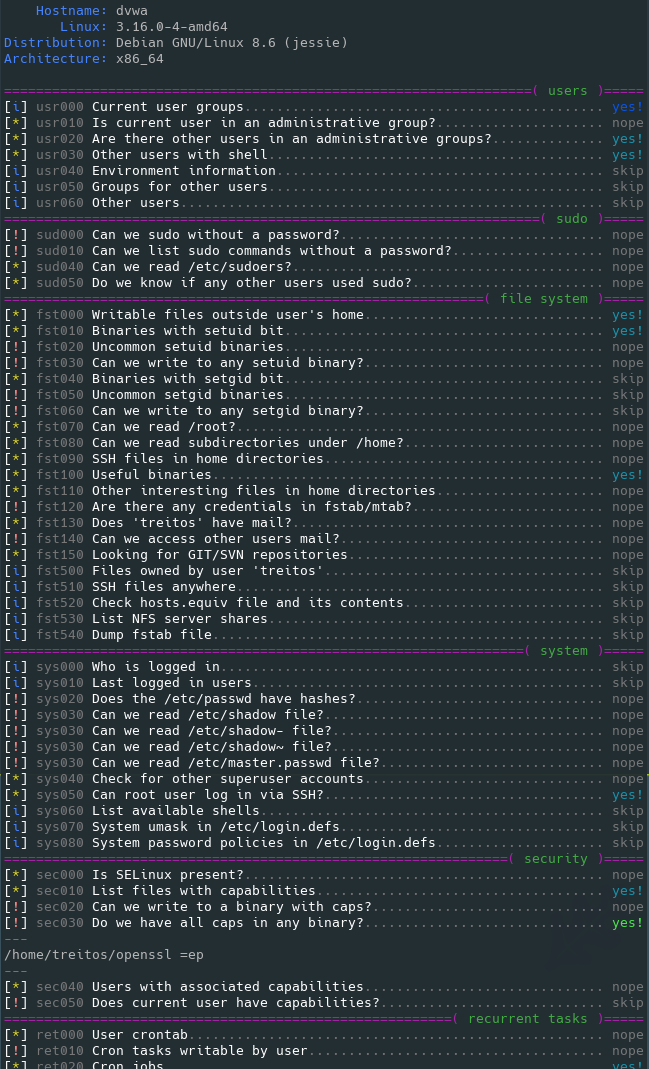
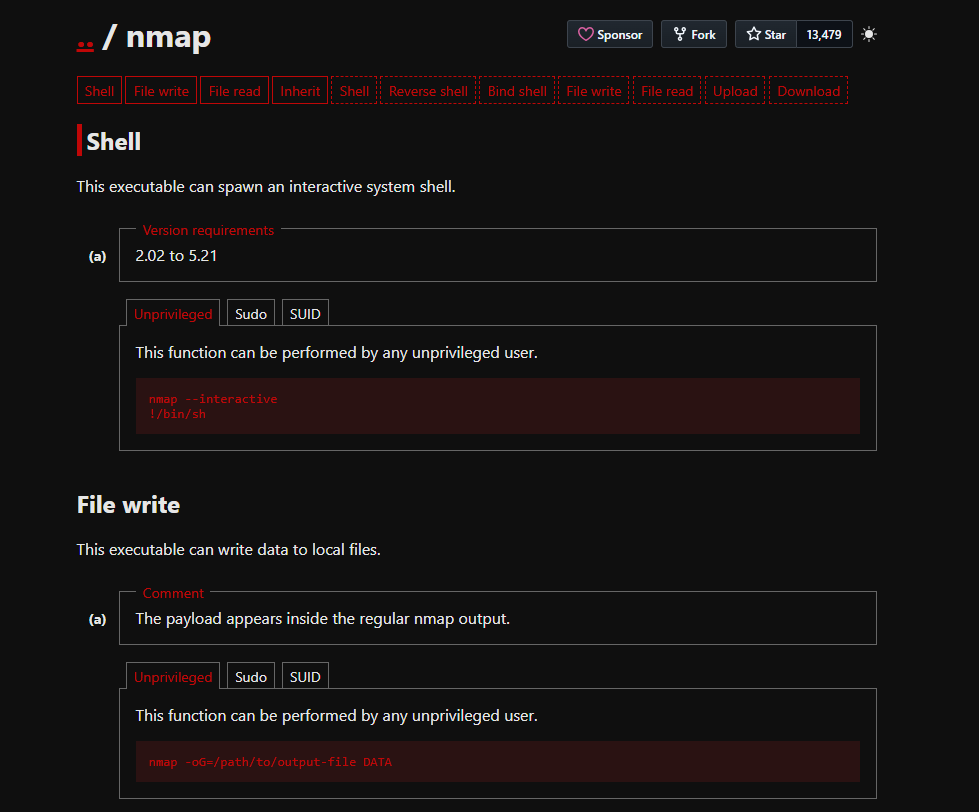
<table data-card-size="large" data-column-title-hidden data-view="cards" data-full-width="false" data-search="false"><thead><tr><th>Название</th><th>Описание</th><th>Официальная ссылка</th><th data-hidden data-card-cover data-type="image">Изображение обложки</th></tr></thead><tbody><tr><td><strong>LinPEAS</strong></td><td>Автоматизированная перечислительная разведка Linux для типичных ошибок конфигурации, раскрытых секретов, служб, прав доступа и зацепок для повышения привилегий.</td><td><a href="https://github.com/peass-ng/PEASS-ng/releases">https://github.com/peass-ng/PEASS-ng/releases</a></td><td><a href="https://4248209978-files.gitbook.io/~/files/v0/b/gitbook-x-prod.appspot.com/o/spaces%2Fl4EVJpcOrsgjSGsLI7p2%2Fuploads%2Fgit-blob-670b64218e4f2ad1fea2f008d8d1af45fd4c915e%2Fimage.png?alt=media">image.png</a></td></tr><tr><td><strong>LinEnum</strong></td><td>Скрипт локальной перечислительной разведки для сбора индикаторов повышения привилегий в Linux.</td><td><a href="https://github.com/rebootuser/LinEnum">https://github.com/rebootuser/LinEnum</a></td><td><a href="https://4248209978-files.gitbook.io/~/files/v0/b/gitbook-x-prod.appspot.com/o/spaces%2Fl4EVJpcOrsgjSGsLI7p2%2Fuploads%2Fgit-blob-bc44689e095bfb4f50b6007382d38f2a485c9b53%2Fimage.png?alt=media">image.png</a></td></tr><tr><td><strong>Smart Enumeration</strong></td><td>Структурированный инструмент перечисления Linux, который приоритизирует находки и уменьшает шум в выводе.</td><td><a href="https://github.com/diego-treitos/linux-smart-enumeration">https://github.com/diego-treitos/linux-smart-enumeration</a></td><td><a href="https://4248209978-files.gitbook.io/~/files/v0/b/gitbook-x-prod.appspot.com/o/spaces%2Fl4EVJpcOrsgjSGsLI7p2%2Fuploads%2Fgit-blob-c95e775cc54f7a5581cc0a8e0dbfc6b575b3b98c%2Fimage.png?alt=media">image.png</a></td></tr><tr><td><strong>GTFOBins</strong></td><td>Справочник по злоупотреблению Unix-бинарниками в привилегированных контекстах, таких как sudo, SUID, capabilities и ограниченные оболочки.</td><td><a href="https://gtfobins.github.io/">https://gtfobins.github.io/</a></td><td><a href="https://4248209978-files.gitbook.io/~/files/v0/b/gitbook-x-prod.appspot.com/o/spaces%2Fl4EVJpcOrsgjSGsLI7p2%2Fuploads%2Fgit-blob-fb4f53c3d31a5899baae051fb99be71660787600%2Fimage.png?alt=media">image.png</a></td></tr><tr><td><strong>Linux Exploit Suggester</strong></td><td>Помощник по поиску локальных эксплойтов на основе ядра, дистрибутива и известных условий CVE.</td><td><a href="/ru/hacking-tools/linux/linux-exploit-suggester.md">linux-exploit-suggester</a></td><td></td></tr></tbody></table>

### Сопутствующие заметки

* [Linux Exploit Suggester](/ru/hacking-tools/linux/linux-exploit-suggester.md) сохраняет отдельный рабочий процесс команд для подбора эксплойтов ядра.
* [Повышение привилегий в Linux](/ru/privesc.md) содержит методологию эксплуатации, пути через sudo, пути через SUID, capabilities, задания cron, записываемые файлы, выход из Docker и заметки по эксплуатации ядра.
* [Хакерские инструменты](/ru/hacking-tools.md) содержит более широкий кроссплатформенный каталог инструментов для веба, сети, учётных данных, OSINT, Windows и исследований.


---

# Agent Instructions
This documentation is published with GitBook. GitBook is the documentation platform designed so that both humans and AI agents can read, navigate, and reason over technical content effectively. Learn more at gitbook.com.

## Querying This Documentation
If you need additional information that is not directly available in this page, you can query the documentation by asking a question.

Perform an HTTP GET request on the following URL with the `ask` and `goal` query parameters:

```
GET https://hacking-notes.jord4n.pro/ru/hacking-tools/linux.md?ask=<question>&goal=<user_goal>
```

`ask` is the immediate question: it should be specific, self-contained, and written in natural language.
`goal` is what the user is ultimately trying to achieve, the reason they need the answer. Sharing it helps GitBook give you a better, more relevant answer. A goal is most helpful when it describes the outcome the user wants rather than restating the question. For example, with `ask=how do I create an API token`, a goal like `automate deployments from our CI pipeline` lets GitBook tailor the answer to that use case.

The response will contain a direct answer to the question and relevant excerpts and sources from the documentation.

Use this mechanism when the answer is not explicitly present in the current page, you need clarification or additional context, or you want to retrieve related documentation sections.