> For the complete documentation index, see [llms.txt](https://hacking-notes.jord4n.pro/llms.txt). Markdown versions of documentation pages are available by appending `.md` to page URLs; this page is available as [Markdown](https://hacking-notes.jord4n.pro/ru/hacking-tools/windows.md).

# Инструменты для Windows

Заметки по наступательным инструментам Windows для локального перечисления, проверки привилегий, картирования путей атаки в Active Directory, BloodHound, SharpHound, WinPEAS, PrivescCheck, LOLBAS, PowerUp, Invoke-Obfuscati

Инструменты Windows поддерживают проверку локальных привилегий, построение связей Active Directory, перечисление конечных точек и контролируемое постэксплуатационное взаимодействие. Используйте этот раздел, чтобы выбрать подходящий инструмент для нужных вам данных: локальные привилегии, слабые службы, связи домена, пути атаки или ссылки на обходы для исполняемых файлов.

## Рабочий процесс инструментов Windows

1. Перечисление локальной учетной записи, привилегий, групп, процессов, служб, сеансов, сетевого состояния и установленного ПО.
2. Используйте WinPEAS, PrivescCheck, PowerUp или ручные команды, чтобы выявить локальные ошибочные настройки.
3. Собирайте связи Active Directory с помощью SharpHound или BloodHound.py, когда важен контекст домена.
4. Анализируйте пути BloodHound, чтобы найти кратчайшие контролируемые маршруты к локальному администратору, ценным группам или компрометации домена.
5. Проверяйте LOLBAS и WADCom, когда техника зависит от встроенных бинарных файлов Windows или синтаксиса команд AD.

## Категории инструментов Windows

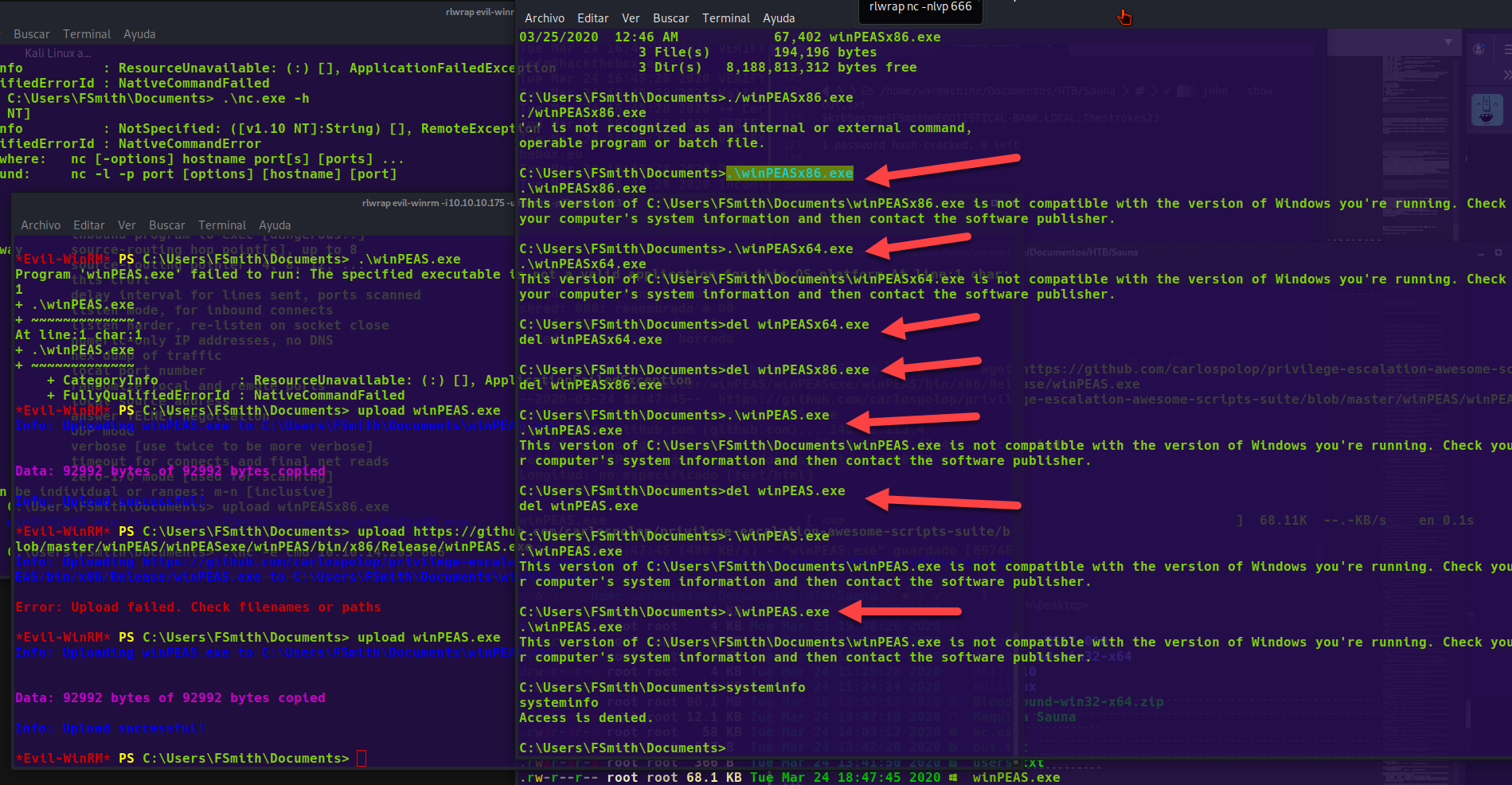
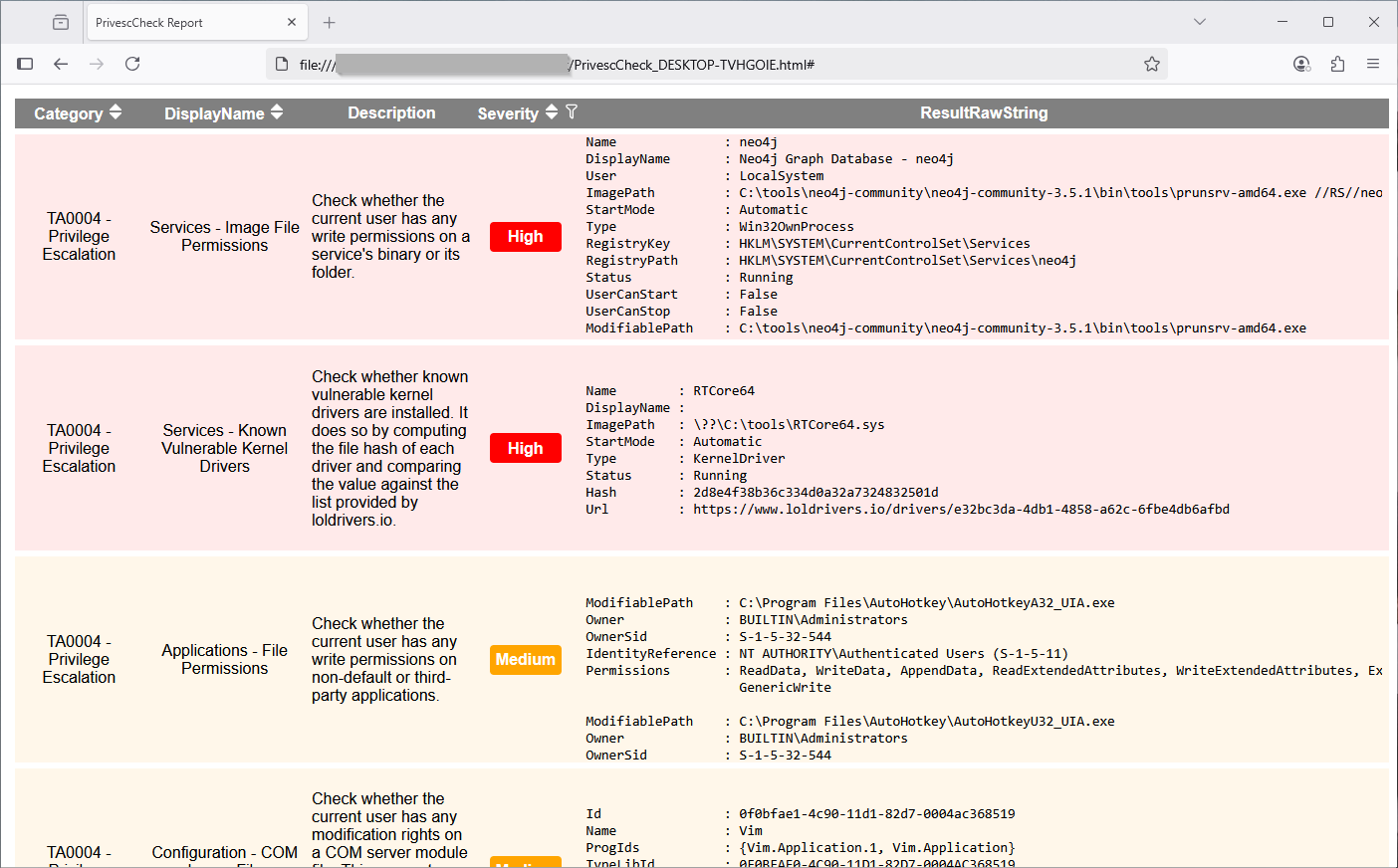
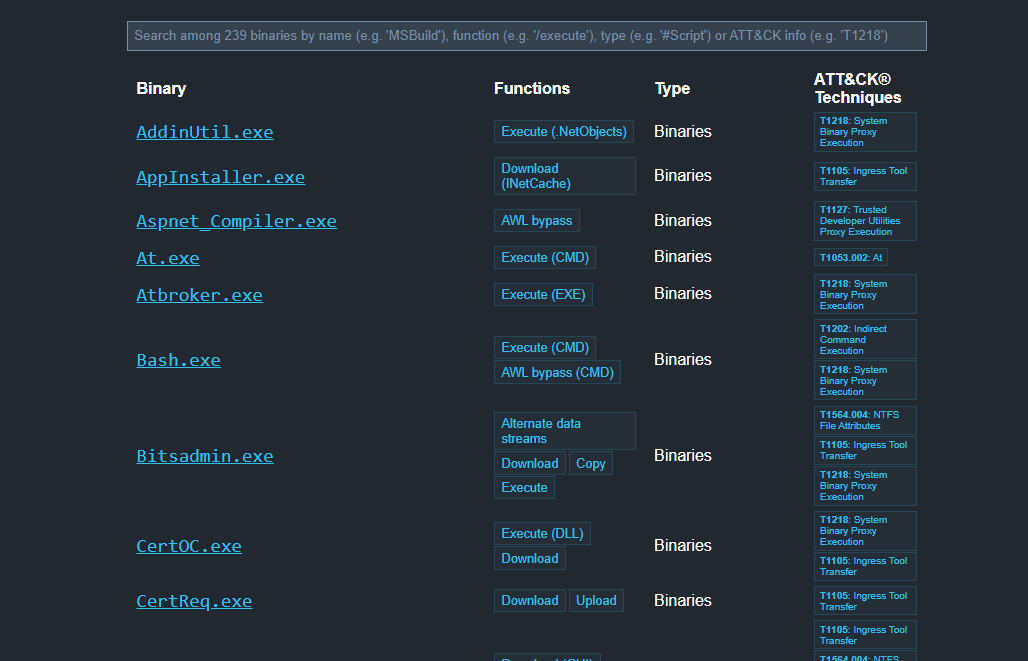
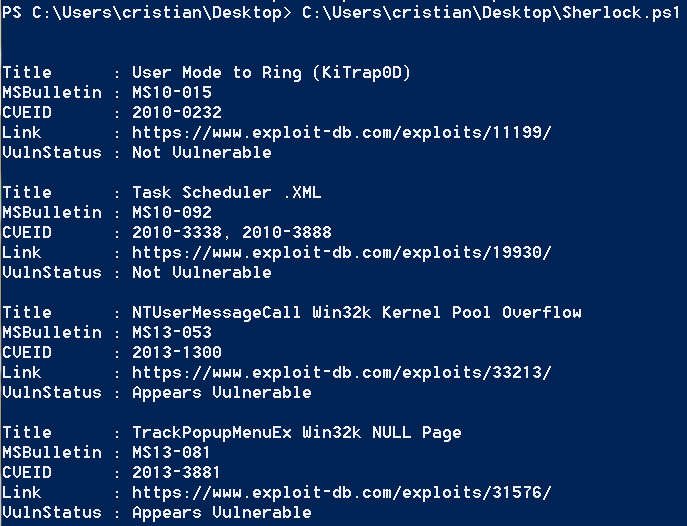
<table data-card-size="large" data-column-title-hidden data-view="cards" data-full-width="false" data-search="false"><thead><tr><th>Название</th><th>Описание</th><th>Официальная ссылка</th><th data-hidden data-card-cover data-type="image">Изображение обложки</th></tr></thead><tbody><tr><td><strong>Перечисление Windows</strong></td><td>Локальные команды и проверки для определения привилегий, групп и служб.</td><td><a href="/ru/hacking-tools/windows/windows-enumeration.md">windows-enumeration</a></td><td></td></tr><tr><td><strong>BloodHound</strong></td><td>Сопоставление Active Directory и обнаружение путей атаки.</td><td><a href="/ru/hacking-tools/windows/bloodhound-tool.md">bloodhound-tool</a></td><td></td></tr><tr><td><strong>WinPEAS</strong></td><td>Автоматизированное перечисление для повышения привилегий в Windows.</td><td><a href="https://github.com/peass-ng/PEASS-ng/releases/tag/20241101-6f46e855">https://github.com/peass-ng/PEASS-ng/releases/tag/20241101-6f46e855</a></td><td><a href="https://4248209978-files.gitbook.io/~/files/v0/b/gitbook-x-prod.appspot.com/o/spaces%2Fl4EVJpcOrsgjSGsLI7p2%2Fuploads%2Fgit-blob-6e9481e03ce9481535dee569ade2212fae6c6794%2Fimage.png?alt=media">image.png</a></td></tr><tr><td><strong>PrivescCheck</strong></td><td>Аудит ошибочных настроек Windows с помощью PowerShell.</td><td><a href="https://github.com/itm4n/PrivescCheck">https://github.com/itm4n/PrivescCheck</a></td><td><a href="https://4248209978-files.gitbook.io/~/files/v0/b/gitbook-x-prod.appspot.com/o/spaces%2Fl4EVJpcOrsgjSGsLI7p2%2Fuploads%2Fgit-blob-86db6e4d02451169c9883f216dde6051f684d851%2Fimage.png?alt=media">image.png</a></td></tr><tr><td><strong>LOLBAS</strong></td><td>Справочник по бинарным файлам Windows, пригодным для обходов или выполнения.</td><td><a href="https://lolbas-project.github.io/">https://lolbas-project.github.io/</a></td><td><a href="https://4248209978-files.gitbook.io/~/files/v0/b/gitbook-x-prod.appspot.com/o/spaces%2Fl4EVJpcOrsgjSGsLI7p2%2Fuploads%2Fgit-blob-aa91777110a6898c165b88a516317a3eb8cde4f2%2Fimage.png?alt=media">image.png</a></td></tr><tr><td><strong>Sherlock</strong></td><td>Обнаружение известных локальных уязвимостей Windows.</td><td><a href="https://github.com/rasta-mouse/Sherlock">https://github.com/rasta-mouse/Sherlock</a></td><td><a href="https://4248209978-files.gitbook.io/~/files/v0/b/gitbook-x-prod.appspot.com/o/spaces%2Fl4EVJpcOrsgjSGsLI7p2%2Fuploads%2Fgit-blob-fbcca3b2396274fea4a41da1ab0b8e0992ba3cfe%2Fimage.png?alt=media">image.png</a></td></tr></tbody></table>


---

# Agent Instructions
This documentation is published with GitBook. GitBook is the documentation platform designed so that both humans and AI agents can read, navigate, and reason over technical content effectively. Learn more at gitbook.com.

## Querying This Documentation
If you need additional information that is not directly available in this page, you can query the documentation by asking a question.

Perform an HTTP GET request on the following URL with the `ask` and `goal` query parameters:

```
GET https://hacking-notes.jord4n.pro/ru/hacking-tools/windows.md?ask=<question>&goal=<user_goal>
```

`ask` is the immediate question: it should be specific, self-contained, and written in natural language.
`goal` is what the user is ultimately trying to achieve, the reason they need the answer. Sharing it helps GitBook give you a better, more relevant answer. A goal is most helpful when it describes the outcome the user wants rather than restating the question. For example, with `ask=how do I create an API token`, a goal like `automate deployments from our CI pipeline` lets GitBook tailor the answer to that use case.

The response will contain a direct answer to the question and relevant excerpts and sources from the documentation.

Use this mechanism when the answer is not explicitly present in the current page, you need clarification or additional context, or you want to retrieve related documentation sections.