> For the complete documentation index, see [llms.txt](https://hacking-notes.jord4n.pro/llms.txt). Markdown versions of documentation pages are available by appending `.md` to page URLs; this page is available as [Markdown](https://hacking-notes.jord4n.pro/ru/web/authentication/flawed-password-reset-logic.md).
# Ошибочная логика при сбросе пароля
Заметки по лабораторным работам PortSwigger Web Security Academy об ошибочной логике при сбросе пароля, включая рабочий процесс эксплуатации, тестирование полезной нагрузки, проверку в Burp Suite и контекст устранения уязвимости.
### Нарушенная логика сброса пароля
Лабораторная работа демонстрирует уязвимость в механизме сброса пароля. Цель — сбросить пароль для **Карлоса** а затем получить доступ к его странице My account. / Предоставленный идентификатор:
* **wiener:peter**
* Имя жертвы: **carlos**
### Анализ и шаги
#### 1. Функция Forgot Password
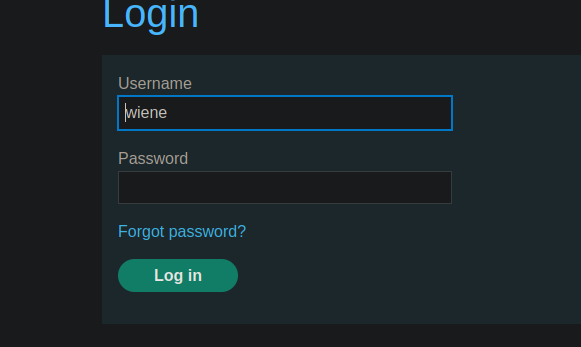
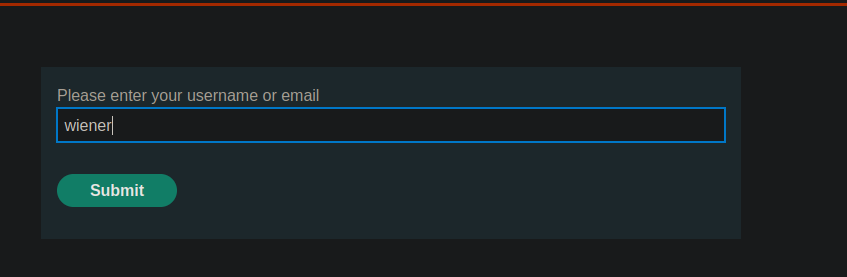
Приложение предлагает функцию восстановления через Forgot password.
В этом разделе можно изменить адрес электронной почты, связанный с учетной записью
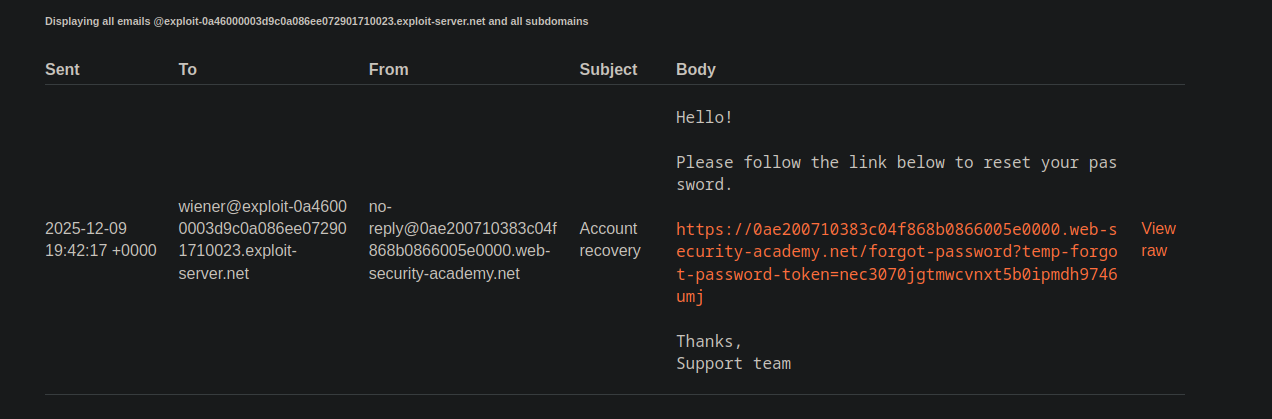
#### 2. Получение письма для сброса
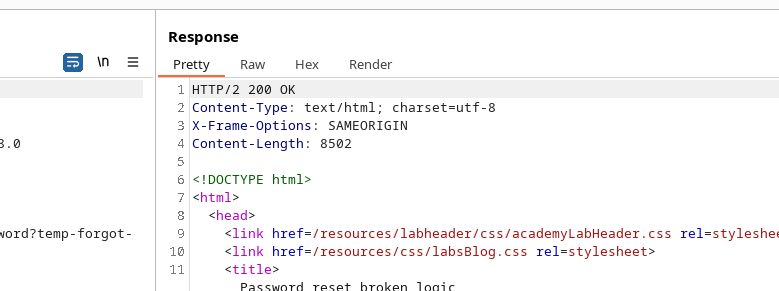
После изменения адреса электронной почты отправляется сообщение со ссылкой для сброса. / Письмо содержит временный **токен** в URL:
```http
Отправлено: 2025-12-09 19:42:17 +0000
От: "No reply"
Кому: wiener@exploit-0a46000003d9c0a086ee072901710023.exploit-server.net
Тема: Восстановление учетной записи
Здравствуйте!
Пожалуйста, перейдите по ссылке ниже, чтобы сбросить пароль.
https://0ae200710383c04f868b0866005e0000.web-security-academy.net/forgot-password?temp-forgot-password-token=nec3070jgtmwcvnxt5b0ipmdh9746umj
Спасибо,
Служба поддержки
```
#### 3. Отправка формы
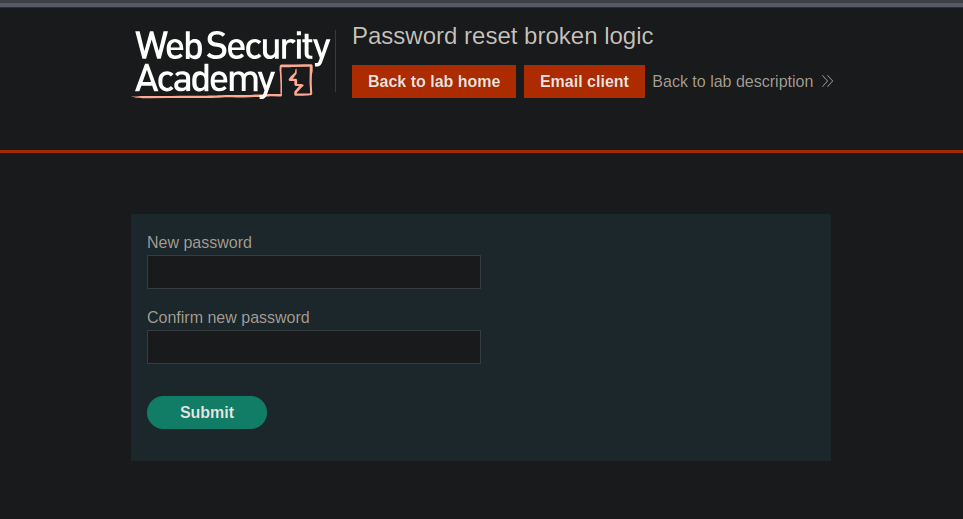
При переходе по этой ссылке приложение запрашивает ввод нового пароля. / Отправляемые параметры выглядят примерно так:
```bash
temp-forgot-password-token=nec3070jgtmwcvnxt5b0ipmdh9746umj
username=wiener
new-password-1=test
new-password-2=test
```
#### 4. Эксплуатация дефектной логики
Сервер не проверяет **не** что токен действительно соответствует пользователю, указанному в запросе. / Просто замените поле **username=wiener** на **username=carlos**:
```bash
temp-forgot-password-token=nec3070jgtmwcvnxt5b0ipmdh9746umj
username=carlos
new-password-1=test
new-password-2=test
```
Приложение принимает запрос, что позволяет задать новый пароль для Карлоса.
---
# Agent Instructions
This documentation is published with GitBook. GitBook is the documentation platform designed so that both humans and AI agents can read, navigate, and reason over technical content effectively. Learn more at gitbook.com.
## Querying This Documentation
If you need additional information that is not directly available in this page, you can query the documentation by asking a question.
Perform an HTTP GET request on the following URL with the `ask` and `goal` query parameters:
```
GET https://hacking-notes.jord4n.pro/ru/web/authentication/flawed-password-reset-logic.md?ask=&goal=
```
`ask` is the immediate question: it should be specific, self-contained, and written in natural language.
`goal` is what the user is ultimately trying to achieve, the reason they need the answer. Sharing it helps GitBook give you a better, more relevant answer. A goal is most helpful when it describes the outcome the user wants rather than restating the question. For example, with `ask=how do I create an API token`, a goal like `automate deployments from our CI pipeline` lets GitBook tailor the answer to that use case.
The response will contain a direct answer to the question and relevant excerpts and sources from the documentation.
Use this mechanism when the answer is not explicitly present in the current page, you need clarification or additional context, or you want to retrieve related documentation sections.