> For the complete documentation index, see [llms.txt](https://hacking-notes.jord4n.pro/llms.txt). Markdown versions of documentation pages are available by appending `.md` to page URLs; this page is available as [Markdown](https://hacking-notes.jord4n.pro/ru/web/cache-poisoning/web-cache-poisoning-via-unkeyed-query-parameter.md).
# Отравление веб-кэша через неучитываемый параметр запроса
Заметки по лабораторным работам PortSwigger Web Security Academy об отравлении веб-кэша через неучитываемый параметр запроса, включая рабочий процесс эксплуатации, тестирование полезной нагрузки, проверку в Burp Suite и контекст устранения уязвимости.
### Отравление веб-кэша через неучитываемый параметр запроса
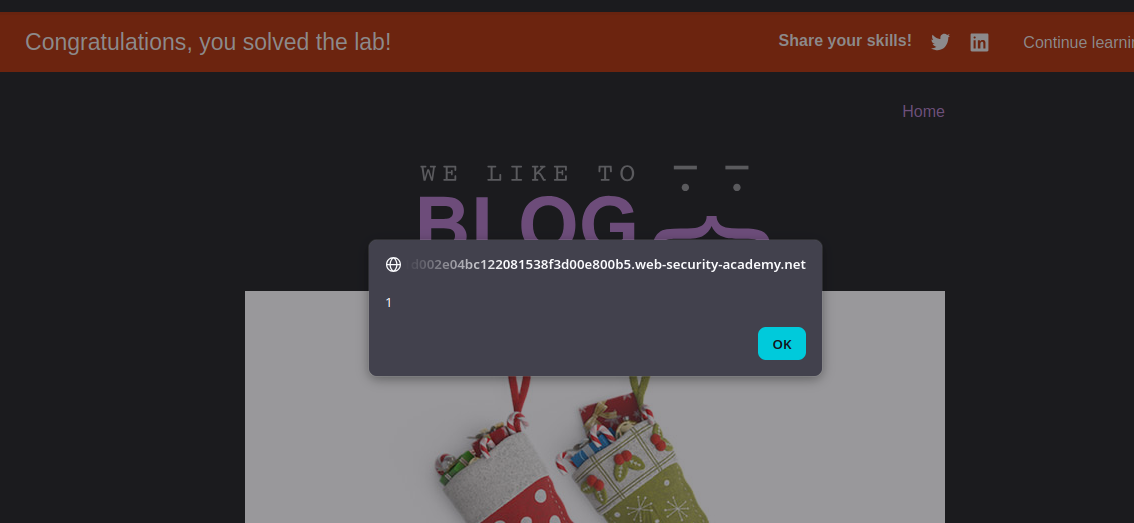
Эта лабораторная работа уязвима к атаке отравления веб-кэша, поскольку параметр запроса не включён в ключ кэша. / Пользователь регулярно посещает главную страницу сайта с помощью Chrome. / Цель — отравить кэш так, чтобы главная страница возвращала ответ, выполняющий `alert(1)` в браузере жертвы.
**Первичный анализ**
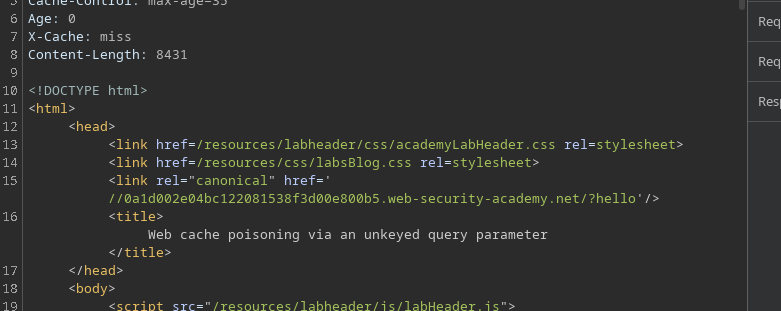
* При перехвате ответа корневой страницы **канонический** обнаруживается ссылка.
* Если обратиться к URL с произвольным параметром, например `/?hello`, значение хорошо отражается в ответе
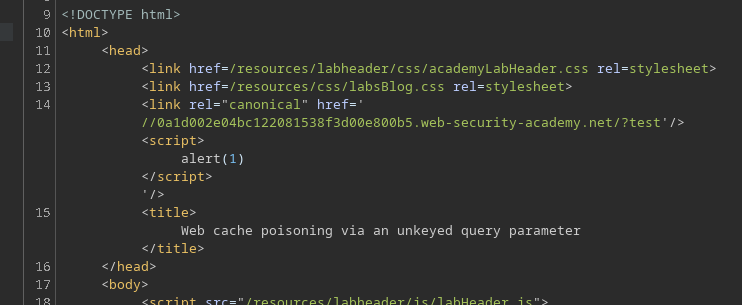
Внедрение полезной нагрузки, такой как:
```bash
/?test'/>
```
* HTML-код интерпретируется в ответе, но на стороне жертвы ничего не срабатывает.
**Обнаруженная проблема**
Кэш рассматривает каждую вариацию `?test` параметра как новый ввод. / Таким образом, при каждом изменении значения кэш пересоздаётся, и отравление не сохраняется.
Однако некоторые параметры **полностью игнорируются** ключом кэша:
* Их имя и значение не учитываются.
* Кэшированный ответ остаётся тем же, даже если их значение изменяется.
**Выявление неиндексируемого параметра**
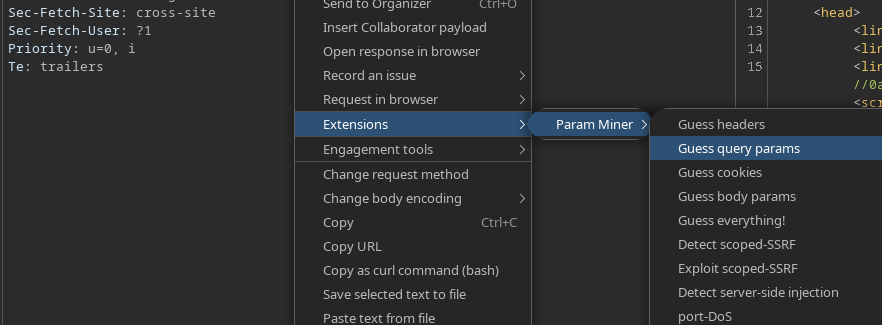
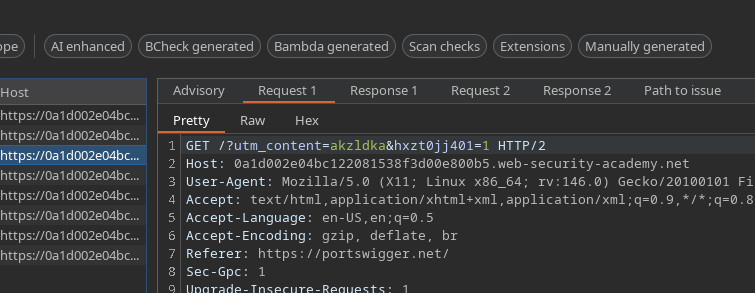
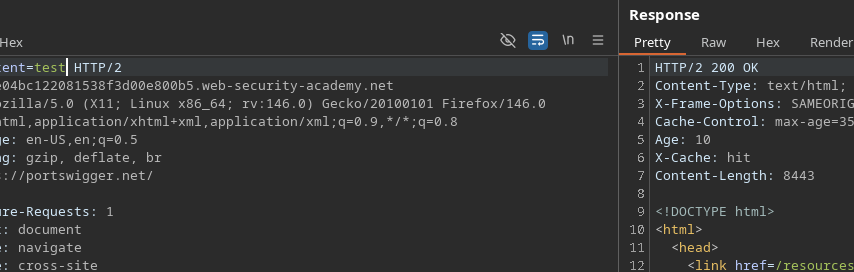
Используя **Param Miner** (функция Guess query parameters), `utm_content` параметр определяется.
* Путём проверки разных значений этого параметра мы видим, что кэш остаётся неизменным, что подтверждает: он не включён в ключ кэша.
/?utm_content=test
**Эксплуатация**
Затем в этот неиндексируемый параметр внедряется вредоносная полезная нагрузка:
```bash
/?utm_content='/>
```
Отравленный ответ сохраняется в кэше и выдаётся следующим посетителям.
---
# Agent Instructions
This documentation is published with GitBook. GitBook is the documentation platform designed so that both humans and AI agents can read, navigate, and reason over technical content effectively. Learn more at gitbook.com.
## Querying This Documentation
If you need additional information that is not directly available in this page, you can query the documentation by asking a question.
Perform an HTTP GET request on the following URL with the `ask` and `goal` query parameters:
```
GET https://hacking-notes.jord4n.pro/ru/web/cache-poisoning/web-cache-poisoning-via-unkeyed-query-parameter.md?ask=&goal=
```
`ask` is the immediate question: it should be specific, self-contained, and written in natural language.
`goal` is what the user is ultimately trying to achieve, the reason they need the answer. Sharing it helps GitBook give you a better, more relevant answer. A goal is most helpful when it describes the outcome the user wants rather than restating the question. For example, with `ask=how do I create an API token`, a goal like `automate deployments from our CI pipeline` lets GitBook tailor the answer to that use case.
The response will contain a direct answer to the question and relevant excerpts and sources from the documentation.
Use this mechanism when the answer is not explicitly present in the current page, you need clarification or additional context, or you want to retrieve related documentation sections.