> For the complete documentation index, see [llms.txt](https://hacking-notes.jord4n.pro/llms.txt). Markdown versions of documentation pages are available by appending `.md` to page URLs; this page is available as [Markdown](https://hacking-notes.jord4n.pro/ru/web/websockets/websocket-handshake-manipulation.md).
# Манипулирование рукопожатием WebSocket
Заметки по лабораторным работам PortSwigger Web Security Academy о манипулировании рукопожатием WebSocket, включая рабочий процесс эксплуатации, тестирование полезной нагрузки, проверку в Burp Suite и контекст устранения уязвимости.
### Манипулирование рукопожатием WebSocket для эксплуатации уязвимостей
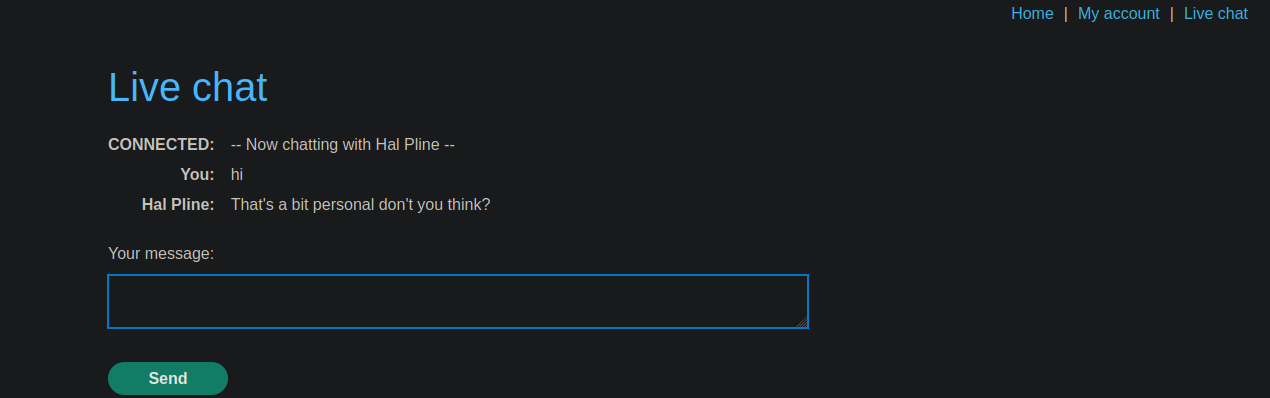
Этот интернет-магазин имеет функцию чата в реальном времени на основе **WebSocket**. / Присутствует XSS-фильтр: он агрессивный, но имеет эксплуатируемые недостатки.
Поле чата позволяет отправлять сообщения, которые отображаются в реальном времени на стороне агента поддержки.
#### Первоначальный тест XSS-фильтра
При отправке следующей полезной нагрузки в чат:
```javascript
```
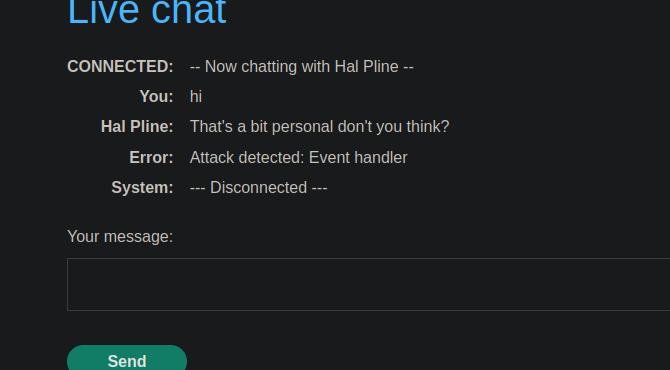
Сервер отвечает сообщением:
* **Атака обнаружена: обработчик события**
* Соединение WebSocket немедленно **закрыто**.
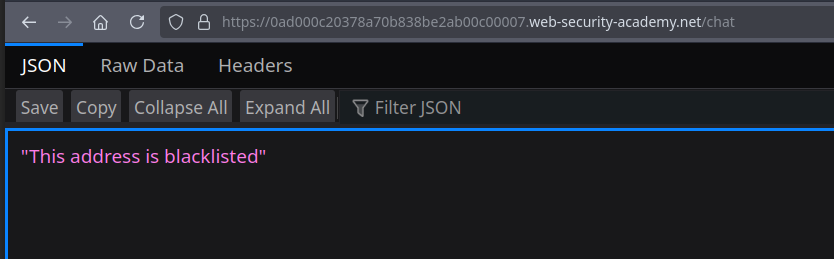
После простого обновления страницы появляется следующее сообщение:
* **Этот адрес занесён в чёрный список**
Поэтому IP-адрес временно заблокирован.
#### Обход чёрного списка
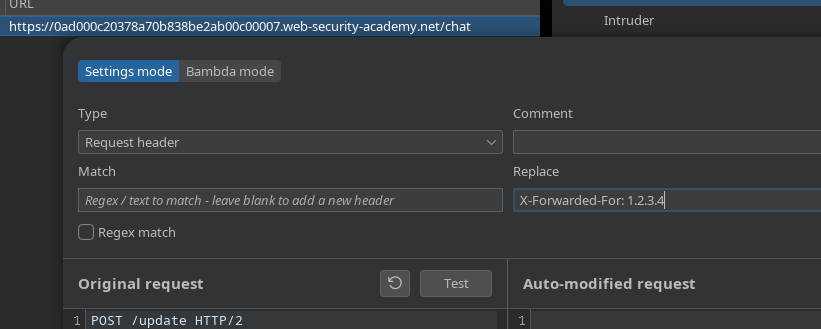
Добавление следующего HTTP-заголовка при установлении рукопожатия WebSocket:
```http
X-Forwarded-For: 0.0.0.0
```
Сервер снова принимает соединение. / Чтобы не приходилось добавлять его вручную каждый раз, этот заголовок настроен **постоянно в прокси**.
#### Обход XSS-фильтра
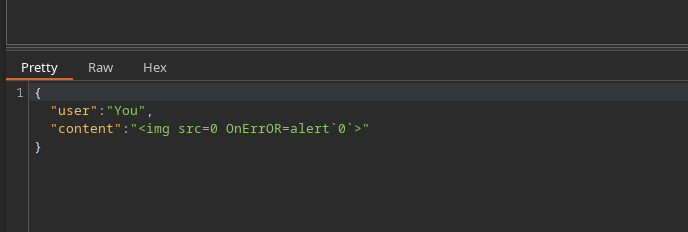
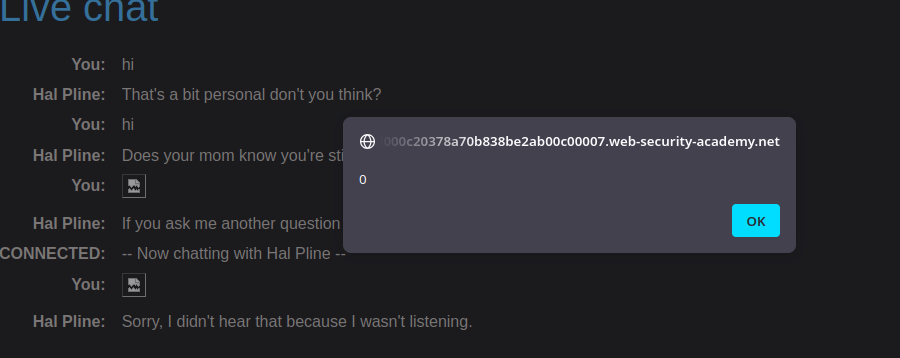
После восстановления соединения полезная нагрузка немного изменяется, чтобы обойти фильтр:
```javascript
```
Это изменение разрывов и синтаксиса позволяет обойти обнаружение.
---
# Agent Instructions
This documentation is published with GitBook. GitBook is the documentation platform designed so that both humans and AI agents can read, navigate, and reason over technical content effectively. Learn more at gitbook.com.
## Querying This Documentation
If you need additional information that is not directly available in this page, you can query the documentation by asking a question.
Perform an HTTP GET request on the following URL with the `ask` and `goal` query parameters:
```
GET https://hacking-notes.jord4n.pro/ru/web/websockets/websocket-handshake-manipulation.md?ask=&goal=
```
`ask` is the immediate question: it should be specific, self-contained, and written in natural language.
`goal` is what the user is ultimately trying to achieve, the reason they need the answer. Sharing it helps GitBook give you a better, more relevant answer. A goal is most helpful when it describes the outcome the user wants rather than restating the question. For example, with `ask=how do I create an API token`, a goal like `automate deployments from our CI pipeline` lets GitBook tailor the answer to that use case.
The response will contain a direct answer to the question and relevant excerpts and sources from the documentation.
Use this mechanism when the answer is not explicitly present in the current page, you need clarification or additional context, or you want to retrieve related documentation sections.