> For the complete documentation index, see [llms.txt](https://hacking-notes.jord4n.pro/llms.txt). Markdown versions of documentation pages are available by appending `.md` to page URLs; this page is available as [Markdown](https://hacking-notes.jord4n.pro/ru/web/xss/dom-xss-with-jquery-hashchange-event.md).
# DOM XSS с jQuery и hashchange
Заметки по DOM XSS с jQuery и hashchange для лабораторных работ PortSwigger Web Security Academy, включая процесс эксплуатации, тестирование полезной нагрузки, проверку в Burp Suite и контекст исправления.
### DOM XSS в JQuery Selector Sink с использованием события hashchange
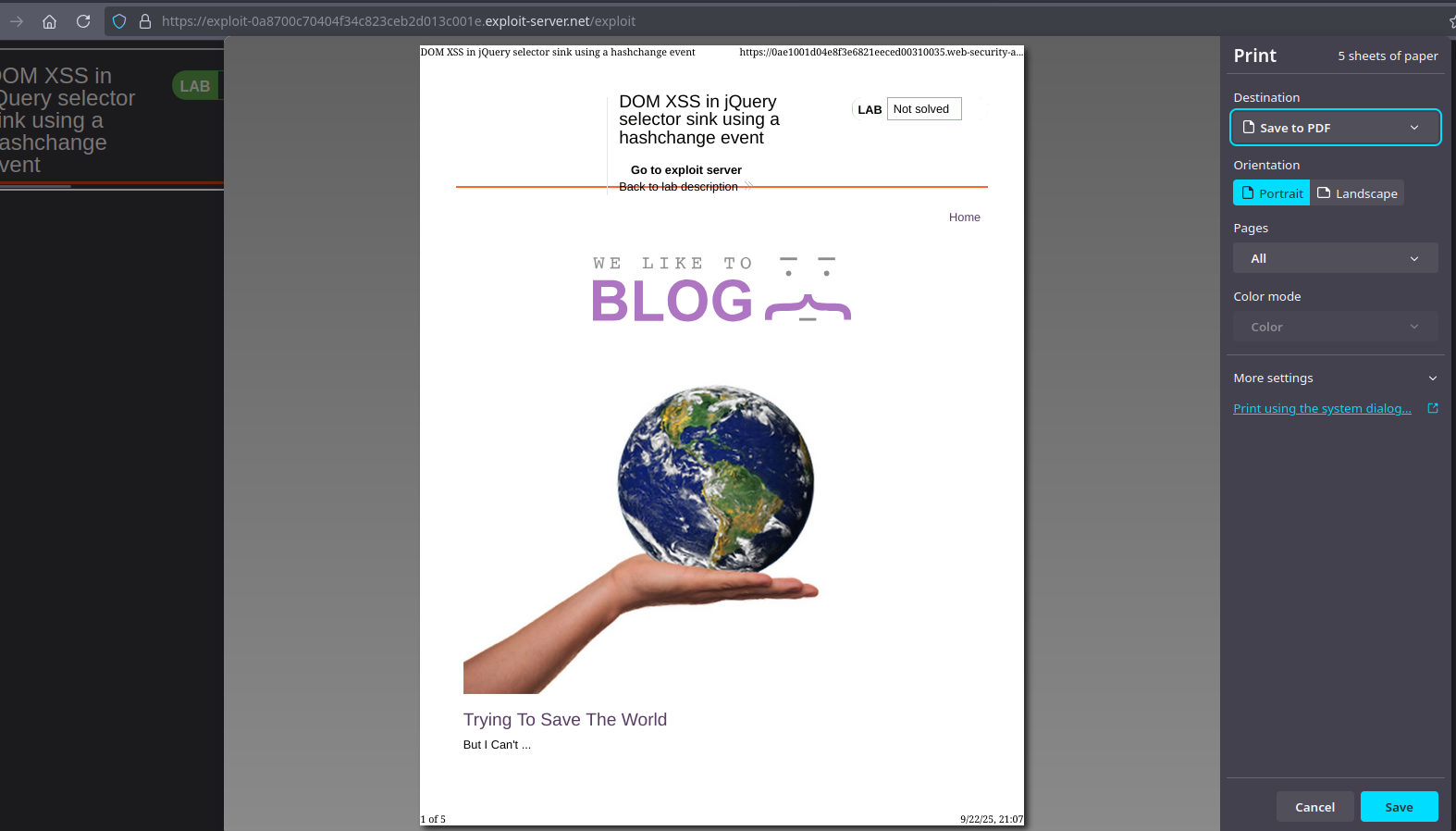
В этой лабораторной работе на главной странице есть уязвимость XSS на стороне клиента. Код использует `$()` функцию селектора jQuery, чтобы автоматически выбрать статью, заголовок которой был передан через `location.hash`. Цель лабораторной работы — получить эксплойт, который, когда посетитель открывает его, вызывает `print()` в его браузере.
{% code overflow="wrap" %}
```javascript
$(window).on('hashchange', function(){
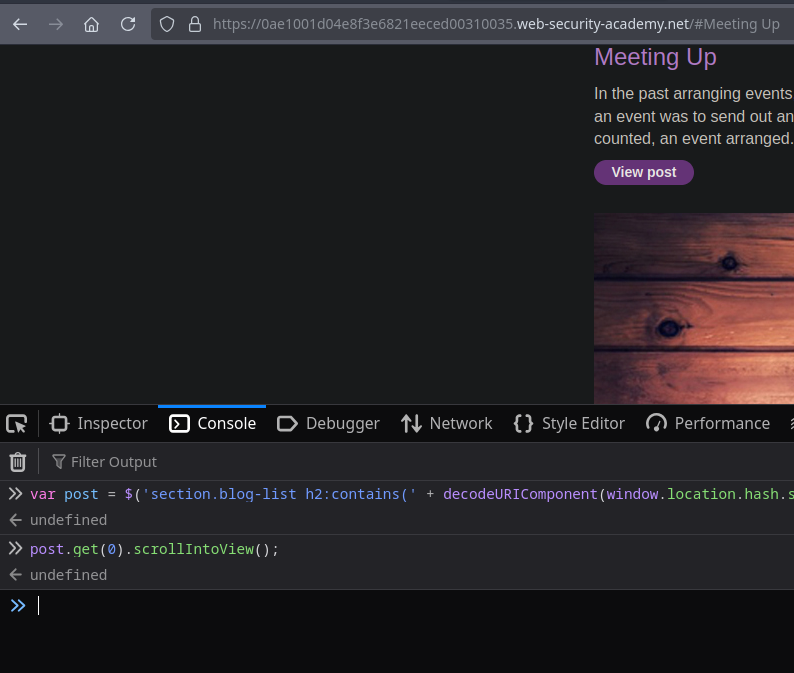
var post = $('section.blog-list h2:contains(' + decodeURIComponent(window.location.hash.slice(1)) + ')');
if (post) post.get(0).scrollIntoView();
});
```
{% endcode %}
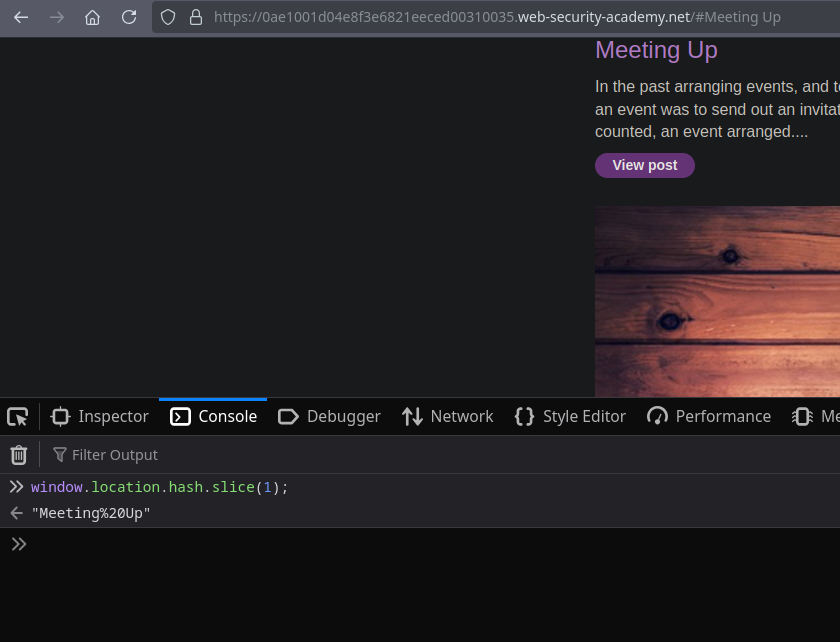
* Функция извлекает фрагмент URL (`window.location.hash`), удаляет `#` на `slice(1)` и декодирует его с помощью `decodeURIComponent`.
* Затем этот текст напрямую конкатенируется в jQuery `:contains(...)` селектор. Поскольку экранирования нет, специально сформированный контент может нарушить синтаксис и внедрить HTML/JS через такие векторы, как `onerror` атрибуты.
* Код запускает действие только при изменении хэша (`hashchange`), поэтому простая начальная ссылка без хэша ничего не вызовет, пока фрагмент не будет изменён на стороне клиента.
* Мы используем тот факт, что изменение `#` вызывает событие. Поэтому эксплойт должен заставить браузер жертвы загрузить URL с фрагментом, содержащим полезную нагрузку.
* Обычный способ — использовать `
```
{% endcode %}
* Финальный эксплойт для `print()` (адаптированная версия):
{% code overflow="wrap" %}
```javascript
```
{% endcode %}
---
# Agent Instructions
This documentation is published with GitBook. GitBook is the documentation platform designed so that both humans and AI agents can read, navigate, and reason over technical content effectively. Learn more at gitbook.com.
## Querying This Documentation
If you need additional information that is not directly available in this page, you can query the documentation by asking a question.
Perform an HTTP GET request on the following URL with the `ask` and `goal` query parameters:
```
GET https://hacking-notes.jord4n.pro/ru/web/xss/dom-xss-with-jquery-hashchange-event.md?ask=&goal=
```
`ask` is the immediate question: it should be specific, self-contained, and written in natural language.
`goal` is what the user is ultimately trying to achieve, the reason they need the answer. Sharing it helps GitBook give you a better, more relevant answer. A goal is most helpful when it describes the outcome the user wants rather than restating the question. For example, with `ask=how do I create an API token`, a goal like `automate deployments from our CI pipeline` lets GitBook tailor the answer to that use case.
The response will contain a direct answer to the question and relevant excerpts and sources from the documentation.
Use this mechanism when the answer is not explicitly present in the current page, you need clarification or additional context, or you want to retrieve related documentation sections.