> For the complete documentation index, see [llms.txt](https://hacking-notes.jord4n.pro/llms.txt). Markdown versions of documentation pages are available by appending `.md` to page URLs; this page is available as [Markdown](https://hacking-notes.jord4n.pro/zh/hacking-tools/enumeration/dns-enumeration.md).
# DNS 枚举
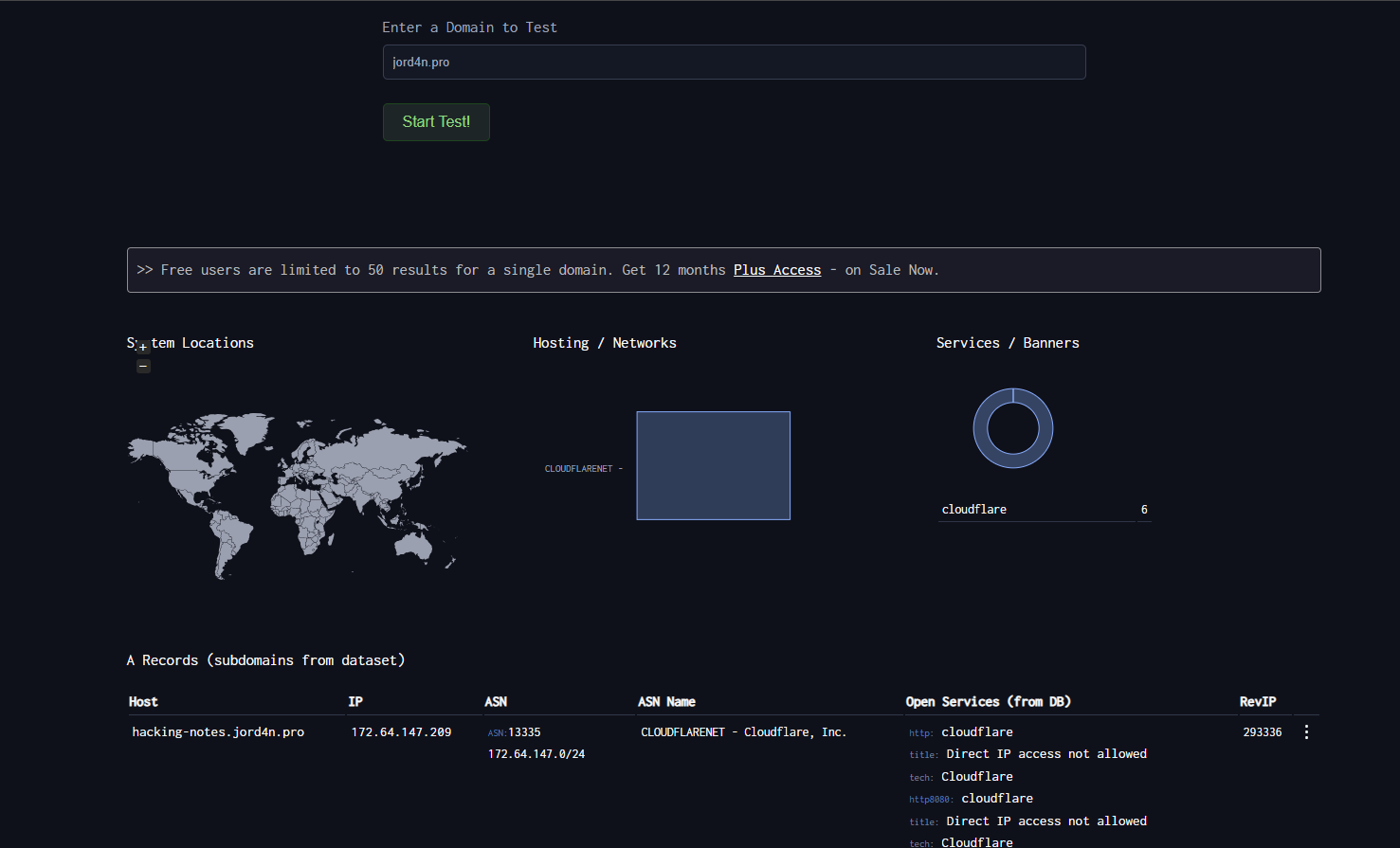
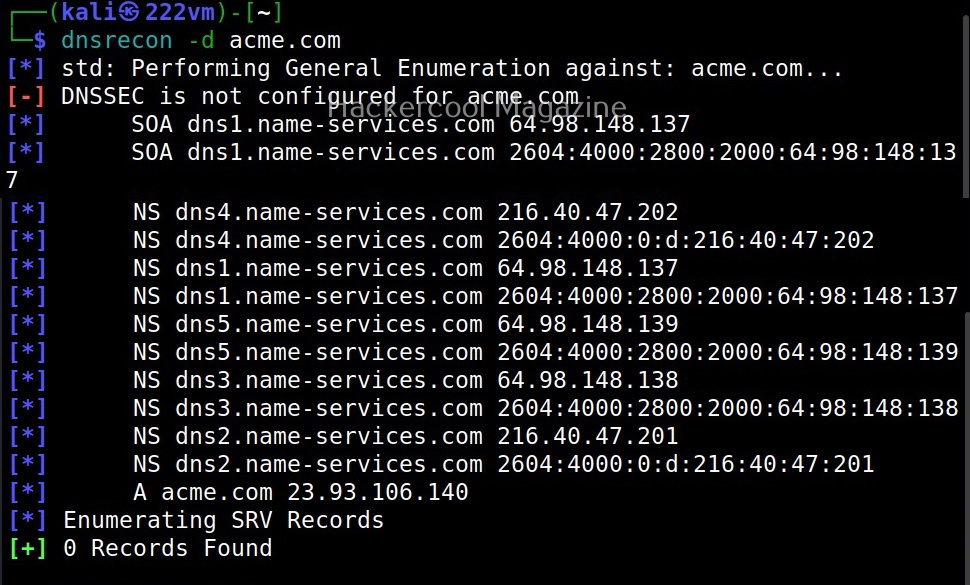
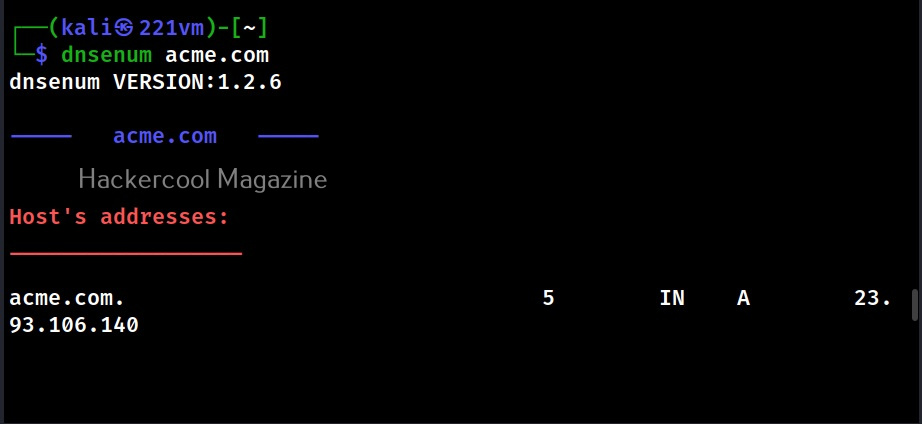
DNS 枚举工具笔记,涵盖被动 DNS 发现、子域名枚举、DNS 记录、区域传送检查、dnsrecon、dnsenum、DNSDumpster、暴力破解、主机发现和侦察工作
DNS 枚举可在深入扫描之前识别域名、子域名、记录、名称服务器、暴露的区域以及基础设施线索。先使用被动来源,然后在测试范围允许时,通过主动 DNS 查询和受控的暴力破解来验证发现。
## DNS 枚举工作流
1. 从公共来源和证书透明度数据集中收集被动 DNS 数据。
2. 查询常见记录,如 A、AAAA、CNAME、MX、TXT、NS、SOA 和 SRV。
3. 使用已授权的名称服务器检查是否存在区域传送暴露。
4. 仅当交战规则允许主动发现时,才对子域名进行暴力破解。
5. 解析已发现的主机,并将确认的目标输入到端口扫描和 Web 指纹分析中。
## DNS 工具
## 被动来源
| 资源 | 描述 |
| ----------------------------------------------------- | ---------------------------- |
| [VirusTotal](https://www.virustotal.com/) | URL、域名、被动 DNS 和基础设施关系分析。 |
| [Censys](https://search.censys.io/) | 面向互联网连接主机、证书和暴露服务的搜索引擎。 |
| [crt.sh](https://crt.sh/) | 通过证书透明度搜索,发现公共 TLS 证书中出现的名称。 |
| [Project Sonar](https://sonar.omnisint.io/) | 公共子域名、TLD 和反向 DNS 查询端点。 |
| [Netcraft SearchDNS](https://searchdns.netcraft.com/) | 公共主机名和 DNS 情报搜索。 |
---
# Agent Instructions
This documentation is published with GitBook. GitBook is the documentation platform designed so that both humans and AI agents can read, navigate, and reason over technical content effectively. Learn more at gitbook.com.
## Querying This Documentation
If you need additional information that is not directly available in this page, you can query the documentation by asking a question.
Perform an HTTP GET request on the following URL with the `ask` and `goal` query parameters:
```
GET https://hacking-notes.jord4n.pro/zh/hacking-tools/enumeration/dns-enumeration.md?ask=&goal=
```
`ask` is the immediate question: it should be specific, self-contained, and written in natural language.
`goal` is what the user is ultimately trying to achieve, the reason they need the answer. Sharing it helps GitBook give you a better, more relevant answer. A goal is most helpful when it describes the outcome the user wants rather than restating the question. For example, with `ask=how do I create an API token`, a goal like `automate deployments from our CI pipeline` lets GitBook tailor the answer to that use case.
The response will contain a direct answer to the question and relevant excerpts and sources from the documentation.
Use this mechanism when the answer is not explicitly present in the current page, you need clarification or additional context, or you want to retrieve related documentation sections.