> For the complete documentation index, see [llms.txt](https://hacking-notes.jord4n.pro/llms.txt). Markdown versions of documentation pages are available by appending `.md` to page URLs; this page is available as [Markdown](https://hacking-notes.jord4n.pro/zh/hacking-tools/linux.md).

# Linux 工具

Linux 攻击性工具目录，涵盖本地枚举、权限提升检查、GTFOBins 验证、LinPEAS、LinEnum、Smart Enumeration、内核 CVE 研究、SUID 和 sudo 审查、capabilities、c

Linux Tools 是 Linux 本地枚举和提权支持的主目录。目标是将工具参考与利用说明分开：工具放在这里，而详细的利用流程保留在 Linux 提权页面中。

使用本节选择合适的辅助工具，然后在将任何结果视为提权路径之前，手动验证每一项发现。

## Linux 工作流程

1. 确认当前用户、组、主机名、内核、发行版、Shell 质量以及可用二进制文件。
2. 使用 LinPEAS、LinEnum 或 Smart Enumeration 进行广泛枚举，以收集高信号线索。
3. 手动验证 sudo 规则、SUID 二进制文件、能力、可写路径、cron 任务、服务和环境变量。
4. 使用 GTFOBins 查看已确认的二进制滥用模式，并且仅将 Linux Exploit Suggester 作为内核 CVE 研究的起点。
5. 保存准确的命令、工具版本、输出片段以及影响证明，以便汇报和重新测试。

## 工具类别

* **自动化枚举：** LinPEAS、LinEnum 和 Smart Enumeration，用于广泛的本地发现。
* **提权原语验证：** GTFOBins 用于 sudo、SUID、能力、文件读取、文件写入和 Shell 逃逸。
* **内核研究：** Linux Exploit Suggester 用于将内核和发行版版本映射到可能的 CVE。
* **手动确认：** sudo 审查、SUID 检查、可写文件、cron 监控、能力、服务审查以及环境检查。

## 推荐的 Linux 工具

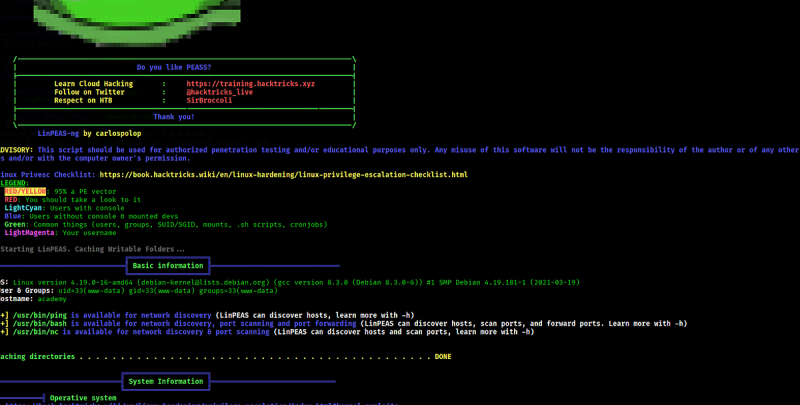
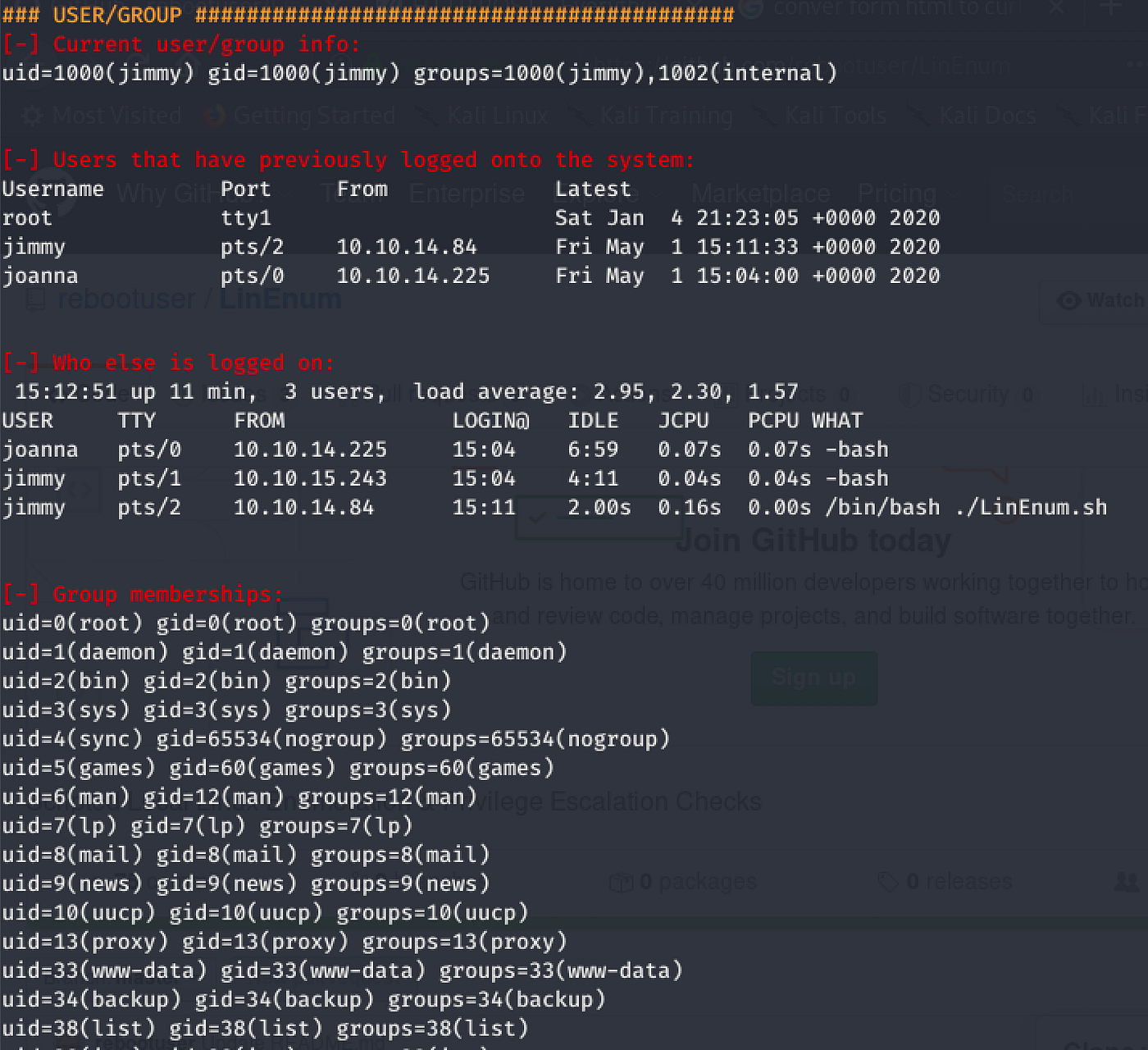
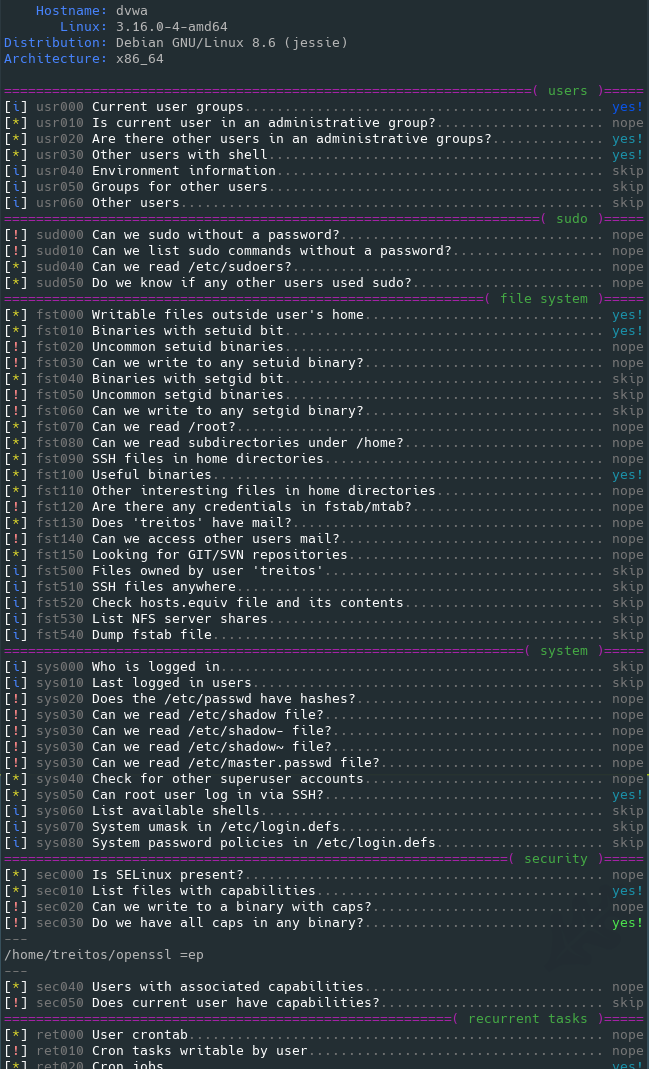
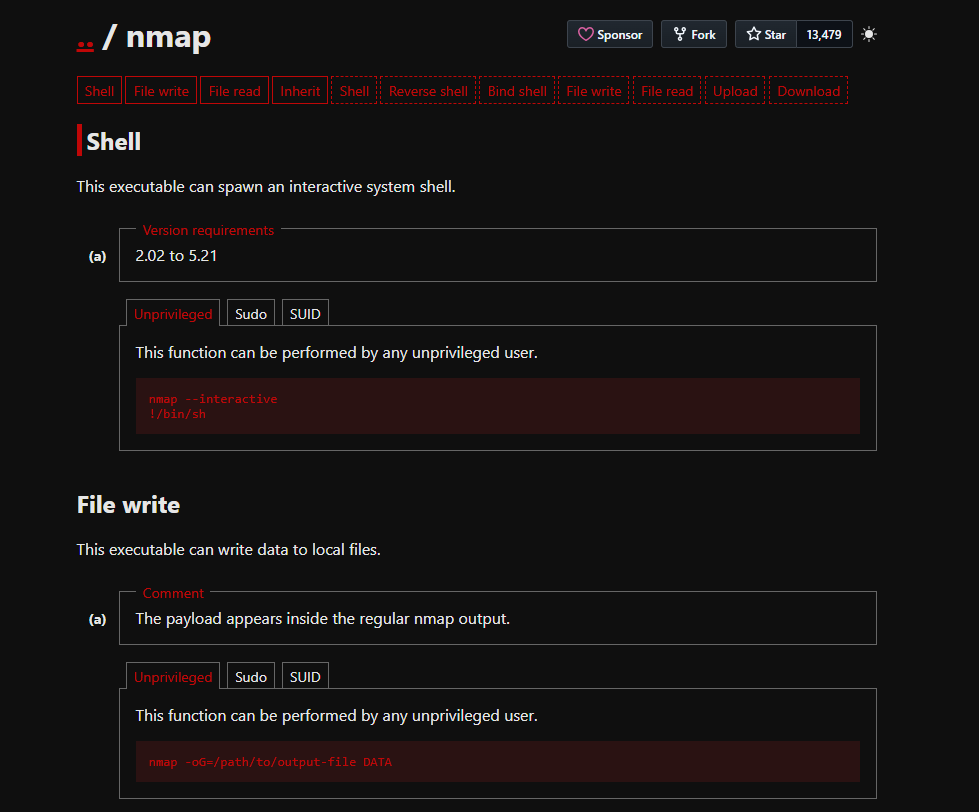
<table data-card-size="large" data-column-title-hidden data-view="cards" data-full-width="false" data-search="false"><thead><tr><th>名称</th><th>描述</th><th>官方链接</th><th data-hidden data-card-cover data-type="image">封面图片</th></tr></thead><tbody><tr><td><strong>LinPEAS</strong></td><td>用于对常见错误配置、暴露的秘密、服务、权限和提权线索进行自动化 Linux 枚举。</td><td><a href="https://github.com/peass-ng/PEASS-ng/releases">https://github.com/peass-ng/PEASS-ng/releases</a></td><td><a href="https://1574813340-files.gitbook.io/~/files/v0/b/gitbook-x-prod.appspot.com/o/spaces%2Fl4EVJpcOrsgjSGsLI7p2%2Fuploads%2Fgit-blob-670b64218e4f2ad1fea2f008d8d1af45fd4c915e%2Fimage.png?alt=media">image.png</a></td></tr><tr><td><strong>LinEnum</strong></td><td>用于收集 Linux 提权指示器的本地枚举脚本。</td><td><a href="https://github.com/rebootuser/LinEnum">https://github.com/rebootuser/LinEnum</a></td><td><a href="https://1574813340-files.gitbook.io/~/files/v0/b/gitbook-x-prod.appspot.com/o/spaces%2Fl4EVJpcOrsgjSGsLI7p2%2Fuploads%2Fgit-blob-bc44689e095bfb4f50b6007382d38f2a485c9b53%2Fimage.png?alt=media">image.png</a></td></tr><tr><td><strong>Smart Enumeration</strong></td><td>结构化的 Linux 枚举工具，优先展示发现结果并减少噪声输出。</td><td><a href="https://github.com/diego-treitos/linux-smart-enumeration">https://github.com/diego-treitos/linux-smart-enumeration</a></td><td><a href="https://1574813340-files.gitbook.io/~/files/v0/b/gitbook-x-prod.appspot.com/o/spaces%2Fl4EVJpcOrsgjSGsLI7p2%2Fuploads%2Fgit-blob-c95e775cc54f7a5581cc0a8e0dbfc6b575b3b98c%2Fimage.png?alt=media">image.png</a></td></tr><tr><td><strong>GTFOBins</strong></td><td>参考如何在特权上下文中滥用 Unix 二进制文件，例如 sudo、SUID、能力和受限 Shell。</td><td><a href="https://gtfobins.github.io/">https://gtfobins.github.io/</a></td><td><a href="https://1574813340-files.gitbook.io/~/files/v0/b/gitbook-x-prod.appspot.com/o/spaces%2Fl4EVJpcOrsgjSGsLI7p2%2Fuploads%2Fgit-blob-fb4f53c3d31a5899baae051fb99be71660787600%2Fimage.png?alt=media">image.png</a></td></tr><tr><td><strong>Linux Exploit Suggester</strong></td><td>基于内核、发行版和已知 CVE 条件的本地漏洞发现辅助工具。</td><td><a href="/zh/hacking-tools/linux/linux-exploit-suggester.md">linux-exploit-suggester</a></td><td></td></tr></tbody></table>

### 相关说明

* [Linux Exploit Suggester](/zh/hacking-tools/linux/linux-exploit-suggester.md) 保留用于内核漏洞建议的专用命令工作流。
* [Linux 提权](/zh/privesc.md) 包含利用方法、sudo 路径、SUID 路径、能力、cron 任务、可写文件、Docker 逃逸以及内核利用说明。
* [黑客工具](/zh/hacking-tools.md) 保留更广泛的跨平台目录，涵盖 Web、网络、凭证、OSINT、Windows 和研究工具。


---

# Agent Instructions
This documentation is published with GitBook. GitBook is the documentation platform designed so that both humans and AI agents can read, navigate, and reason over technical content effectively. Learn more at gitbook.com.

## Querying This Documentation
If you need additional information that is not directly available in this page, you can query the documentation by asking a question.

Perform an HTTP GET request on the following URL with the `ask` and `goal` query parameters:

```
GET https://hacking-notes.jord4n.pro/zh/hacking-tools/linux.md?ask=<question>&goal=<user_goal>
```

`ask` is the immediate question: it should be specific, self-contained, and written in natural language.
`goal` is what the user is ultimately trying to achieve, the reason they need the answer. Sharing it helps GitBook give you a better, more relevant answer. A goal is most helpful when it describes the outcome the user wants rather than restating the question. For example, with `ask=how do I create an API token`, a goal like `automate deployments from our CI pipeline` lets GitBook tailor the answer to that use case.

The response will contain a direct answer to the question and relevant excerpts and sources from the documentation.

Use this mechanism when the answer is not explicitly present in the current page, you need clarification or additional context, or you want to retrieve related documentation sections.