> For the complete documentation index, see [llms.txt](https://hacking-notes.jord4n.pro/llms.txt). Markdown versions of documentation pages are available by appending `.md` to page URLs; this page is available as [Markdown](https://hacking-notes.jord4n.pro/zh/hacking-tools/osint/image-and-video-analysis.md).

# 图像与视频分析

用于反向图像搜索、人脸比对、元数据审查、视觉验证和图像取证的图像与视频分析资源。

使用这些工具来识别图像来源、比较人脸、检查元数据、检测篡改迹象，并支持视觉验证工作流程。

## 反向图像搜索

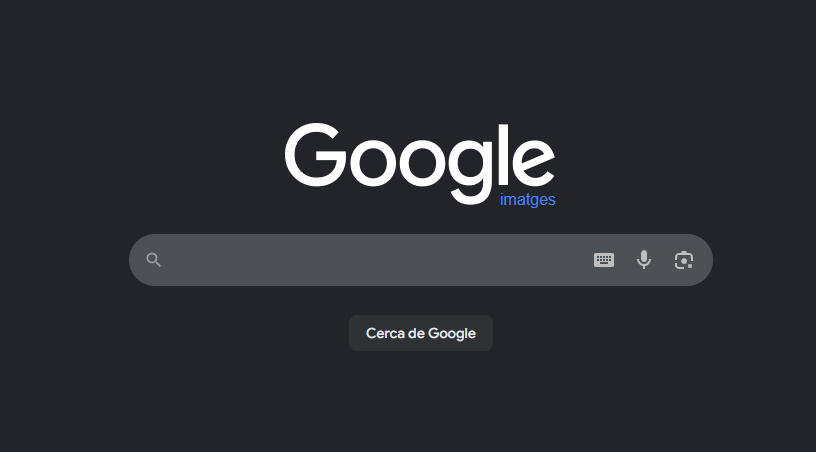
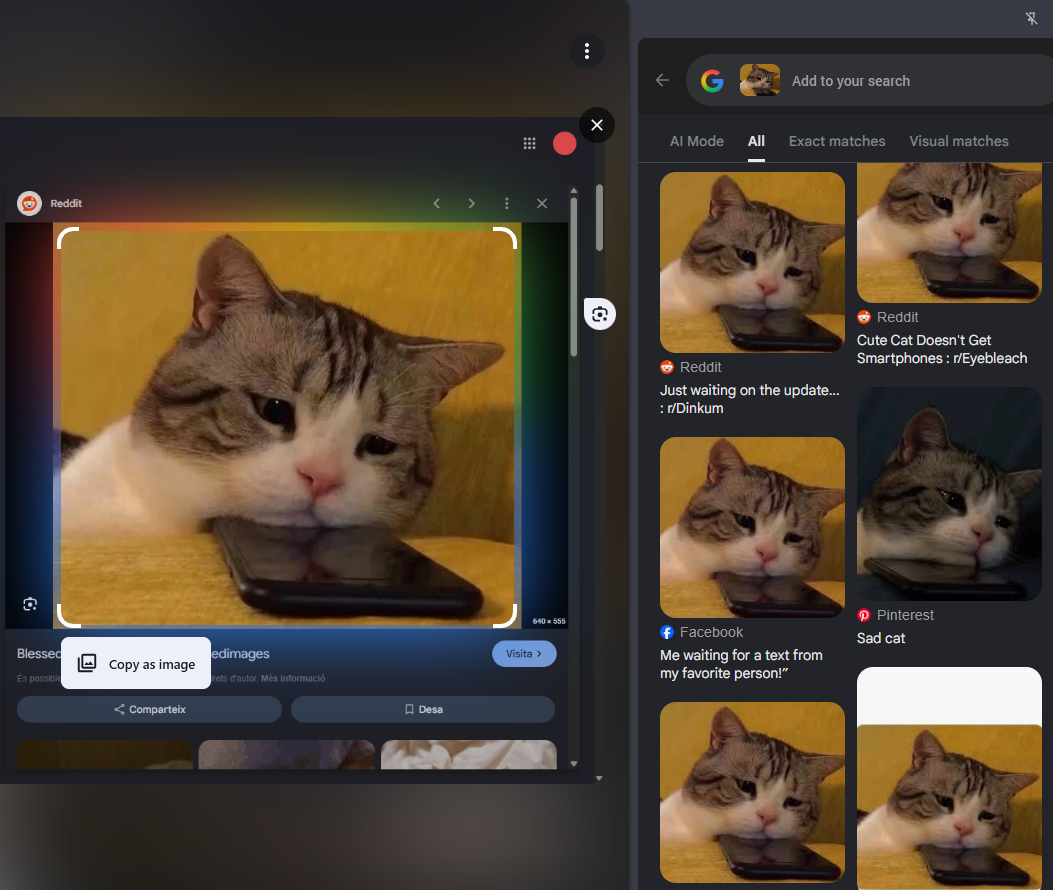
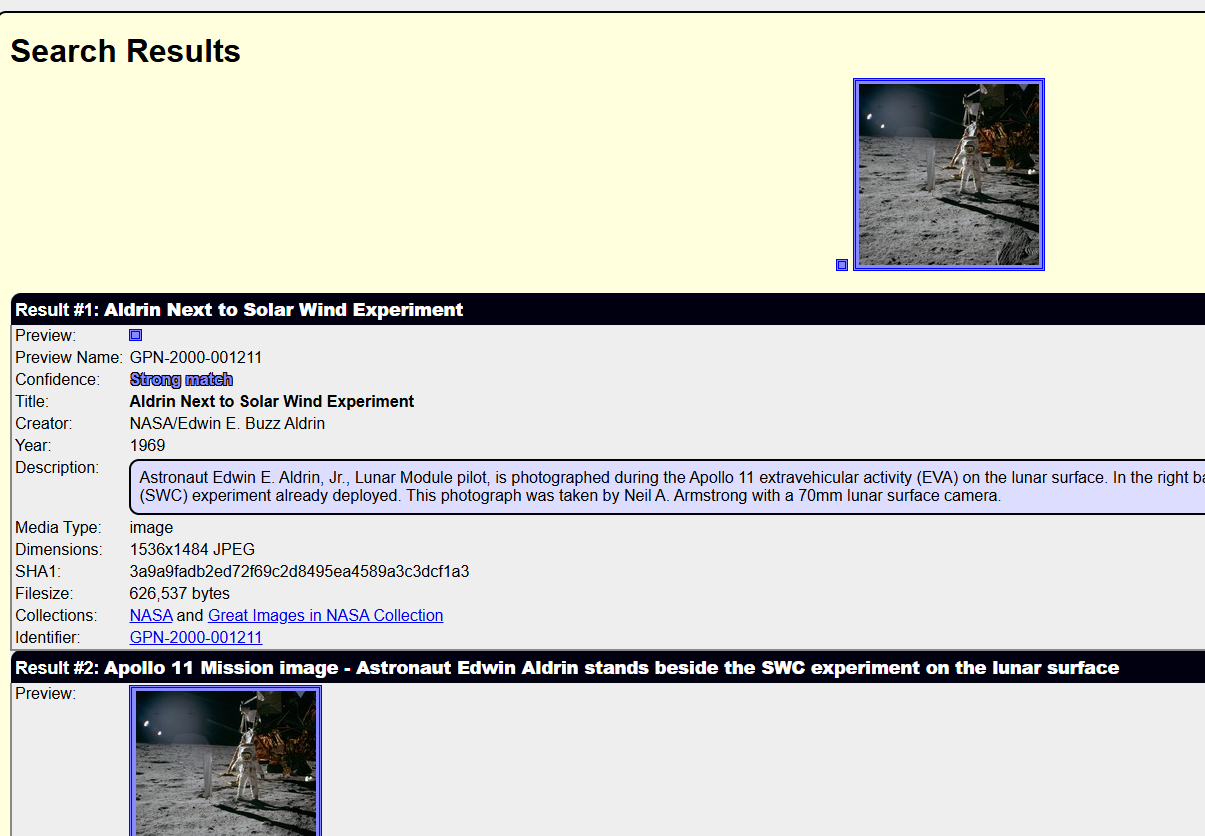
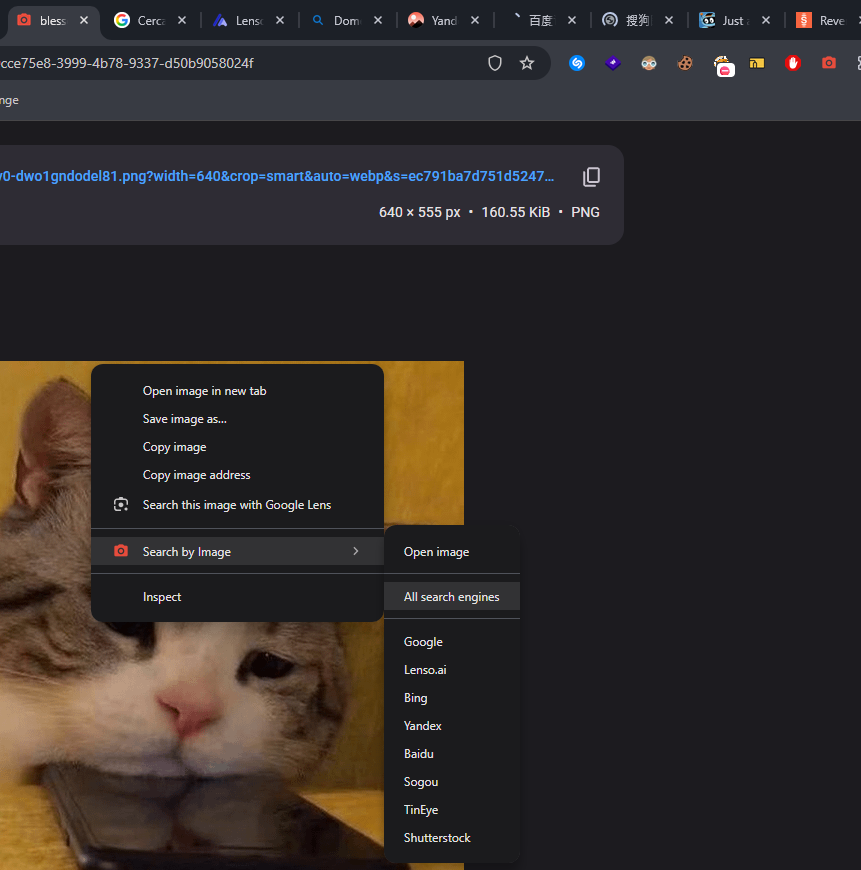
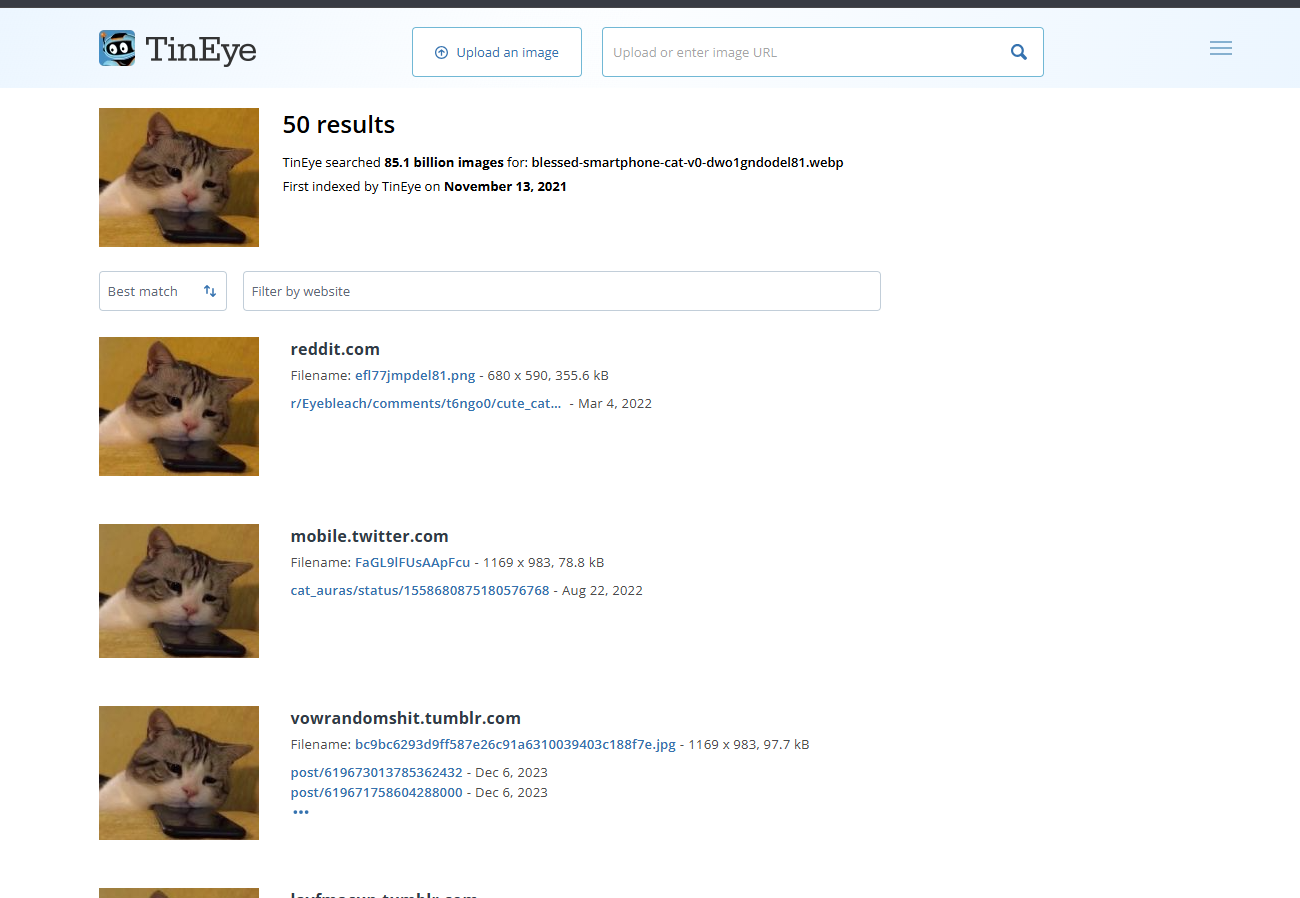
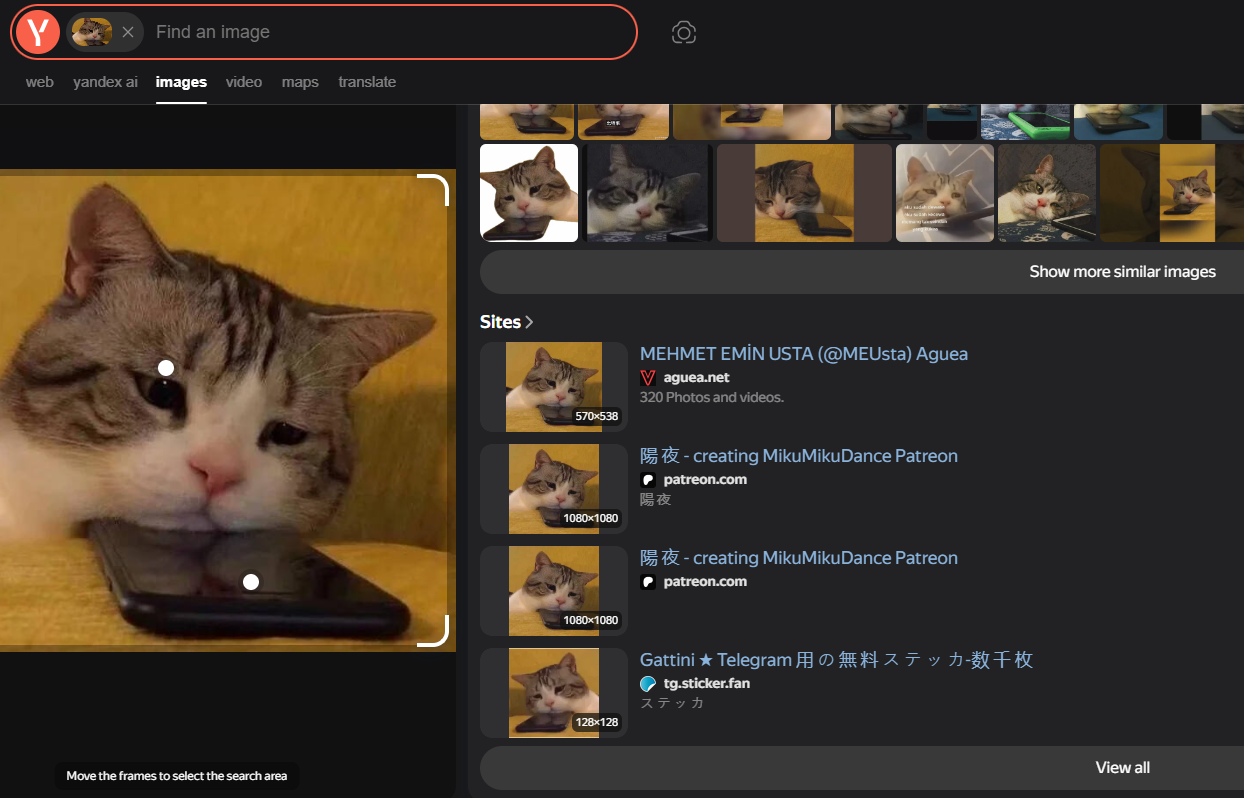
<table data-card-size="large" data-column-title-hidden data-view="cards" data-full-width="false" data-search="false"><thead><tr><th>名称</th><th>描述</th><th>官方链接</th><th data-hidden data-card-cover data-type="image">封面图片</th></tr></thead><tbody><tr><td><strong>Google 图片</strong></td><td>Google 的图片搜索界面，用于查找相似图片和已索引的视觉匹配结果。</td><td><a href="https://images.google.com/">https://images.google.com/</a></td><td><a href="https://1574813340-files.gitbook.io/~/files/v0/b/gitbook-x-prod.appspot.com/o/spaces%2Fl4EVJpcOrsgjSGsLI7p2%2Fuploads%2Fgit-blob-89e26233fb3352c8baaeeefaba14366f2e2a17fb%2Fimage.png?alt=media">image.png</a></td></tr><tr><td><strong>Google Lens</strong></td><td>用于识别地点、物体、产品和相似图像的图像识别与视觉搜索工具。</td><td><a href="https://lens.google/">https://lens.google/</a></td><td><a href="https://1574813340-files.gitbook.io/~/files/v0/b/gitbook-x-prod.appspot.com/o/spaces%2Fl4EVJpcOrsgjSGsLI7p2%2Fuploads%2Fgit-blob-08b98073d5cf4c6d400e2ed009ea7ecf73e2ca06%2Fimage.png?alt=media">image.png</a></td></tr><tr><td><strong>RootAbout</strong></td><td>基于 Internet Archive 资料的反向图像搜索。</td><td><a href="http://rootabout.com/">http://rootabout.com/</a></td><td><a href="https://1574813340-files.gitbook.io/~/files/v0/b/gitbook-x-prod.appspot.com/o/spaces%2Fl4EVJpcOrsgjSGsLI7p2%2Fuploads%2Fgit-blob-c77c83ab879ad97fd287e51a0d8a5acad430e919%2Fimage.png?alt=media">image.png</a></td></tr><tr><td><strong>按图搜索</strong></td><td>可在多个搜索引擎中对图片进行反向搜索的浏览器扩展。</td><td><a href="https://chromewebstore.google.com/detail/search-by-image/cnojnbdhbhnkbcieeekonklommdnndci">Chrome 网上应用店</a></td><td><a href="https://1574813340-files.gitbook.io/~/files/v0/b/gitbook-x-prod.appspot.com/o/spaces%2Fl4EVJpcOrsgjSGsLI7p2%2Fuploads%2Fgit-blob-741e03eb0e37a33feae73f31f9d8e2597af0d0d7%2Fimage.png?alt=media">image.png</a></td></tr><tr><td><strong>TinEye</strong></td><td>用于查找图片在线出现位置的反向图像搜索引擎。</td><td><a href="https://tineye.com/">https://tineye.com/</a></td><td><a href="https://1574813340-files.gitbook.io/~/files/v0/b/gitbook-x-prod.appspot.com/o/spaces%2Fl4EVJpcOrsgjSGsLI7p2%2Fuploads%2Fgit-blob-5312f62e8e6a8bca573771be1c570aeb98241084%2Fimage.png?alt=media">image.png</a></td></tr><tr><td><strong>Yandex 图片</strong></td><td>有助于查找视觉上相似图片和自动生成图片描述的反向图像搜索引擎。</td><td><a href="https://yandex.com/images/">https://yandex.com/images/</a></td><td><a href="https://1574813340-files.gitbook.io/~/files/v0/b/gitbook-x-prod.appspot.com/o/spaces%2Fl4EVJpcOrsgjSGsLI7p2%2Fuploads%2Fgit-blob-c8ca10f905c96b95ad4e06676a79ab7439b29995%2Fimage.png?alt=media">image.png</a></td></tr></tbody></table>

## 人脸与视频分析

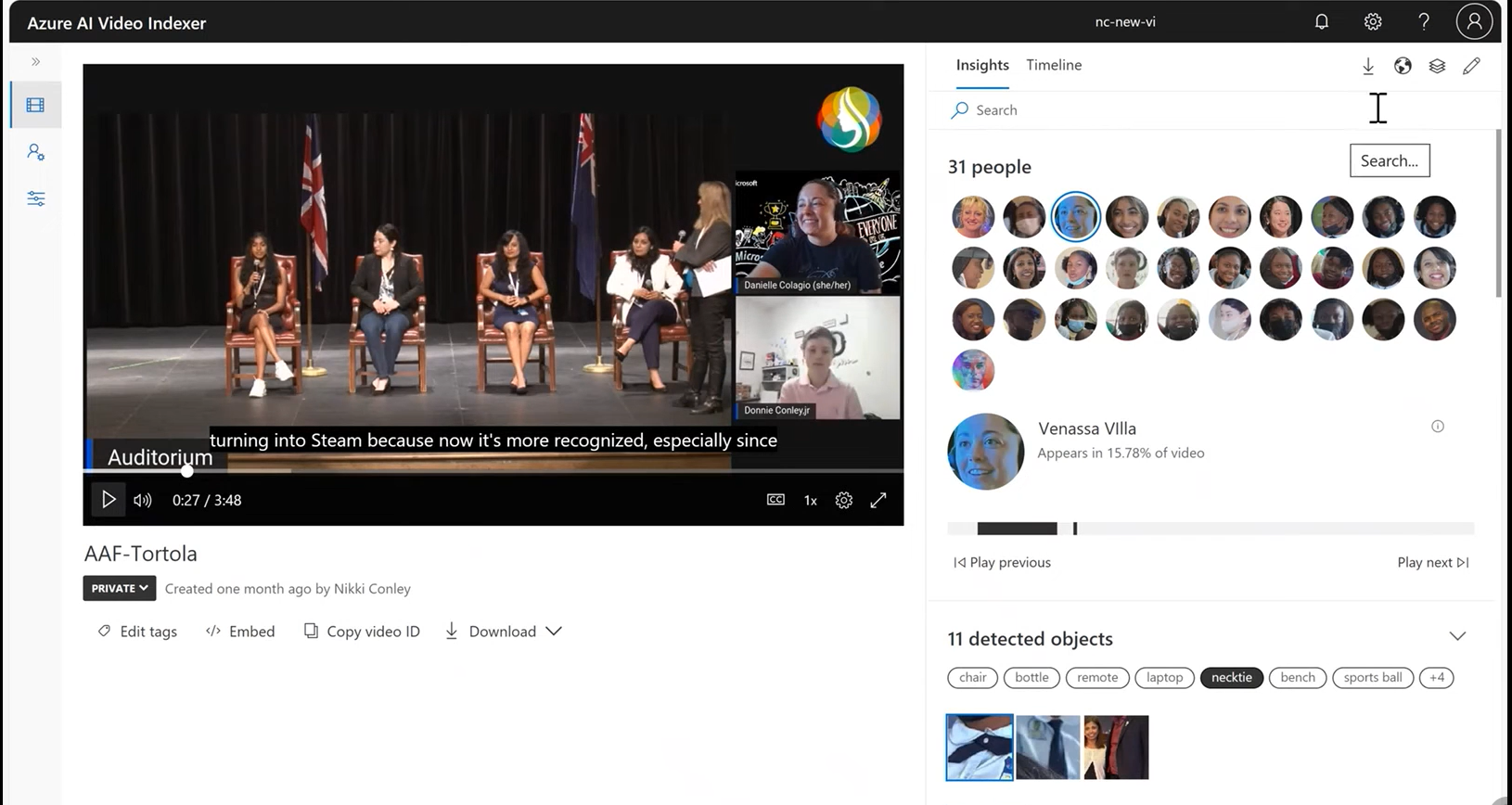
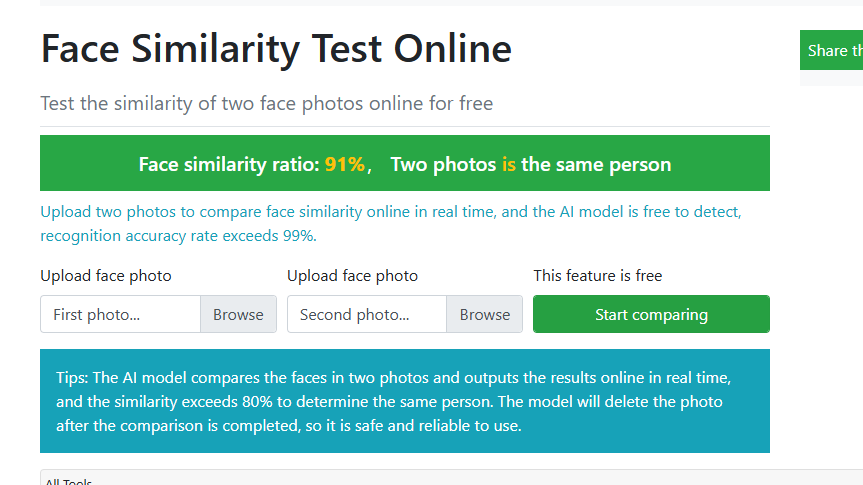
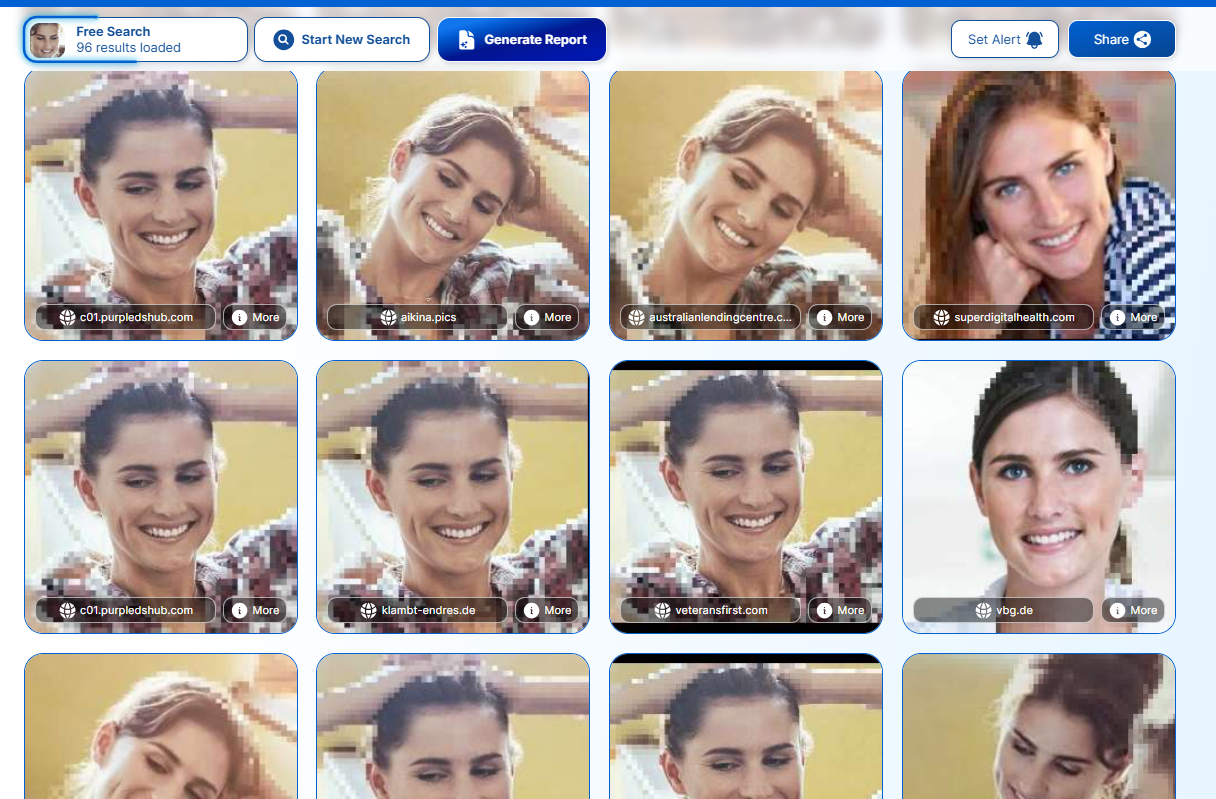
<table data-card-size="large" data-column-title-hidden data-view="cards" data-full-width="false" data-search="false"><thead><tr><th>名称</th><th>描述</th><th>官方链接</th><th data-hidden data-card-cover data-type="image">封面图片</th></tr></thead><tbody><tr><td><strong>Azure AI 视频索引器</strong></td><td>用于人脸检测及其他媒体洞察的 AI 视频分析平台。</td><td><a href="https://vi.microsoft.com/en-us">https://vi.microsoft.com/en-us</a></td><td><a href="https://1574813340-files.gitbook.io/~/files/v0/b/gitbook-x-prod.appspot.com/o/spaces%2Fl4EVJpcOrsgjSGsLI7p2%2Fuploads%2Fgit-blob-0811b601e15e1fa8a36687a1fd21f101ac30273b%2Fimage.png?alt=media">image.png</a></td></tr><tr><td><strong>ToolPie 人脸比对</strong></td><td>比较两张人脸照片并估算相似度。</td><td><a href="https://facecomparison.toolpie.com/">https://facecomparison.toolpie.com/</a></td><td><a href="https://1574813340-files.gitbook.io/~/files/v0/b/gitbook-x-prod.appspot.com/o/spaces%2Fl4EVJpcOrsgjSGsLI7p2%2Fuploads%2Fgit-blob-6124a5957284023f8db6134297ace34d9040903a%2Fimage.png?alt=media">image.png</a></td></tr><tr><td><strong>PimEyes</strong></td><td>由 AI 驱动的人脸搜索引擎，用于在线查找视觉上相似的人脸图像。</td><td><a href="https://pimeyes.com/en">https://pimeyes.com/en</a></td><td><a href="https://1574813340-files.gitbook.io/~/files/v0/b/gitbook-x-prod.appspot.com/o/spaces%2Fl4EVJpcOrsgjSGsLI7p2%2Fuploads%2Fgit-blob-963f57c3cfef2d77a28ec9bcee3cfd3998d25862%2Fimage.png?alt=media">image.png</a></td></tr></tbody></table>

## 元数据与取证

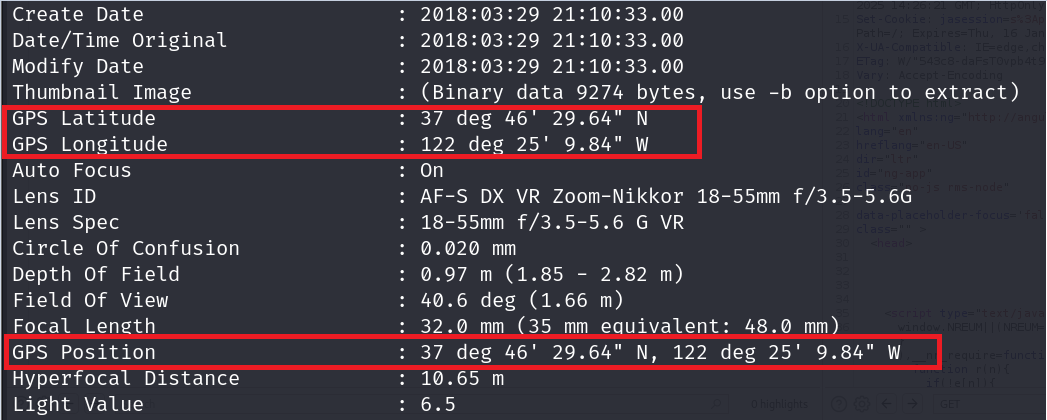
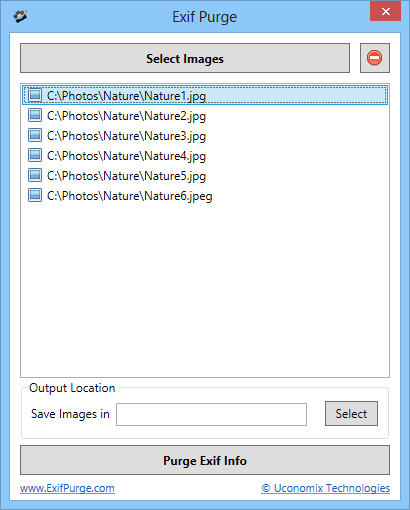
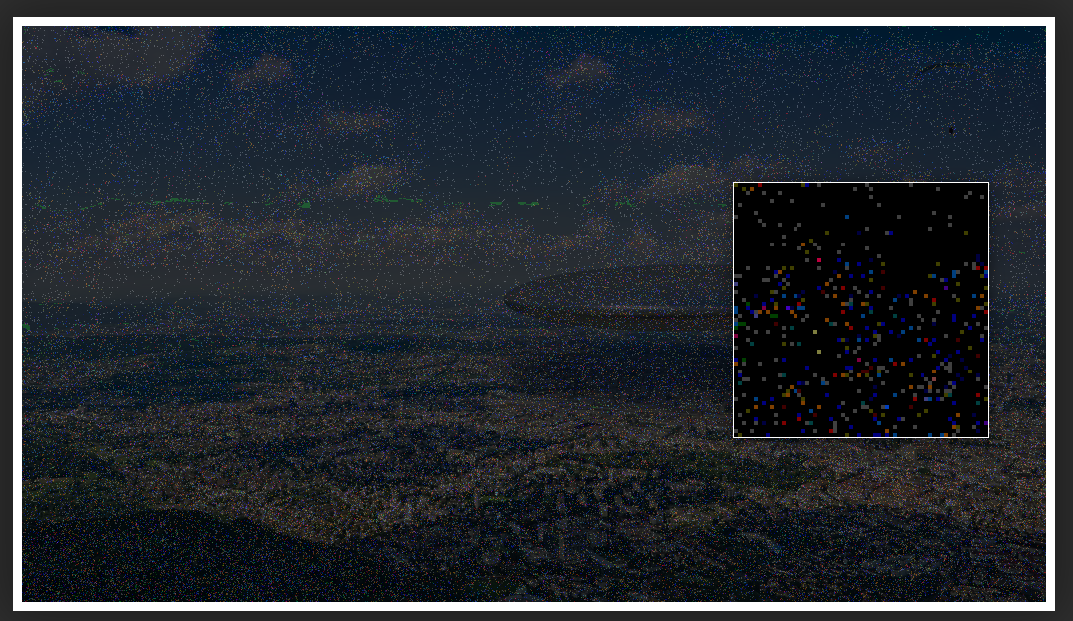
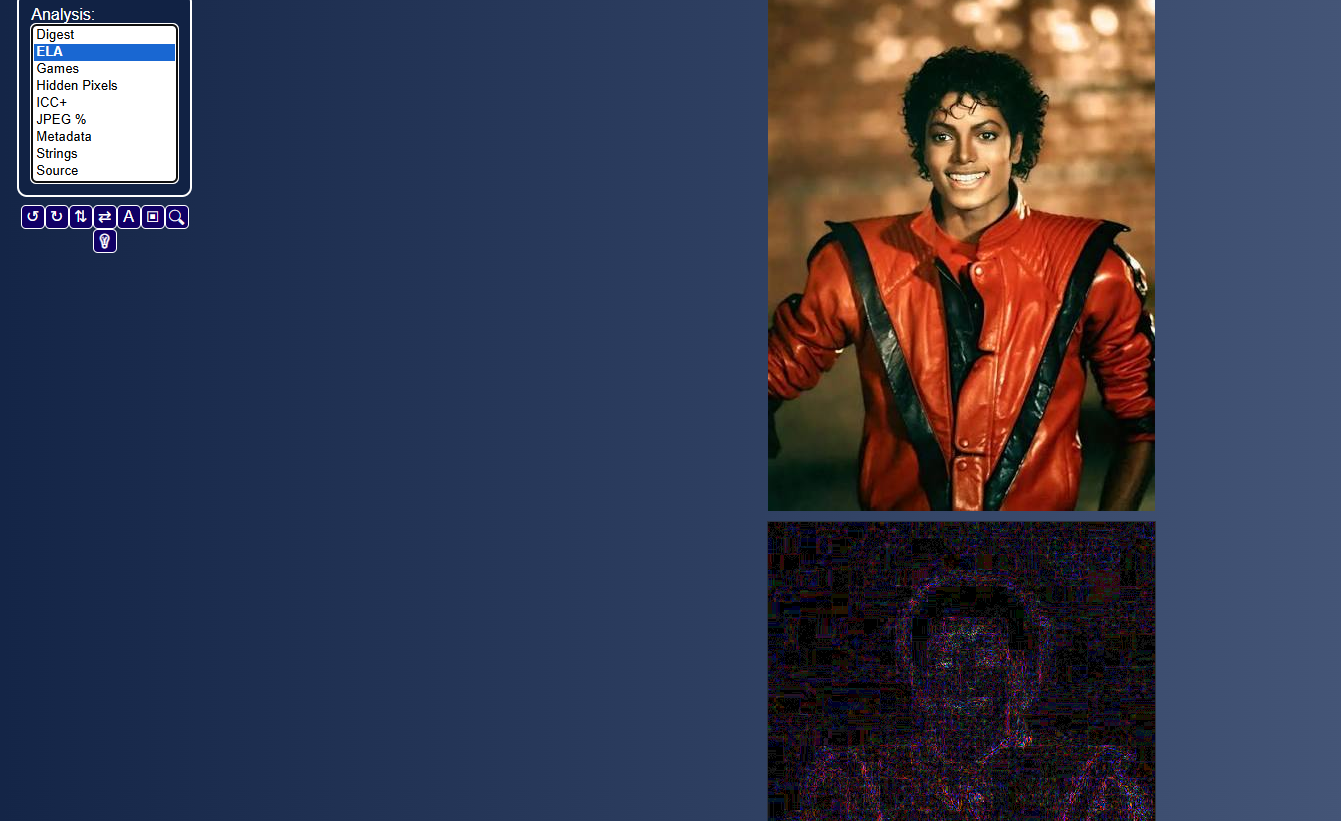
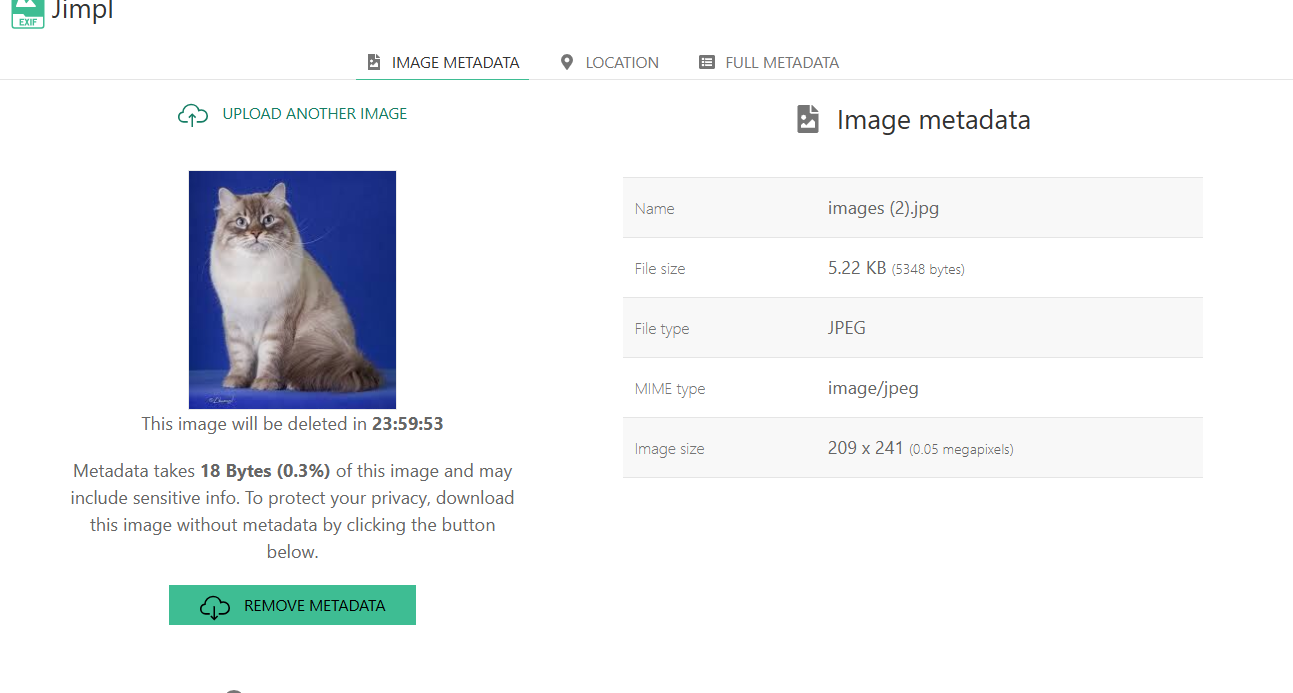
<table data-card-size="large" data-column-title-hidden data-view="cards" data-full-width="false" data-search="false"><thead><tr><th>名称</th><th>描述</th><th>官方链接</th><th data-hidden data-card-cover data-type="image">封面图片</th></tr></thead><tbody><tr><td><strong>ExifTool</strong></td><td>用于读取、写入和提取图像、文档及媒体文件元数据的命令行工具。</td><td><a href="https://github.com/exiftool/exiftool">https://github.com/exiftool/exiftool</a></td><td><a href="https://1574813340-files.gitbook.io/~/files/v0/b/gitbook-x-prod.appspot.com/o/spaces%2Fl4EVJpcOrsgjSGsLI7p2%2Fuploads%2Fgit-blob-06a3e54ff38539eda192e07b4a2170da185191b7%2Fimage.png?alt=media">image.png</a></td></tr><tr><td><strong>ExifPurge</strong></td><td>可批量从多张图片中移除 EXIF 元数据的便携式应用程序。</td><td><a href="https://www.exifpurge.com/">https://www.exifpurge.com/</a></td><td><a href="https://1574813340-files.gitbook.io/~/files/v0/b/gitbook-x-prod.appspot.com/o/spaces%2Fl4EVJpcOrsgjSGsLI7p2%2Fuploads%2Fgit-blob-b68a3975c9ff16fa12f57d37e5e6ee953761fdc2%2FExifPurgeScreenshot.png?alt=media">ExifPurgeScreenshot.png</a></td></tr><tr><td><strong>Forensically</strong></td><td>基于网页的图像取证工具包，用于分析潜在编辑、克隆、噪点和篡改迹象。</td><td><a href="https://29a.ch/photo-forensics/">https://29a.ch/photo-forensics/</a></td><td><a href="https://1574813340-files.gitbook.io/~/files/v0/b/gitbook-x-prod.appspot.com/o/spaces%2Fl4EVJpcOrsgjSGsLI7p2%2Fuploads%2Fgit-blob-1b686b43c6b9fcfef23dae6fdd65e5a2422ee1e0%2Fimage.png?alt=media">image.png</a></td></tr><tr><td><strong>FotoForensics</strong></td><td>用于分析压缩、元数据和可能篡改痕迹的图像取证服务。</td><td><a href="https://fotoforensics.com">https://fotoforensics.com</a></td><td><a href="https://1574813340-files.gitbook.io/~/files/v0/b/gitbook-x-prod.appspot.com/o/spaces%2Fl4EVJpcOrsgjSGsLI7p2%2Fuploads%2Fgit-blob-a4970ee2721eca3ee12268fd13f74128f470dff3%2Fimage.png?alt=media">image.png</a></td></tr><tr><td><strong>Jimpl</strong></td><td>用于检查嵌入式图像元数据的在线 EXIF 查看器。</td><td><a href="https://jimpl.com/">https://jimpl.com/</a></td><td><a href="https://1574813340-files.gitbook.io/~/files/v0/b/gitbook-x-prod.appspot.com/o/spaces%2Fl4EVJpcOrsgjSGsLI7p2%2Fuploads%2Fgit-blob-c8eace5b7b24230be817c29fd131cb5013597cc2%2Fimage.png?alt=media">image.png</a></td></tr></tbody></table>


---

# Agent Instructions
This documentation is published with GitBook. GitBook is the documentation platform designed so that both humans and AI agents can read, navigate, and reason over technical content effectively. Learn more at gitbook.com.

## Querying This Documentation
If you need additional information that is not directly available in this page, you can query the documentation by asking a question.

Perform an HTTP GET request on the following URL with the `ask` and `goal` query parameters:

```
GET https://hacking-notes.jord4n.pro/zh/hacking-tools/osint/image-and-video-analysis.md?ask=<question>&goal=<user_goal>
```

`ask` is the immediate question: it should be specific, self-contained, and written in natural language.
`goal` is what the user is ultimately trying to achieve, the reason they need the answer. Sharing it helps GitBook give you a better, more relevant answer. A goal is most helpful when it describes the outcome the user wants rather than restating the question. For example, with `ask=how do I create an API token`, a goal like `automate deployments from our CI pipeline` lets GitBook tailor the answer to that use case.

The response will contain a direct answer to the question and relevant excerpts and sources from the documentation.

Use this mechanism when the answer is not explicitly present in the current page, you need clarification or additional context, or you want to retrieve related documentation sections.