> For the complete documentation index, see [llms.txt](https://hacking-notes.jord4n.pro/llms.txt). Markdown versions of documentation pages are available by appending `.md` to page URLs; this page is available as [Markdown](https://hacking-notes.jord4n.pro/zh/hacking-tools/osint/websites-and-infrastructure.md).

# 网站与基础设施

用于互联网暴露服务、归档页面、站点监控和内容复制分析的网站与基础设施研究资源。

使用这些资源来研究 Web 基础设施、互联网暴露服务、网站历史状态、页面变更以及可疑内容复制。

## 工具

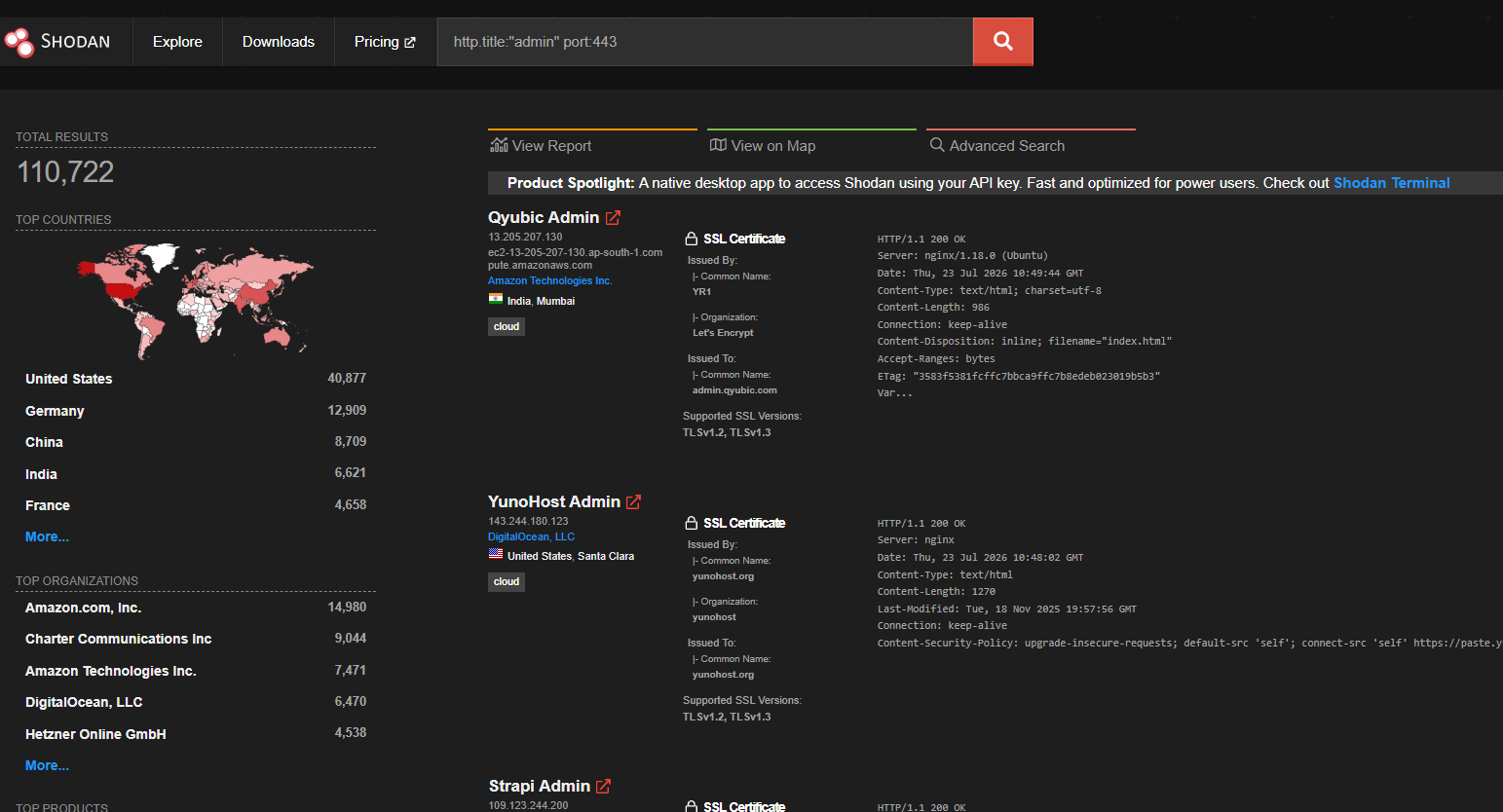
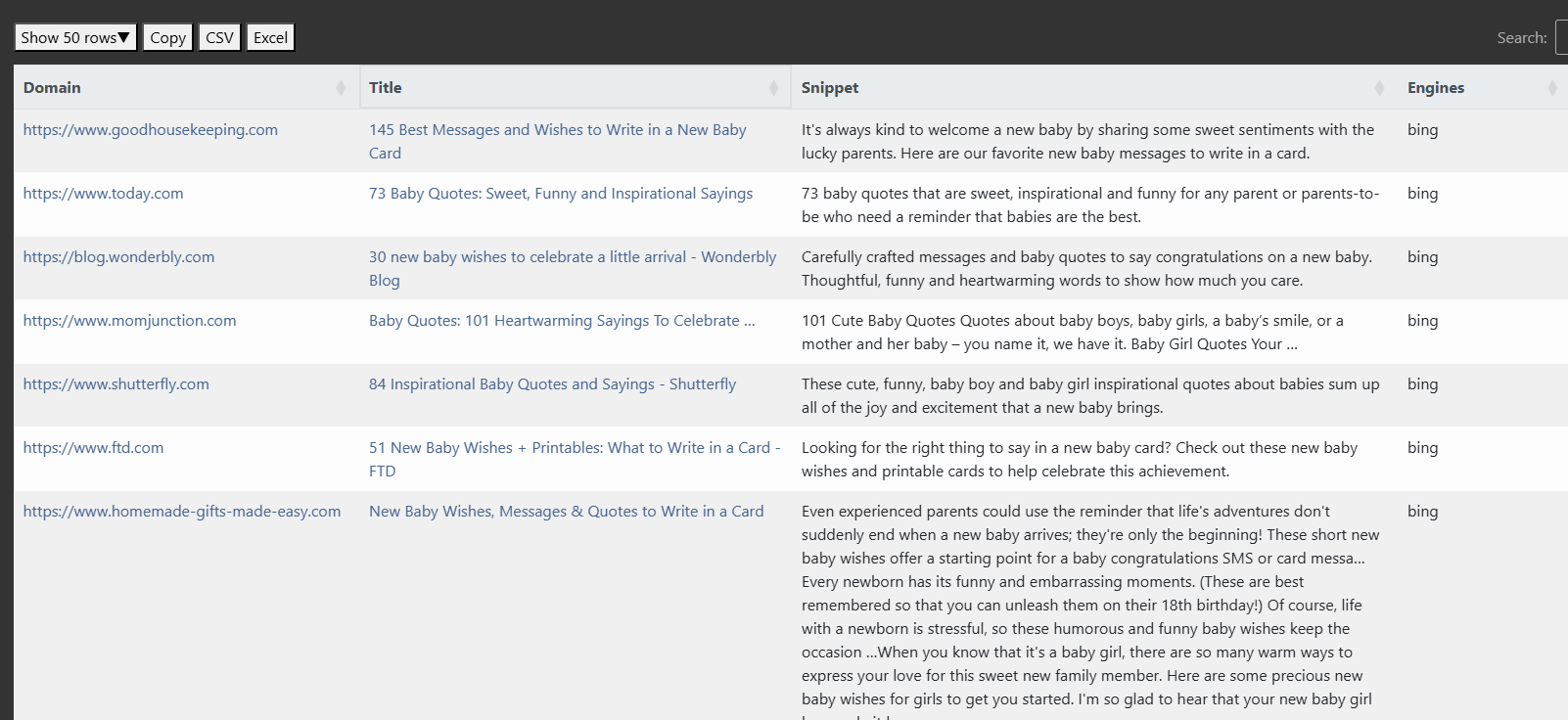
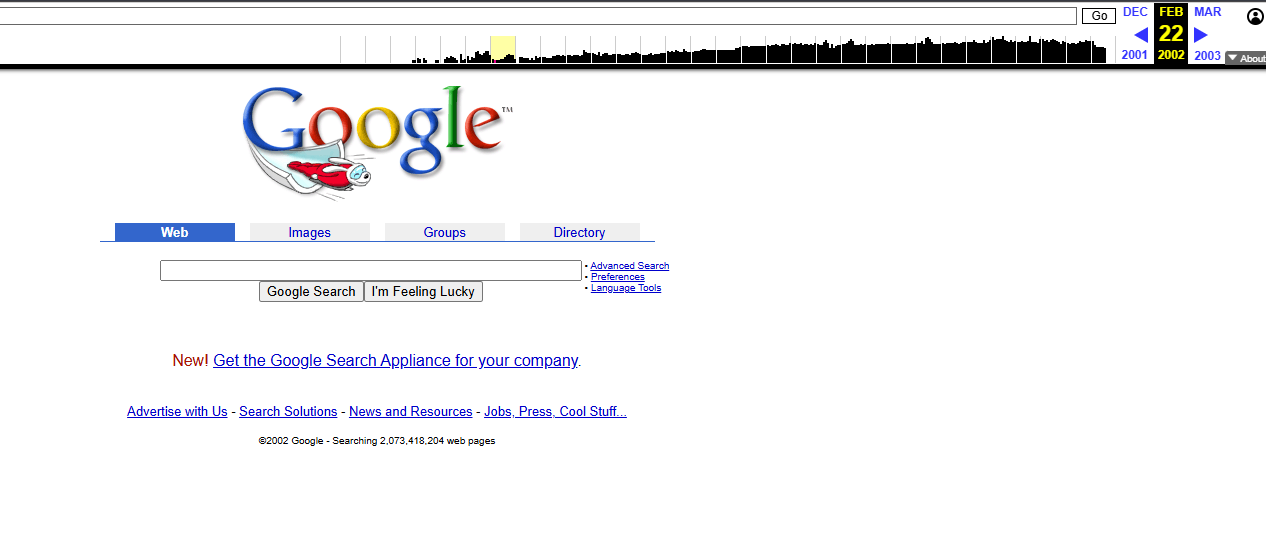
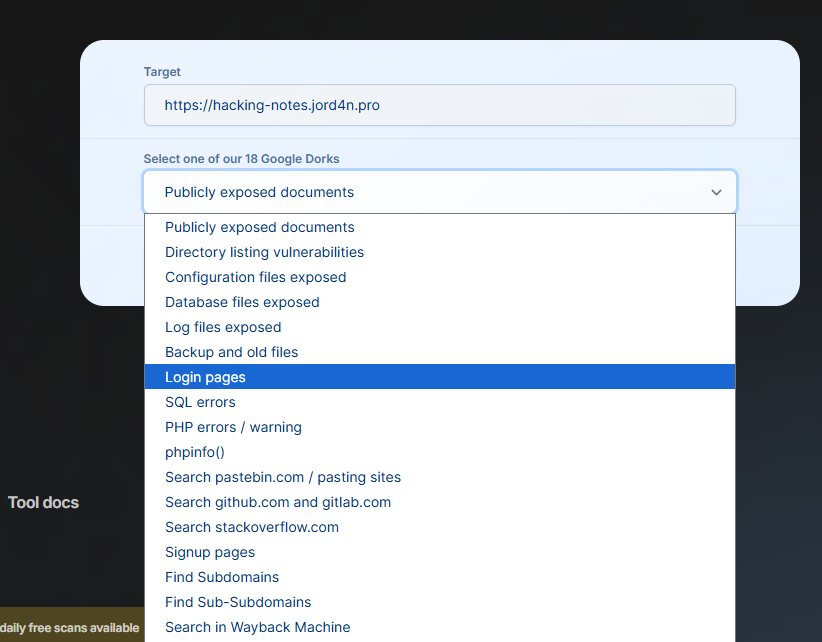
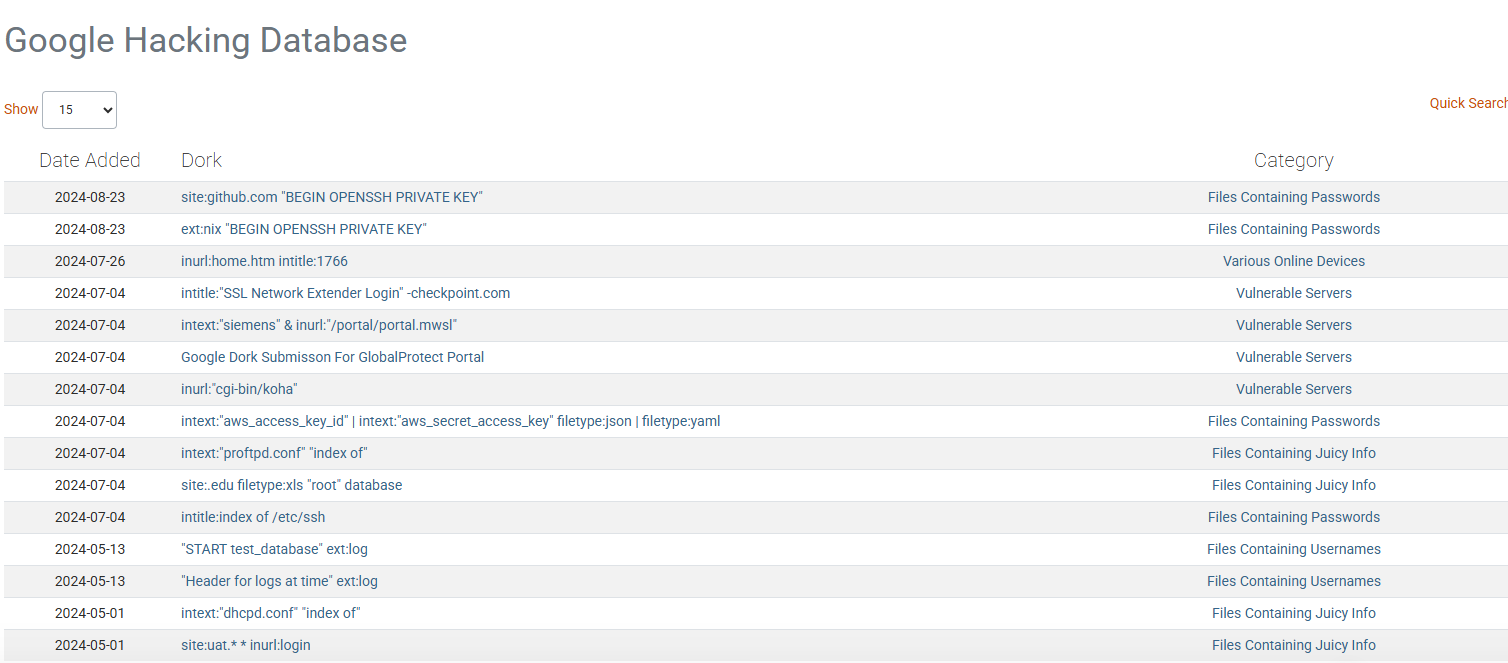
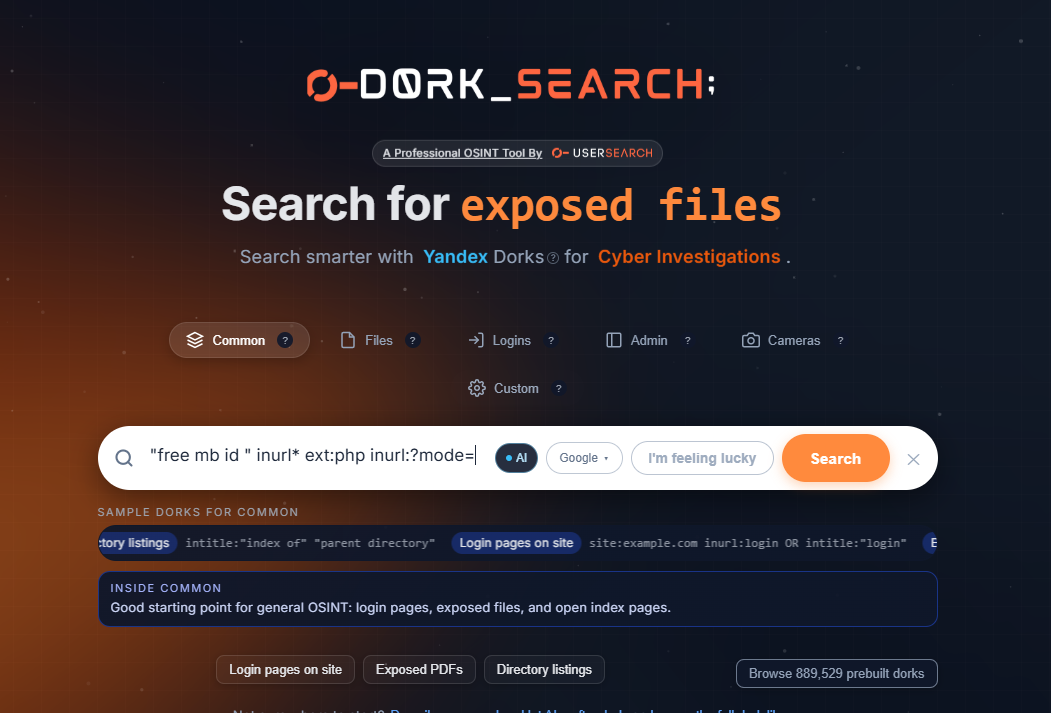
<table data-card-size="large" data-column-title-hidden data-view="cards" data-full-width="false" data-search="false"><thead><tr><th>名称</th><th>描述</th><th>官方链接</th><th data-hidden data-card-cover data-type="image">封面图片</th></tr></thead><tbody><tr><td><strong>Shodan</strong></td><td>用于搜索联网设备、服务、数据库、摄像头和暴露基础设施的搜索引擎。</td><td><a href="https://www.shodan.io/">https://www.shodan.io/</a></td><td><a href="https://1574813340-files.gitbook.io/~/files/v0/b/gitbook-x-prod.appspot.com/o/spaces%2Fl4EVJpcOrsgjSGsLI7p2%2Fuploads%2Fgit-blob-55ad4880d2bc0c95984afa8e765e8b0a3bd5c90a%2Fimage.png?alt=media">image.png</a></td></tr><tr><td><strong>信息洗衣房</strong></td><td>分析内容复制和站点架构模式，以调查信息洗白。</td><td><a href="https://informationlaundromat.com/">https://informationlaundromat.com/</a></td><td><a href="https://1574813340-files.gitbook.io/~/files/v0/b/gitbook-x-prod.appspot.com/o/spaces%2Fl4EVJpcOrsgjSGsLI7p2%2Fuploads%2Fgit-blob-8790b888699b0eb6b973e6a8b61ce7fb6a820e46%2Fimage.png?alt=media">image.png</a></td></tr><tr><td><strong>Wayback Machine</strong></td><td>通过 Internet Archive 查看并归档网页的历史版本。</td><td><a href="https://web.archive.org/">https://web.archive.org/</a></td><td><a href="https://1574813340-files.gitbook.io/~/files/v0/b/gitbook-x-prod.appspot.com/o/spaces%2Fl4EVJpcOrsgjSGsLI7p2%2Fuploads%2Fgit-blob-954770f72a30c2809024850e2e92c1da268e5fde%2Fimage.png?alt=media">image.png</a></td></tr><tr><td><strong>Distill.io</strong></td><td>监控网页，并在内容发生变化时接收提醒。</td><td><a href="https://distill.io/">https://distill.io/</a></td><td><a href="https://1574813340-files.gitbook.io/~/files/v0/b/gitbook-x-prod.appspot.com/o/spaces%2Fl4EVJpcOrsgjSGsLI7p2%2Fuploads%2Fgit-blob-2edf2eec6042a8109293067899442f6d9eb9bb98%2Fimage.png?alt=media">image.png</a></td></tr><tr><td><strong>Pentest-Tools Google Hacking</strong></td><td>用于发现已被索引的敏感文件、暴露面板和公开信息的 Google dork 辅助工具。</td><td><a href="https://pentest-tools.com/information-gathering/google-hacking">https://pentest-tools.com/information-gathering/google-hacking</a></td><td><a href="https://1574813340-files.gitbook.io/~/files/v0/b/gitbook-x-prod.appspot.com/o/spaces%2Fl4EVJpcOrsgjSGsLI7p2%2Fuploads%2Fgit-blob-74401ceff864a08d2cda1b888dce8f490f488c52%2Fimage.png?alt=media">image.png</a></td></tr><tr><td><strong>Exploit-DB Google Hacking Database</strong></td><td>整理好的 Google dork 数据库，用于查找暴露文件、面板、备份和其他已被索引的工件。</td><td><a href="https://www.exploit-db.com/google-hacking-database">https://www.exploit-db.com/google-hacking-database</a></td><td><a href="https://1574813340-files.gitbook.io/~/files/v0/b/gitbook-x-prod.appspot.com/o/spaces%2Fl4EVJpcOrsgjSGsLI7p2%2Fuploads%2Fgit-blob-ee8d6a41b88b49c357130145a2fddb16bb26b17d%2Fimage.png?alt=media">image.png</a></td></tr><tr><td><strong>DorkSearch</strong></td><td>用于快速构建高级搜索查询的 Google dork 构建器。</td><td><a href="https://dorksearch.com/">https://dorksearch.com/</a></td><td><a href="https://1574813340-files.gitbook.io/~/files/v0/b/gitbook-x-prod.appspot.com/o/spaces%2Fl4EVJpcOrsgjSGsLI7p2%2Fuploads%2Fgit-blob-35f3a247b5489ceb2765a3af22dd17409504842a%2Fimage.png?alt=media">image.png</a></td></tr></tbody></table>

## 归档 URL

使用 `waybackurls` 用于从 Wayback Machine 收集历史 URL，并保留其抓取日期，以便后续审查参数、端点和文件。

```bash
export TARGET="target.com"
waybackurls -dates "https://${TARGET}" > waybackurls.txt
```


---

# Agent Instructions
This documentation is published with GitBook. GitBook is the documentation platform designed so that both humans and AI agents can read, navigate, and reason over technical content effectively. Learn more at gitbook.com.

## Querying This Documentation
If you need additional information that is not directly available in this page, you can query the documentation by asking a question.

Perform an HTTP GET request on the following URL with the `ask` and `goal` query parameters:

```
GET https://hacking-notes.jord4n.pro/zh/hacking-tools/osint/websites-and-infrastructure.md?ask=<question>&goal=<user_goal>
```

`ask` is the immediate question: it should be specific, self-contained, and written in natural language.
`goal` is what the user is ultimately trying to achieve, the reason they need the answer. Sharing it helps GitBook give you a better, more relevant answer. A goal is most helpful when it describes the outcome the user wants rather than restating the question. For example, with `ask=how do I create an API token`, a goal like `automate deployments from our CI pipeline` lets GitBook tailor the answer to that use case.

The response will contain a direct answer to the question and relevant excerpts and sources from the documentation.

Use this mechanism when the answer is not explicitly present in the current page, you need clarification or additional context, or you want to retrieve related documentation sections.