> For the complete documentation index, see [llms.txt](https://hacking-notes.jord4n.pro/llms.txt). Markdown versions of documentation pages are available by appending `.md` to page URLs; this page is available as [Markdown](https://hacking-notes.jord4n.pro/es/hacking-tools/windows.md).

# Herramientas de Windows

Notas de herramientas ofensivas para Windows para enumeración local, comprobaciones de elevación de privilegios, mapeo de rutas de ataque de Active Directory, BloodHound, SharpHound, WinPEAS, PrivescCheck, LOLBAS, PowerUp, Invoke-Obfuscati

Las herramientas de Windows admiten revisión local de privilegios, mapeo de relaciones de Active Directory, enumeración de endpoints y postexplotación controlada. Usa esta sección para elegir la herramienta adecuada para la evidencia que necesitas: privilegios locales, servicios débiles, relaciones de dominio, rutas de ataque o referencias de omisión de ejecutables.

## Flujo de trabajo de herramientas de Windows

1. Enumera la identidad local, los privilegios, los grupos, los procesos, los servicios, las sesiones, el estado de la red y el software instalado.
2. Usa WinPEAS, PrivescCheck, PowerUp o comandos manuales para identificar configuraciones incorrectas locales.
3. Recopila relaciones de Active Directory con SharpHound o BloodHound.py cuando el contexto del dominio importe.
4. Analiza las rutas de BloodHound para encontrar los recorridos controlados más cortos hacia administrador local, grupos de alto valor o el compromiso del dominio.
5. Comprueba LOLBAS y WADCom cuando una técnica dependa de binarios integrados de Windows o de la sintaxis de comandos de AD.

## Categorías de herramientas de Windows

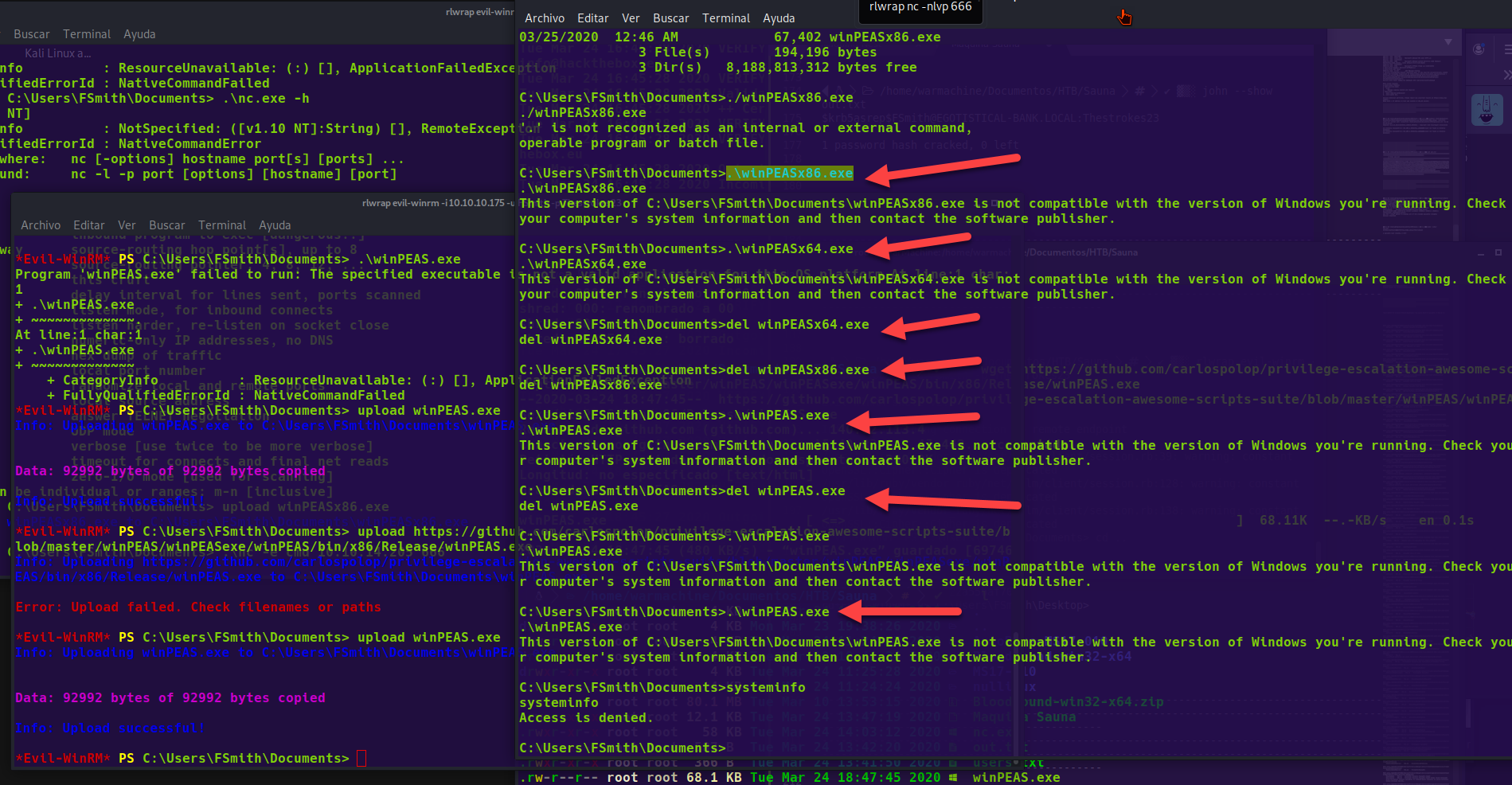
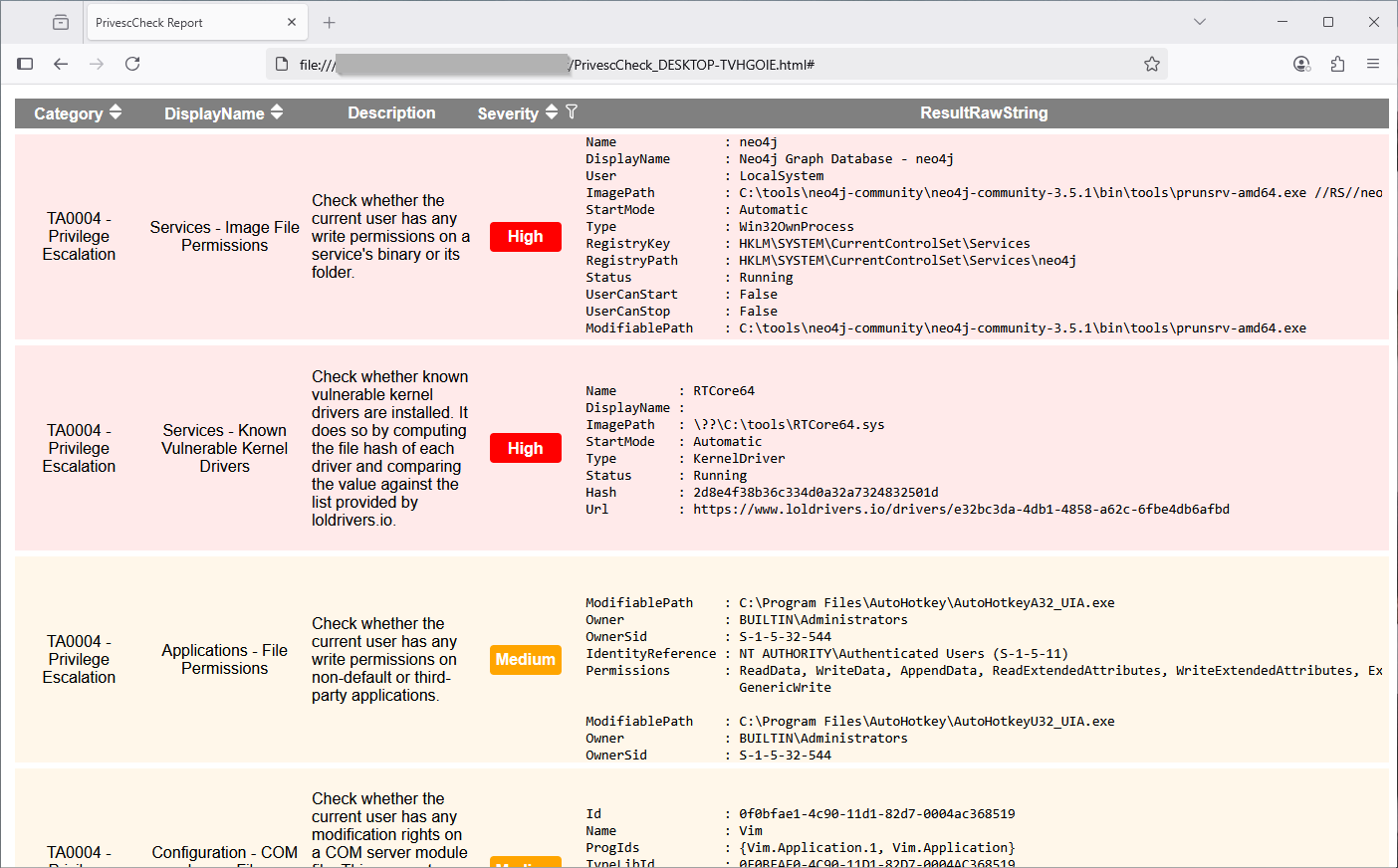
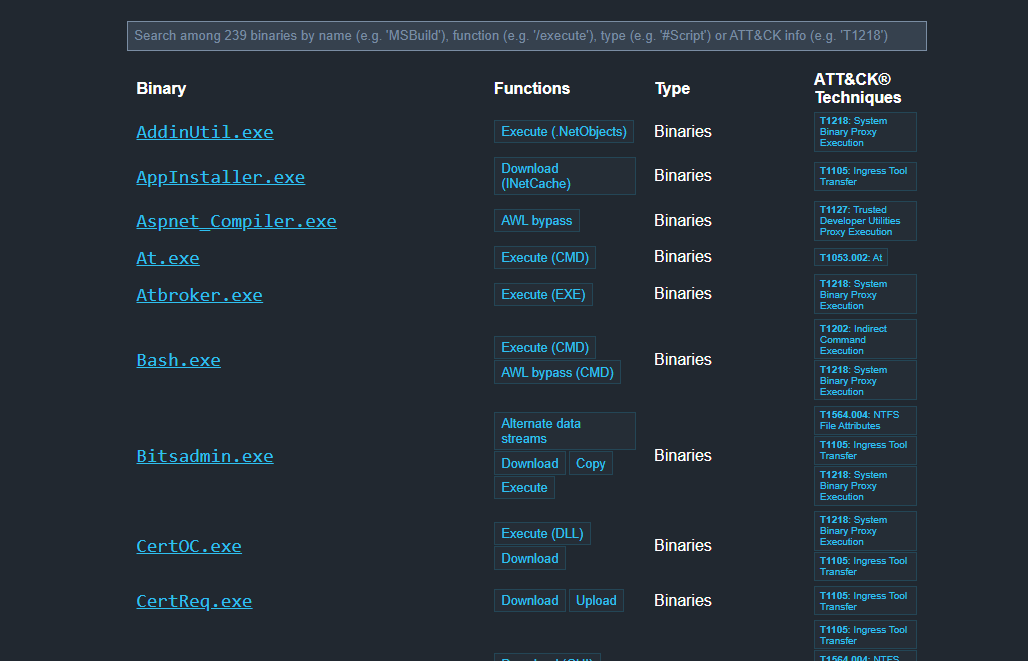
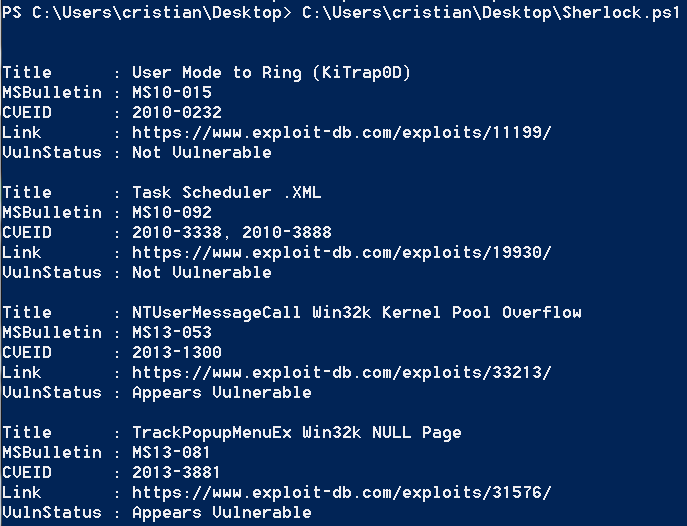
<table data-card-size="large" data-column-title-hidden data-view="cards" data-full-width="false" data-search="false"><thead><tr><th>Nombre</th><th>Descripción</th><th>Enlace oficial</th><th data-hidden data-card-cover data-type="image">Imagen de portada</th></tr></thead><tbody><tr><td><strong>Enumeración de Windows</strong></td><td>Comandos y comprobaciones locales para identificar privilegios, grupos y servicios.</td><td><a href="/es/hacking-tools/windows/windows-enumeration.md">enumeración-de-windows</a></td><td></td></tr><tr><td><strong>BloodHound</strong></td><td>Mapeo de Active Directory y descubrimiento de rutas de ataque.</td><td><a href="/es/hacking-tools/windows/bloodhound-tool.md">herramienta-bloodhound</a></td><td></td></tr><tr><td><strong>WinPEAS</strong></td><td>Enumeración automatizada para la escalada de privilegios en Windows.</td><td><a href="https://github.com/peass-ng/PEASS-ng/releases/tag/20241101-6f46e855">https://github.com/peass-ng/PEASS-ng/releases/tag/20241101-6f46e855</a></td><td><a href="https://754079710-files.gitbook.io/~/files/v0/b/gitbook-x-prod.appspot.com/o/spaces%2Fl4EVJpcOrsgjSGsLI7p2%2Fuploads%2Fgit-blob-6e9481e03ce9481535dee569ade2212fae6c6794%2Fimage.png?alt=media">image.png</a></td></tr><tr><td><strong>PrivescCheck</strong></td><td>Auditoría en PowerShell de configuraciones incorrectas de Windows.</td><td><a href="https://github.com/itm4n/PrivescCheck">https://github.com/itm4n/PrivescCheck</a></td><td><a href="https://754079710-files.gitbook.io/~/files/v0/b/gitbook-x-prod.appspot.com/o/spaces%2Fl4EVJpcOrsgjSGsLI7p2%2Fuploads%2Fgit-blob-86db6e4d02451169c9883f216dde6051f684d851%2Fimage.png?alt=media">image.png</a></td></tr><tr><td><strong>LOLBAS</strong></td><td>Referencia de binarios de Windows utilizables para omisiones o ejecución.</td><td><a href="https://lolbas-project.github.io/">https://lolbas-project.github.io/</a></td><td><a href="https://754079710-files.gitbook.io/~/files/v0/b/gitbook-x-prod.appspot.com/o/spaces%2Fl4EVJpcOrsgjSGsLI7p2%2Fuploads%2Fgit-blob-aa91777110a6898c165b88a516317a3eb8cde4f2%2Fimage.png?alt=media">image.png</a></td></tr><tr><td><strong>Sherlock</strong></td><td>Descubrimiento de vulnerabilidades locales conocidas de Windows.</td><td><a href="https://github.com/rasta-mouse/Sherlock">https://github.com/rasta-mouse/Sherlock</a></td><td><a href="https://754079710-files.gitbook.io/~/files/v0/b/gitbook-x-prod.appspot.com/o/spaces%2Fl4EVJpcOrsgjSGsLI7p2%2Fuploads%2Fgit-blob-fbcca3b2396274fea4a41da1ab0b8e0992ba3cfe%2Fimage.png?alt=media">image.png</a></td></tr></tbody></table>


---

# Agent Instructions
This documentation is published with GitBook. GitBook is the documentation platform designed so that both humans and AI agents can read, navigate, and reason over technical content effectively. Learn more at gitbook.com.

## Querying This Documentation
If you need additional information that is not directly available in this page, you can query the documentation by asking a question.

Perform an HTTP GET request on the following URL with the `ask` and `goal` query parameters:

```
GET https://hacking-notes.jord4n.pro/es/hacking-tools/windows.md?ask=<question>&goal=<user_goal>
```

`ask` is the immediate question: it should be specific, self-contained, and written in natural language.
`goal` is what the user is ultimately trying to achieve, the reason they need the answer. Sharing it helps GitBook give you a better, more relevant answer. A goal is most helpful when it describes the outcome the user wants rather than restating the question. For example, with `ask=how do I create an API token`, a goal like `automate deployments from our CI pipeline` lets GitBook tailor the answer to that use case.

The response will contain a direct answer to the question and relevant excerpts and sources from the documentation.

Use this mechanism when the answer is not explicitly present in the current page, you need clarification or additional context, or you want to retrieve related documentation sections.