> For the complete documentation index, see [llms.txt](https://hacking-notes.jord4n.pro/llms.txt). Markdown versions of documentation pages are available by appending `.md` to page URLs; this page is available as [Markdown](https://hacking-notes.jord4n.pro/fr/hacking-tools/windows.md).

# Outils Windows

Notes sur les outils de sécurité offensive Windows pour l’énumération locale, les vérifications de privilèges, la cartographie des chemins d’attaque Active Directory, BloodHound, SharpHound, WinPEAS, PrivescCheck, LOLBAS, PowerUp, Invoke-Obfuscati

Les outils Windows prennent en charge l'examen des privilèges locaux, la cartographie des relations Active Directory, l'énumération des points de terminaison et la post-exploitation contrôlée. Utilisez cette section pour choisir l'outil adapté aux éléments de preuve dont vous avez besoin : privilèges locaux, services vulnérables, relations de domaine, chemins d'attaque ou références de contournement pour exécutables.

## Flux de travail des outils Windows

1. Énumérez l'identité locale, les privilèges, les groupes, les processus, les services, les sessions, l'état du réseau et les logiciels installés.
2. Utilisez WinPEAS, PrivescCheck, PowerUp ou des commandes manuelles pour identifier les mauvaises configurations locales.
3. Collectez les relations Active Directory avec SharpHound ou BloodHound.py lorsque le contexte du domaine est important.
4. Analysez les chemins BloodHound pour trouver les routes contrôlées les plus courtes vers l'administrateur local, les groupes à forte valeur ou la compromission du domaine.
5. Vérifiez LOLBAS et WADCom lorsqu'une technique dépend des binaires Windows intégrés ou de la syntaxe des commandes AD.

## Catégories d'outils Windows

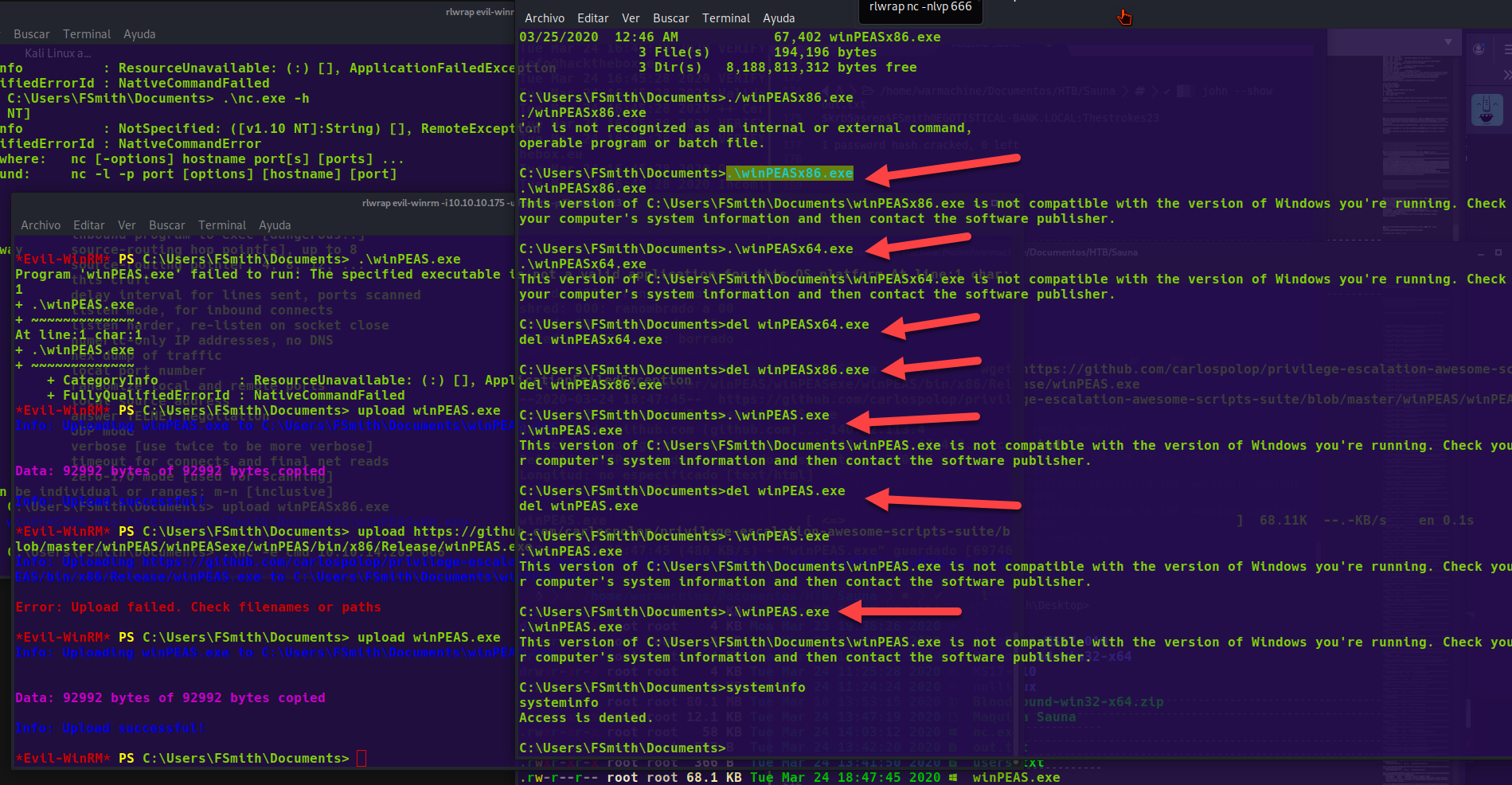
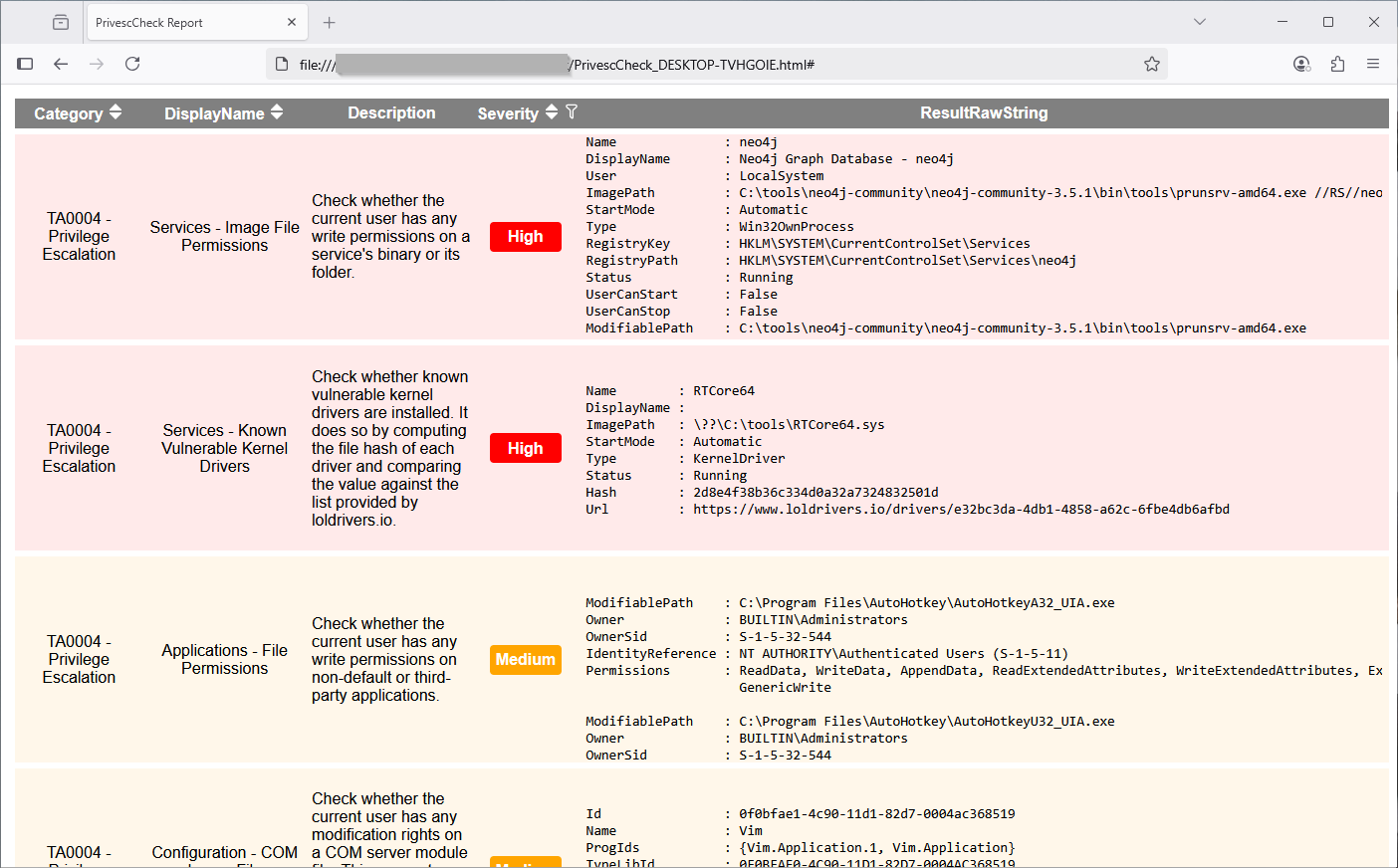
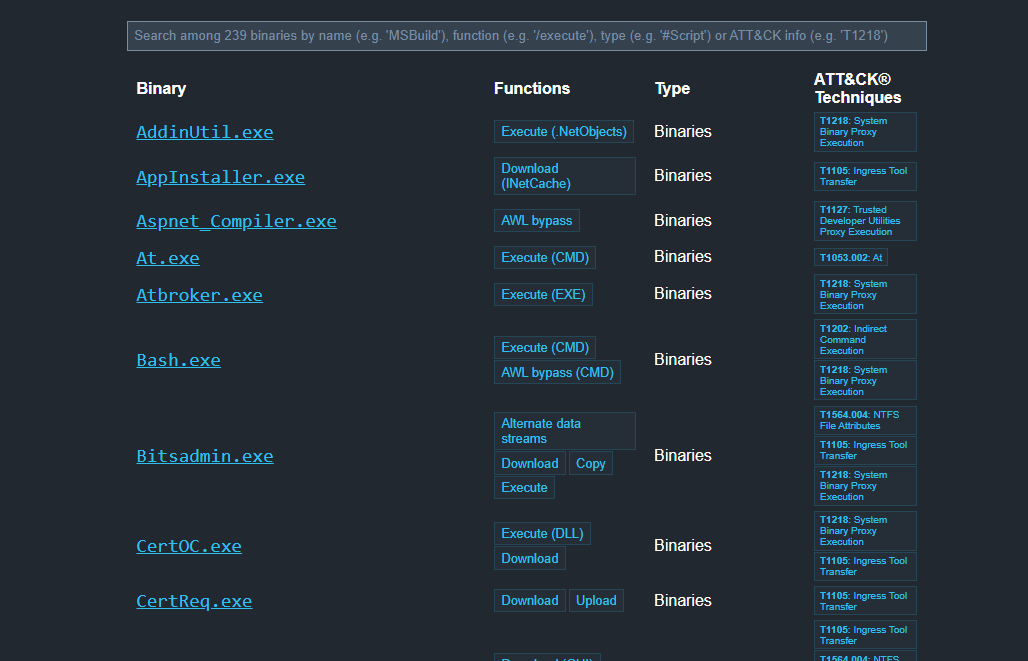
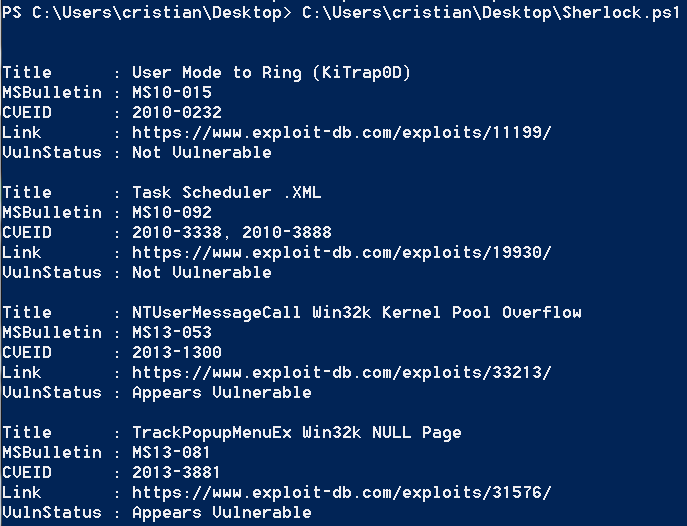
<table data-card-size="large" data-column-title-hidden data-view="cards" data-full-width="false" data-search="false"><thead><tr><th>Nom</th><th>Description</th><th>Lien officiel</th><th data-hidden data-card-cover data-type="image">Image de couverture</th></tr></thead><tbody><tr><td><strong>Énumération Windows</strong></td><td>Commandes et vérifications locales pour identifier les privilèges, les groupes et les services.</td><td><a href="/fr/hacking-tools/windows/windows-enumeration.md">énumération-windows</a></td><td></td></tr><tr><td><strong>BloodHound</strong></td><td>Cartographie d'Active Directory et découverte des chemins d'attaque.</td><td><a href="/fr/hacking-tools/windows/bloodhound-tool.md">outil-bloodhound</a></td><td></td></tr><tr><td><strong>WinPEAS</strong></td><td>Énumération automatisée pour l'escalade de privilèges sous Windows.</td><td><a href="https://github.com/peass-ng/PEASS-ng/releases/tag/20241101-6f46e855">https://github.com/peass-ng/PEASS-ng/releases/tag/20241101-6f46e855</a></td><td><a href="https://3840167291-files.gitbook.io/~/files/v0/b/gitbook-x-prod.appspot.com/o/spaces%2Fl4EVJpcOrsgjSGsLI7p2%2Fuploads%2Fgit-blob-6e9481e03ce9481535dee569ade2212fae6c6794%2Fimage.png?alt=media">image.png</a></td></tr><tr><td><strong>PrivescCheck</strong></td><td>Audit PowerShell des mauvaises configurations Windows.</td><td><a href="https://github.com/itm4n/PrivescCheck">https://github.com/itm4n/PrivescCheck</a></td><td><a href="https://3840167291-files.gitbook.io/~/files/v0/b/gitbook-x-prod.appspot.com/o/spaces%2Fl4EVJpcOrsgjSGsLI7p2%2Fuploads%2Fgit-blob-86db6e4d02451169c9883f216dde6051f684d851%2Fimage.png?alt=media">image.png</a></td></tr><tr><td><strong>LOLBAS</strong></td><td>Référence pour les binaires Windows pouvant être utilisés pour des contournements ou l'exécution.</td><td><a href="https://lolbas-project.github.io/">https://lolbas-project.github.io/</a></td><td><a href="https://3840167291-files.gitbook.io/~/files/v0/b/gitbook-x-prod.appspot.com/o/spaces%2Fl4EVJpcOrsgjSGsLI7p2%2Fuploads%2Fgit-blob-aa91777110a6898c165b88a516317a3eb8cde4f2%2Fimage.png?alt=media">image.png</a></td></tr><tr><td><strong>Sherlock</strong></td><td>Découverte des vulnérabilités Windows locales connues.</td><td><a href="https://github.com/rasta-mouse/Sherlock">https://github.com/rasta-mouse/Sherlock</a></td><td><a href="https://3840167291-files.gitbook.io/~/files/v0/b/gitbook-x-prod.appspot.com/o/spaces%2Fl4EVJpcOrsgjSGsLI7p2%2Fuploads%2Fgit-blob-fbcca3b2396274fea4a41da1ab0b8e0992ba3cfe%2Fimage.png?alt=media">image.png</a></td></tr></tbody></table>


---

# Agent Instructions
This documentation is published with GitBook. GitBook is the documentation platform designed so that both humans and AI agents can read, navigate, and reason over technical content effectively. Learn more at gitbook.com.

## Querying This Documentation
If you need additional information that is not directly available in this page, you can query the documentation by asking a question.

Perform an HTTP GET request on the following URL with the `ask` and `goal` query parameters:

```
GET https://hacking-notes.jord4n.pro/fr/hacking-tools/windows.md?ask=<question>&goal=<user_goal>
```

`ask` is the immediate question: it should be specific, self-contained, and written in natural language.
`goal` is what the user is ultimately trying to achieve, the reason they need the answer. Sharing it helps GitBook give you a better, more relevant answer. A goal is most helpful when it describes the outcome the user wants rather than restating the question. For example, with `ask=how do I create an API token`, a goal like `automate deployments from our CI pipeline` lets GitBook tailor the answer to that use case.

The response will contain a direct answer to the question and relevant excerpts and sources from the documentation.

Use this mechanism when the answer is not explicitly present in the current page, you need clarification or additional context, or you want to retrieve related documentation sections.