> For the complete documentation index, see [llms.txt](https://hacking-notes.jord4n.pro/llms.txt). Markdown versions of documentation pages are available by appending `.md` to page URLs; this page is available as [Markdown](https://hacking-notes.jord4n.pro/ja/hacking-tools/windows.md).

# Windows ツール

ローカル列挙、権限確認、Active Directory 攻撃パスのマッピング、BloodHound、SharpHound、WinPEAS、PrivescCheck、LOLBAS、PowerUp、Invoke-Obfuscati に関する Windows 攻撃的セキュリティツールメモ。

Windows のツール群は、ローカル権限の確認、Active Directory の関係マッピング、エンドポイントの列挙、および制御されたポストエクスプロイトをサポートします。このセクションを使って、必要な証跡に合ったツールを選んでください。ローカル権限、脆弱なサービス、ドメイン関係、攻撃経路、または実行バイパスの参照などです。

## Windows ツールのワークフロー

1. ローカルの ID、権限、グループ、プロセス、サービス、セッション、ネットワーク状態、インストール済みソフトウェアを列挙します。
2. WinPEAS、PrivescCheck、PowerUp、または手動コマンドを使って、ローカルの設定ミスを特定します。
3. ドメインの文脈が重要な場合は、SharpHound または BloodHound.py を使って Active Directory の関係を収集します。
4. BloodHound のパスを分析して、ローカル管理者、高価値グループ、またはドメイン侵害への最短の制御された経路を見つけます。
5. 手法が Windows 標準バイナリや AD のコマンド構文に依存する場合は、LOLBAS と WADCom を照合します。

## Windows ツールのカテゴリ

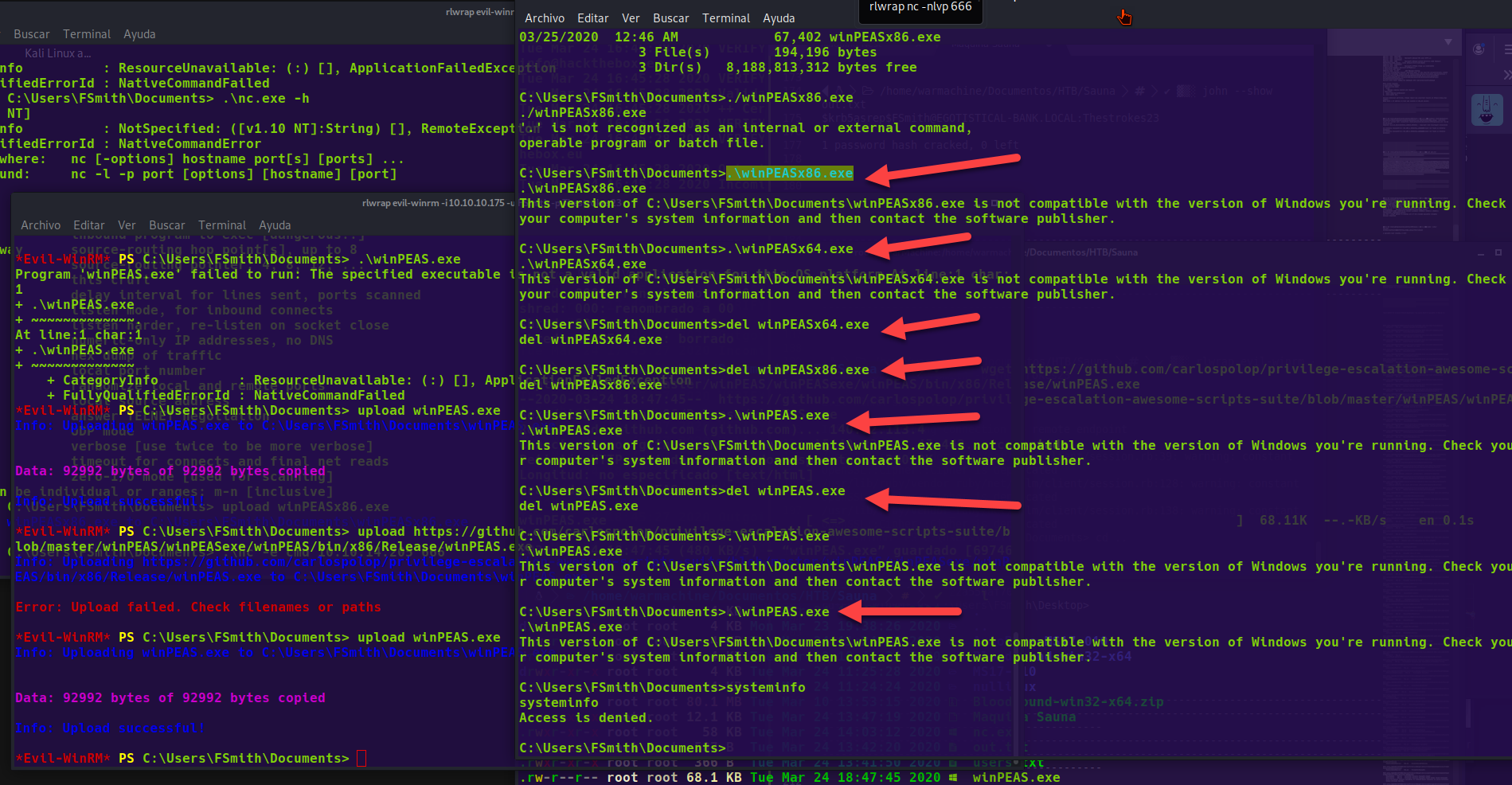
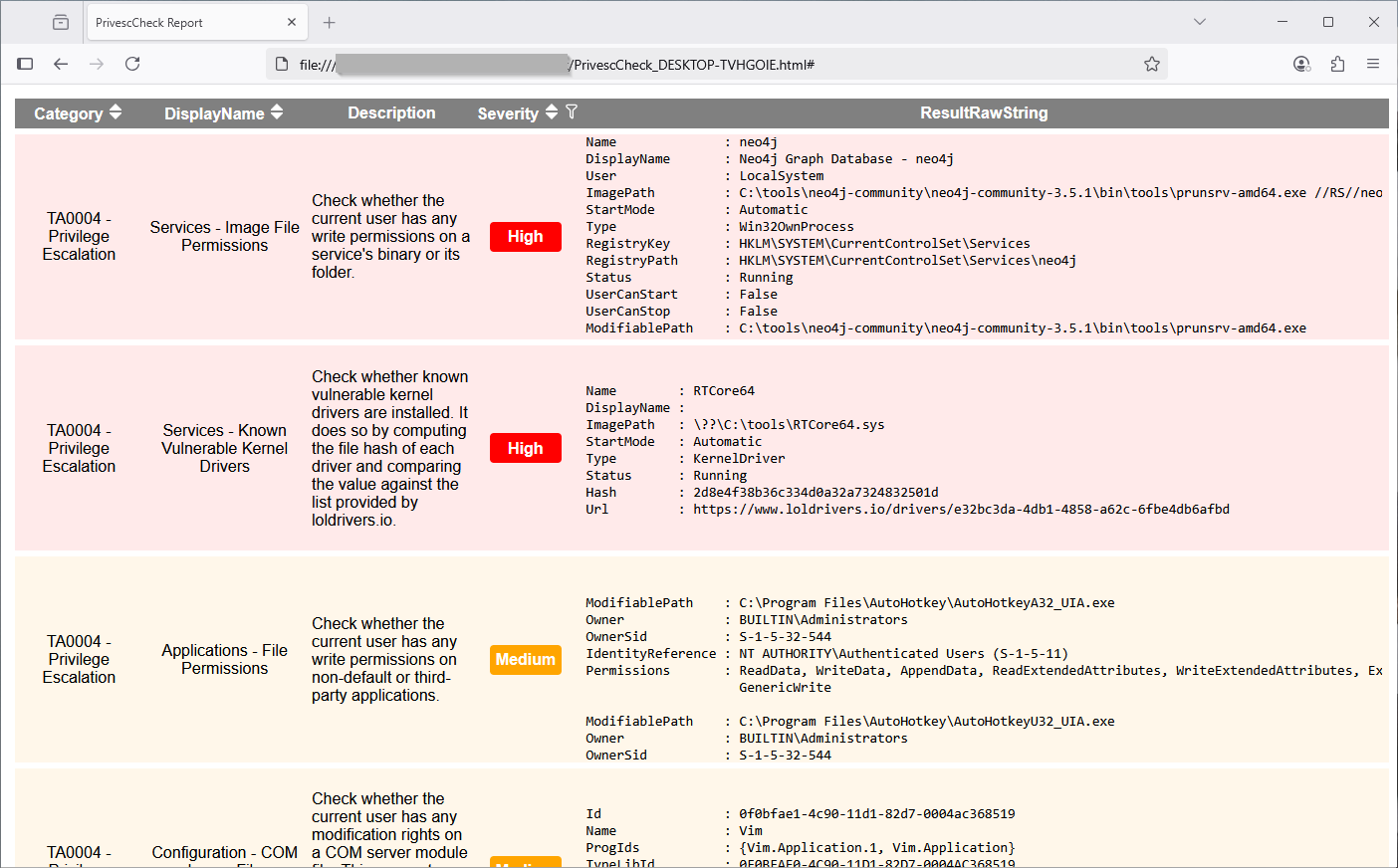
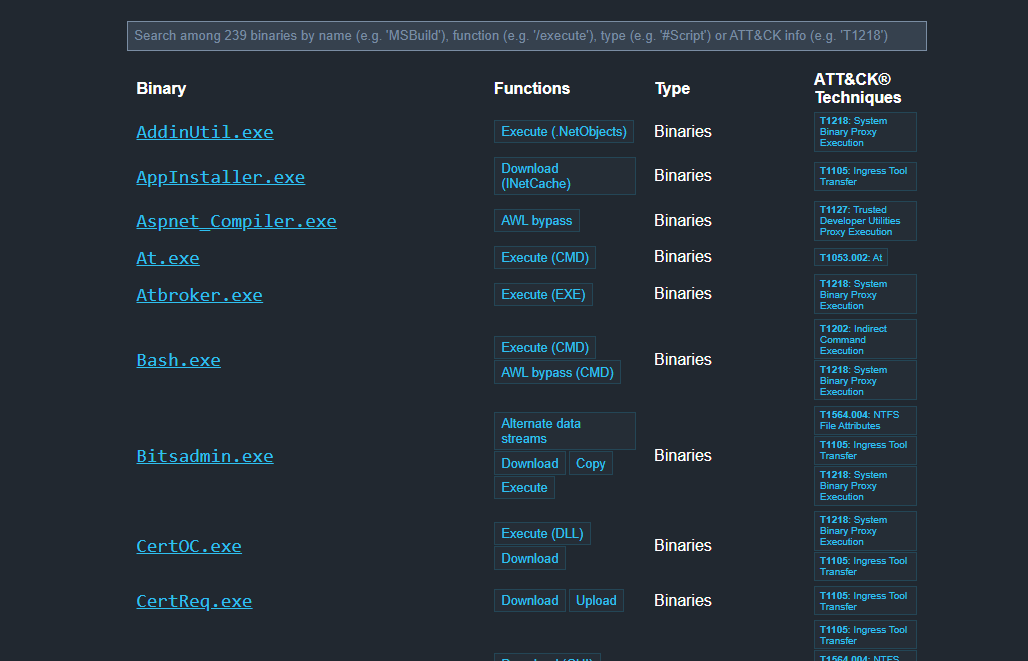
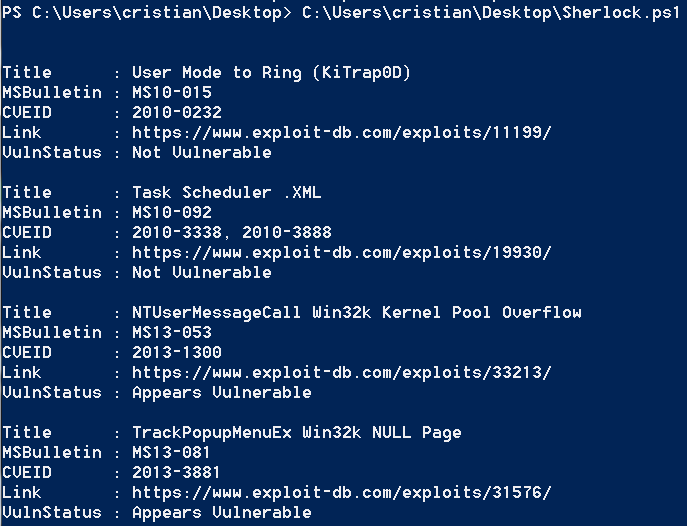
<table data-card-size="large" data-column-title-hidden data-view="cards" data-full-width="false" data-search="false"><thead><tr><th>名前</th><th>説明</th><th>公式リンク</th><th data-hidden data-card-cover data-type="image">カバー画像</th></tr></thead><tbody><tr><td><strong>Windows の列挙</strong></td><td>権限、グループ、サービスを特定するためのローカルコマンドとチェック。</td><td><a href="/ja/hacking-tools/windows/windows-enumeration.md">windows-enumeration</a></td><td></td></tr><tr><td><strong>BloodHound</strong></td><td>Active Directory のマッピングと攻撃経路の発見。</td><td><a href="/ja/hacking-tools/windows/bloodhound-tool.md">bloodhound-tool</a></td><td></td></tr><tr><td><strong>WinPEAS</strong></td><td>Windows の権限昇格のための自動列挙。</td><td><a href="https://github.com/peass-ng/PEASS-ng/releases/tag/20241101-6f46e855">https://github.com/peass-ng/PEASS-ng/releases/tag/20241101-6f46e855</a></td><td><a href="https://2001299964-files.gitbook.io/~/files/v0/b/gitbook-x-prod.appspot.com/o/spaces%2Fl4EVJpcOrsgjSGsLI7p2%2Fuploads%2Fgit-blob-6e9481e03ce9481535dee569ade2212fae6c6794%2Fimage.png?alt=media">image.png</a></td></tr><tr><td><strong>PrivescCheck</strong></td><td>Windows の設定ミスを PowerShell で監査。</td><td><a href="https://github.com/itm4n/PrivescCheck">https://github.com/itm4n/PrivescCheck</a></td><td><a href="https://2001299964-files.gitbook.io/~/files/v0/b/gitbook-x-prod.appspot.com/o/spaces%2Fl4EVJpcOrsgjSGsLI7p2%2Fuploads%2Fgit-blob-86db6e4d02451169c9883f216dde6051f684d851%2Fimage.png?alt=media">image.png</a></td></tr><tr><td><strong>LOLBAS</strong></td><td>回避や実行に使用できる Windows バイナリの参照集。</td><td><a href="https://lolbas-project.github.io/">https://lolbas-project.github.io/</a></td><td><a href="https://2001299964-files.gitbook.io/~/files/v0/b/gitbook-x-prod.appspot.com/o/spaces%2Fl4EVJpcOrsgjSGsLI7p2%2Fuploads%2Fgit-blob-aa91777110a6898c165b88a516317a3eb8cde4f2%2Fimage.png?alt=media">image.png</a></td></tr><tr><td><strong>Sherlock</strong></td><td>既知のローカル Windows 脆弱性の発見。</td><td><a href="https://github.com/rasta-mouse/Sherlock">https://github.com/rasta-mouse/Sherlock</a></td><td><a href="https://2001299964-files.gitbook.io/~/files/v0/b/gitbook-x-prod.appspot.com/o/spaces%2Fl4EVJpcOrsgjSGsLI7p2%2Fuploads%2Fgit-blob-fbcca3b2396274fea4a41da1ab0b8e0992ba3cfe%2Fimage.png?alt=media">image.png</a></td></tr></tbody></table>


---

# Agent Instructions
This documentation is published with GitBook. GitBook is the documentation platform designed so that both humans and AI agents can read, navigate, and reason over technical content effectively. Learn more at gitbook.com.

## Querying This Documentation
If you need additional information that is not directly available in this page, you can query the documentation by asking a question.

Perform an HTTP GET request on the following URL with the `ask` and `goal` query parameters:

```
GET https://hacking-notes.jord4n.pro/ja/hacking-tools/windows.md?ask=<question>&goal=<user_goal>
```

`ask` is the immediate question: it should be specific, self-contained, and written in natural language.
`goal` is what the user is ultimately trying to achieve, the reason they need the answer. Sharing it helps GitBook give you a better, more relevant answer. A goal is most helpful when it describes the outcome the user wants rather than restating the question. For example, with `ask=how do I create an API token`, a goal like `automate deployments from our CI pipeline` lets GitBook tailor the answer to that use case.

The response will contain a direct answer to the question and relevant excerpts and sources from the documentation.

Use this mechanism when the answer is not explicitly present in the current page, you need clarification or additional context, or you want to retrieve related documentation sections.