> For the complete documentation index, see [llms.txt](https://hacking-notes.jord4n.pro/llms.txt). Markdown versions of documentation pages are available by appending `.md` to page URLs; this page is available as [Markdown](https://hacking-notes.jord4n.pro/zh/hacking-tools/windows.md).

# Windows 工具

Windows 攻击性安全工具笔记，涵盖本地枚举、权限检查、Active Directory 攻击路径映射、BloodHound、SharpHound、WinPEAS、PrivescCheck、LOLBAS、PowerUp、Invoke-Obfuscati

Windows 工具支持本地权限审查、Active Directory 关系映射、端点枚举以及受控的后渗透操作。使用本节来选择最适合你所需证据的工具：本地权限、脆弱服务、域关系、攻击路径或可执行绕过参考。

## Windows 工具工作流程

1. 枚举本地身份、权限、组、进程、服务、会话、网络状态以及已安装的软件。
2. 使用 WinPEAS、PrivescCheck、PowerUp 或手动命令来识别本地错误配置。
3. 当需要域上下文时，使用 SharpHound 或 BloodHound.py 收集 Active Directory 关系。
4. 分析 BloodHound 路径，寻找到本地管理员、高价值组或域控制的最短受控路线。
5. 当某种技术依赖内置的 Windows 二进制文件或 AD 命令语法时，交叉参考 LOLBAS 和 WADCom。

## Windows 工具类别

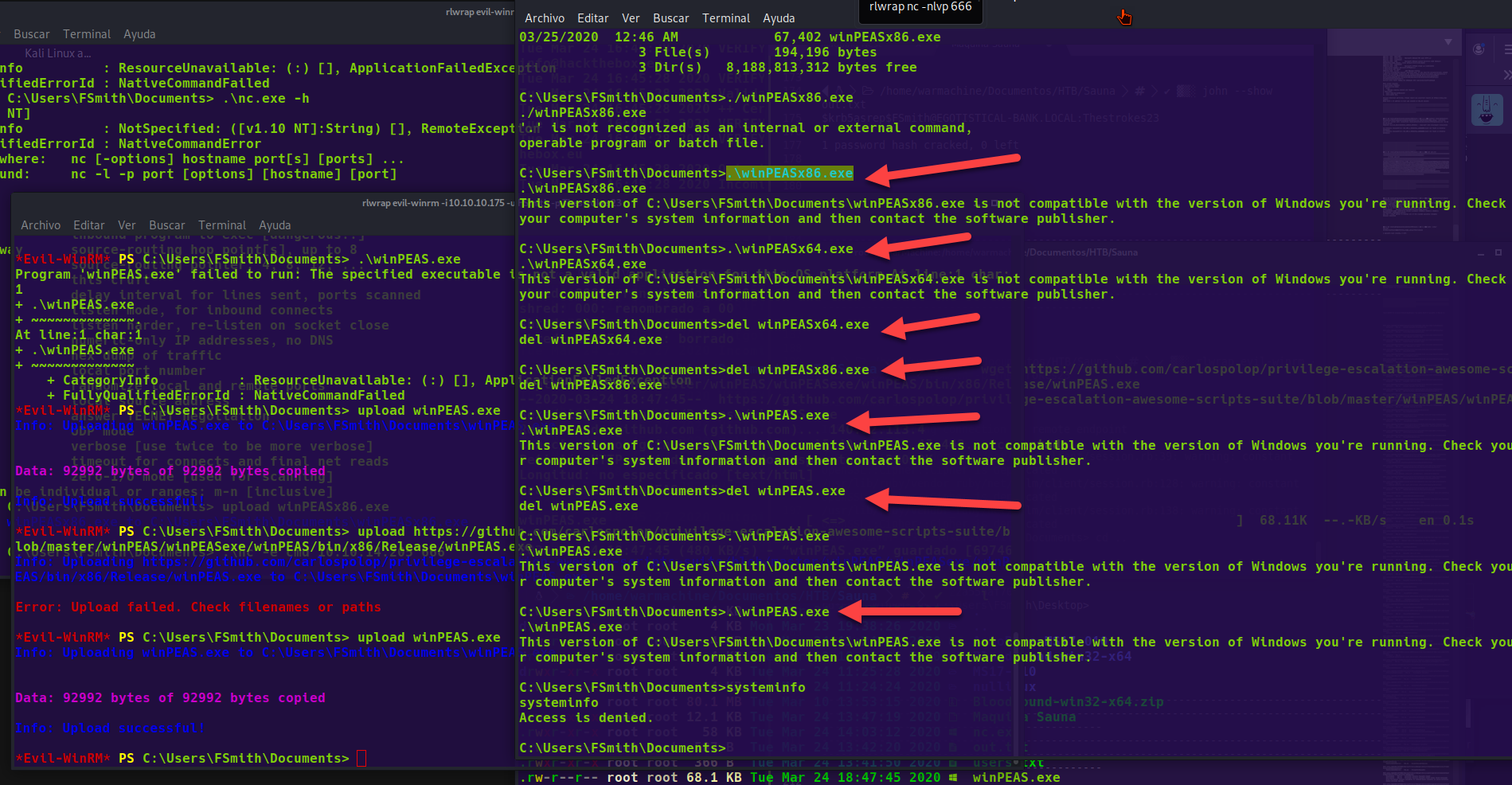
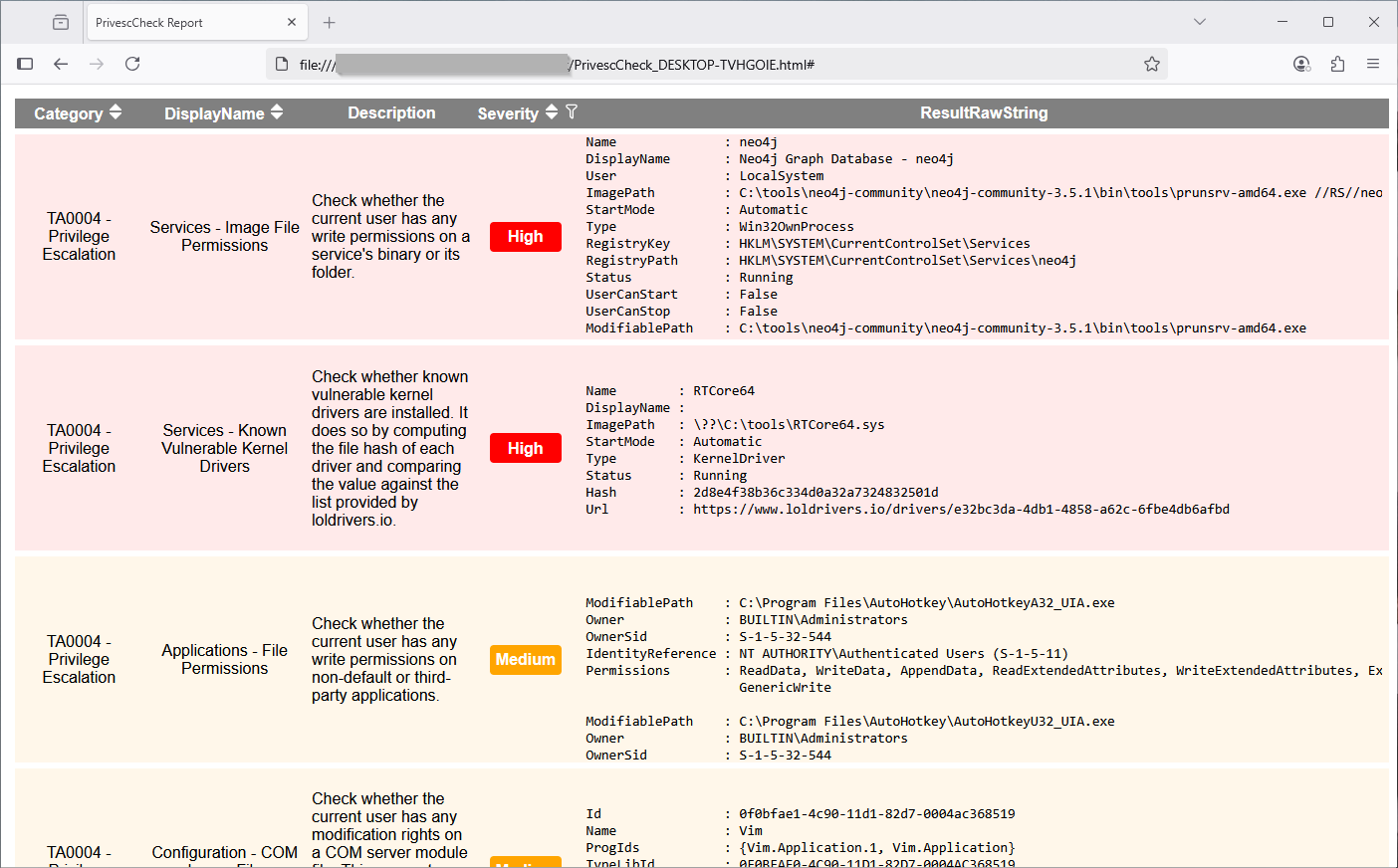
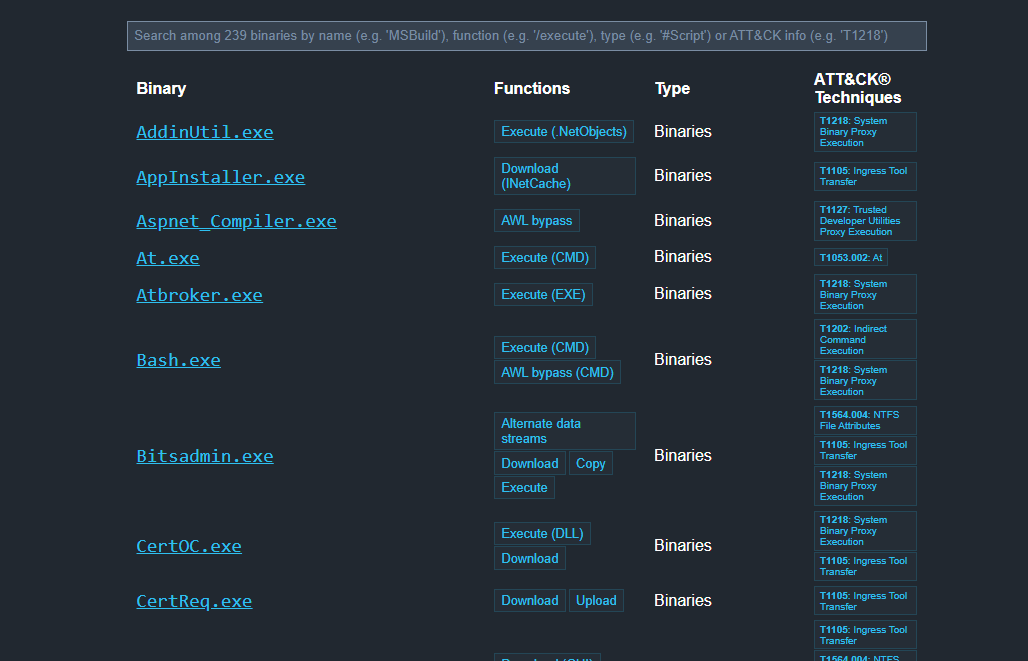
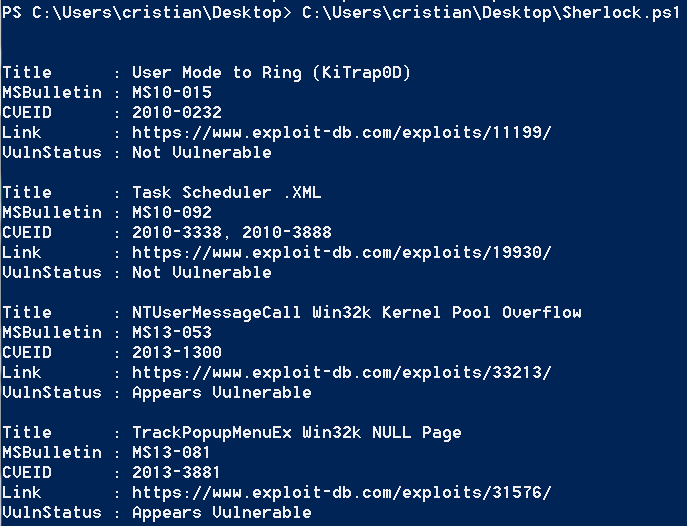
<table data-card-size="large" data-column-title-hidden data-view="cards" data-full-width="false" data-search="false"><thead><tr><th>名称</th><th>描述</th><th>官方链接</th><th data-hidden data-card-cover data-type="image">封面图片</th></tr></thead><tbody><tr><td><strong>Windows 枚举</strong></td><td>用于识别权限、组和服务的本地命令与检查。</td><td><a href="/zh/hacking-tools/windows/windows-enumeration.md">windows-enumeration</a></td><td></td></tr><tr><td><strong>BloodHound</strong></td><td>Active Directory 映射和攻击路径发现。</td><td><a href="/zh/hacking-tools/windows/bloodhound-tool.md">bloodhound-tool</a></td><td></td></tr><tr><td><strong>WinPEAS</strong></td><td>用于 Windows 权限提升的自动化枚举。</td><td><a href="https://github.com/peass-ng/PEASS-ng/releases/tag/20241101-6f46e855">https://github.com/peass-ng/PEASS-ng/releases/tag/20241101-6f46e855</a></td><td><a href="https://1574813340-files.gitbook.io/~/files/v0/b/gitbook-x-prod.appspot.com/o/spaces%2Fl4EVJpcOrsgjSGsLI7p2%2Fuploads%2Fgit-blob-6e9481e03ce9481535dee569ade2212fae6c6794%2Fimage.png?alt=media">image.png</a></td></tr><tr><td><strong>PrivescCheck</strong></td><td>对 Windows 错误配置进行 PowerShell 审计。</td><td><a href="https://github.com/itm4n/PrivescCheck">https://github.com/itm4n/PrivescCheck</a></td><td><a href="https://1574813340-files.gitbook.io/~/files/v0/b/gitbook-x-prod.appspot.com/o/spaces%2Fl4EVJpcOrsgjSGsLI7p2%2Fuploads%2Fgit-blob-86db6e4d02451169c9883f216dde6051f684d851%2Fimage.png?alt=media">image.png</a></td></tr><tr><td><strong>LOLBAS</strong></td><td>可用于绕过或执行的 Windows 二进制文件参考。</td><td><a href="https://lolbas-project.github.io/">https://lolbas-project.github.io/</a></td><td><a href="https://1574813340-files.gitbook.io/~/files/v0/b/gitbook-x-prod.appspot.com/o/spaces%2Fl4EVJpcOrsgjSGsLI7p2%2Fuploads%2Fgit-blob-aa91777110a6898c165b88a516317a3eb8cde4f2%2Fimage.png?alt=media">image.png</a></td></tr><tr><td><strong>Sherlock</strong></td><td>已知的本地 Windows 漏洞发现。</td><td><a href="https://github.com/rasta-mouse/Sherlock">https://github.com/rasta-mouse/Sherlock</a></td><td><a href="https://1574813340-files.gitbook.io/~/files/v0/b/gitbook-x-prod.appspot.com/o/spaces%2Fl4EVJpcOrsgjSGsLI7p2%2Fuploads%2Fgit-blob-fbcca3b2396274fea4a41da1ab0b8e0992ba3cfe%2Fimage.png?alt=media">image.png</a></td></tr></tbody></table>


---

# Agent Instructions
This documentation is published with GitBook. GitBook is the documentation platform designed so that both humans and AI agents can read, navigate, and reason over technical content effectively. Learn more at gitbook.com.

## Querying This Documentation
If you need additional information that is not directly available in this page, you can query the documentation by asking a question.

Perform an HTTP GET request on the following URL with the `ask` and `goal` query parameters:

```
GET https://hacking-notes.jord4n.pro/zh/hacking-tools/windows.md?ask=<question>&goal=<user_goal>
```

`ask` is the immediate question: it should be specific, self-contained, and written in natural language.
`goal` is what the user is ultimately trying to achieve, the reason they need the answer. Sharing it helps GitBook give you a better, more relevant answer. A goal is most helpful when it describes the outcome the user wants rather than restating the question. For example, with `ask=how do I create an API token`, a goal like `automate deployments from our CI pipeline` lets GitBook tailor the answer to that use case.

The response will contain a direct answer to the question and relevant excerpts and sources from the documentation.

Use this mechanism when the answer is not explicitly present in the current page, you need clarification or additional context, or you want to retrieve related documentation sections.